Introduction: Reclaiming Your Desk Real Estate
A dual-monitor configuration is one of the most effective upgrades for boosting productivity and gaming immersion. Side-by-side screens allow content creators, programmers, and gamers to multitask effortlessly. However, utilizing the original factory plastic stands that come with your monitors creates a massive footprint, cluttering your desk space and limiting your ability to adjust screen height, tilt, and distance.
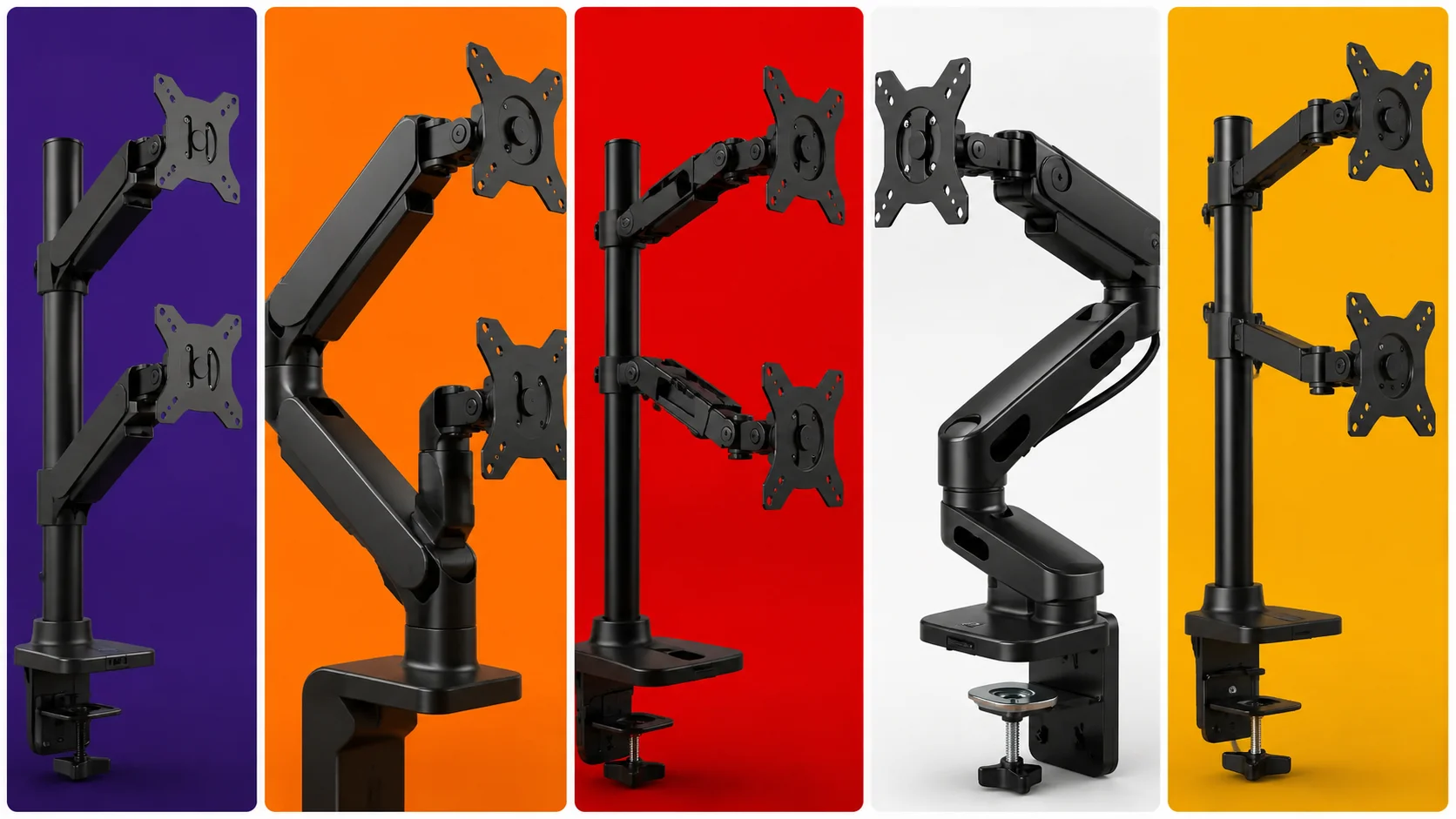
Upgrading to a dedicated heavy-duty dual-monitor arm eliminates desk clutter by elevating both displays on a single sturdy pillar or clamp mechanism. This not only frees up valuable surface area for your mousepad and accessories but also allows you to adjust your screens to exact eye level, preventing neck strain and fatigue. In this guide, we evaluate the best dual monitor mounts available on Amazon capable of supporting large 27-inch to 32-inch gaming displays securely.
Key Factors to Consider Before Buying a Monitor Arm
Gas Spring vs. Mechanical Spring Mechanisms
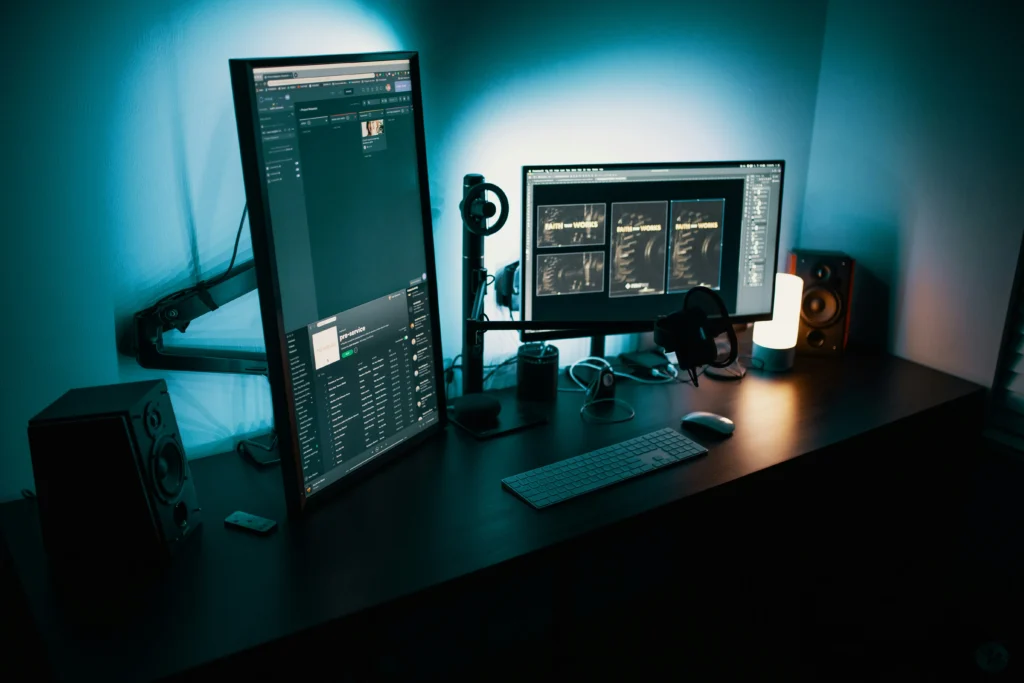
Monitor arms utilize either gas-filled cylinders or mechanical steel coil springs to counterbalance monitor weight. Gas spring arms provide smoother, effortless single-touch adjustments in height and angle, whereas mechanical spring arms offer extreme long-term structural durability without the risk of gas cylinder pressure loss over time.
Weight Capacity and VESA Compatibility
Before purchasing any mount, you must check the weight of your monitors (excluding their original stands) and verify their VESA mounting pattern (typically 75x75mm or 100x100mm). Overloading a budget arm beyond its specified weight limit will cause your screens to tilt downward or sag continuously onto your desk surface.
⚠️ Affiliate Disclosure: TechPlayGrid is reader-supported. When you buy through links on our site, we may earn an affiliate commission at no extra cost to you.
Top Contender 1: HUANUO Dual Monitor Mount
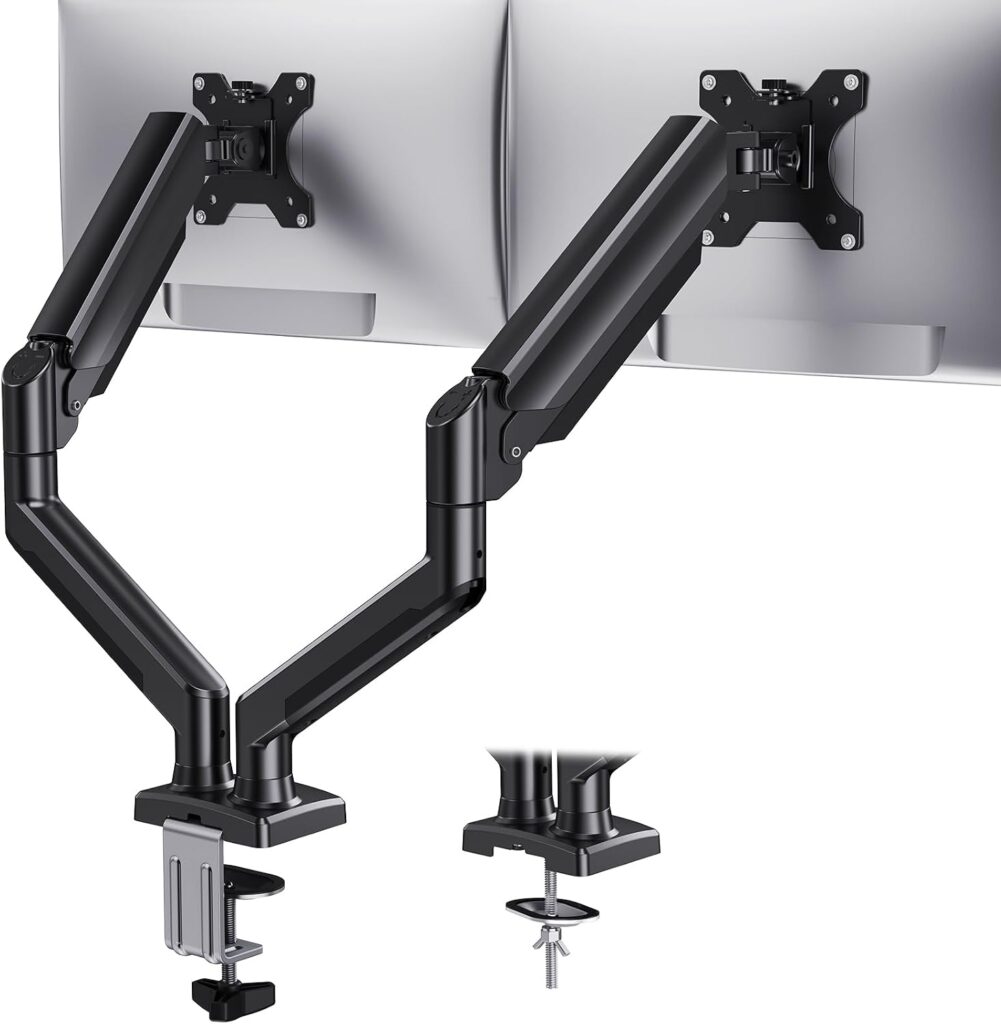
The HUANUO Dual Monitor Mount is one of the most trusted and versatile gas-spring monitor arms on the market for medium-to-heavy displays.
Build Quality and Ergonomics
Constructed with premium automotive-grade gas springs, this mount easily holds two screens ranging from 13 to 32 inches, supporting up to 19.8 lbs (9 kg) per arm. It features full 360-degree screen rotation (allowing you to set one monitor vertically), 180-degree swivel, and a generous height adjustment range. Integrated cable management channels along the underside of the arms keep power and display cables completely hidden from view.
- Where to Buy: [Check Current Price on Amazon]
Top Contender 2: VIVO Dual Desk Mount (STAND-V002)
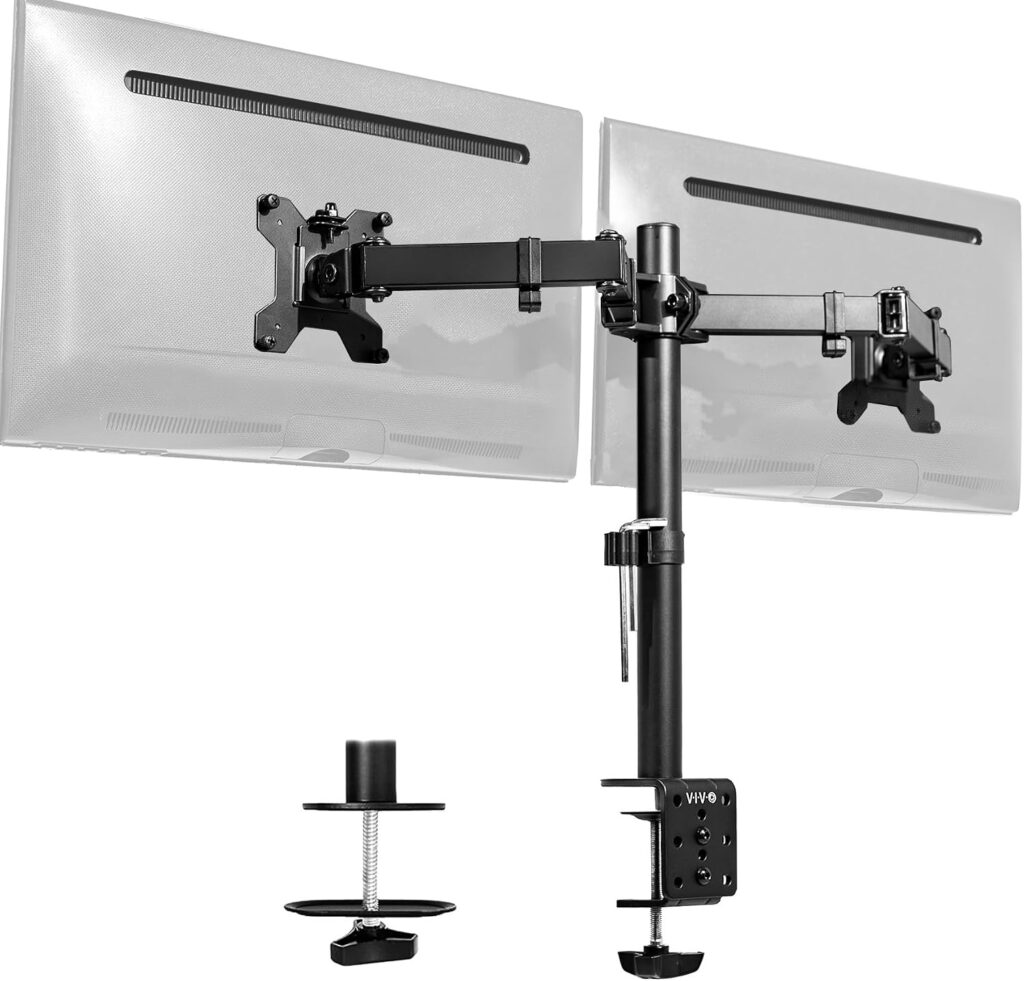
For users seeking rock-solid stability on a budget without needing frequent height adjustments, the VIVO STAND-V002 mechanical mount is a classic favorite.
Build Quality and Ergonomics
Built from heavy-duty steel and die-cast aluminum, the VIVO STAND-V002 supports two monitors up to 32 inches and 22 lbs (10 kg) per arm. Rather than using fluid gas springs, both arms lock securely onto a central steel center pole via heavy-duty clamps. Once you set your preferred height during assembly, your monitors remain locked in place with zero wobble or drifting, making it extremely reliable for heavy gaming monitors.
- Where to Buy: [Check Current Price on Amazon]
Top Contender 3: Ergotron LX Dual Stacking Arm
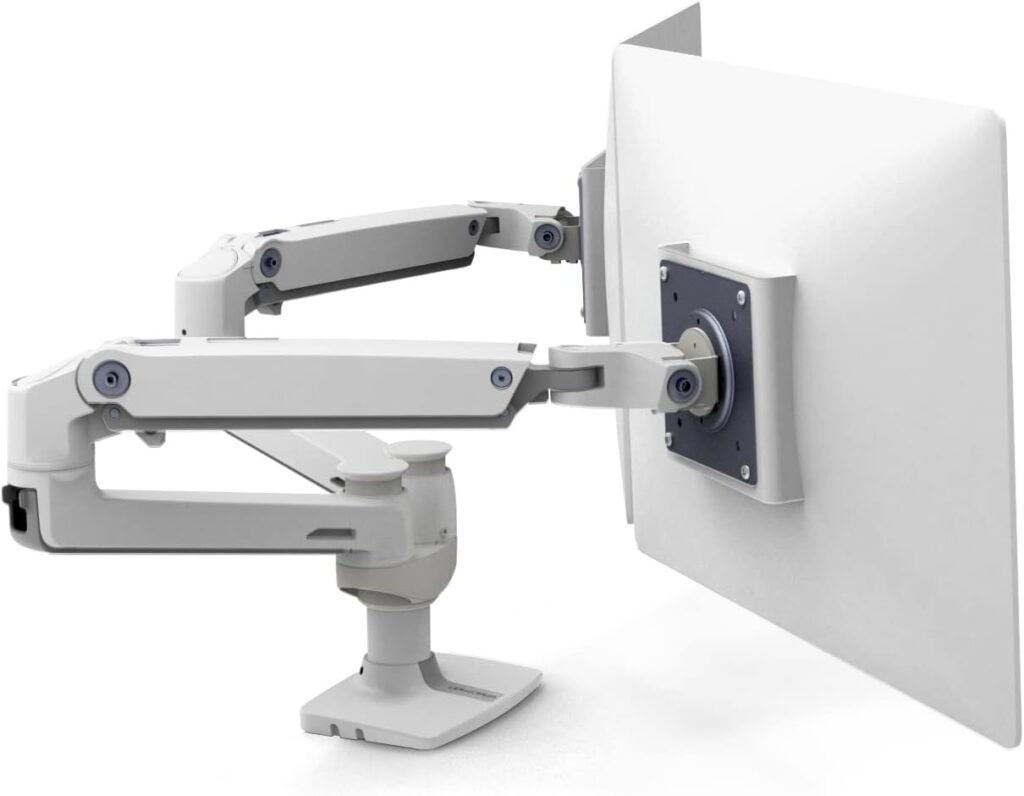
If you own ultra-premium, heavy gaming monitors and demand studio-grade engineering, the Ergotron LX Dual Arm represents the absolute pinnacle of mount design.
Build Quality and Ergonomics
Engineered with polished aluminum and patented Constant Force spring technology, the Ergotron LX offers fluid, effort-free adjustment that lasts for years. It supports heavy displays up to 20 lbs (9 kg) per arm and is tested to pass 10,000 motion cycles. Its versatile arm architecture allows for side-by-side positioning or stacking one monitor directly above the other, which is ideal for streaming setups.
- Where to Buy: [Check Current Price on Amazon]
Specifications Comparison
| Mount Model | Mechanism Type | Weight Capacity (Per Arm) | Supported Screen Sizes | Cable Management |
| HUANUO Dual Mount | Gas Spring | 19.8 lbs (9 kg) | 13″ to 32″ | Integrated Snap-In Channels |
| VIVO STAND-V002 | Mechanical / Center Pole | 22.0 lbs (10 kg) | 13″ to 32″ | Cable Clips Included |
| Ergotron LX Dual | Constant Force Spring | 20.0 lbs (9.1 kg) | Up to 32″ | Cable Routing Loops |
Frequently Asked Questions (FAQ)
What is the difference between C-Clamp and Grommet mounting?
A C-Clamp secures the mount by tightening onto the back edge of your desk. A Grommet mount bolts directly through a cable hole drilled into the desktop surface. Most quality monitor mounts include hardware for both attachment methods in the box.
Can I mount a curved gaming monitor on these arms?
Yes, as long as the monitor features a standard VESA plate attachment and its total weight does not exceed the arm’s specified weight limit. Curved displays push the center of gravity forward, so ensure you tighten the tilt tension bolt adequately during installation.
Final Verdict
If you require an ultra-premium, lifetime-grade arm for expensive displays, the Ergotron LX delivers unmatched craftsmanship. However, for 90% of gamers and remote workers seeking fluid gas-spring height adjustments, a clean desk layout, and robust structural support, the HUANUO Dual Monitor Mount delivers the best performance and value available today.
🔗 Related on TechPlayGrid
- 👉 Best New Mechanical Keyboards Under $50 for Gamers
- 👉 Best New Wireless Gaming Mice Under $100
- 👉 How to Build the Ultimate Gaming Setup in 2026
- 👉 PC Gaming Setup: Everything You Need to Get Started
- Focus Keyword: best dual monitor mounts for heavy displays
- Tags: Monitor Arm, Dual Monitor Mount, Desk Setup, HUANUO, VIVO, Ergonomics, PC Gaming
- Meta Description: Discover the best dual monitor mounts for heavy 27-inch displays. Compare gas spring and steel mounts from HUANUO, VIVO, and Ergotron on Amazon.
- Summary: A comprehensive technical guide analyzing dual monitor mounting arms for heavy gaming displays. We compare gas spring versus mechanical mechanisms, weight limits, VESA compatibility, and ergonomics across top models on Amazon US.