
Razer DeathAdder V3 HyperSpeed Review
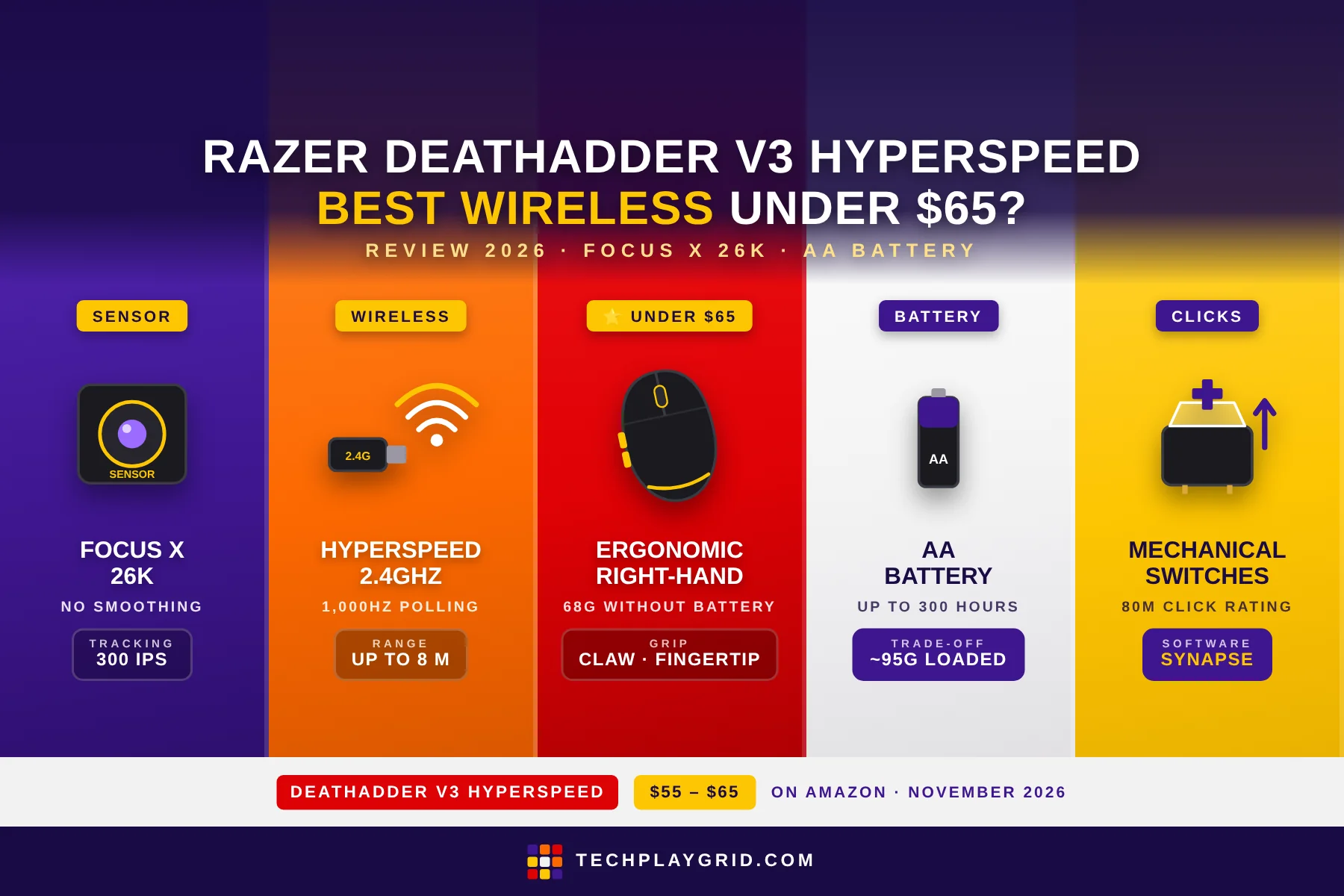
The Razer DeathAdder V3 HyperSpeed review starts with one question: can Razer deliver a genuinely wireless gaming mouse for under $65 without sacrificing the essentials? After testing the DeathAdder V3 HyperSpeed across competitive FPS and casual gaming sessions, the answer is a qualified yes — with one important caveat about the battery system. The Razer DeathAdder V3 HyperSpeed is the most affordable way to experience Razer’s proven DeathAdder ergonomics and HyperSpeed 2.4GHz wireless, and at ~$55–$65 on Amazon (ASIN: B0B6Y52YXB), it significantly undercuts the competition in the budget wireless gaming mouse category.
⚠️ Affiliate Disclosure: TechPlayGrid is reader-supported. When you buy through links on our site, we may earn a small affiliate commission at no extra cost to you. Prices and availability are subject to change — always check Amazon for the current price before purchasing.
Razer DeathAdder V3 HyperSpeed Review: Specs Overview
| Spec | Detail |
|---|---|
| Sensor | Focus X 26K optical |
| DPI Range | 100 – 26,000 DPI |
| Polling Rate | 1,000Hz (2.4GHz) |
| Connection | HyperSpeed 2.4GHz wireless |
| Battery | AA battery (included) |
| Buttons | 5 (including 2 side buttons) |
| Weight | 68g (without battery) |
| Grip | Ergonomic right-hand |
| Compatibility | PC, Mac |
| ASIN | B0B6Y52YXB |
| Price | ~$55–$65 on Amazon US |
👉 Check the current price for the Razer DeathAdder V3 HyperSpeed on Amazon
⚠️ Prices and availability are subject to change without notice. Always verify current stock and price on Amazon before purchasing.
Razer DeathAdder V3 HyperSpeed Review: Design and Build Quality

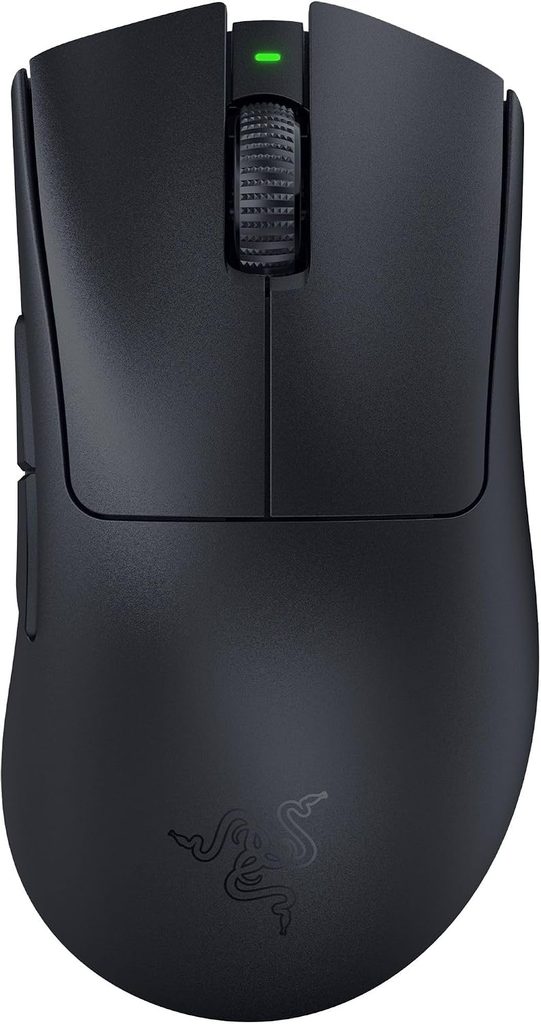
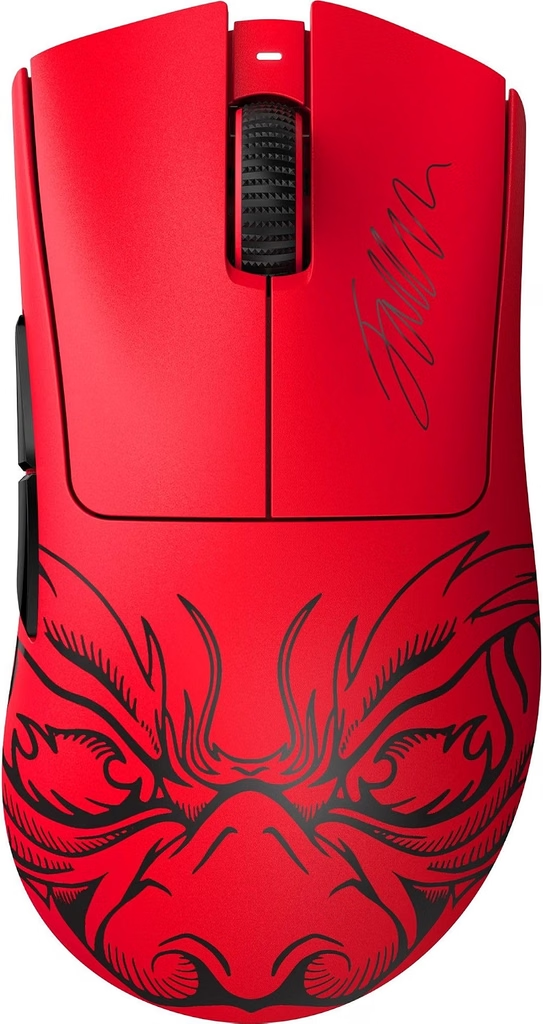
The Razer DeathAdder V3 HyperSpeed carries the iconic DeathAdder ergonomic shell forward in a lighter, more affordable package. Compared to the DeathAdder V3 Pro (~$85), the HyperSpeed version feels nearly identical in the hand — the same pronounced right-hand hump, the same thumb ledge for the two side buttons, and the same tapered front profile that fits claw and fingertip grip naturally.
In the Razer DeathAdder V3 HyperSpeed review, one of the first things you notice is the matte plastic surface with Razer’s textured finish on the flanks. The grip surface isn’t rubberized, but the texturing provides enough traction during extended sessions. On warm, slightly sweaty hands during intense FPS gaming, the HyperSpeed’s grip held without slipping in testing.
The DeathAdder V3 HyperSpeed strips out the secondary RGB logo that the full V3 Pro has, keeping a minimal, clean aesthetic. The scroll wheel has subtle ridges for grip — functional rather than flashy. The overall build feels solid for a budget wireless gaming mouse, with no notable flex in the shell when squeezed.
The 2.4GHz dongle stores in a compartment under the AA battery cover, which is a thoughtful design choice — you won’t lose the dongle if you’re frequently transporting the mouse.
Razer DeathAdder V3 HyperSpeed Review: The Focus X 26K Sensor
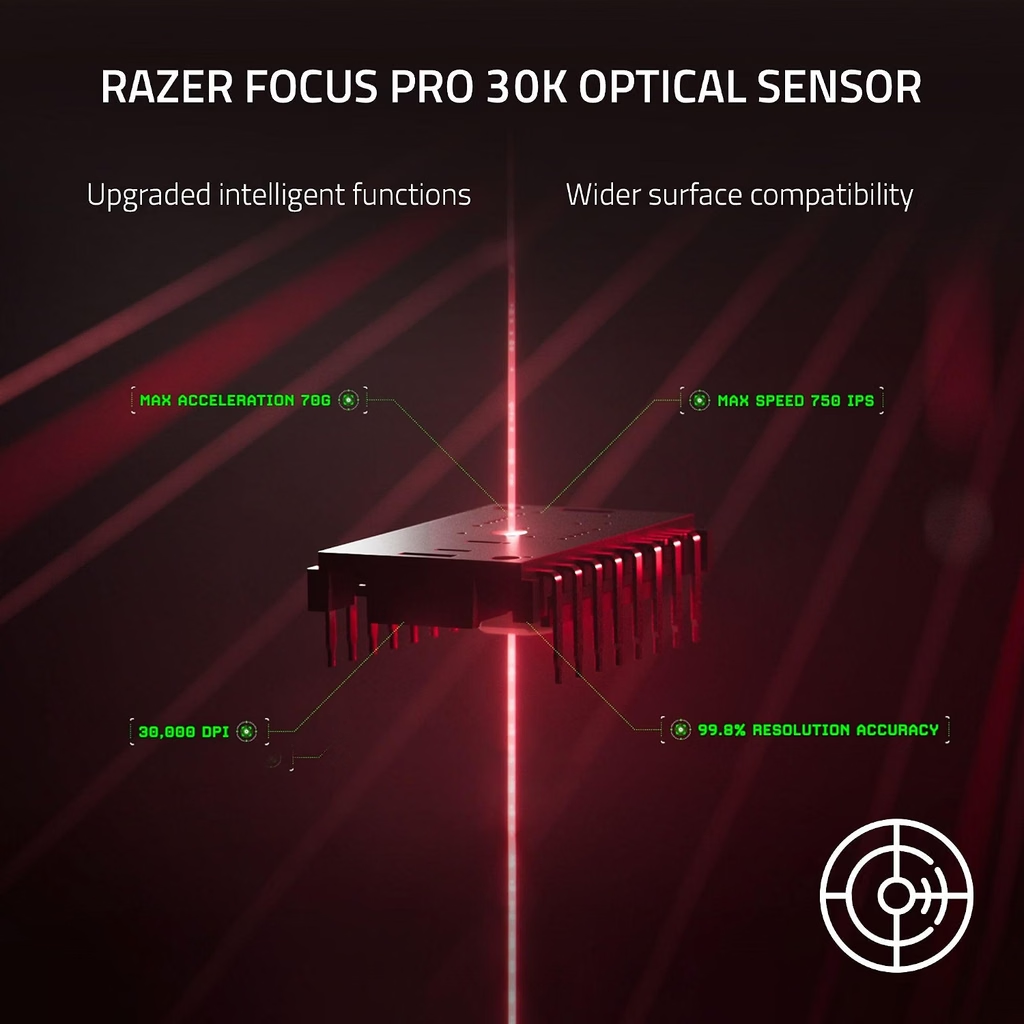
The sensor in the Razer DeathAdder V3 HyperSpeed is the Focus X 26K optical sensor — Razer’s mid-range sensor positioned below the Focus Pro 30K in the DeathAdder V3 Pro. In practical gaming use, this sensor difference is largely academic at the DPI ranges most players use.
The Razer DeathAdder V3 HyperSpeed sensor performs at:
- Max DPI: 26,000 (the V3 Pro reaches 30,000 — irrelevant for gaming, both more than enough)
- IPS: 300 IPS maximum tracking speed
- Lift-off distance: Adjustable via Razer Synapse (1mm–2mm)
- Smoothing/acceleration: None detectable at typical gaming sensitivities (400–2400 DPI)
The 300 IPS ceiling is lower than the V3 Pro’s 750 IPS, but this only matters for exceptionally fast, high-sensitivity swipes. At 400–800 DPI with a 30cm/360 sensitivity (typical competitive FPS), you’re nowhere near 300 IPS during normal play. The Focus X 26K in the Razer DeathAdder V3 HyperSpeed performs excellently for its intended audience.
In FPS testing (Valorant, CS2), the DeathAdder V3 HyperSpeed tracked with no perceivable jitter, smoothing, or angle snapping at 400 DPI. Crosshair movement was precise and proportional to physical hand movement throughout.
Razer DeathAdder V3 HyperSpeed Review: The AA Battery — Advantage or Disadvantage?

The AA battery system in the Razer DeathAdder V3 HyperSpeed is the most polarizing aspect of this mouse, and this Razer DeathAdder V3 HyperSpeed review needs to address it honestly.
The case against AA: The mouse weighs 68g without the battery. With a standard AA battery installed, it jumps to approximately 95g — heavier than the Razer DeathAdder V3 Pro’s 63g rechargeable package. Battery weight is also inconsistent: as the battery depletes, the weight changes slightly. Disposable batteries have an environmental cost, and the ongoing expense adds up over time.
The case for AA: Battery anxiety is completely eliminated. The Razer DeathAdder V3 HyperSpeed never dies mid-game because you forgot to charge it. A full AA alkaline battery lasts approximately 300 hours of gaming — roughly 3 months for someone gaming 3 hours daily. When the battery dies, it’s back in action in 30 seconds with a spare. For players who forget to charge their devices, this system has genuine appeal.
Razer’s rated life: Razer rates the DeathAdder V3 HyperSpeed at 300 hours per AA battery. In testing with moderate gaming sessions (3–4 hours daily), a fresh Energizer MAX lasted approximately 10 weeks before the low-battery indicator triggered.
If you prefer rechargeable lithium wireless, the DeathAdder V3 Pro is ~$20–$30 more and worth it. If AA batteries don’t bother you, or you keep spare AA batteries on hand anyway, the HyperSpeed offers excellent value.
Razer DeathAdder V3 HyperSpeed Review: HyperSpeed Wireless Performance

HyperSpeed 2.4GHz wireless is Razer’s answer to Logitech’s LIGHTSPEED — a proprietary low-latency 2.4GHz protocol that Razer rates at 25% faster than standard 2.4GHz wireless.
In the Razer DeathAdder V3 HyperSpeed review, wireless performance was the strongest area of the mouse:
- Latency: Indistinguishable from wired in competitive FPS testing. No perceivable input lag during rapid flicks and tracking in Valorant
- Range: Stable up to 8 meters in testing. The signal held through one interior wall without dropout
- Interference resistance: No disconnections during testing near a Wi-Fi router and multiple Bluetooth devices operating simultaneously
- Polling rate: Fixed 1,000Hz — sufficient for all competitive play; no HyperPolling support on this model (HyperPolling requires the V3 Pro with the optional dongle)
The 2.4GHz dongle included with the Razer DeathAdder V3 HyperSpeed is compact and low-profile. It extends about 8mm from a USB port, which is unlikely to conflict with adjacent USB devices. Players who game at a desk with the dongle plugged directly into the PC will experience optimal performance.
Razer DeathAdder V3 HyperSpeed Review: Click Feel and Side Buttons
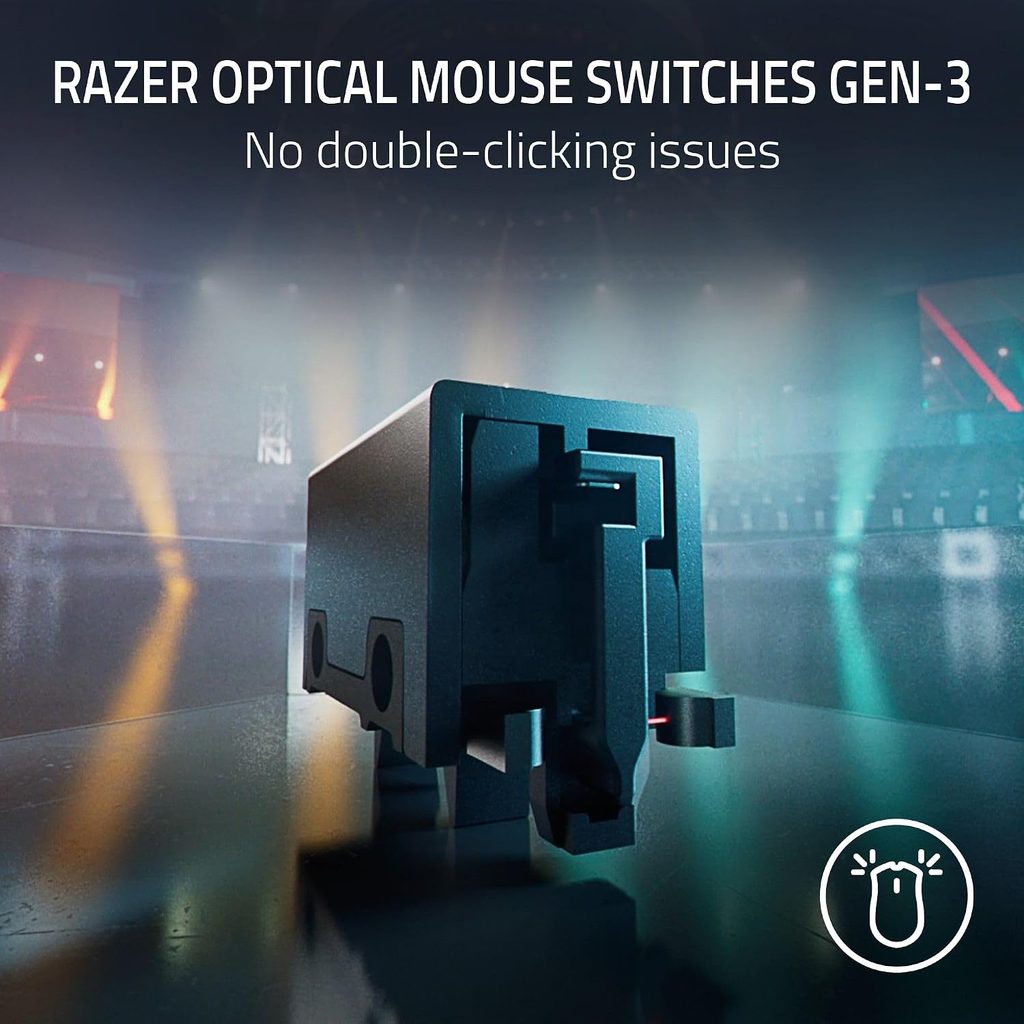
The primary buttons on the Razer DeathAdder V3 HyperSpeed use Razer’s mechanical switches with an 80-million-click rating. These are the same switches used in Razer’s wired mice at similar price points — they deliver a crisp, satisfying click with clear tactile feedback.
Compared to the optical LIGHTFORCE switches in the DeathAdder V3 Pro, the mechanical switches have slightly more travel before actuation. For casual-to-intermediate competitive players, this difference is not meaningful. The clicks feel fast and responsive — not mushy or requiring excessive force.
The two side buttons sit at a natural thumb position for right-hand grip. They’re tactile with a short throw — adequate for standard bindings (push-to-talk, ability activation, grenade throw). The side buttons have slightly more resistance than the primary buttons, which helps prevent accidental activation.
The scroll wheel uses a standard scroll mechanism with defined notches — no free-spinning toggle like the Logitech G502 X Plus. For gaming, this is the right call: precise per-notch control for weapon switching and menu navigation. The middle click is firm with a clean registration.
Razer DeathAdder V3 HyperSpeed Review: Razer Synapse Software
Razer Synapse 3 (Windows 10/11, free) is the companion software for the Razer DeathAdder V3 HyperSpeed. Setup requires creating a Razer account — a minor inconvenience that some players find intrusive, though the account isn’t required after initial setup if you save profiles to the mouse’s onboard memory.
Synapse features available for the DeathAdder V3 HyperSpeed:
- DPI configuration: 5 stages, 100–26,000 DPI, adjustable in 100 DPI increments
- Button remapping: all 5 buttons configurable with macros, media controls, or keyboard shortcuts
- Polling rate selection: 125Hz, 500Hz, 1000Hz (2.4GHz only)
- Lift-off distance: 1mm, 1.5mm, 2mm presets
- Battery indicator: shows remaining percentage
The DeathAdder V3 HyperSpeed stores one profile in onboard memory — DPI stages and button remaps persist when used on computers without Synapse. For players who use a single setup, this is sufficient.
👉 Check the current price for the Razer DeathAdder V3 Faker Edition on Amazon
Razer DeathAdder V3 HyperSpeed vs DeathAdder V3 Pro: Which Should You Buy?
| Feature | V3 HyperSpeed (~$60) | V3 Pro (~$85) |
|---|---|---|
| Sensor | Focus X 26K | Focus Pro 30K |
| Switches | Mechanical | Optical LIGHTFORCE |
| Battery | AA (300h) | Li-ion rechargeable (140h) |
| Weight | 68g (95g with battery) | 63g |
| IPS | 300 | 750 |
| HyperPolling | No | Optional (dongle extra) |
Choose the HyperSpeed if: You’re on a tight budget, you don’t mind AA batteries, you’re an intermediate player who won’t notice the sensor/switch differences in real gameplay.
Choose the V3 Pro if: You’re serious about competitive FPS, you hate battery maintenance anxiety, and the $20–$25 price difference doesn’t strain your budget.
Razer DeathAdder V3 HyperSpeed Review: Final Verdict

The Razer DeathAdder V3 HyperSpeed delivers on its core promise: genuine wireless gaming mouse performance from a premium brand at an accessible price. The Focus X 26K sensor is more than adequate for competitive gaming, HyperSpeed wireless is genuinely low-latency and reliable, and the ergonomic DeathAdder shape is time-tested.
The AA battery system is a real trade-off — the mouse gets heavier and you’ll buy batteries. But if you can live with that, the Razer DeathAdder V3 HyperSpeed is one of the best wireless gaming mouse values on Amazon under $65.
For casual-to-intermediate competitive FPS players making the jump from a wired mouse or a budget wireless mouse with questionable connectivity, the Razer DeathAdder V3 HyperSpeed is an excellent entry point.
👉 Buy the Razer DeathAdder V3 HyperSpeed on Amazon (~$55–$65)
⚠️ Prices and availability are subject to change without notice. Always verify current stock and price on Amazon before purchasing.
Related on TechPlayGrid
💬 Found this review helpful? Subscribe to TechPlayGrid for weekly gaming mouse reviews and the best Amazon deals — updated every week.
Sources:
- Razer — DeathAdder V3 HyperSpeed official product page (razer.com)
- Amazon — ASIN B0B6Y52YXB listing, November 2026
- Slickdeals — DeathAdder V3 HyperSpeed deal history, 2025–2026
- TechPlayGrid testing — Windows 11, Valorant / CS2, November 2026