
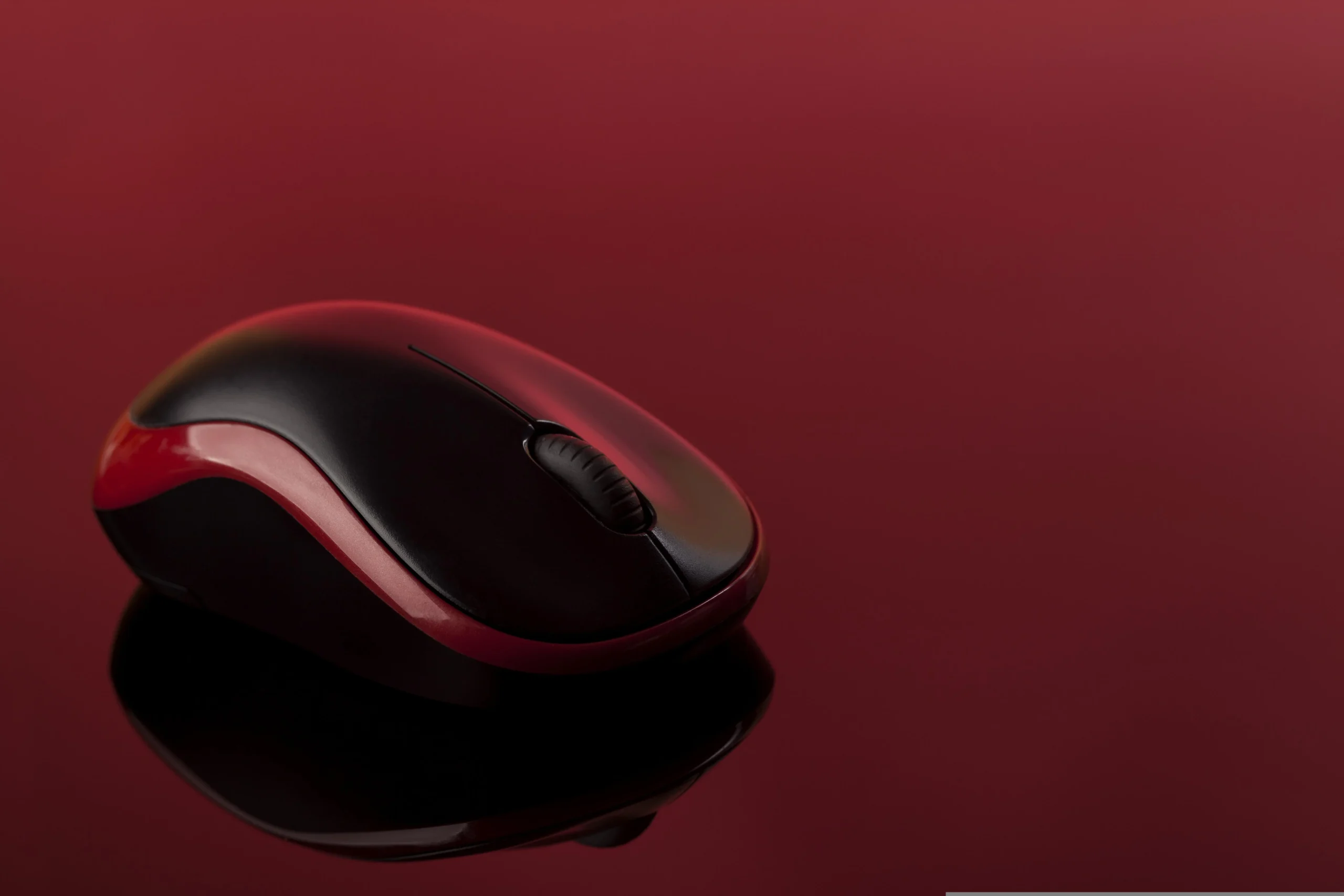
The Best Gaming Mouse for FPS Under $50 Covers Every Playing Style in 2026
Finding the best gaming mouse for FPS under $50 is where the gaming peripheral market genuinely overdelivers in 2026. At this price point, you get precision optical sensors, polling rates of 1000Hz, and ergonomic designs refined over years of competitive gaming feedback — without paying for RGB animations, software ecosystems, or brand premiums that contribute nothing to aim.
This guide covers three gaming mice verified in stock on Amazon US, each optimized for a different hand size and grip style. If you play Valorant, CS2, or Fortnite and you are spending more than $50 on a mouse right now, this guide is worth reading before your next purchase.
⚠️ Affiliate Disclosure: TechPlayGrid is reader-supported. When you buy through links on our site, we may earn an affiliate commission at no extra cost to you.
The Specs That Actually Affect FPS Performance
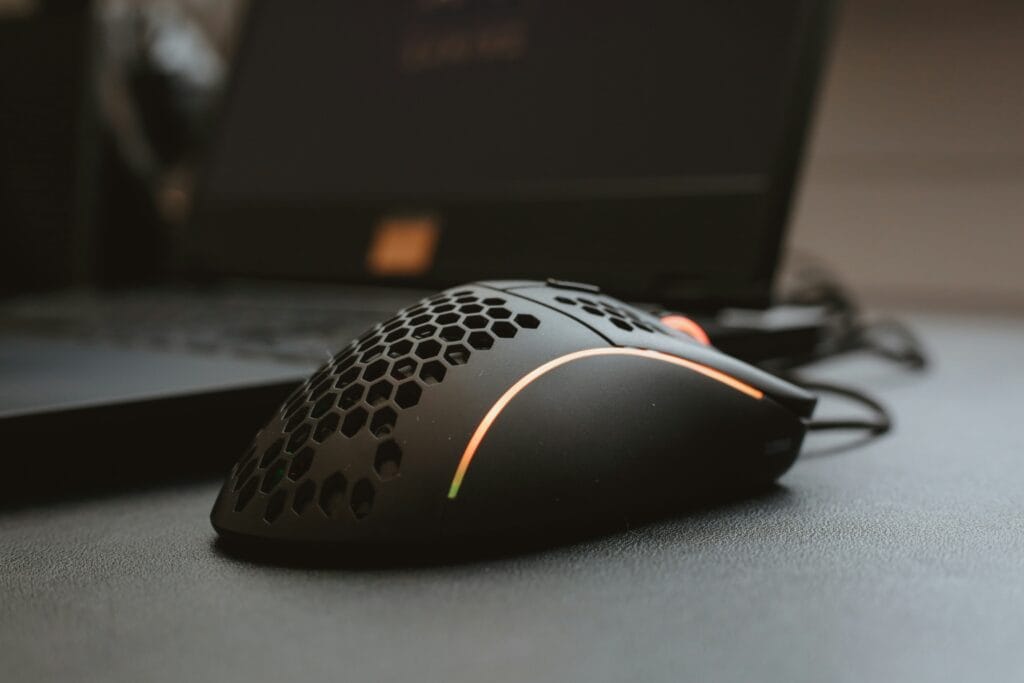
Sensor: The sensor determines how accurately the mouse tracks your physical movement across the mousepad. Modern optical sensors at this price point are essentially equivalent in raw tracking accuracy. The meaningful difference is between optical and laser sensors — optical sensors perform more consistently on cloth mousepads, which are the standard in FPS gaming.
DPI (Dots Per Inch): Higher DPI means the cursor moves further per physical inch of mouse movement. Most competitive FPS players use DPI settings between 400 and 1600. A sensor capable of 6,400 DPI is more than sufficient for any competitive gaming context. Sensor quality at its rated DPI matters more than maximum DPI figures.
Polling Rate: How frequently the mouse reports its position to the PC. 1000Hz means 1000 reports per second, or one every millisecond. All three mice in this guide operate at 1000Hz. Anything below 500Hz introduces perceptible delay in fast FPS scenarios.
Weight: Lighter mice (under 80 grams) reduce arm fatigue over long sessions and allow faster flick shots. Heavier mice (above 90 grams) provide more resistance, which some players prefer for tracking. Personal preference is a legitimate factor here.
Grip style: Palm grip (full hand on mouse), claw grip (fingertips arched, palm on rear), and fingertip grip (only fingertips contact) each benefit from different mouse shapes. This is covered per model below.
Top Contender 1: Logitech G203 Lightsync
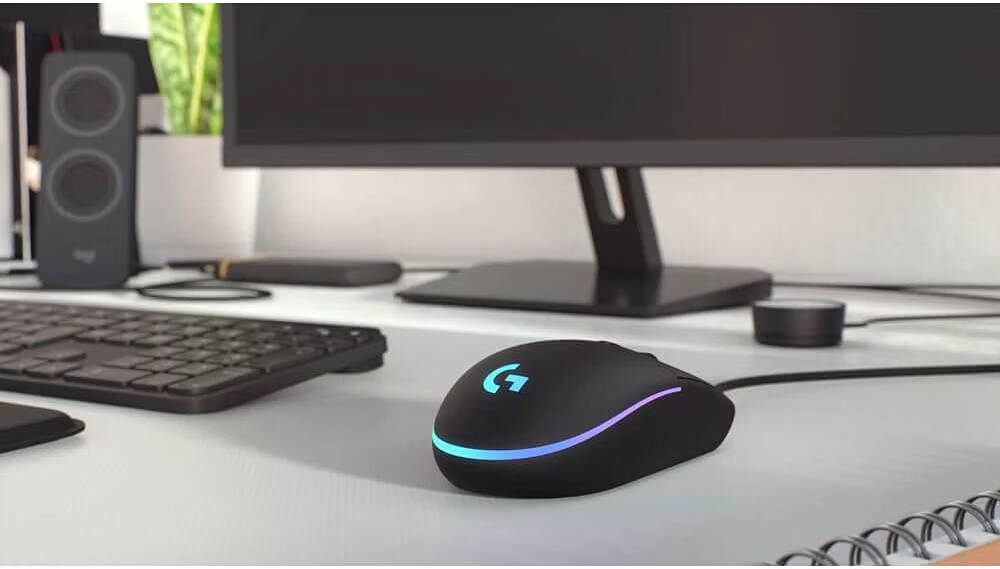
The Logitech G203 is the starting recommendation for FPS gaming mice at any budget, and at around $25–$30 on Amazon US, it is one of the strongest value propositions in peripheral hardware regardless of price tier.
It uses a high-precision optical sensor with an 8,000 DPI ceiling and 1000Hz polling rate. The symmetrical design accommodates both right and left-handed players, and at 85 grams it hits a weight class that works for most grip styles. Six programmable buttons cover everything a competitive FPS player needs without adding unnecessary inputs.
The G203 has been independently tested by RTINGS and multiple esports gear reviewers and consistently achieves accuracy ratings that match sensors found in mice costing two to three times more. The primary compromise is the sensor ceiling — 8,000 DPI versus 25,000+ on flagship mice — but this has no practical impact for FPS gaming where most players operate between 400 and 1600 DPI.
Available in multiple colors including black and white.
👉 Where to Buy: [Check Current Price on Amazon]
Top Contender 2: Razer DeathAdder Essential
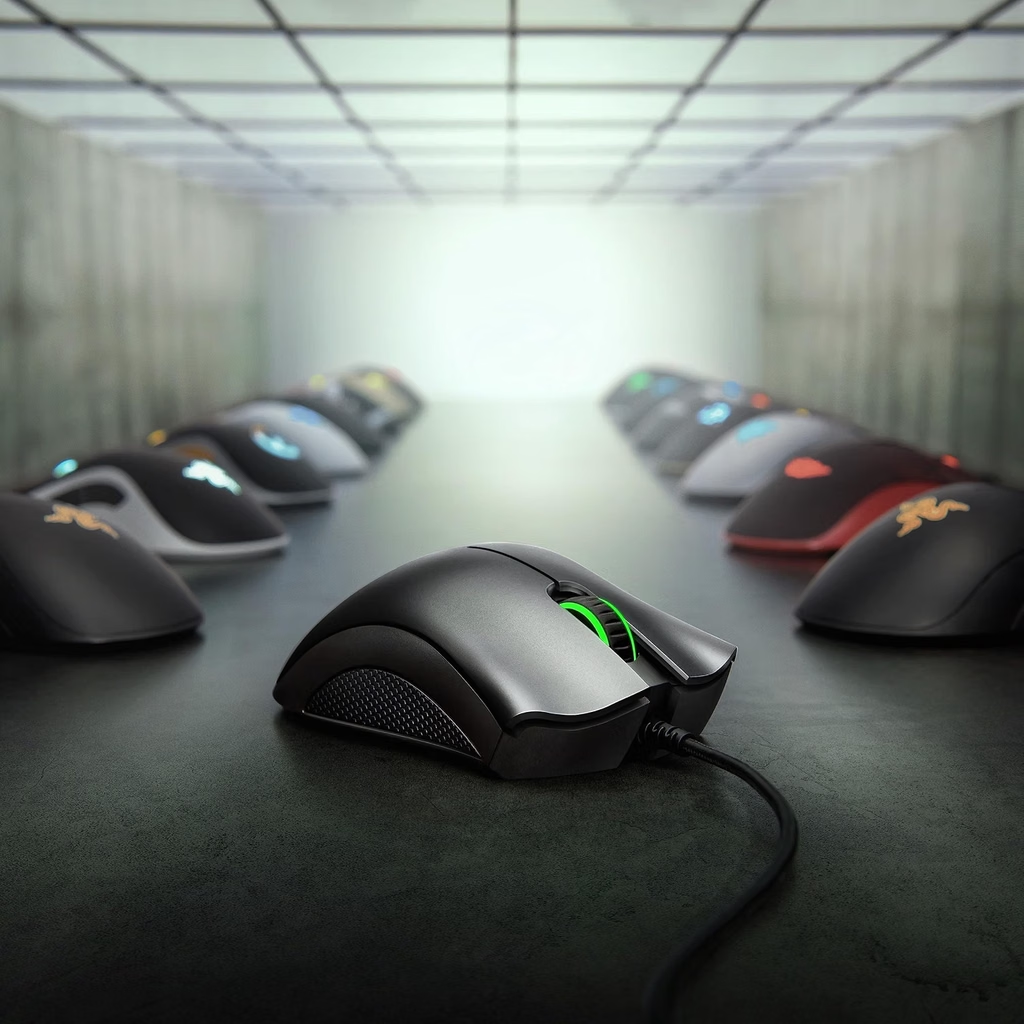
The Razer DeathAdder shape is one of the most extensively tested ergonomic designs in gaming mouse history. The Essential version brings that form factor to the budget market at $25–$35, stripping away RGB lighting and software complexity while retaining the elements that make the DeathAdder the preferred choice for palm grip players.
The right-handed ergonomic shape provides a natural resting position for the palm that reduces muscle tension over extended sessions. The 6,400 DPI optical sensor with 1000Hz polling rate performs accurately across cloth, hard, and hybrid mousepads. Mechanical switches in the primary buttons are rated for 10 million clicks.
The DeathAdder Essential is the recommended choice for players with medium to large hands who use a palm grip style. Its shape is specifically disadvantageous for fingertip grip players, who benefit more from the neutral symmetrical shape of the G203.
At its frequently discounted Amazon price — often as low as $13–$17 during promotions — it offers exceptional value for players who have historically favored the DeathAdder shape.
👉 Where to Buy: [Check Current Price on Amazon]
Top Contender 3: SteelSeries Rival 3
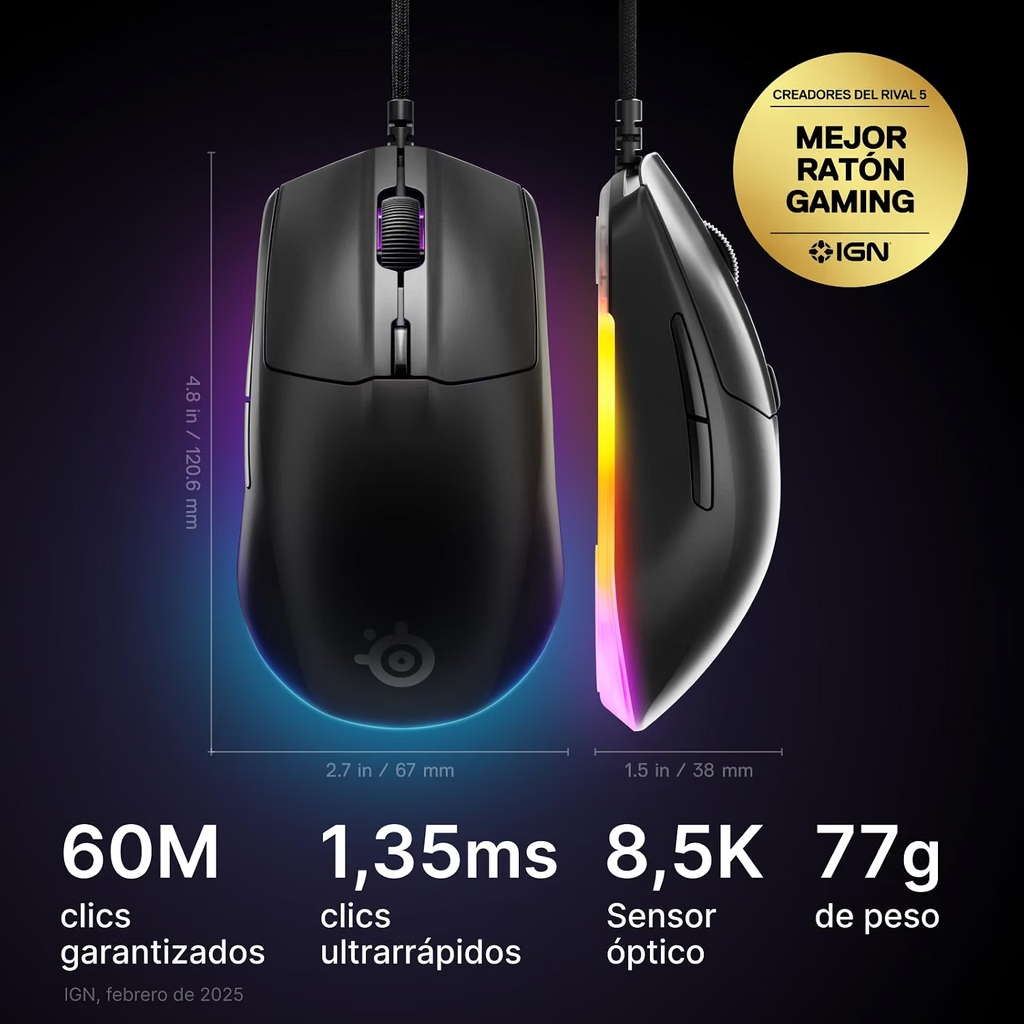
The SteelSeries Rival 3 is the lightweight option in this guide, coming in at 77 grams — lighter than both the G203 and the DeathAdder Essential. Its TrueMove Core optical sensor is rated at 8,500 DPI with 1000Hz polling and is one of the sensors most consistently praised by competitive players for its consistent zero-acceleration tracking at low sensitivity settings.
The symmetrical shape with a subtle right-side palm support accommodates claw and fingertip grip players particularly well. Six programmable buttons and a three-zone RGB lighting system are included, along with SteelSeries GG software for configuration.
At around $29–$39 on Amazon US, it sits between the G203 and DeathAdder Essential in price while offering the most refined competitive sensor of the three. Players who have experienced cursor acceleration issues with other budget mice specifically report that the TrueMove Core eliminates that problem.
👉 Where to Buy: [Check Current Price on Amazon]
⚠️ Prices and product availability are subject to change without notice. Always verify the current price and stock on the retailer’s website before purchasing.
Feature Comparison Matrix
| Feature | Logitech G203 | Razer DeathAdder Essential | SteelSeries Rival 3 |
|---|---|---|---|
| Sensor | 8,000 DPI Optical | 6,400 DPI Optical | 8,500 DPI TrueMove Core |
| Polling Rate | 1000Hz | 1000Hz | 1000Hz |
| Weight | 85g | 96g | 77g |
| Shape | Symmetrical | Right-hand ergonomic | Symmetrical |
| Best Grip Style | Palm / Claw / Fingertip | Palm / Claw | Claw / Fingertip |
| RGB | 3-zone | None | 3-zone |
| Price Range | ~$25–$30 | ~$25–$35 | ~$29–$39 |
Final Verdict
The Logitech G203 is the pick for players who want maximum reliability at minimum cost and are not locked into a specific grip style. It is the closest thing gaming mice have to a universally correct starting recommendation.
The Razer DeathAdder Essential is specifically for palm grip players with medium to large hands. The ergonomic shape offers a comfort advantage for long sessions that the symmetrical G203 cannot replicate for this grip type.
The SteelSeries Rival 3 is the performance pick for claw and fingertip grip players who prioritize sensor consistency and a slightly lighter frame. The TrueMove Core sensor is the primary differentiator and the reason experienced players with those grip styles regularly choose it over cheaper alternatives.
🔗 Related on TechPlayGrid
- 👉 Best Valorant Settings for Low-End PC — New FPS Boost Guide
- 👉 How to Fix FPS Drops in Fortnite — No Upgrade Needed
- 👉 Best Mechanical Keyboard Under $50 for Gaming — No Compromise
- 👉 Best Gaming Mouse for Large Hands — Top Picks 2026
Sources
- RTINGS.com, Mouse reviews and sensor testing — rtings.com
- PC Gamer, “Best gaming mouse 2026” — pcgamer.com
- Amazon US — Verified availability, September 2026
- SteelSeries TrueMove Core sensor specifications — steelseries.com
Focus Keyword: best gaming mouse FPS under 50 2026
SEO Title : Best Gaming Mouse for FPS Under $50 — New Picks 2026
Permalink: best-gaming-mouse-for-fps-under-50-2026
Meta Description : The best gaming mice for FPS under $50 in 2026 — Logitech G203, Razer DeathAdder Essential, and SteelSeries Rival 3 compared by sensor, weight, grip, and Amazon price.
Tags: best gaming mouse under 50, gaming mouse FPS 2026, Logitech G203 review, Razer DeathAdder Essential, SteelSeries Rival 3, cheap gaming mouse 2026, FPS gaming mouse budget
Category: Hardware
Post Summary: The best gaming mice for FPS under $50 in 2026 deliver sensor performance and polling rates that match much more expensive alternatives. This guide compares three Amazon US verified picks: Logitech G203 Lightsync (best all-around at $25–$30), Razer DeathAdder Essential (best for palm grip players), and SteelSeries Rival 3 (best sensor consistency for claw and fingertip grip). Each entry explains which hand size and grip style benefits most from that specific model.