
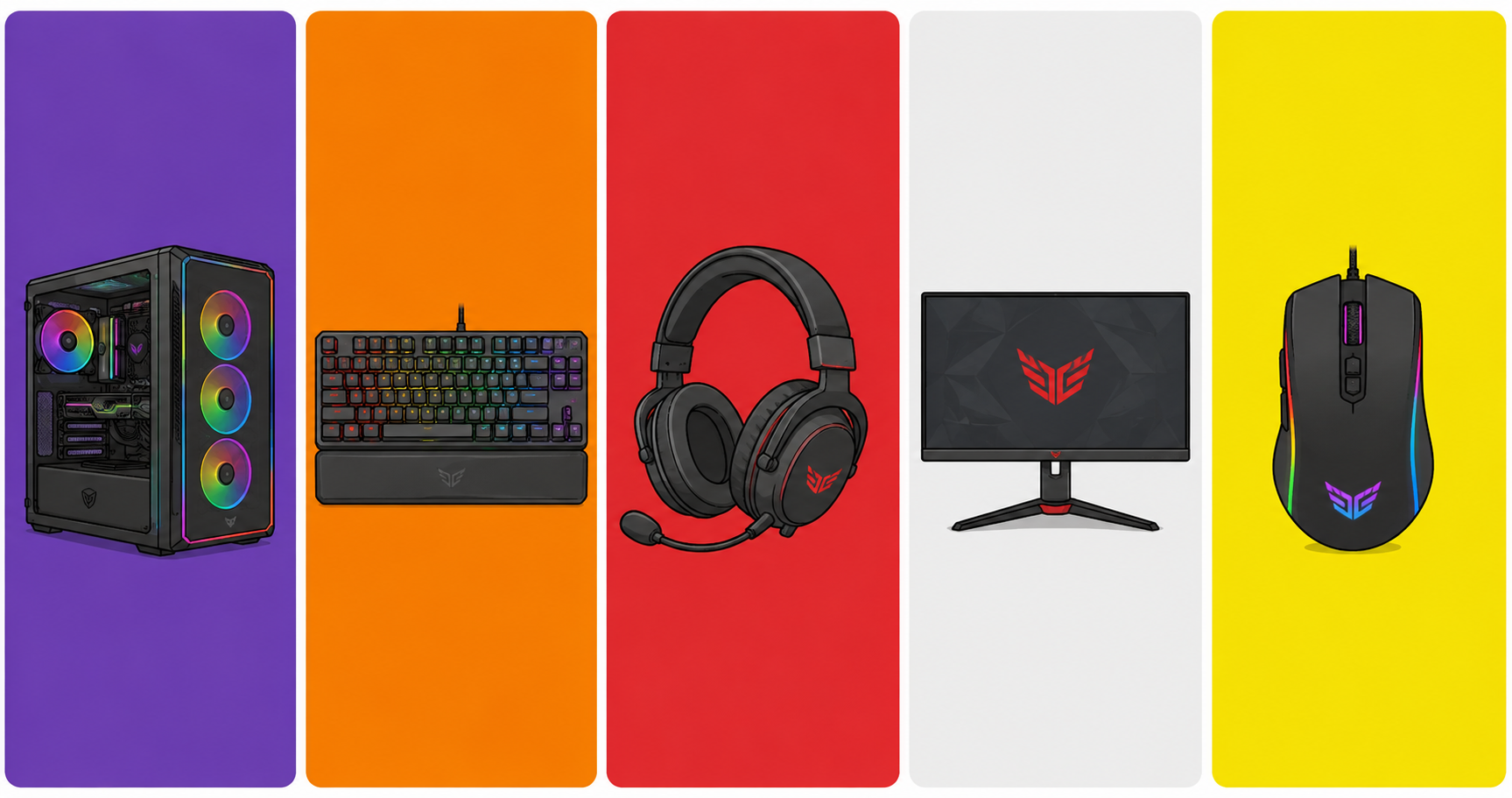
So you’ve decided to jump into the world of PC gaming. Great choice. The PC is the platform with the largest game library in the world, full compatibility with controllers, keyboard and mouse, and total freedom to customize everything your way.
However, the first question that comes up for beginners is always the same: where do I start, and how much should I spend?
That’s why, in this guide, we split the setup into two parts: the PC itself (the “heart” of the setup) and the peripherals (everything you plug into it). In addition, everything is organized by budget, with realistic recommendations for 2026.
First Things First: Pre-Built or Build Your Own?
This is the first decision you’ll need to make. Both options have their advantages and disadvantages, so it’s worth understanding each one before choosing.
Pre-built gaming PC: more convenient and generally comes with a warranty for the whole unit, so you don’t need to understand component compatibility. On the other hand, it tends to be more expensive for the same performance — or deliver lower performance than what you want or can afford.
Building from scratch: more cost-effective in the long run and gives you total control over your components, making future upgrades much easier. The downside, however, is that it requires research, patience, and some experience with PC assembly — or you’ll need to pay a professional to put it together.
In short, for beginners with no hardware experience, a pre-built from a reputable retailer is a safe choice. But if you have time to do your research, building your own is absolutely worth it.
💻 The PC: Configurations by Budget
🟢 Entry Level — Up to US$ 500
Yes, you can build a gaming PC in the US$ 400–500 range that runs the most popular games out there. The key, in this case, is choosing the right parts.
Suggested build:
- CPU: AMD Ryzen 5 5600 (~US$ 100) — 6 cores, excellent for gaming and multitasking
- GPU: AMD RX 6600 (~US$ 120) — handles all popular games at high 1080p settings
- RAM: 16 GB DDR4 (~US$ 40)
- Storage: 480 GB NVMe SSD (~US$ 35) — essential; never use an HDD as your main drive
- Motherboard: B450 or B550 compatible with Ryzen 5000 (~US$ 80)
- Power Supply: 550W 80 Plus Bronze (~US$ 50)
- Case: basic with good airflow (~US$ 40)
As a result, this build runs Fortnite, Valorant, CS2, FIFA, GTA V and most popular titles at 1080p on medium to high settings.
💡 Affiliate tip: You can often find pre-built PCs in this price range on sale. Check out the options available:
🟡 Mid-Range — US$ 800 to US$ 1,200
At this level, the performance jump is significant. Therefore, you can start playing demanding titles at max 1080p or at 1440p with quality settings.
Suggested build:
- CPU: AMD Ryzen 5 7600 (~US$ 170) — modern AM5 platform, ready for future upgrades
- GPU: NVIDIA RTX 4060 (~US$ 300) — maxes out 1080p, with DLSS 3 and Ray Tracing support
- RAM: 16 GB DDR5 (~US$ 70) — required, since the AM5 platform uses DDR5
- Storage: Kingston NV2 1 TB NVMe SSD (~US$ 60)
- Motherboard: MSI B650M Gaming Plus WIFI (~US$ 150) — comes with Wi-Fi 6E built in
- Power Supply: Corsair CX650 650W 80 Plus Bronze (~US$ 80)
- Cooler: Cooler Master Hyper 212 (~US$ 35)
- Case: with good airflow (~US$ 60)
In practical terms, this build runs every current game at max 1080p with high frame rates. Furthermore, it will handle GTA VI very comfortably (check out our full GTA VI article — everything you need to know).
💡 Affiliate tip:
🖥️ Peripherals: What You’ll Need
Having a good PC is only half the setup. That’s why peripherals make all the difference in your gaming experience — and the value for money can be excellent even on a tight budget.
Monitor
The monitor is just as important as the graphics card. After all, there’s no point having a powerful GPU and pairing it with a 60Hz monitor with slow response times.
For 1080p / entry level:
- Look for at least 144Hz and an IPS or VA panel (better image quality than TN)
- Ideal size: 24 to 27 inches
- Price range: US$ 150 to US$ 250
👉 144Hz gaming monitors on Amazon
For 1440p / mid-range:
- 165Hz or higher, IPS panel
- Ideal size: 27 inches
- Price range: US$ 300 to US$ 500
Gaming Mouse
Don’t fall into the high-DPI trap. What actually matters is the sensor quality at low DPI settings (400–1600) and ergonomics. For example, a no-name 30,000 DPI mouse will easily lose to a quality 6,400 DPI sensor in real gameplay.
Entry level (up to US$ 30):
- Redragon M711 Cobra — precise sensor, ergonomic design, excellent value for money
- Redragon keyboard + mouse combo — practical for those who want everything at once
👉 Redragon gaming mouse on Amazon
Mid-range (US$ 30 to US$ 70):
- Logitech G502 HERO — high-precision sensor, comfortable for long sessions
- It’s also worth noting that the trend in 2026 is ultralight mice under 60g, which significantly reduce fatigue during long gaming sessions
Gaming Keyboard
The main choice here is between a membrane keyboard (cheaper and quieter) and a mechanical keyboard (more precise, durable, and with better feel). For gaming, mechanical is always the better option — and you can get into that world for under US$ 50.
Important tip: avoid Blue switches for gaming. The click sound is great for typing; however, the high reset point gets in the way during competitive play. For that reason, go for Red (linear, quiet) or Brown (tactile, balanced) switches instead.
Entry level (up to US$ 50):
- Redragon K552 Kumara — mechanical with Red switches, solid build quality, great for first-time mechanical users
👉 Mechanical gaming keyboard on Amazon
Mid-range (US$ 50 to US$ 120):
- Mechanical keyboards with Red or Brown switches from brands like HyperX, Logitech, or Corsair
Gaming Headset
In gaming, sound is information. In other words, knowing where an enemy is coming from before you see them is a real competitive advantage. Similarly, in story-driven games, a good headset completely transforms your immersion.
Entry level (up to US$ 50):
- HyperX Cloud Stinger 2 — solid sound quality for the price, with a functional microphone
👉 Gaming headset under $50 on Amazon
Mid-range (US$ 50 to US$ 120):
- HyperX Cloud III Wireless — excellent audio quality, wireless, with long battery life
- In addition, look for models with 50mm drivers and 7.1 virtual surround sound support
Mousepad
Simple, cheap, and frequently overlooked. Even so, a large extended mousepad that covers your whole desk significantly improves precision and protects your surface.
- Speed models: more glide; therefore, better for games requiring fast aim movements
- Control models: more friction and, for that reason, better for slow, precise movements
👉 Extended gaming mousepad on Amazon
🎮 What About a Controller? Do You Need One?
It depends on your play style. For fighting, platformer, racing, and adventure games, a controller is superior to keyboard and mouse. On the other hand, for FPS and competitive games, keyboard and mouse wins by a wide margin.
The good news is that, on PC, you can use both without any issue. The most compatible options are:
- Xbox Series X/S controller — plug and play on Windows, no additional drivers needed
- DualSense (PS5) — works via USB or Bluetooth, though it requires minimal setup
- Generic USB controller — works well for platformers and fighting games
- 👉 Xbox controller for PC on Amazon
- 👉 Wireless controller for PC on Amazon
- 👉 PS5 Dualsense controller on Amazon
📋 Summary: Full Setup by Budget
| Item | Entry Level (~US$ 500 total) | Mid-Range (~US$ 1,200 total) |
|---|---|---|
| PC | Ryzen 5 5600 + RX 6600 | Ryzen 5 7600 + RTX 4060 |
| Monitor | 24″ IPS 144Hz | 27″ IPS 165Hz 1440p |
| Mouse | Redragon M711 Cobra | Logitech G502 HERO |
| Keyboard | Redragon K552 Mechanical | HyperX Red/Brown Mechanical |
| Headset | HyperX Cloud Stinger 2 | HyperX Cloud III Wireless |
| Mousepad | Basic extended | Premium extended |
Conclusion: Start With What You Have, Upgrade Over Time
The most common mistake among first-time builders is wanting everything at maximum level all at once. However, it doesn’t have to be that way. You can start with a simple PC and basic peripherals and then upgrade piece by piece over time.
In any case, there are three things you should never compromise on from day one: an SSD as your main drive (never an HDD), at least 16 GB of RAM, and a 144Hz monitor. These three factors make more of a difference in your day-to-day experience than any other upgrade.
Everything else can be adjusted according to your preferences and your budget. Got a question about a specific part or peripheral? Drop it in the comments and we’ll help — or follow TechPlayGrid on Instagram! 👇
(The links above are affiliate links. Buying through them supports TechPlayGrid at no extra cost to you — thank you!)
Leave a Reply