
The Best Webcam for Streaming Under $100 Makes a Green Screen Optional in 2026
Finding the best webcam for streaming under $100 is about more than resolution numbers. The feature that most directly affects streaming quality at this price range — and the one that makes a green screen optional rather than mandatory — is background blur and AI background separation, a capability now present in several sub-$100 webcams that was previously exclusive to more expensive cameras.
This guide covers three webcams verified in stock on Amazon US, each suited to a different streaming context and technical setup.
⚠️ Affiliate Disclosure: TechPlayGrid is reader-supported. When you buy through links on our site, we may earn an affiliate commission at no extra cost to you.
Why a Dedicated Webcam Changes Your Stream More Than Most Upgrades
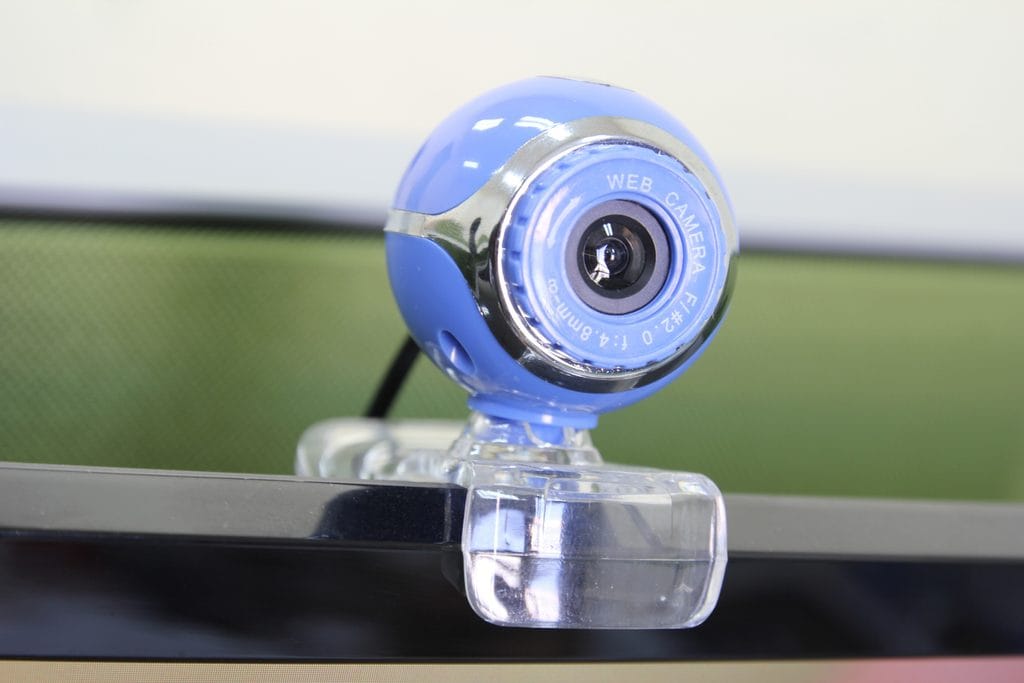
Built-in laptop cameras and cheap USB cameras share two problems that affect every stream regardless of software settings: a fixed, unflattering angle that points upward from a desk surface, and image sensors too small to produce usable low-light performance.
A proper streaming webcam addresses both. It mounts at eye level (or above), which produces a more flattering and professional camera angle. Its larger sensor captures significantly more light, which eliminates the grainy, dark image that defines budget setups. For streamers on Discord, Twitch, YouTube Live, or Zoom, the difference between a laptop camera and a dedicated webcam at the same resolution is immediately visible to viewers.
What Specifications Actually Matter for Streaming
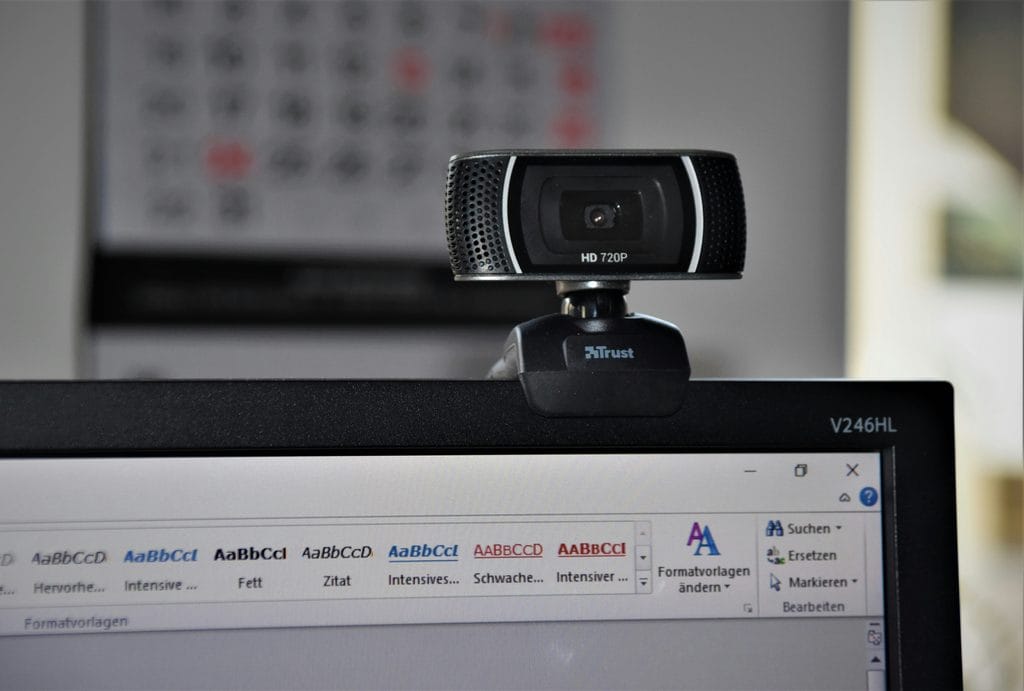
Resolution: 1080p is the practical maximum for streaming in 2026. The bandwidth required for 4K streaming exceeds what most home internet connections can sustain reliably. A 1080p webcam at 30fps is the correct target for stable stream quality.
Frame rate: 30fps is adequate for face-cam streaming. 60fps produces smoother motion when you move your head frequently but requires more upload bandwidth and CPU encoding overhead.
Autofocus: Essential for streamers who move during sessions, switch between looking at the camera and at another screen, or stream with variable lighting. Poor autofocus produces the hunting, constantly-adjusting image that defines low-quality streaming setups.
Low-light performance: Streaming rooms are often darker than a phone camera’s ideal environment. A webcam with a larger aperture (lower f-number) or dedicated low-light processing captures more usable image in these conditions.
Background separation: Software-based background blur or virtual background replacement works significantly better with a sharp, well-lit image. Higher-quality webcams enable software background effects to work cleanly without requiring a physical green screen.
Top Contender 1: Logitech C920s HD Pro — Best Reliability Under $70
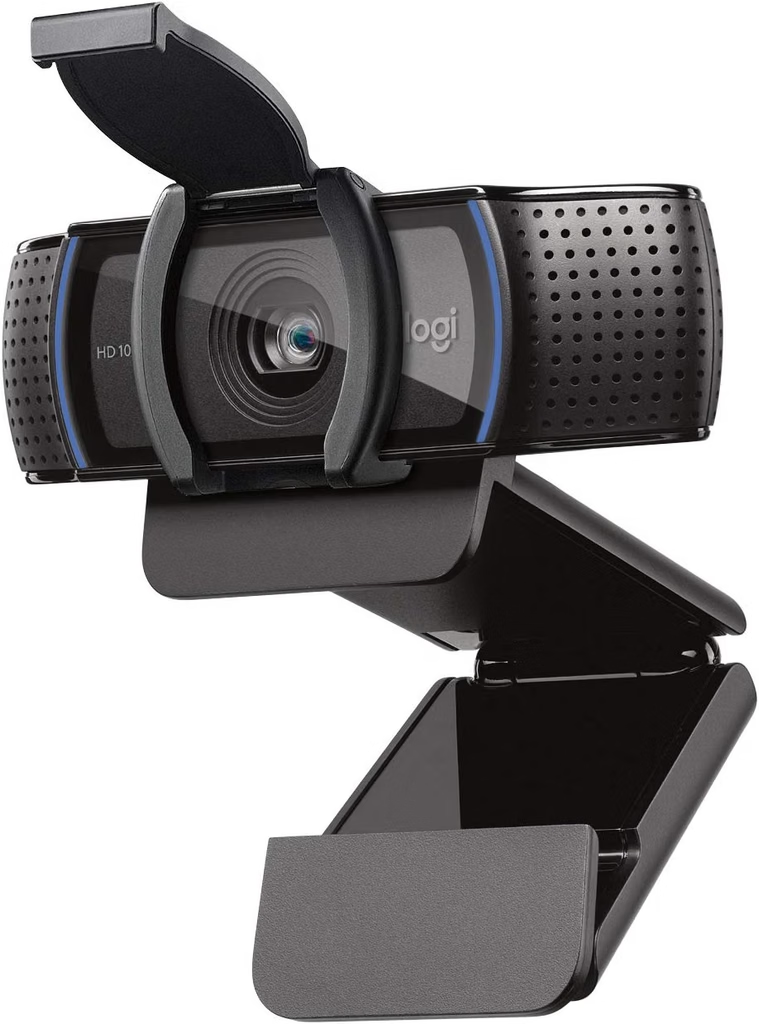
The Logitech C920s is the most widely used streaming webcam in its price category and has been for several years — a consistency that reflects genuine performance rather than marketing reach. At approximately $59–$75 on Amazon US, it provides 1080p at 30fps with autofocus, a built-in dual microphone array, and a glass lens that produces more accurate color reproduction than the plastic lenses common in cheaper alternatives.
The 78-degree field of view frames a single person at a desk comfortably, with enough room to include a second monitor, gaming peripherals, or a portion of the gaming setup in the background. This is wider than many alternatives in the same price range, which can frame the subject too tightly.
OBS, Streamlabs, Discord, Zoom, and Microsoft Teams all recognize the C920s automatically without driver installation on Windows 10 and 11. It is the most compatible webcam available in this category, which is a meaningful practical advantage for new streamers encountering software setup for the first time.
The C920s includes a privacy shutter — a physical cover that can be slid over the lens when not in use, which is a meaningful feature for setups where the webcam remains connected continuously.
👉 Where to Buy: [Check Current Price on Amazon]
Top Contender 2: Logitech C922x Pro Stream — Best for Background Blur Without Green Screen
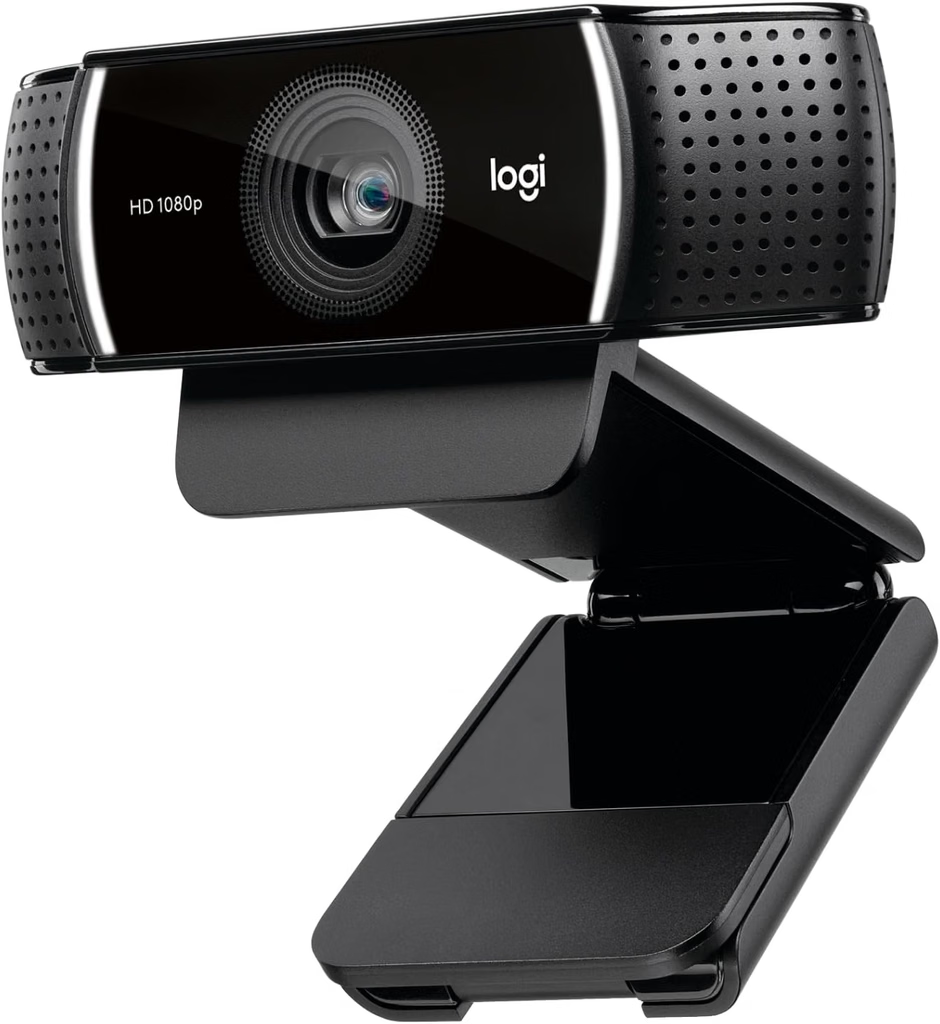
The Logitech C922x adds 60fps capture and the XSplit Premium License that enables Logitech’s background replacement software — the specific feature that makes green screen optional. The software background separation on the C922x performs noticeably better than generic background blur in video calling software because the C922x’s image processor captures a sharper edge between subject and background, giving the software more accurate input data to work with.
At approximately $69–$89 on Amazon US, it is a modest step above the C920s with the frame rate increase and background software as the primary additions. For streamers who want to use virtual backgrounds or background blur without investing in a green screen or additional lighting setup, this is the most practical choice in the under-$100 range.
The 78-degree field of view, 1080p 60fps capture, and autofocus are consistent with the C920s. Both share the same glass lens and image sensor quality.
👉 Where to Buy: [Check Current Price on Amazon]
Top Contender 3: Razer Kiyo — Best for Dark Streaming Environments
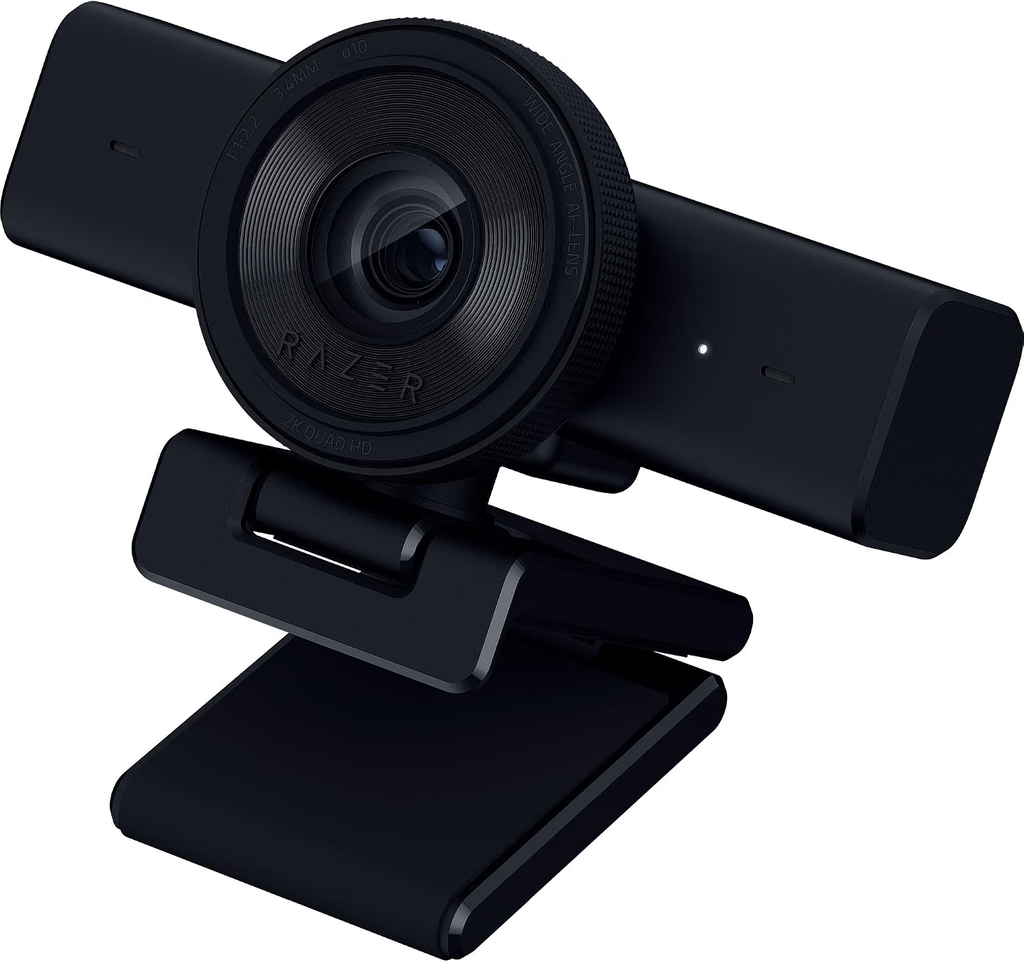
The Razer Kiyo addresses the single most common problem in streaming setups: inadequate lighting. Its built-in ring light eliminates the need for a separate ring light purchase and positions illumination directly at the camera angle — the optimal light position for face-cam streaming. In a dimly lit bedroom or gaming room, the Kiyo produces a cleaner, more evenly lit image than a higher-resolution webcam in the same environment without supplemental lighting.
At approximately $79–$99 on Amazon US, it provides 1080p at 30fps with manual ring light brightness control and autofocus. The ring light’s warmth can be adjusted, which allows the streamer to match it to the ambient lighting of their environment rather than creating a harsh contrast.
The trade-off is the built-in form factor: the ring light makes the Kiyo larger and slightly awkward to reposition compared to the C920s or C922x. If you already have adequate desk lighting or a dedicated ring light, the C922x is a better value. If low-light performance is the primary concern, the Kiyo solves it more directly than any other webcam under $100.
👉 Where to Buy: [Check Current Price on Amazon]
⚠️ Prices and product availability are subject to change without notice. Always verify the current price and stock on the retailer’s website before purchasing.
Feature Comparison Matrix
| Feature | Logitech C920s | Logitech C922x | Razer Kiyo |
|---|---|---|---|
| Resolution | 1080p 30fps | 1080p 60fps | 1080p 30fps |
| Autofocus | Yes | Yes | Yes |
| Built-in Lighting | No | No | Yes (ring light) |
| Background Software | Basic | XSplit Premium | No |
| Privacy Shutter | Yes | Yes | No |
| Field of View | 78° | 78° | 90° |
| Price Range | ~$59–$75 | ~$69–$89 | ~$79–$99 |
Final Verdict
For a first streaming webcam where reliability and compatibility matter most, the Logitech C920s at $59–$75 is the correct starting point. It has the broadest software compatibility, produces professional-quality 1080p image, and includes a privacy shutter — all without requiring any additional setup.
For streamers who want virtual backgrounds or background blur without a green screen, the Logitech C922x is the step up that makes the difference. The 60fps capture and XSplit background software justify the additional cost over the C920s specifically for this use case.
For streamers in dark or inconsistently lit environments, the Razer Kiyo’s integrated ring light is the single most practical solution. It eliminates a separate purchase (a ring light costs $20–$40 on its own) and positions the light correctly relative to the camera angle automatically.
🔗 Related on TechPlayGrid
- 👉 Fix Discord Input Lag for No Lag While Screen Sharing
- 👉 How to Fix Discord Lag While Playing Valorant
- 👉 Best Headset Under $50 for Zoom, Gaming, and Discord — New Picks 2026
Sources
- Amazon US — Verified availability, September 2026
- Logitech C920s and C922x official specifications — logitech.com
- Razer Kiyo official specifications — razer.com
Focus Keyword: best webcam for streaming under 100 no green screen 2026
SEO Title : Best Webcam for Streaming Under $100 — No Green Screen Needed
Permalink: best-webcam-for-streaming-under-100-no-green-screen-2026
Meta Description : The best streaming webcams under $100 in 2026 — Logitech C920s, C922x, and Razer Kiyo compared for image quality, background blur, and low-light performance on Amazon US.
Tags: best webcam for streaming under 100, streaming webcam 2026, Logitech C920s review, Logitech C922x streaming, Razer Kiyo webcam, no green screen streaming, budget streaming webcam
Category: Hardware
Post Summary: The best webcams for streaming under $100 in 2026 cover a wider range of streaming contexts than ever before. This guide compares three options verified on Amazon US: the Logitech C920s (~$65, best reliability and compatibility for first-time streamers), Logitech C922x (~$79, best for background blur without a green screen via XSplit software), and Razer Kiyo (~$89, best for dark environments with its built-in ring light). Includes a feature comparison matrix and final verdict matched to the streamer’s primary challenge.
Leave a Reply