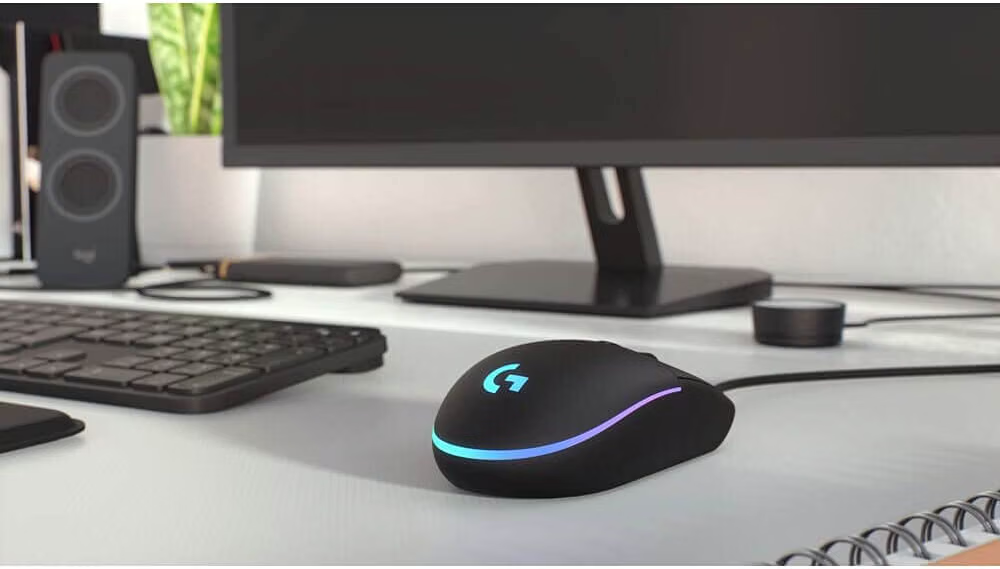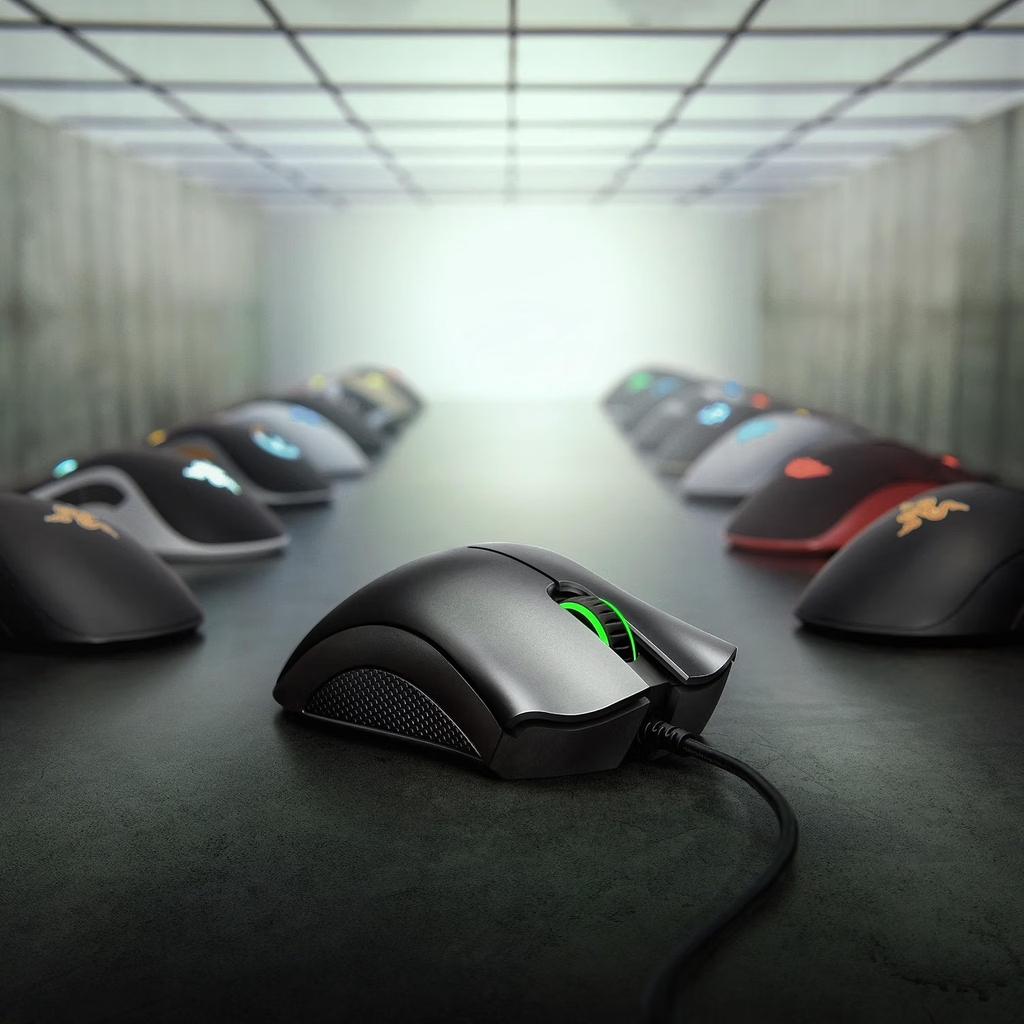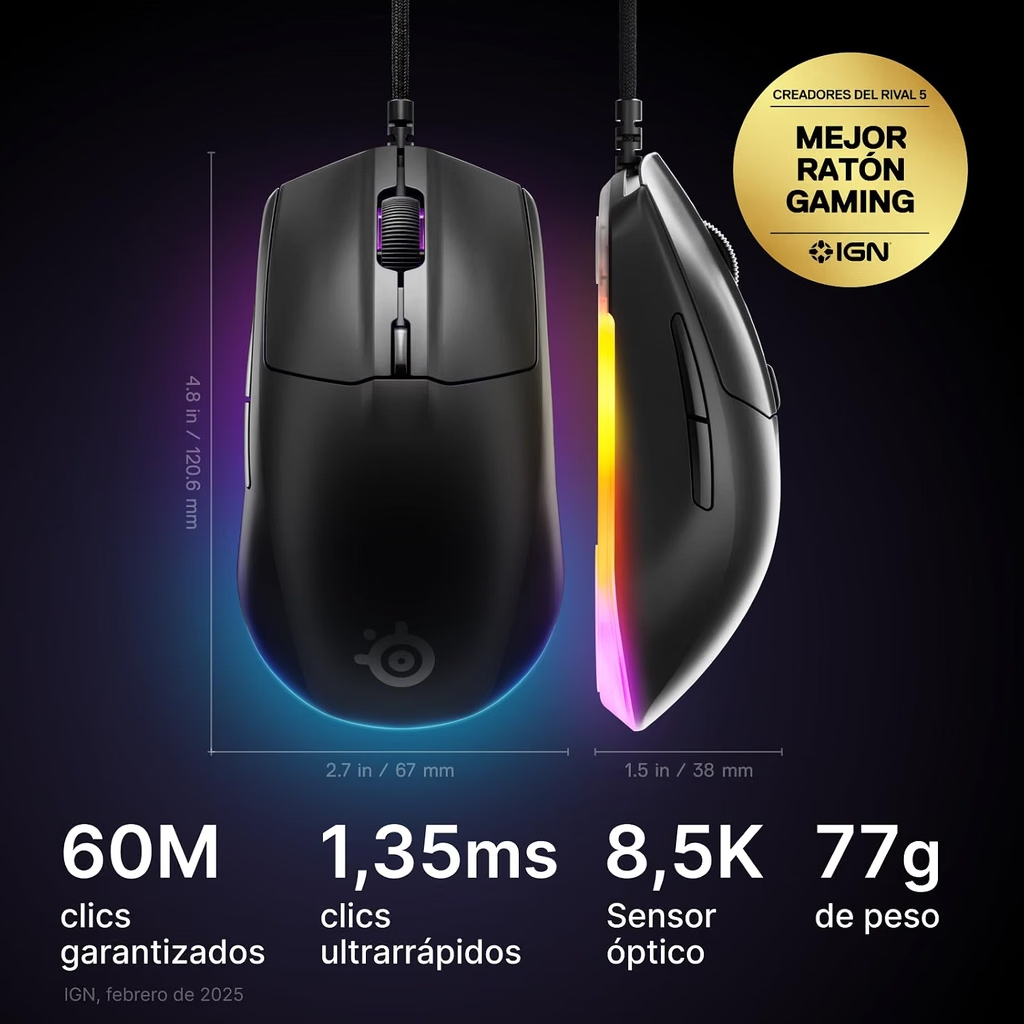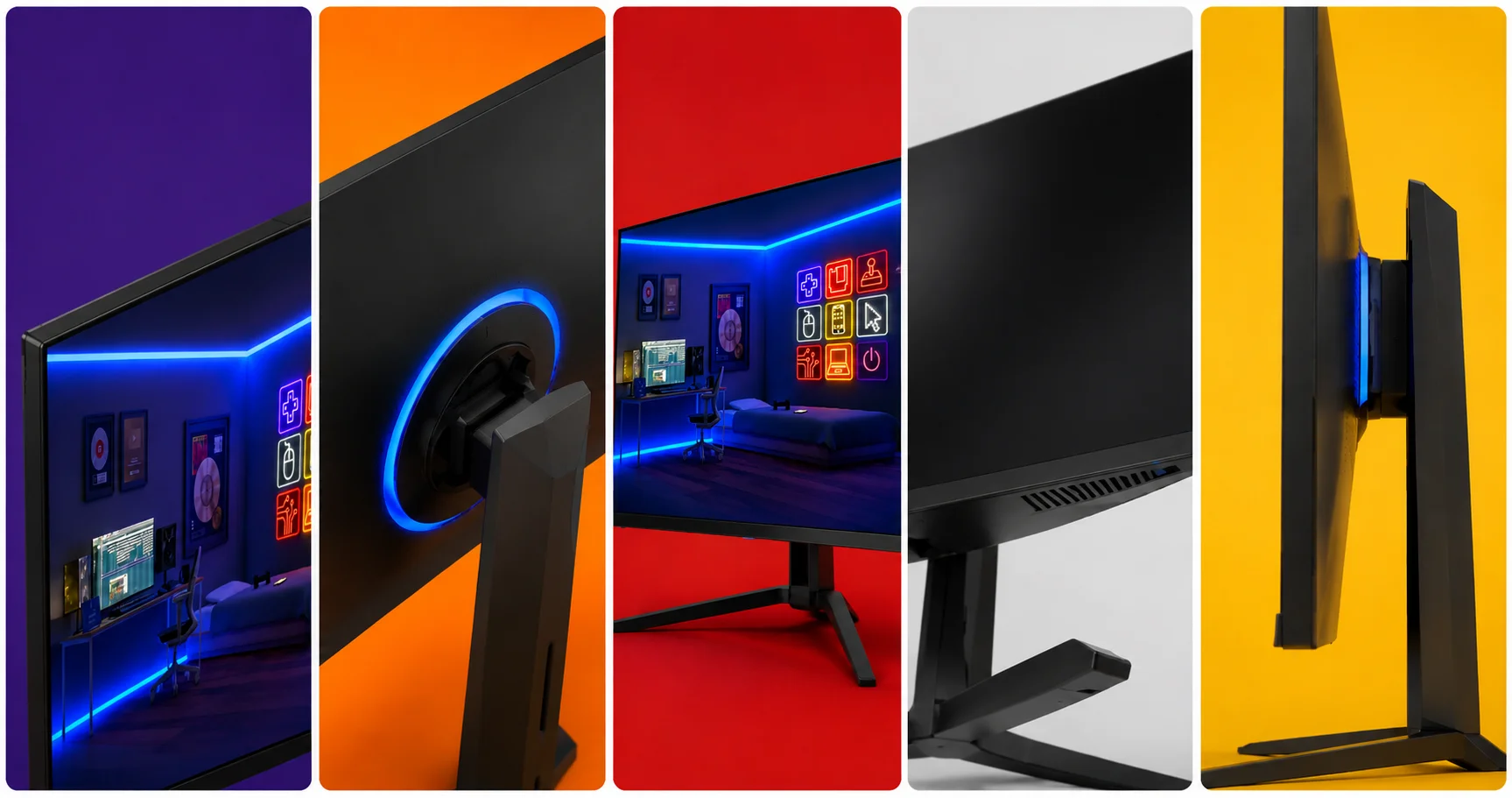
Category: Hardware

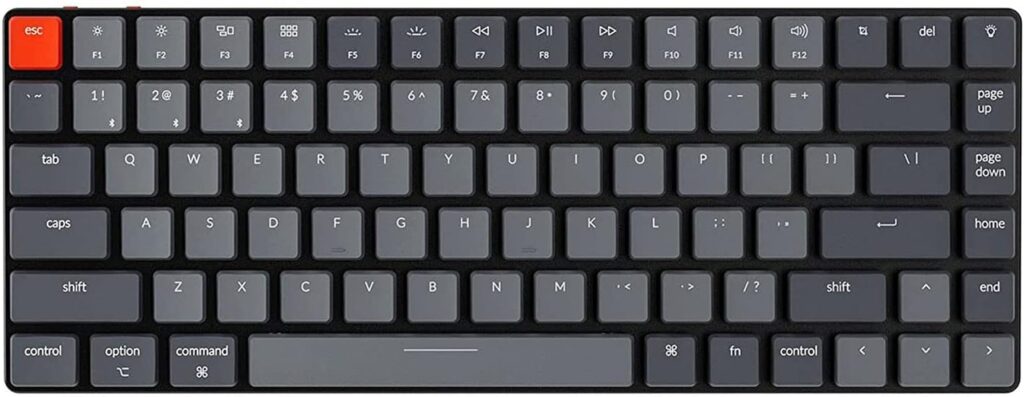
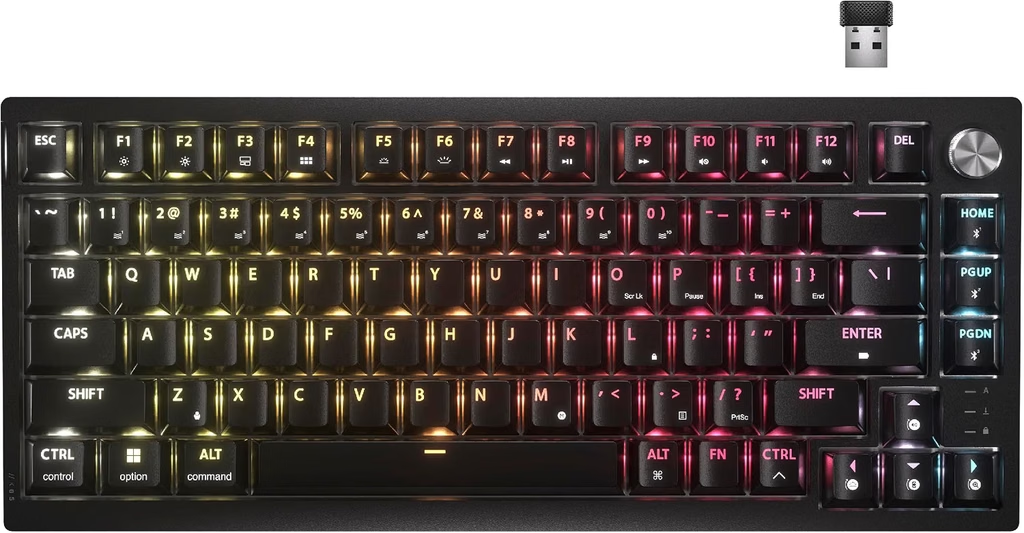
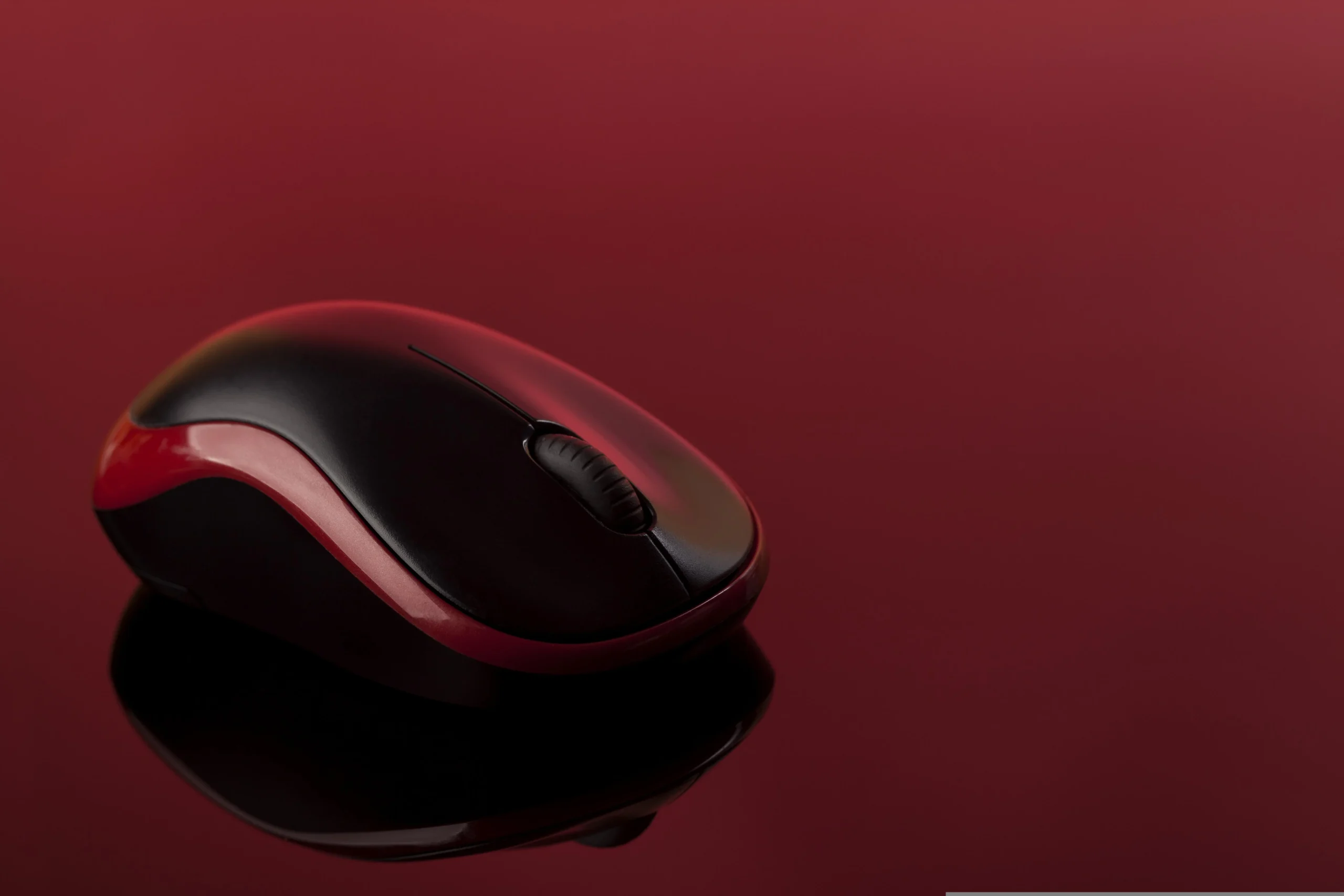
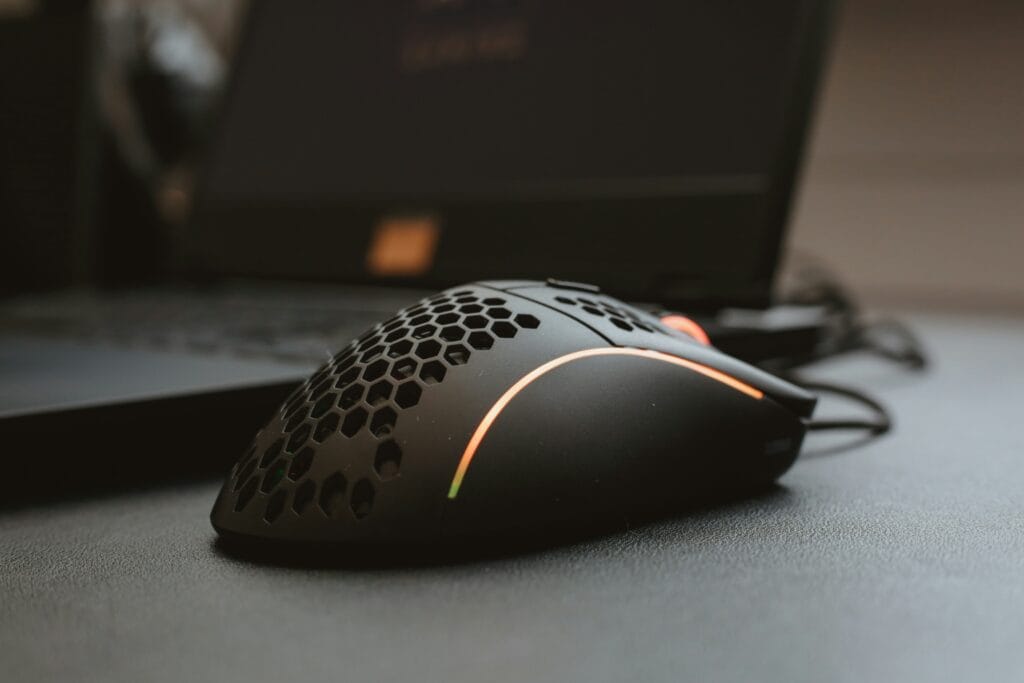
In-depth reviews and comparisons of gaming peripherals and displays. Find the best OLED monitors, mechanical keyboards, and internal components to upgrade your PC.

  • Best Gaming Monitor Under $300 β€” New 1440p Picks for 2026

    Best Gaming Monitor Under $300 β€” New 1440p Picks for 2026

    The Best Gaming Monitor Under $300 for 1440p Gaming Is Better Than Ever in 2026

    Two years ago, a $300 gaming monitor meant a basic IPS panel with a checkmark next to HDR and a 165Hz refresh rate that felt premium. In 2026, the sub-$300 segment includes Mini LED backlighting with hundreds of local dimming zones, DisplayHDR 1000 certification, and HDMI 2.1 ports that unlock the full bandwidth of PS5 and Xbox Series X.

    The best gaming monitor under $300 for 1440p in 2026 is genuinely difficult to get wrong. The challenge is knowing which specifications are meaningful for your gaming context and which are marketing noise. This guide explains the difference and identifies three monitors verified in stock on Amazon US in September 2026.

    ⚠️ Affiliate Disclosure: TechPlayGrid is reader-supported. When you buy through links on our site, we may earn an affiliate commission at no extra cost to you.

    Why 1440p Is the Right Target at This Budget in 2026
    Best Gaming Monitor Under $300

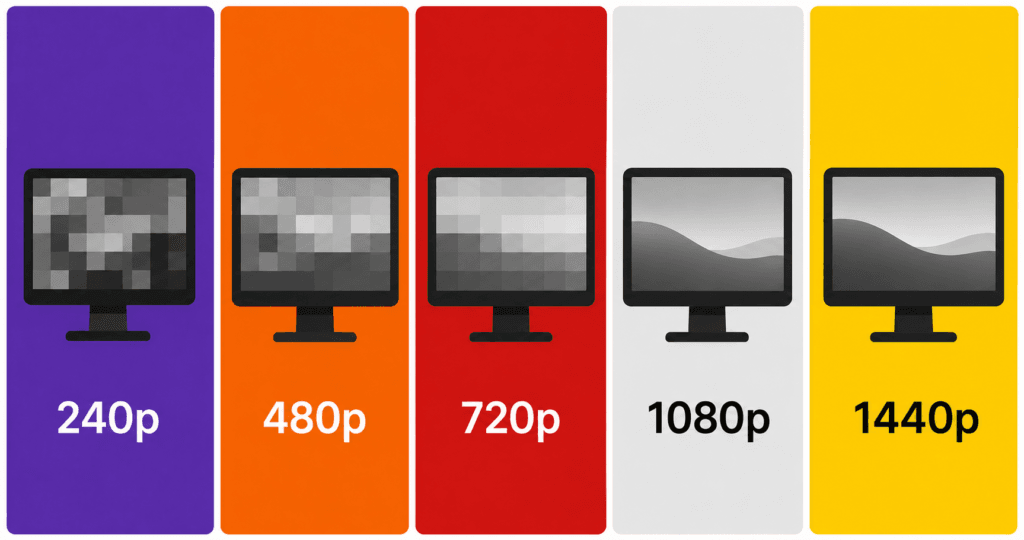
    At 27 inches β€” the dominant size in this price range β€” the difference between 1080p and 1440p is clearly visible. A 27-inch 1080p panel delivers 82 pixels per inch. A 27-inch 1440p panel delivers 109 PPI. The human eye generally stops perceiving individual pixels beyond 90–100 PPI at normal desk viewing distances, which means 1080p on a 27-inch screen is slightly below the threshold where pixels become invisible.

    At 1440p on a 27-inch panel, the image is visibly sharper β€” particularly in text, fine environmental detail, and the edges of fast-moving objects. Modern mid-range GPUs including the RTX 4060 and RX 7600 handle 1440p at 144Hz or above without significant compromise in most titles.

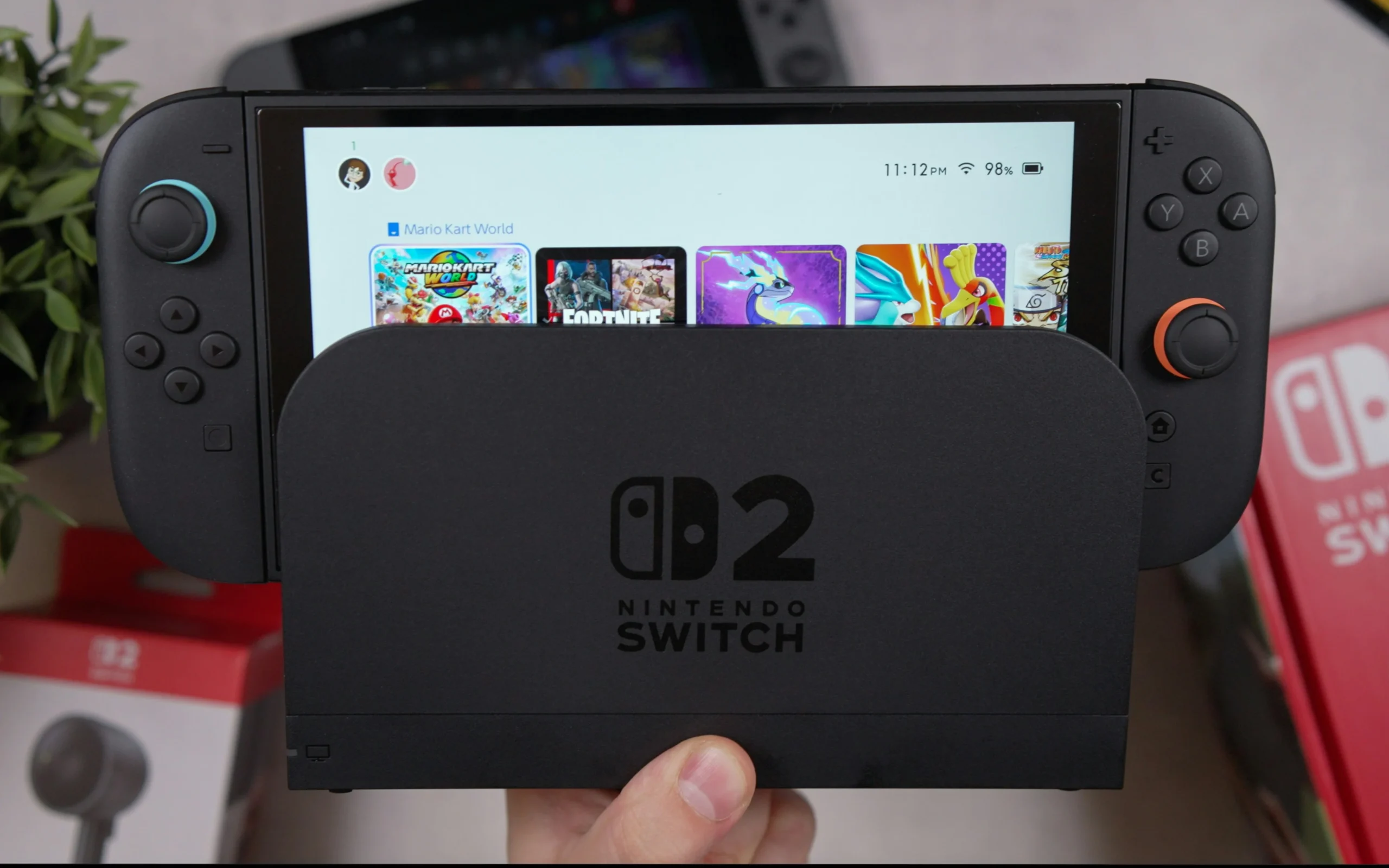
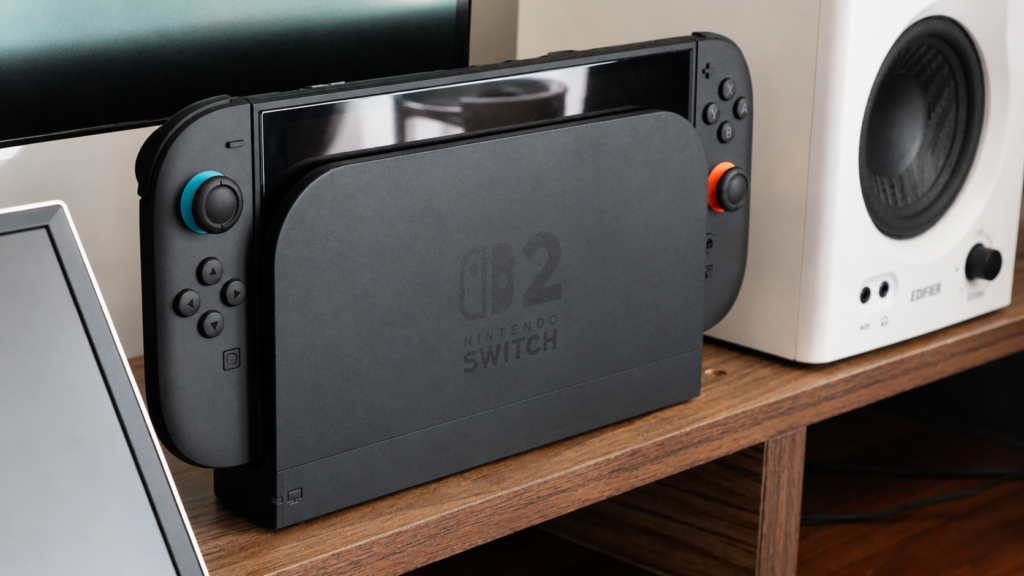
    For a deeper look at how this plays out specifically on the Nintendo Switch 2 and PS5, see our 1440p monitor guide for the Switch 2 dock and our 1080p vs 1440p comparison for console gaming.

    Top Contender 1: AOC Q27G3XMN β€” Best Under $300 in 2026 (Mini LED)

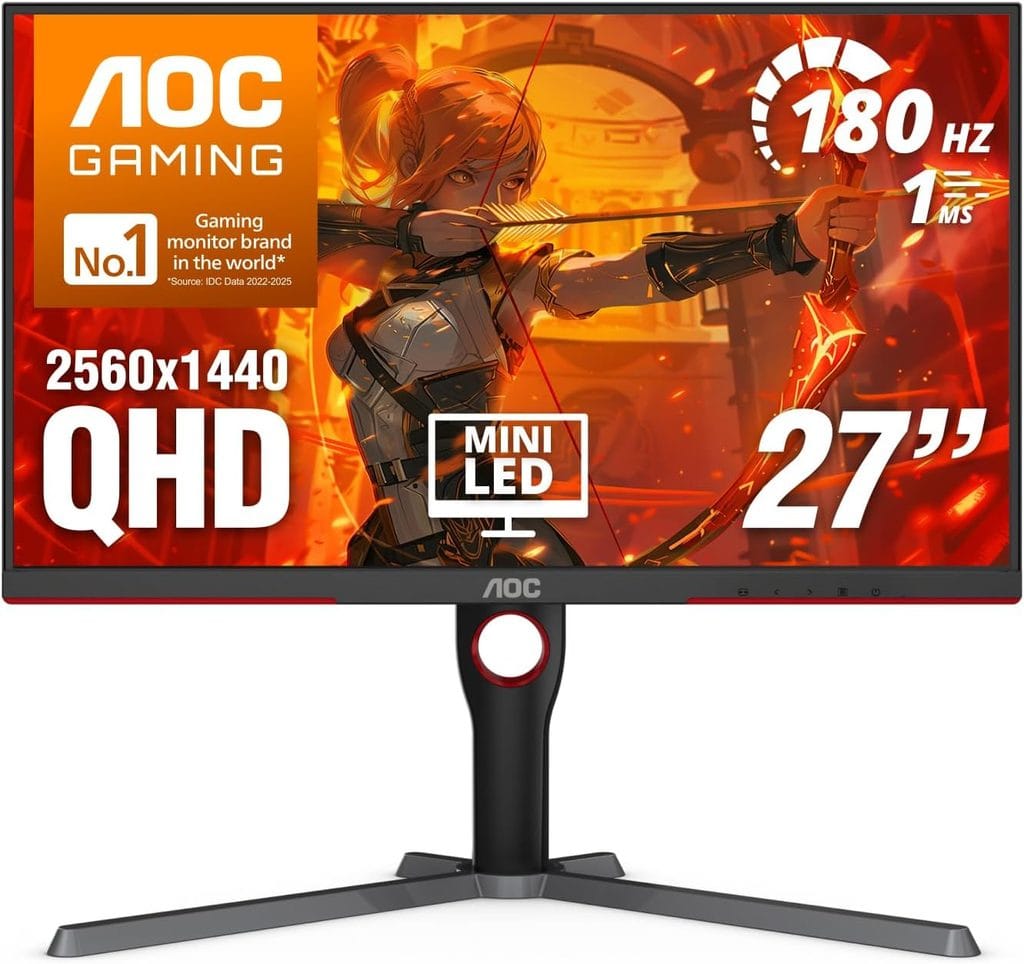
    AOC 27 Q27G3XMN
    Official design of the AOC Q27G3XMN. (Image: Amazon US)

    The AOC Q27G3XMN is the consensus recommendation for best gaming monitor under $300 in 2026, cited by RTINGS, The Modern Observer, and multiple independent testing labs as the monitor that made the rest of the sub-$300 market feel obsolete.

    The reason is the Mini LED backlighting system: 336 local dimming zones, 1,300 nits of peak HDR brightness, and VESA DisplayHDR 1000 certification at a price that previously demanded $500+. No other monitor under $300 currently available on Amazon US delivers this HDR performance tier.

    The 27-inch QHD (1440p) VA panel operates at 180Hz with 0.3ms response time, FreeSync Premium Pro, HDMI 2.1 for full PS5 and Xbox Series X bandwidth, and a height-adjustable stand. The VA panel produces deeper blacks and higher contrast than IPS alternatives, which is the ideal technology for Mini LED’s local dimming zones to work effectively.

    The primary trade-off of VA versus IPS is viewing angle β€” color shifts slightly when viewed from extreme angles. At a gaming desk where you sit directly in front of the monitor, this is not a practical concern.

    πŸ‘‰ Where to Buy: [[Check Current Price on Amazon]]

    Top Contender 2: ASUS TUF Gaming VG27AQ3A β€” Best Fast IPS Under $250

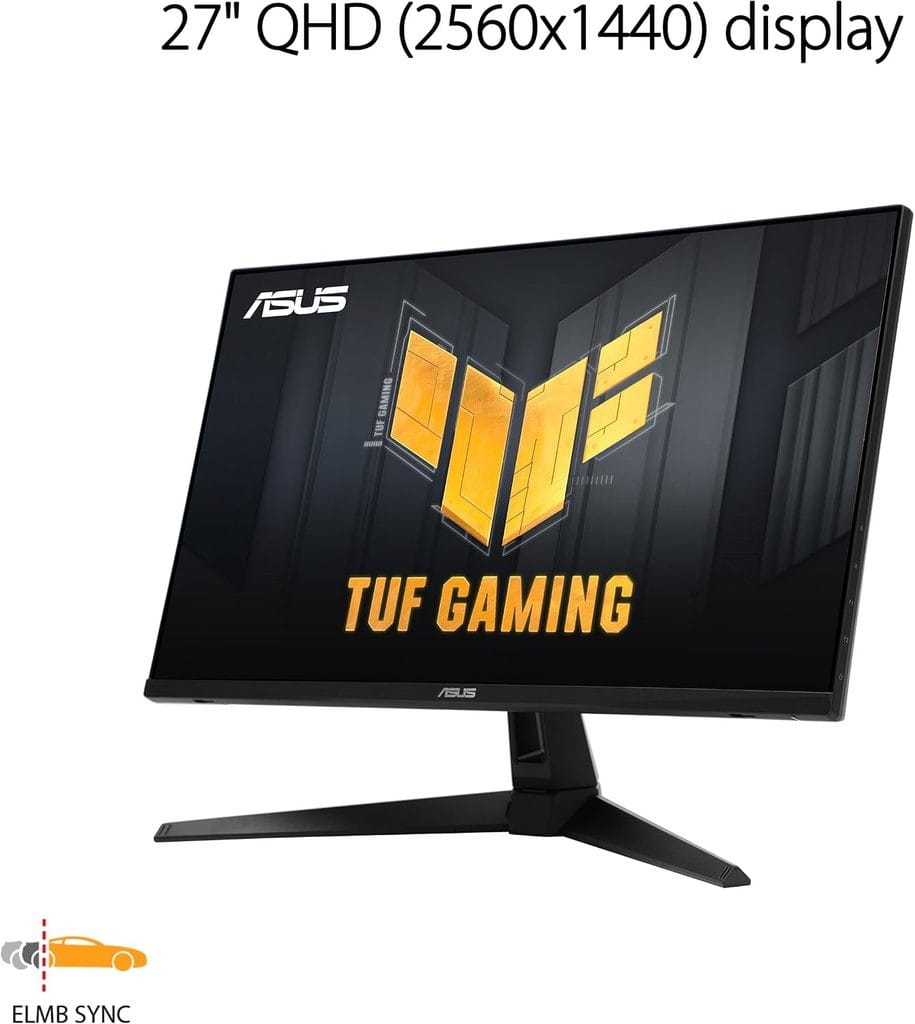
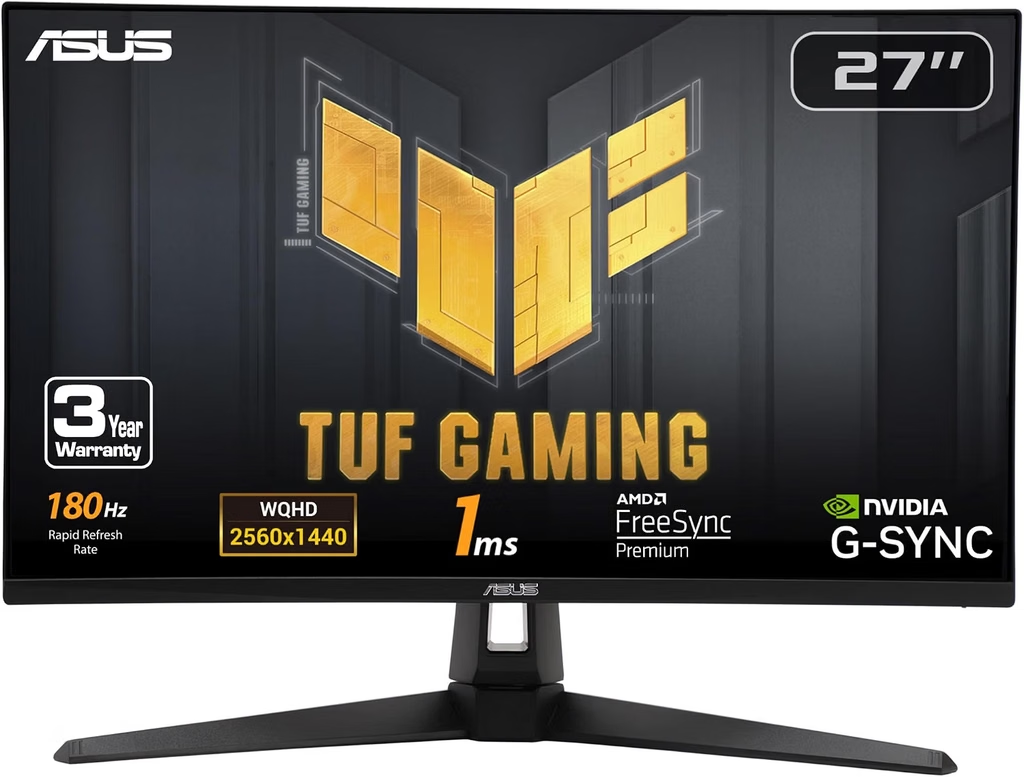
    ASUS TUF Gaming VG27AQ3A
    Official design of the ASUS TUF Gaming VG27AQ3A. (Image: Amazon US)

    The ASUS TUF VG27AQ3A is the Fast IPS recommendation for players who prioritize accurate colors and wide viewing angles over the AOC’s Mini LED HDR performance. At approximately $220–$240 on Amazon US, it delivers 27-inch 1440p at 180Hz with ELMB Sync motion clarity, 130% sRGB color gamut, built-in speakers, and ASUS’s 3-year warranty.

    Fast IPS panels achieve sub-1ms response times while maintaining the color accuracy and viewing angles that define IPS technology. ELMB Sync combines adaptive sync with backlight strobing simultaneously, which produces sharper motion clarity in competitive games than either technology alone. This is the feature that distinguishes the VG27AQ3A from standard IPS panels at its price point.

    For content creators, designers, or players who split time between gaming and color-sensitive work, the VG27AQ3A’s 130% sRGB coverage and factory-calibrated accuracy makes it the more versatile option compared to the AOC.

    πŸ‘‰ Where to Buy: [[Check Current Price on Amazon]]

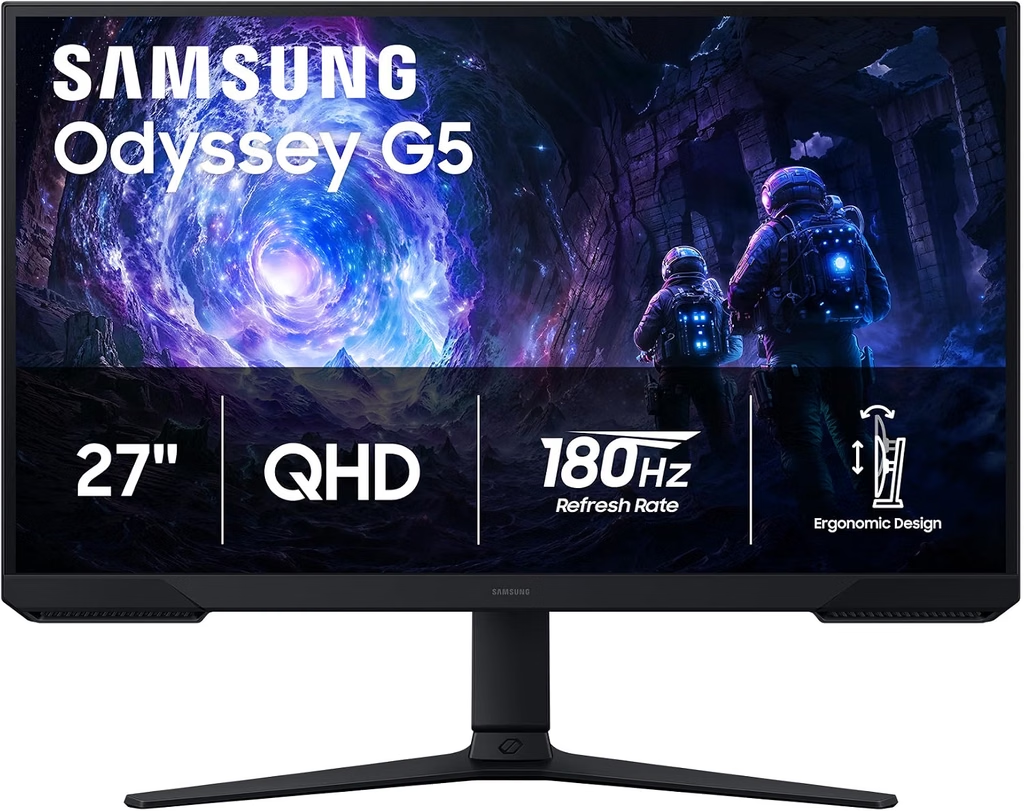
    Top Contender 3: Samsung 27″ Odyssey G5 G50F β€” Best Value Entry Point

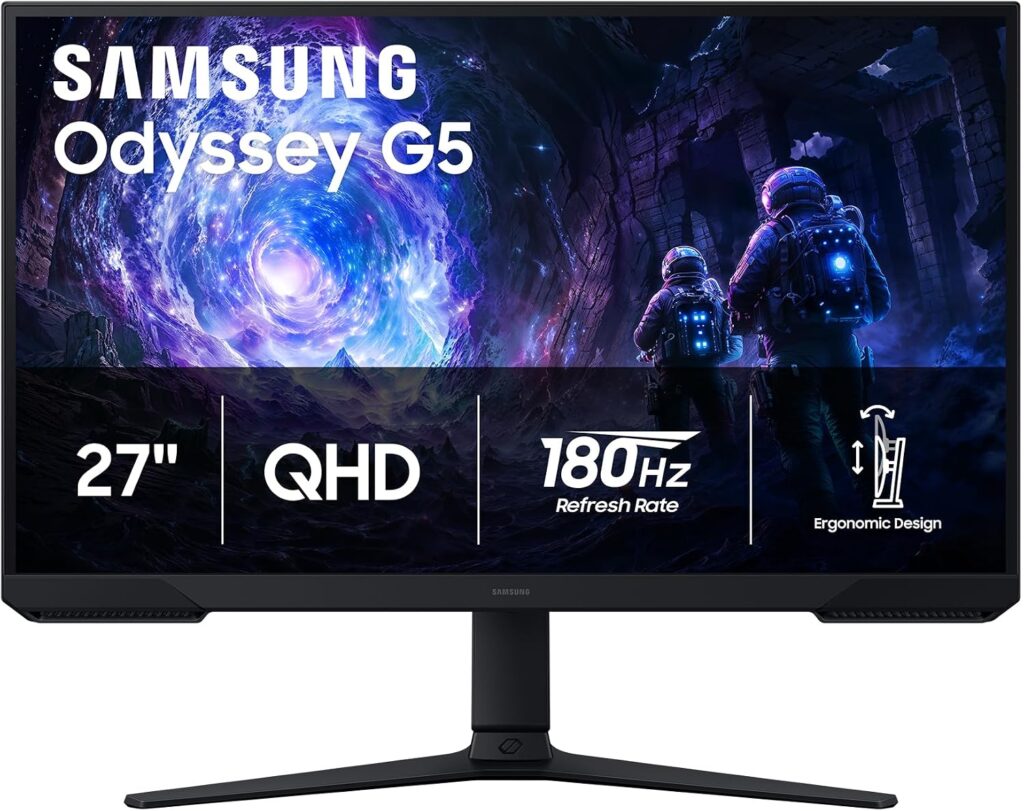
    Samsung Odyssey G5 com fundo branco, fonte Amazon US
    Official design of the Samsung Odyssey G5 G50F. (Image: Amazon US)

    The Samsung Odyssey G5 G50F sits at the most accessible price point of the three, frequently available at $150–$222 on Amazon US. It delivers a 27-inch Fast IPS 1440p panel at 180Hz with HDR10, AMD FreeSync Premium, and Samsung’s Black Equalizer feature that brightens dark scene areas without overexposing bright ones.

    For players whose primary concern is resolution and refresh rate at minimum cost, the G5 G50F delivers the 1440p 180Hz combination without the additional investment that the AOC’s Mini LED or the ASUS VG27AQ3A’s ELMB Sync requires. When available at its sale price of $150, it represents one of the most competitive monitor values in its category.

    The stand offers tilt adjustment only, which may necessitate a monitor arm for ergonomic positioning. At its current pricing, a monitor arm budget (~$25–$35) can be added while staying well under the $300 ceiling.

    πŸ‘‰ Where to Buy: [[Check Current Price on Amazon]]

    ⚠️ Prices and product availability are subject to change without notice. Always verify the current price and stock on the retailer’s website before purchasing.

    Feature Comparison Matrix

    FeatureAOC Q27G3XMNASUS TUF VG27AQ3ASamsung G5 G50F
    **Panel Type**VA Mini LEDFast IPSFast IPS
    **Resolution**1440p1440p1440p
    **Refresh Rate**180Hz180Hz180Hz
    **Response Time**0.3ms1ms ELMB1ms
    **HDR**DisplayHDR 1000 (1,300 nits)HDR10 (400 nits)HDR10
    **HDMI**HDMI 2.1HDMI 2.0HDMI 2.0
    **Built-in Speakers**❌ Noβœ… Yes❌ No
    **Warranty**3 years3 yearsLimited
    **Price Range**~$250–$280~$220–$240~$150–$222

    Final Verdict

    For the best HDR and contrast performance at this budget, the AOC Q27G3XMN is the only choice β€” its Mini LED system with 336 dimming zones and 1,300-nit peak brightness delivers a visual experience that no other sub-$300 monitor can match. RTINGS confirmed it as the best gaming monitor under $300 in 2026.

    For color accuracy, wide viewing angles, and motion clarity, the ASUS TUF VG27AQ3A is the Fast IPS recommendation. Its ELMB Sync and 130% sRGB coverage serve competitive players and creators equally well, and its built-in speakers add daily convenience.

    For maximum value at minimum spend, the Samsung G5 G50F at $150–$222 delivers 1440p 180Hz Fast IPS without the premium features of the other two β€” and at its sale price, it leaves significant budget for a quality monitor arm and peripheral upgrades.

    πŸ”— Related on TechPlayGrid

    Sources

    • RTINGS.com, “The 3 Best Gaming Monitors Under $300 of 2026” β€” rtings.com
    • The Modern Observer, “Best Budget Gaming Monitors Under $300 in 2026” β€” themodernobserver.com
    • TestBeforeYouBuy, “Best Gaming Monitor Under $300 in 2026” β€” testbeforeyoubuy.com
    • Amazon US β€” Verified availability and ASINs, September 2026

    πŸ’¬ Did you enjoy this guide? Subscribe to TechPlayGrid and get the latest gaming tips, gear reviews, and tech guides delivered straight to your inbox β€” no spam, just content worth reading.
  • Best Portable Dock for Nintendo Switch 2 β€” No Bulk, No Cables (2026)

    Best Portable Dock for Nintendo Switch 2 β€” No Bulk, No Cables (2026)

    The best portable dock for Nintendo Switch 2 compared

    The official Nintendo Switch 2 dock does its job well. It is also 200mm tall, weighs over 300 grams, and requires a separate power adapter. For anyone who travels with their Switch 2, plays on multiple TVs at home, or wants to connect the console to a monitor at a desk, the official dock’s size is the primary inconvenience in the Switch 2 ecosystem.

    Portable third-party docks solve this completely. At 100 grams or less, they fit in a jacket pocket, connect via USB-C, support 4K HDMI output, and include 100W power delivery so the Switch 2 charges while playing in TV mode. Three options are verified in stock on Amazon US in September 2026.

    ⚠️ Affiliate Disclosure: TechPlayGrid is reader-supported. When you buy through links on our site, we may earn an affiliate commission at no extra cost to you.

    What a Portable Switch 2 Dock Actually Does

    Best Portable Dock for Nintendo Switch 2
    Best Portable Dock for Nintendo Switch 2

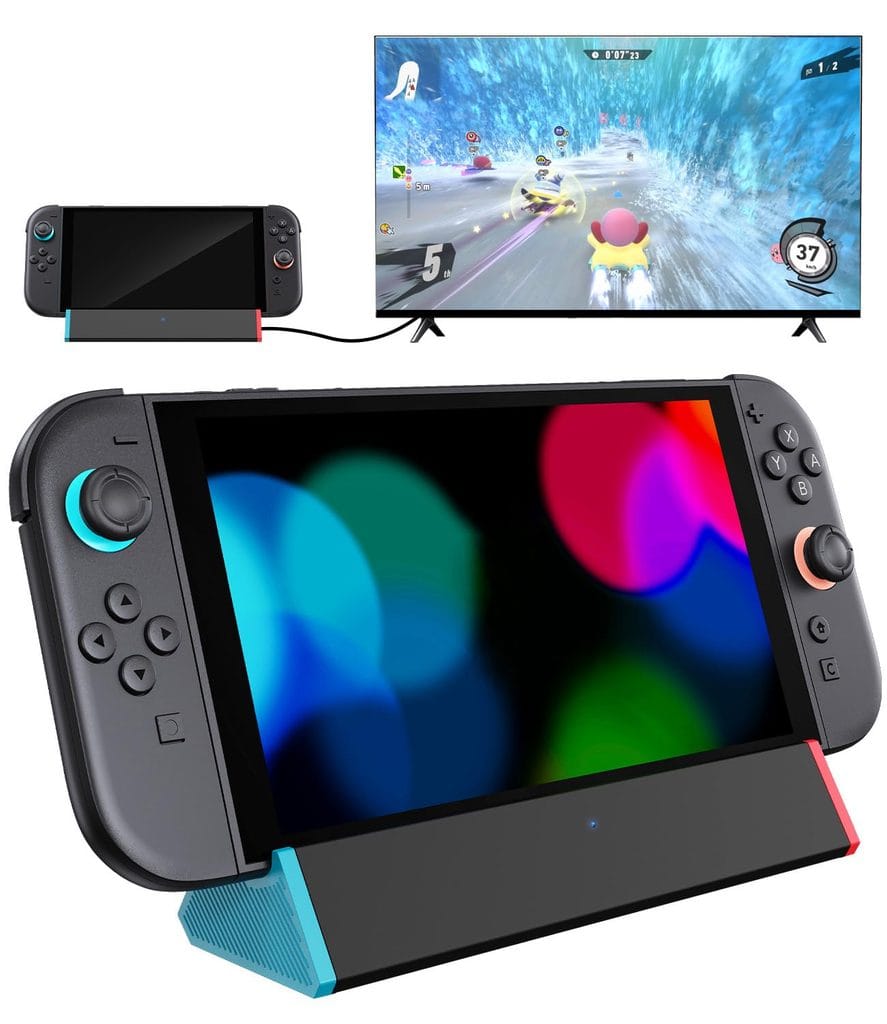
    The Nintendo Switch 2’s USB-C port handles both power input and video output simultaneously. A portable dock exploits this: it accepts power from one USB-C connection, outputs video via HDMI to a TV or monitor, and optionally includes additional USB-A ports for accessories.

    The result is a device approximately the size of a large USB hub that replaces the official dock’s bulk entirely for travel and secondary setups.

    Critical compatibility note: Some early portable docks had initial compatibility issues with the Switch 2’s new HDMI handshake requirements. All three docks in this guide are confirmed working with the Switch 2 as of September 2026, with firmware updates resolving earlier issues.

    Top Contender 1: SIWIQU Portable Switch 2 Dock β€” Best Balance of Features

    71RurxaHCWL. SL1500
    Official design of the SIWIQU Switch 2 Portable Dock. (Image: Amazon US)

    The SIWIQU portable dock was one of the first third-party Switch 2 docks on Amazon US and remains one of the most recommended as of September 2026. At 100 grams and 7.5 Γ— 2.3 Γ— 1.3 inches, it is significantly smaller than the official dock. It supports 4K@120Hz HDMI output, 100W Power Delivery via USB-C, two USB-A ports for controllers or peripherals, and 1000Mbps Ethernet for wired internet connectivity.

    The Ethernet port is the differentiating feature from competitors. For Switch 2 owners who play online multiplayer in TV mode, a wired connection eliminates the Wi-Fi instability that causes ping spikes during competitive sessions. No other portable dock under $40 includes Ethernet.

    GamesRadar reviewed this dock extensively and noted that while the initial firmware had some teething issues, it now works reliably for standard TV mode use.

    πŸ‘‰ Where to Buy: [[Check Current Price on Amazon]]

    Top Contender 2: Antank Portable Dock β€” Best Simplicity

    antank switch 2 dock
    Official design of the Antank Portable Switch 2 Dock. (Image: Amazon US)

    The Antank portable dock is the simplest option of the three: USB-C in, HDMI out, USB-A port for one accessory, and 4K@60Hz video output. No Ethernet, no extra features β€” just a compact, reliable USB-C to HDMI adapter that the Switch 2 recognizes immediately.

    At a lower price point than the SIWIQU, the Antank is the recommendation for players who only need TV mode connectivity while traveling and do not require Ethernet or 4K@120Hz output. For hotel rooms, visiting family, or connecting to a projector at a venue, its simplicity is a feature rather than a limitation.

    It is confirmed compatible with the Nintendo Switch 2 after firmware updates resolved initial handshake issues that affected early units.

    πŸ‘‰ Where to Buy: [[Check Current Price on Amazon]]

    Top Contender 3: JSAUX 65W Switch Dock β€” Best Multi-Device Versatility

    jsaux 65w
    Official design of the JSAUX 65W Switch Dock. (Image: Amazon US)

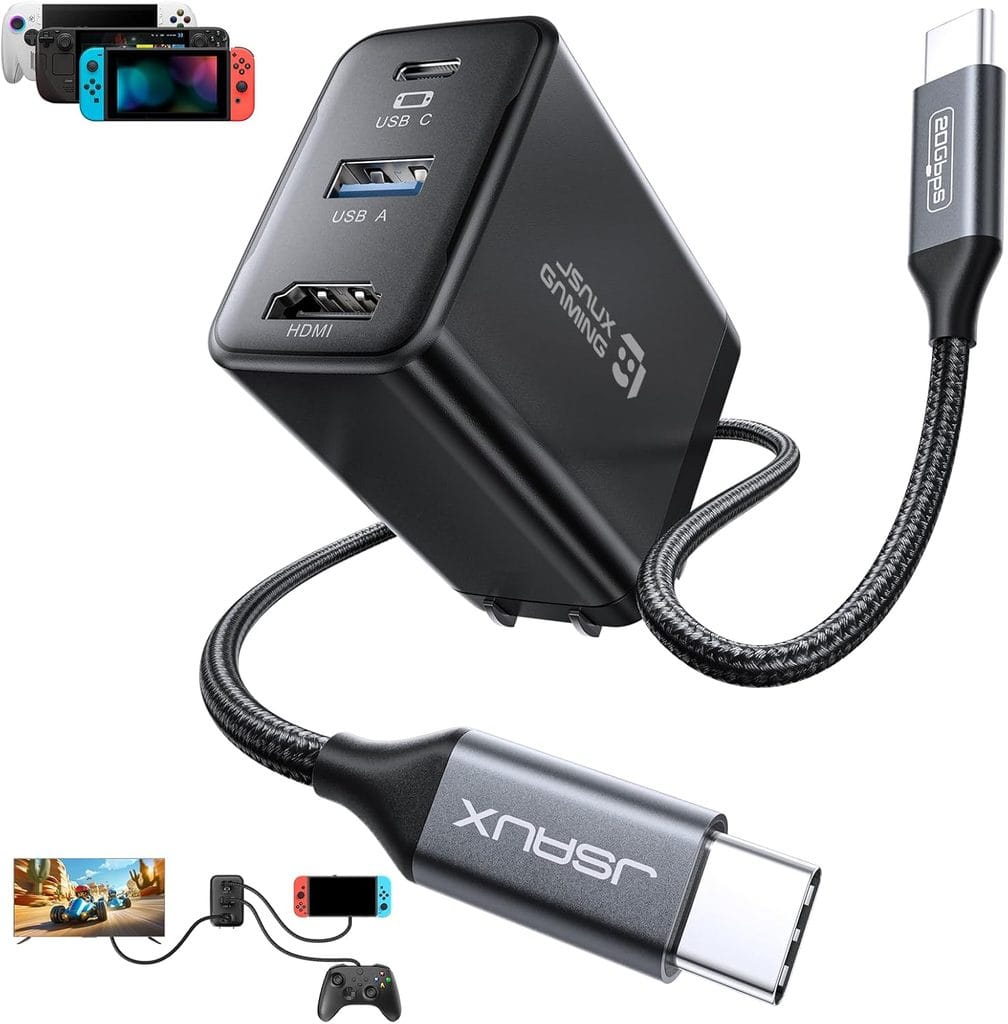
    The JSAUX OmniCentro dock supports 4K@120Hz HDMI, 65W Power Delivery, and one USB-A port β€” but its key distinction is multi-device compatibility. It works with Switch 2, Steam Deck, ROG Ally, Samsung DeX devices, iPad Pro, and MacBooks with equal reliability. For players who own multiple USB-C devices, one dock replaces several dedicated adapters.

    GamesRadar noted that the JSAUX has replaced their official Switch 2 dock as a daily driver despite its cluttered appearance, specifically because of the reliable 4K output and broad compatibility with other devices on the desk.

    At approximately $35–$50 on Amazon US, it occupies the same price range as the SIWIQU while trading Ethernet connectivity for multi-device support.

    πŸ‘‰ Where to Buy: [[Check Current Price on Amazon]]

    ⚠️ Prices and product availability are subject to change without notice. Always verify the current price and stock on the retailer’s website before purchasing.

    Feature Comparison Matrix

    FeatureSIWIQU PortableAntank PortableJSAUX 65W
    **4K Output**4K@120Hz4K@60Hz4K@120Hz
    **Power Delivery**100W100W65W
    **USB-A Ports**2Γ—1Γ—1Γ—
    **Ethernet**βœ… 1000Mbps❌ No❌ No
    **Multi-device**Switch 2 focusedSwitch 2 focusedβœ… Yes (Steam Deck, iPad, Mac)
    **Weight**~100g~60g~90g
    **Price Range**~$35–$45~$25–$35~$35–$50

    Final Verdict

    For online multiplayer players who need the most stable connection in TV mode, the SIWIQU dock is the only portable Switch 2 dock under $45 with Ethernet. The 1000Mbps wired connection eliminates Wi-Fi jitter for online gaming in a way no wireless setup can match.

    For travelers who need maximum portability at minimum cost, the Antank provides 4K TV mode in the smallest and lightest package, without any features that add complexity or cost.

    For players who own multiple USB-C devices and want one dock for all of them, the JSAUX is the practical choice. Its compatibility with Steam Deck, ROG Ally, and MacBook makes it a desk fixture rather than a single-purpose travel accessory.

    For how to get the best visual output from your Switch 2 once docked, see our full 1440p monitor guide for Switch 2.

    πŸ”— Related on TechPlayGrid

    Sources

    • GamesRadar, “I’ve been testing the first Switch 2 dock to hit Amazon, and it now works pretty well” β€” gamesradar.com
    • GamesRadar, “The JSAUX 6-in-1 Switch 2 dock has replaced my official dock” β€” gamesradar.com
    • Amazon US β€” Verified availability and pricing, September 2026
    • Nintendo Switch 2 USB-C compatibility documentation β€” nintendo.com

    πŸ’¬ [NEW]Did you enjoy this guide? Subscribe to TechPlayGrid and get the latest gaming tips, gear reviews, and tech guides delivered straight to your inbox β€” no spam, just content worth reading.

  • Best Webcam for Streaming Under $100 β€” No Green Screen Needed (2026)

    Best Webcam for Streaming Under $100 β€” No Green Screen Needed (2026)

    The Best Webcam for Streaming Under $100 Makes a Green Screen Optional in 2026

    Finding the best webcam for streaming under $100 is about more than resolution numbers. The feature that most directly affects streaming quality at this price range β€” and the one that makes a green screen optional rather than mandatory β€” is background blur and AI background separation, a capability now present in several sub-$100 webcams that was previously exclusive to more expensive cameras.

    This guide covers three webcams verified in stock on Amazon US, each suited to a different streaming context and technical setup.

    ⚠️ Affiliate Disclosure: TechPlayGrid is reader-supported. When you buy through links on our site, we may earn an affiliate commission at no extra cost to you.

    Why a Dedicated Webcam Changes Your Stream More Than Most Upgrades

    Best Webcam for Streaming Under $100
    Best Webcam for Streaming Under $100

    Built-in laptop cameras and cheap USB cameras share two problems that affect every stream regardless of software settings: a fixed, unflattering angle that points upward from a desk surface, and image sensors too small to produce usable low-light performance.

    A proper streaming webcam addresses both. It mounts at eye level (or above), which produces a more flattering and professional camera angle. Its larger sensor captures significantly more light, which eliminates the grainy, dark image that defines budget setups. For streamers on Discord, Twitch, YouTube Live, or Zoom, the difference between a laptop camera and a dedicated webcam at the same resolution is immediately visible to viewers.

    What Specifications Actually Matter for Streaming

    waldemar brandt VAoSKP ocN0 unsplash
    Official design of the Logitech C920s HD Pro. (Image: Amazon US)

    Resolution: 1080p is the practical maximum for streaming in 2026. The bandwidth required for 4K streaming exceeds what most home internet connections can sustain reliably. A 1080p webcam at 30fps is the correct target for stable stream quality.

    Frame rate: 30fps is adequate for face-cam streaming. 60fps produces smoother motion when you move your head frequently but requires more upload bandwidth and CPU encoding overhead.
    Autofocus: Essential for streamers who move during sessions, switch between looking at the camera and at another screen, or stream with variable lighting. Poor autofocus produces the hunting, constantly-adjusting image that defines low-quality streaming setups.
    Low-light performance: Streaming rooms are often darker than a phone camera’s ideal environment. A webcam with a larger aperture (lower f-number) or dedicated low-light processing captures more usable image in these conditions.

    Background separation: Software-based background blur or virtual background replacement works significantly better with a sharp, well-lit image. Higher-quality webcams enable software background effects to work cleanly without requiring a physical green screen.

    Top Contender 1: Logitech C920s HD Pro β€” Best Reliability Under $70

    logitech c920s HD pro
    Official design of the Logitech C920s HD Pro. (Image: Amazon US)

    The Logitech C920s is the most widely used streaming webcam in its price category and has been for several years β€” a consistency that reflects genuine performance rather than marketing reach. At approximately $59–$75 on Amazon US, it provides 1080p at 30fps with autofocus, a built-in dual microphone array, and a glass lens that produces more accurate color reproduction than the plastic lenses common in cheaper alternatives.

    The 78-degree field of view frames a single person at a desk comfortably, with enough room to include a second monitor, gaming peripherals, or a portion of the gaming setup in the background. This is wider than many alternatives in the same price range, which can frame the subject too tightly.

    OBS, Streamlabs, Discord, Zoom, and Microsoft Teams all recognize the C920s automatically without driver installation on Windows 10 and 11. It is the most compatible webcam available in this category, which is a meaningful practical advantage for new streamers encountering software setup for the first time.

    The C920s includes a privacy shutter β€” a physical cover that can be slid over the lens when not in use, which is a meaningful feature for setups where the webcam remains connected continuously.

    πŸ‘‰ Where to Buy: [Check Current Price on Amazon]

    Top Contender 2: Logitech C922x Pro Stream β€” Best for Background Blur Without Green Screen

    logitech c922x HD pro
    Official design of the Logitech C922x Pro Stream. (Image: Amazon US)

    The Logitech C922x adds 60fps capture and the XSplit Premium License that enables Logitech’s background replacement software β€” the specific feature that makes green screen optional. The software background separation on the C922x performs noticeably better than generic background blur in video calling software because the C922x’s image processor captures a sharper edge between subject and background, giving the software more accurate input data to work with.

    At approximately $69–$89 on Amazon US, it is a modest step above the C920s with the frame rate increase and background software as the primary additions. For streamers who want to use virtual backgrounds or background blur without investing in a green screen or additional lighting setup, this is the most practical choice in the under-$100 range.

    The 78-degree field of view, 1080p 60fps capture, and autofocus are consistent with the C920s. Both share the same glass lens and image sensor quality.

    πŸ‘‰ Where to Buy: [Check Current Price on Amazon]

    Top Contender 3: Razer Kiyo β€” Best for Dark Streaming Environments

    razer kiyo v2
    Official design of the Razer Kiyo. (Image: Amazon US)

    The Razer Kiyo addresses the single most common problem in streaming setups: inadequate lighting. Its built-in ring light eliminates the need for a separate ring light purchase and positions illumination directly at the camera angle β€” the optimal light position for face-cam streaming. In a dimly lit bedroom or gaming room, the Kiyo produces a cleaner, more evenly lit image than a higher-resolution webcam in the same environment without supplemental lighting.
    At approximately $79–$99 on Amazon US, it provides 1080p at 30fps with manual ring light brightness control and autofocus. The ring light’s warmth can be adjusted, which allows the streamer to match it to the ambient lighting of their environment rather than creating a harsh contrast.

    The trade-off is the built-in form factor: the ring light makes the Kiyo larger and slightly awkward to reposition compared to the C920s or C922x. If you already have adequate desk lighting or a dedicated ring light, the C922x is a better value. If low-light performance is the primary concern, the Kiyo solves it more directly than any other webcam under $100.

    πŸ‘‰ Where to Buy: [Check Current Price on Amazon]

    ⚠️ Prices and product availability are subject to change without notice. Always verify the current price and stock on the retailer’s website before purchasing.

    Feature Comparison Matrix

    FeatureLogitech C920sLogitech C922xRazer Kiyo
    Resolution1080p 30fps1080p 60fps1080p 30fps
    AutofocusYesYesYes
    Built-in LightingNoNoYes (ring light)
    Background SoftwareBasicXSplit PremiumNo
    Privacy ShutterYesYesNo
    Field of View78Β°78Β°90Β°
    Price Range~$59–$75~$69–$89~$79–$99

    Final Verdict

    For a first streaming webcam where reliability and compatibility matter most, the Logitech C920s at $59–$75 is the correct starting point. It has the broadest software compatibility, produces professional-quality 1080p image, and includes a privacy shutter β€” all without requiring any additional setup.

    For streamers who want virtual backgrounds or background blur without a green screen, the Logitech C922x is the step up that makes the difference. The 60fps capture and XSplit background software justify the additional cost over the C920s specifically for this use case.

    For streamers in dark or inconsistently lit environments, the Razer Kiyo’s integrated ring light is the single most practical solution. It eliminates a separate purchase (a ring light costs $20–$40 on its own) and positions the light correctly relative to the camera angle automatically.

    πŸ”— Related on TechPlayGrid

    Sources

    • Amazon US β€” Verified availability, September 2026
    • Logitech C920s and C922x official specifications β€” logitech.com
    • Razer Kiyo official specifications β€” razer.com

    Focus Keyword: best webcam for streaming under 100 no green screen 2026

    SEO Title : Best Webcam for Streaming Under $100 β€” No Green Screen Needed

    Permalink: best-webcam-for-streaming-under-100-no-green-screen-2026

    Meta Description : The best streaming webcams under $100 in 2026 β€” Logitech C920s, C922x, and Razer Kiyo compared for image quality, background blur, and low-light performance on Amazon US.

    Tags: best webcam for streaming under 100, streaming webcam 2026, Logitech C920s review, Logitech C922x streaming, Razer Kiyo webcam, no green screen streaming, budget streaming webcam

    Category: Hardware

    Post Summary: The best webcams for streaming under $100 in 2026 cover a wider range of streaming contexts than ever before. This guide compares three options verified on Amazon US: the Logitech C920s (~$65, best reliability and compatibility for first-time streamers), Logitech C922x (~$79, best for background blur without a green screen via XSplit software), and Razer Kiyo (~$89, best for dark environments with its built-in ring light). Includes a feature comparison matrix and final verdict matched to the streamer’s primary challenge.

  • Best Headset Under $50 for Zoom, Gaming, and Discord β€” New Picks 2026

    Best Headset Under $50 for Zoom, Gaming, and Discord β€” New Picks 2026

    The Best Headset Under $50 for Gaming, Discord, and Zoom Actually Covers All Three in 2026

    Finding the best headset under $50 that works well for gaming, Discord calls, and Zoom meetings used to mean buying two separate devices. In 2026, that is no longer the case. Several headsets in this price range deliver audio quality that handles all three contexts from a single pair of ear cups β€” without the setup complexity, wireless latency concerns, or software conflicts that come with more expensive options.

    This guide covers three headsets verified in stock on Amazon US, each suited to a slightly different balance of those three use cases.

    ⚠️ Affiliate Disclosure: TechPlayGrid is reader-supported. When you buy through links on our site, we may earn an affiliate commission at no extra cost to you.

    The One Specification That Changes Everything Under $50

    best headset under $50 gaming Discord Zoom 2026
    Best Headset Under $50

    Below $50, the single most impactful specification is the connection type. It determines compatibility, latency, and setup complexity more than driver size, surround sound claims, or RGB lighting.

    3.5mm analog (P2/P3): Works immediately with PC, PS5, Xbox, Nintendo Switch, and any mobile device with a headphone jack. No drivers, no setup, no software. The most universally compatible option and the recommended choice for anyone who uses the headset across multiple devices or contexts.

    USB-A: Provides a digital audio path to PC with potential software features like virtual surround or EQ. Incompatible with most consoles and mobile devices without adapters.

    USB-C: Same advantages as USB-A, compatible with modern PCs, some consoles, and newer mobile devices. Less universal than 3.5mm.

    For a headset that needs to work for Zoom calls in the morning, Discord voice chat in the afternoon, and gaming on multiple platforms in the evening, 3.5mm is the connection type that removes the most friction.

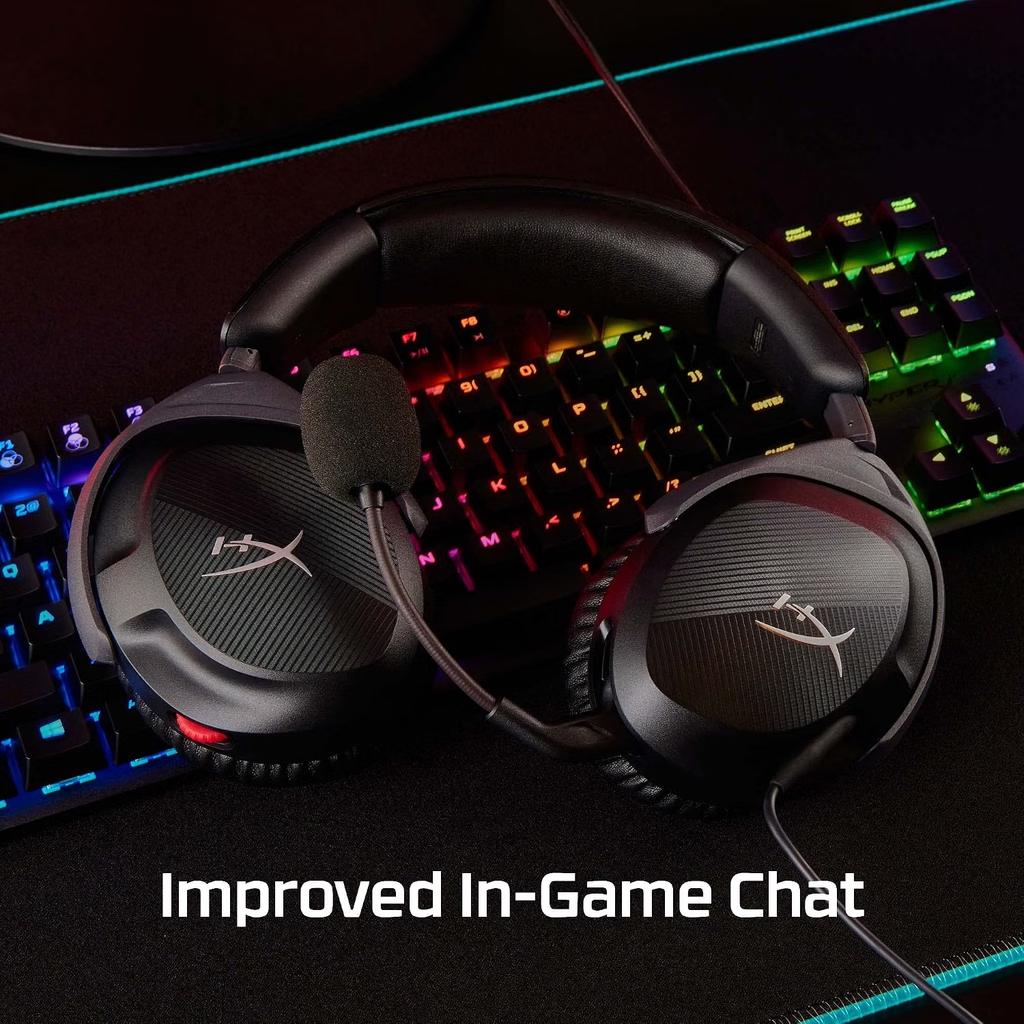
    Top Contender 1: HyperX Cloud Stinger 2 β€” Best Overall Under $50

    hyperx cloud stinger 2
    Official design of the HyperX Cloud Stinger 2. (Image: Amazon US)

    The HyperX Cloud Stinger 2 is the best-performing headset under $50 currently available on Amazon US, and it has maintained that position through 2026 with no meaningful challenger at this price point. Its 50mm drivers produce a sound stage that is noticeably wider than the 40mm drivers common at this price, which directly benefits both gaming audio positioning and voice call clarity.

    The swivel-to-mute microphone is one of the most practical mic implementations in this category β€” rotating the mic up to mute is faster and more reliable than inline mute buttons or software toggles during an active Discord session. DTS Headphone:X Spatial Audio is accessible through HyperX’s NGENUITY software on PC, adding a virtual surround layer for gaming sessions when wanted.

    At approximately $39–$49 on Amazon US, it is available in both wired 3.5mm (PC/console universal) and USB-A (PC-only) variants. The 3.5mm version is the recommended pick for multi-device use.

    Weighing just 275 grams, it is light enough to remain comfortable through a four-hour gaming session without creating pressure points. The Cloud Stinger 2 was also the reference point for our Discord lag guide when discussing audio hardware as a final troubleshooting step.

    πŸ‘‰ Where to Buy: [Check Current Price on Amazon]

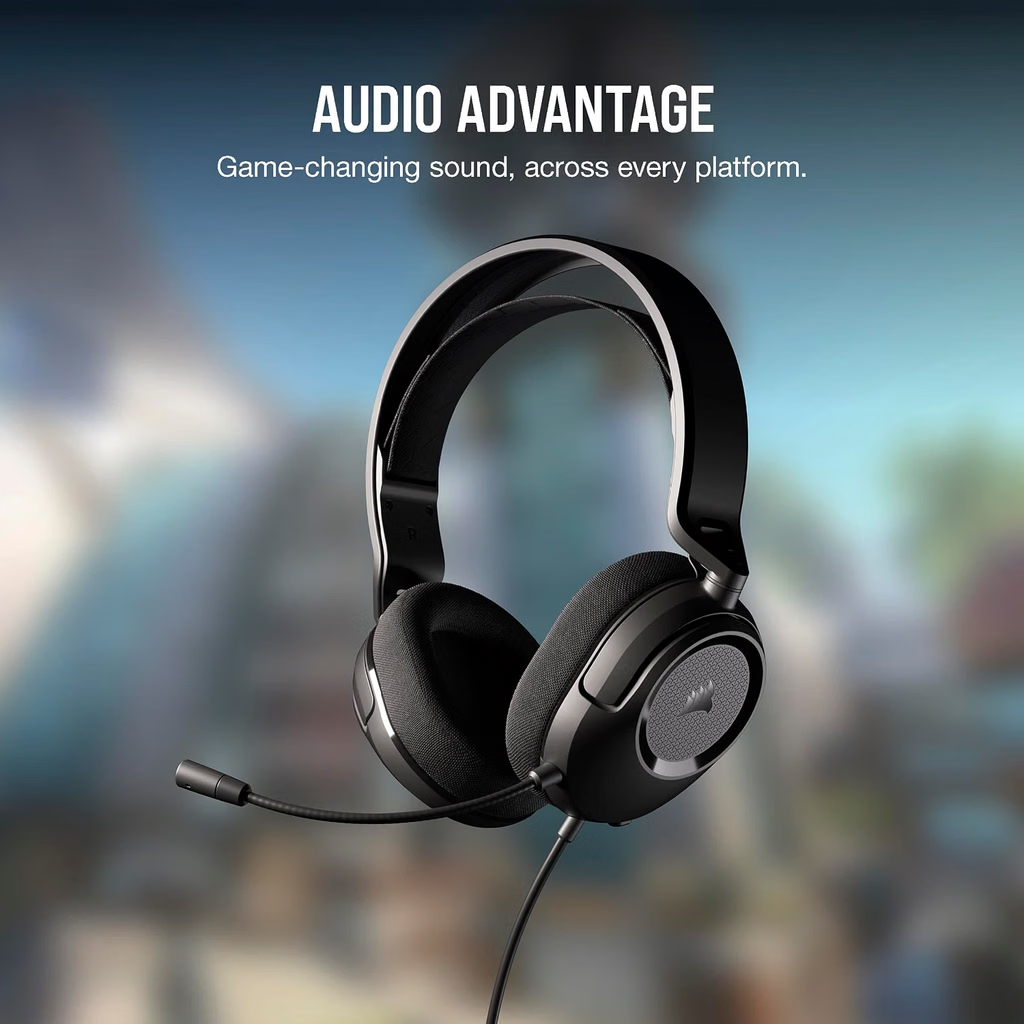
    Top Contender 2: Corsair HS35 v2 Stereo β€” Best for Work-From-Home + Gaming

    corsair hs35 v2
    Official design of the Corsair HS35 v2 Stereo. (Image: Amazon US)

    The Corsair HS35 v2 is specifically well-suited for users who need a headset that presents professionally on Zoom calls while still performing adequately in gaming contexts. Its unidirectional microphone pattern reduces the background noise that omnidirectional mics pick up from the environment β€” keyboard clicks, room echo, ambient sound β€” which matters on professional video calls in ways it does not during casual Discord sessions.

    The custom-tuned 50mm drivers are accurate rather than bass-heavy, which translates to more natural-sounding voice reproduction on calls. Gaming audio is good but less spatially detailed than the Cloud Stinger 2 in direct comparison. If your primary context is video calls with gaming as secondary, the HS35 v2 is the better balance. If gaming is primary, the Cloud Stinger 2 is the better choice.

    Available in USB-A and 3.5mm variants at approximately $35–$45.

    πŸ‘‰ Where to Buy: [Check Current Price on Amazon]

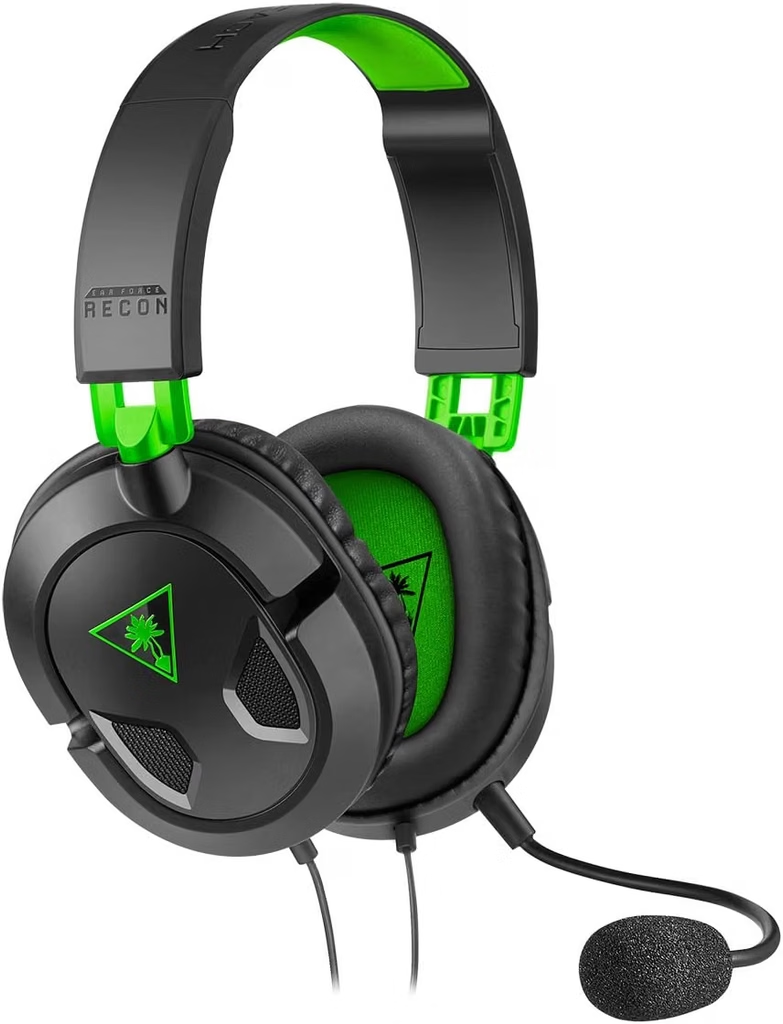
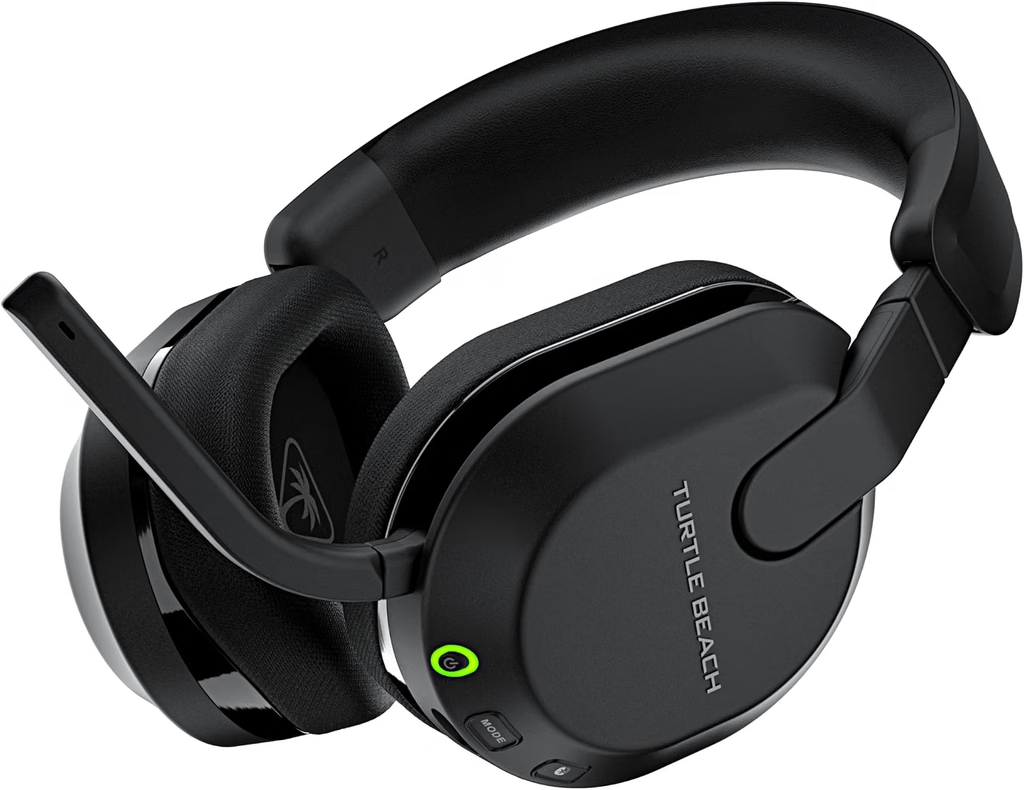
    Top Contender 3: Turtle Beach Recon 50 β€” Best for Universal Compatibility

    turtle beach recon 50
    Official design of the Turtle Beach Recon 50. (Image: Amazon US)

    The Turtle Beach Recon 50 is the pick when compatibility and simplicity matter more than audio performance. It connects via 3.5mm and works immediately with PC, PS5, Xbox Series X/S, Nintendo Switch 2, and any mobile device β€” no setup, no drivers, no software installation. The removable microphone allows the headset to function as regular headphones when not in gaming or call contexts.

    The 40mm drivers are capable rather than impressive β€” the audio quality is a step below the Cloud Stinger 2’s 50mm drivers in terms of detail and soundstage. However, for a headset used across multiple platforms that just needs to work without configuration every time, this trade-off is entirely reasonable.

    At $25–$30, it is also the most affordable option in this guide by a meaningful margin.

    πŸ‘‰ Where to Buy: [Check Current Price on Amazon]

    ⚠️ Prices and product availability are subject to change without notice. Always verify the current price and stock on the retailer’s website before purchasing.

    Feature Comparison Matrix

    FeatureHyperX Cloud Stinger 2Corsair HS35 v2Turtle Beach Recon 50
    Driver Size50mm50mm40mm
    Connection3.5mm / USB-A3.5mm / USB-A3.5mm only
    MicrophoneSwivel-to-muteUnidirectional detachableRemovable
    Virtual SurroundDTS Headphone:X (PC)NoNo
    Weight275g~275g~225g
    PlatformPC, PS5, Xbox, Switch, MobilePC, PS5, Xbox, SwitchUniversal 3.5mm
    Price Range~$39–$49~$35–$45~$25–$30

    Final Verdict

    For gaming + Discord as primary uses, the HyperX Cloud Stinger 2 delivers the best audio quality at this price, with a swivel-to-mute microphone that integrates smoothly into voice chat workflows. The 50mm drivers outperform everything else in this guide in gaming contexts.

    For work calls + gaming as a combination, the Corsair HS35 v2 is the better professional choice. Its unidirectional microphone produces cleaner voice capture on Zoom and Teams calls, and its neutral sound signature presents well in professional audio contexts.

    For universal plug-and-play compatibility across every platform without any setup, the Turtle Beach Recon 50 at $25–$30 is the simplest and safest choice.

    If you are experiencing Discord audio issues alongside frame rate drops during gaming, our Discord lag guide covers the software side before considering any hardware upgrade.

    πŸ”— Related on TechPlayGrid

    Sources

    • Amazon US β€” Verified availability, September 2026
    • HyperX official specifications β€” hyperx.com
    • PC Gamer, “Best gaming headsets in 2026” β€” pcgamer.com
    • camelcamelcamel.com β€” Price history verification, HyperX Cloud Stinger 2 (B0B8PGDMWK)

    Focus Keyword: best headset under $50 gaming Discord Zoom 2026

    SEO Title: Best Headset Under $50 for Zoom, Gaming, and Discord β€” New Picks 2026

    Permalink: best-headset-under-50-zoom-gaming-discord-2026

    Meta Description: The best headsets under $50 for gaming, Discord, and Zoom in 2026 β€” HyperX Cloud Stinger 2, Corsair HS35, and Turtle Beach Recon 50 compared with verified Amazon US links.

    Tags: best headset under 50 2026, gaming headset zoom discord, HyperX Cloud Stinger 2 review, Corsair HS35 headset, Turtle Beach Recon 50, budget gaming headset 2026, headset for discord gaming

    Category: Hardware

    Post Summary: The best headsets under $50 in 2026 cover gaming, Discord, and Zoom without requiring a separate device for each context. This guide compares three models verified on Amazon US: the HyperX Cloud Stinger 2 (ASIN B0B8PGDMWK, ~$39–$49, best for gaming and Discord), the Corsair HS35 v2 (~$35–$45, best for work calls + gaming), and the Turtle Beach Recon 50 (~$25–$30, best for universal 3.5mm compatibility across every platform). Includes a feature comparison matrix and final verdict by primary use case.

  • Best PC Gaming Gifts Under $50 β€” No Guesswork for 2026

    Best PC Gaming Gifts Under $50 β€” No Guesswork for 2026

    The Best PC Gaming Gifts Under $50 Still Exist in 2026 β€” You Just Need to Know Where to Look

    Finding the best PC gaming gifts under $50 in 2026 is harder than it sounds. The market is full of products that look impressive on packaging but underdeliver in practice. This guide skips the guesswork and focuses on five accessories that PC gamers actually use every day β€” all verified in stock on Amazon US, all priced under $50, and all chosen because they solve a real problem rather than add clutter to a desk.

    Whether you are buying for someone else or treating yourself, these picks fit every type of PC gamer without needing to know their exact setup.

    ⚠️ Affiliate Disclosure: TechPlayGrid is reader-supported. When you buy through links on our site, we may earn an affiliate commission at no extra cost to you.

    Why Accessories Beat Games as Gifts Every Time

    Best PC Gaming Gifts
    Best PC Gaming Gifts

    Games are personal. A gamer who already owns the title you bought, or dislikes the genre, has no use for it. Accessories, on the other hand, solve universal problems β€” a better mouse improves aim in any game, a larger mousepad benefits every genre, a headset works with every platform.

    The other advantage of accessories is longevity. A game is played and finished. A good mouse or keyboard is used for three to five years. That means a $30 gift continues delivering value long after a $30 game would have been forgotten.

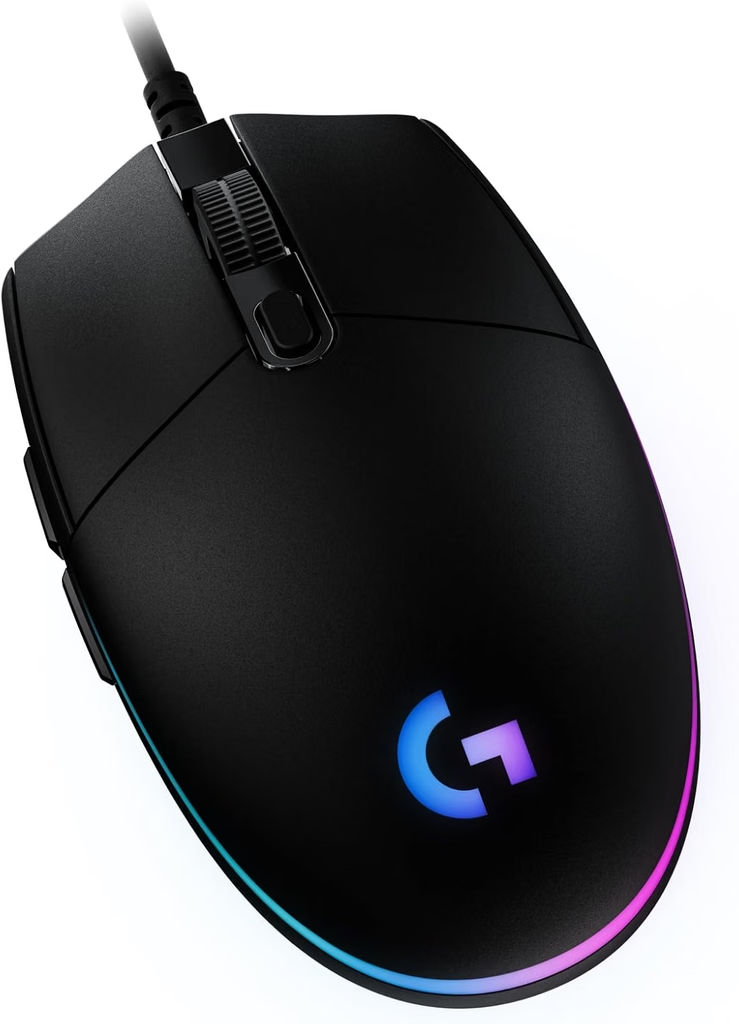
    Gift 1 β€” Logitech G203 Wired Gaming Mouse (~$25–$30)

    Logitech G203
    Official design of the Logitech G203 Lightsync. (Image: Amazon US))

    The Logitech G203 is the most consistent recommendation for a first gaming mouse, and for good reason. It uses a high-precision optical sensor with 8,000 DPI and 1000Hz polling rate β€” the same standards found in mice that cost significantly more. The symmetrical design works for both hands and most grip styles, and the six programmable buttons cover everything a competitive or casual gamer needs.

    At $25–$30, it is one of the few gifts in this price range where the recipient will likely use it daily for years. Logitech’s driver support across Windows versions means it remains functional and software-configurable long after purchase.

    For a deeper look at how it compares to other options in this category, see our Best Gaming Mouse for FPS Under $50 guide.

    πŸ‘‰ Where to Buy: [Check Current Price on Amazon]

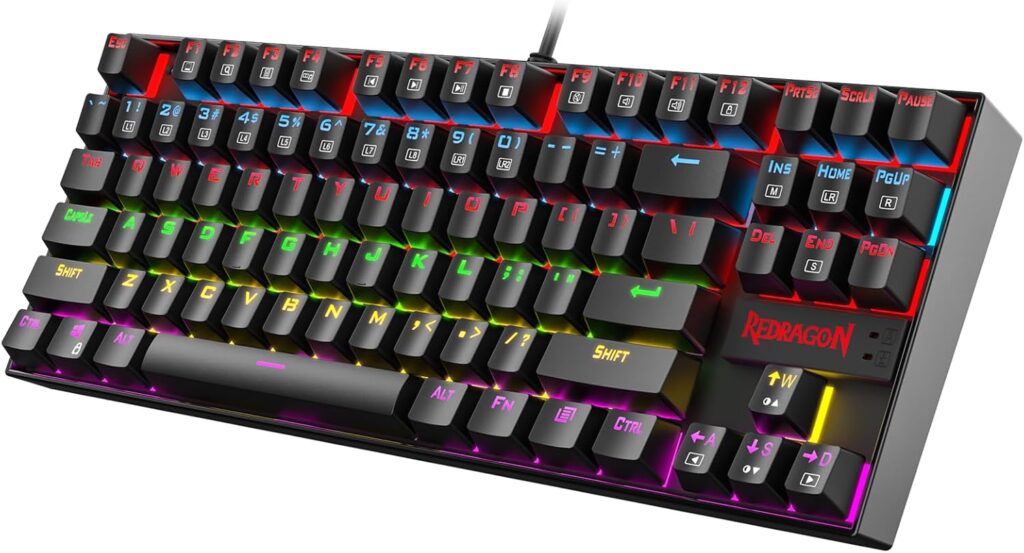
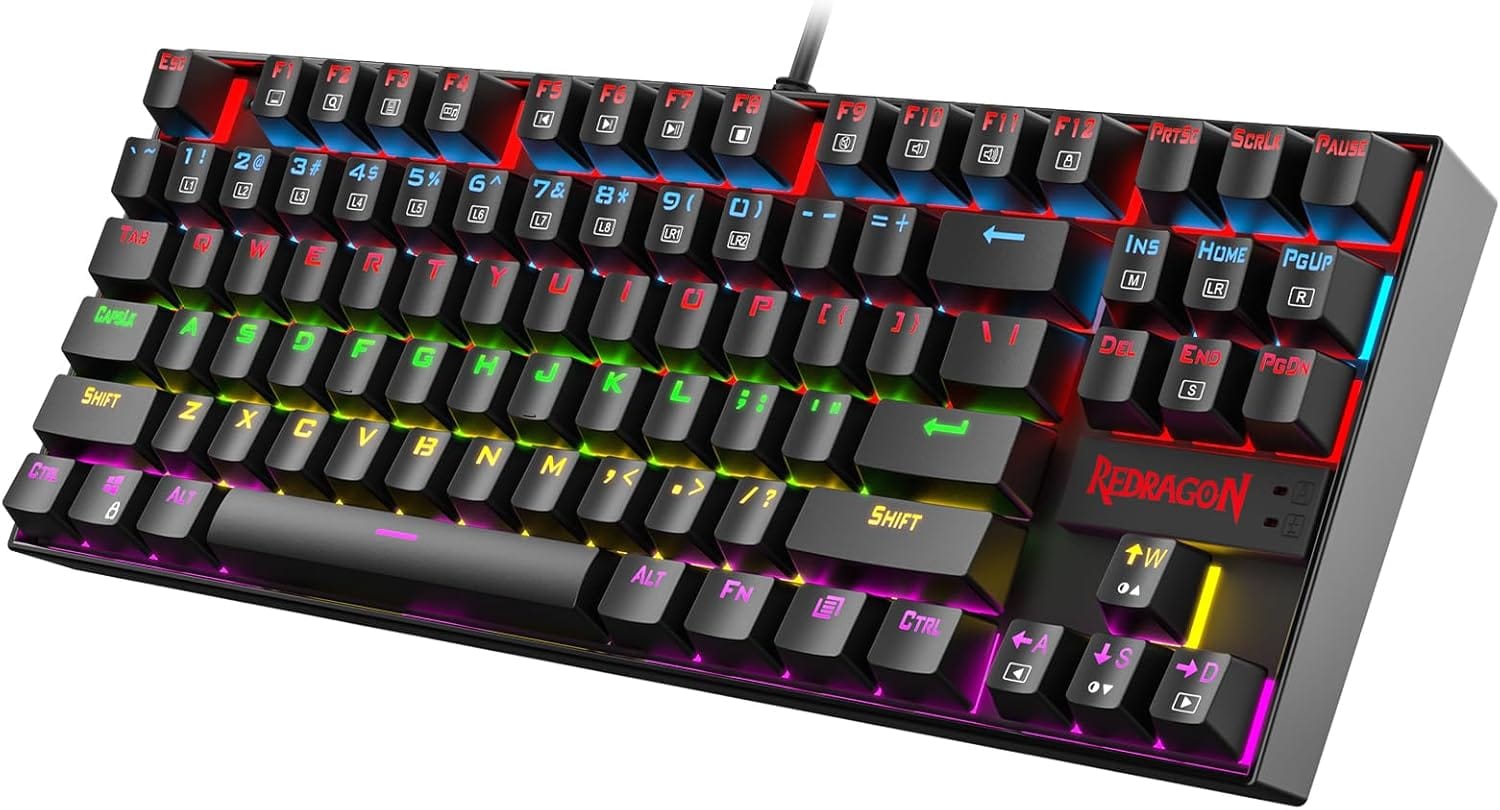
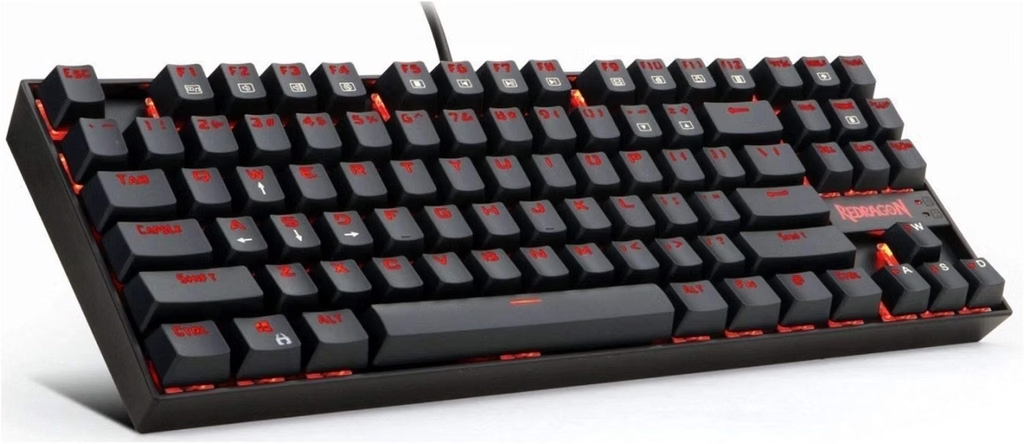
    Gift 2 β€” Redragon K552 Kumara TKL Mechanical Keyboard (~$35–$45)

    Redragon K552
    Official design of the Redragon K552 Kumara RGB TKL. (Image: Amazon US)

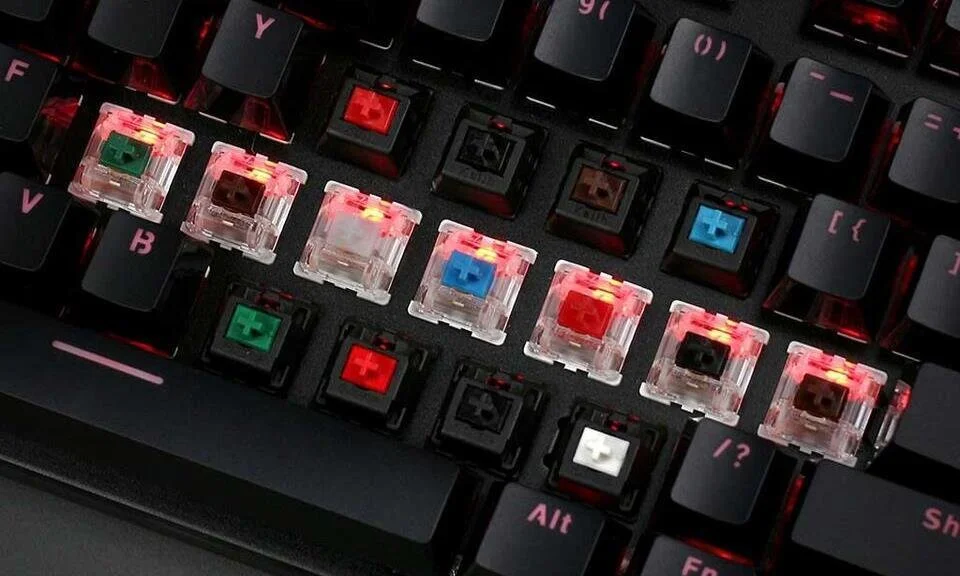
    For a gamer still using a membrane keyboard, the Redragon K552 Kumara is the most impactful peripheral upgrade available under $50. It uses genuine mechanical switches β€” either Red (linear, quiet, fast) or Blue (clicky, tactile, satisfying) β€” with per-key RGB backlighting and full N-Key Rollover anti-ghosting.

    The TKL layout (no numpad) keeps the footprint compact, freeing desk space for mouse movement β€” a practical advantage in any gaming setup. At under $45, it is the entry point to an entirely different typing and gaming experience that the recipient will notice immediately.

    For more on what makes mechanical keyboards worth it, see our Mechanical vs Membrane Keyboard guide.

    πŸ‘‰ Where to Buy: [Check Current Price on Amazon]

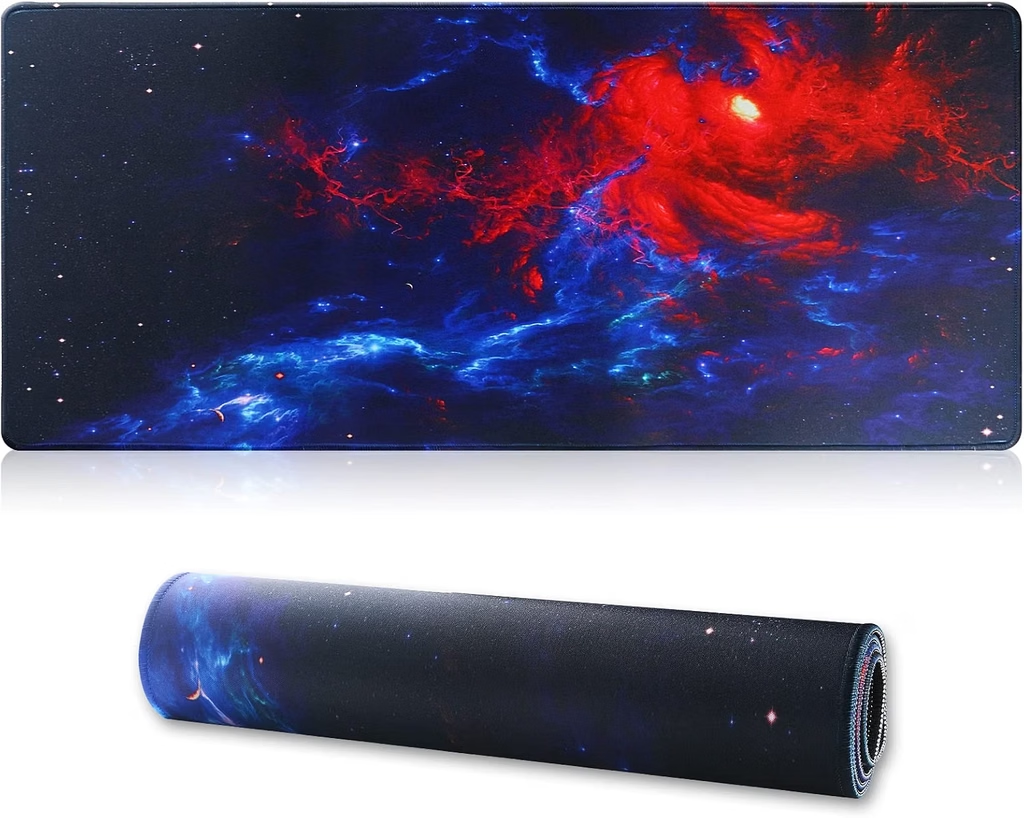
    Gift 3 β€” Extended XL Gaming Mousepad (~$15–$25)

    jahosin extend mousepad
    Official design of an Extended XL Gaming Mousepad. (Image: Amazon US)

    An extended gaming mousepad is the gift that transforms how a desk feels to use. At 800Γ—300mm or larger, it covers both the mouse and keyboard area with a single continuous surface β€” eliminating the friction inconsistency between a mousepad and a bare desk, and giving the mouse uninterrupted tracking range.

    It is also the most universally compatible gift on this list. It works with every mouse, every keyboard, and every desk. A stitched edge keeps the fabric from fraying, and a rubber base prevents it from shifting during intense gameplay. At $15–$25, it is one of the highest value-per-dollar accessories available.

    πŸ‘‰ Where to Buy: [Check Current Price on Amazon]

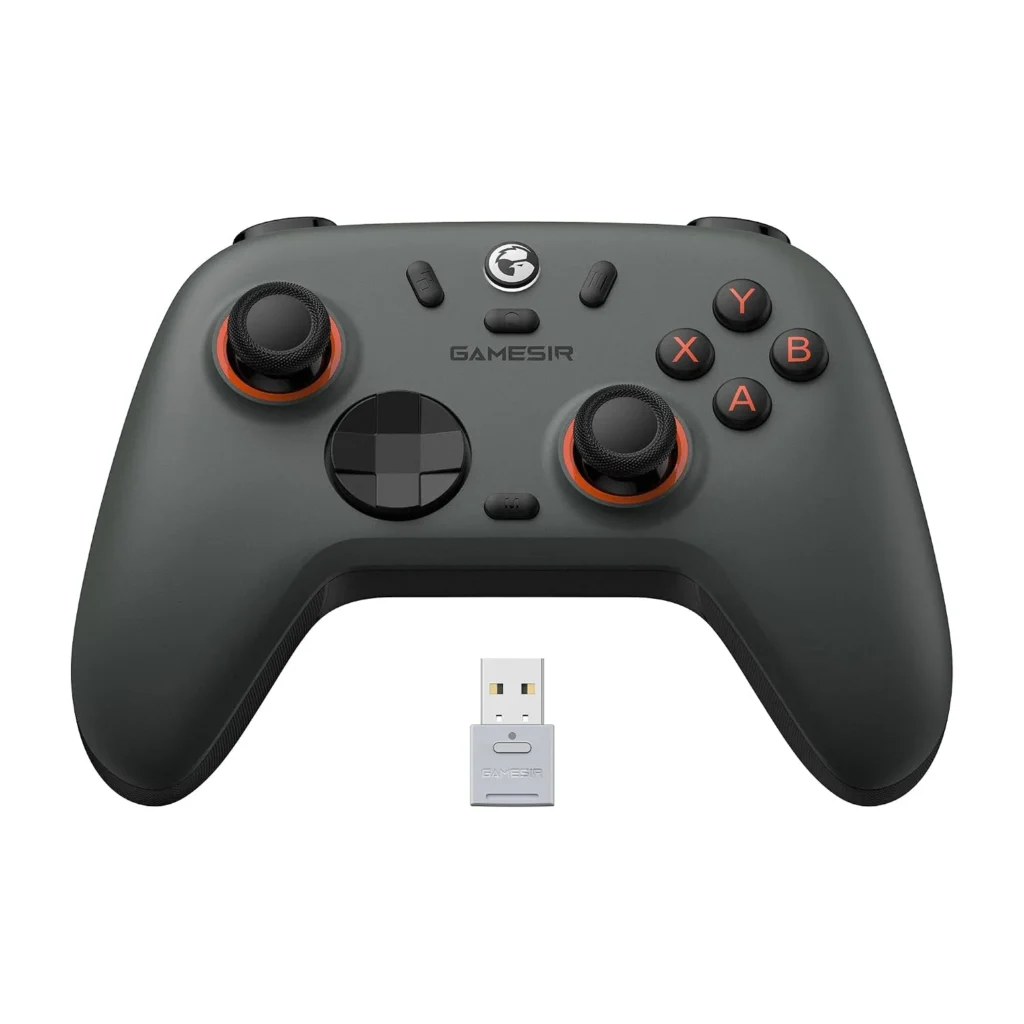
    Gift 4 β€” GameSir Nova Lite 2 Controller (~$27–$35)

    gamesir nova 2
    Official design of the GameSir Nova Lite 2. (Image: Amazon US)

    For PC gamers who enjoy RPGs, platformers, racing games, or fighting games, a controller is the peripheral that makes the biggest difference in how those genres feel to play. The GameSir Nova Lite 2 stands out in the under-$35 category because it uses Hall Effect joysticks β€” magnetic sensors that eliminate the stick drift that affects most budget controllers over time.

    It connects via 2.4GHz dongle, Bluetooth, or USB-C wired, supports PC, Nintendo Switch 2, Steam Deck, and Android, and includes a 1000Hz polling rate. For the price, the feature set is genuinely unusual. It is a controller the recipient can use for years without the drift problem that usually defines the budget category.

    For a full comparison of Hall Effect controllers, see our Best Budget PC Controller Under $50 β€” No Drift guide.

    πŸ‘‰ Where to Buy: [Check Current Price on Amazon]

    Gift 5 β€” Turtle Beach Recon 50 Wired Headset (~$25–$30)

    turtle beach recon 50
    Official design of the Turtle Beach Recon 50. (Image: Amazon US)

    The Turtle Beach Recon 50 is the safest headset gift under $30 on Amazon. It connects via 3.5mm audio jack, which means it works immediately with PC, PS5, Xbox, Nintendo Switch, and mobile β€” no setup, no drivers, no compatibility concerns. The 40mm drivers produce clear audio that is noticeably better than laptop or monitor speakers, and the removable microphone allows the headset to double as regular headphones.

    For someone gaming without a dedicated headset, or replacing a broken one, this is the most friction-free gift option in this guide. It simply works, on everything, out of the box.

    For options with more audio performance, see our Best Wireless Gaming Headset Under $100 for PC and PS5 guide.

    πŸ‘‰ Where to Buy: [Check Current Price on Amazon]

    ⚠️ Prices and product availability are subject to change without notice. Always verify the current price and stock on the retailer’s website before purchasing.

    Quick Reference β€” All Five Gifts at a Glance

    GiftBest ForPrice RangeWorks With
    Logitech G203 MouseAny PC gamer~$25–$30PC (any OS)
    Redragon K552 KeyboardGamers on membrane~$35–$45PC
    Extended XL MousepadAny desk setup~$15–$25Universal
    GameSir Nova Lite 2 ControllerRPG / platformer / racing fans~$27–$35PC, Switch 2, Android
    Turtle Beach Recon 50 HeadsetAnyone without a gaming headset~$25–$30PC, PS5, Xbox, Switch, Mobile

    Final Verdict

    For a gamer who has no dedicated gaming mouse, the Logitech G203 is the single highest-impact gift under $30. For a gamer still on a membrane keyboard, the Redragon K552 delivers the most noticeable daily improvement. For the gamer who seems to have everything, the Extended Mousepad is the one peripheral almost no one buys for themselves despite using it every session.

    If you know they play story games, RPGs, or fighting games on PC, the GameSir Nova Lite 2 is the pick that will surprise them most. And for a safe, universally compatible choice that works on any platform, the Turtle Beach Recon 50 never goes wrong.

    πŸ”— Related on TechPlayGrid

    Sources

    • Amazon US β€” Verified availability and pricing, September 2026
    • PC Gamer, “Best gaming accessories 2026” β€” pcgamer.com
    • findingdulcinea.com, “10 Best Gaming Gifts Under $50 for PC Enthusiasts (September 2026)” β€” findingdulcinea.com

    Focus Keyword: best PC gaming gifts under $50 2026

    SEO Title: Best PC Gaming Gifts Under $50 β€” No Guesswork for 2026

    Permalink: best-pc-gaming-gifts-under-50-no-guesswork-2026

    Meta Description: The best PC gaming gifts under $50 in 2026 β€” five picks verified on Amazon US that any gamer will actually use. Mouse, keyboard, mousepad, controller, and headset covered.

    Tags: best pc gaming gifts under 50, gaming gifts 2026, gaming accessories under 50, gift ideas for gamers, logitech g203 gift, redragon k552 gift, gamesir nova lite 2

    Category: Hardware

    Post Summary: Finding the right gaming gift under $50 in 2026 means choosing accessories over games β€” peripherals last years and work with any setup. This guide covers five picks verified on Amazon US: the Logitech G203 gaming mouse (~$25), Redragon K552 Kumara TKL mechanical keyboard (~$40), Extended XL mousepad (~$20), GameSir Nova Lite 2 Hall Effect controller (~$30), and Turtle Beach Recon 50 wired headset (~$28). Each entry includes direct Amazon search links, a final verdict by gamer profile, and internal links to the full comparison guides for each product category.

  • Best Mechanical Keyboard Under $80 for Gaming β€” No Compromise

    Best Mechanical Keyboard Under $80 for Gaming β€” No Compromise

    The Best Mechanical Keyboard Under $80 for Gaming Delivers More Than You’d Expect in 2026

    The best mechanical keyboard under $80 for gaming in 2026 no longer means settling for a budget experience. The entry-level mechanical keyboard market has matured to the point where sub-$80 options regularly deliver features β€” hot-swappable switches, per-key RGB, 100% anti-ghosting with N-Key Rollover β€” that defined premium boards just three years ago.

    This guide covers three mechanical keyboards verified in stock on Amazon US, each suited to a different type of gamer. If you came here from our mechanical vs membrane keyboard breakdown, consider this the practical buying step after that decision.

    ⚠️ Affiliate Disclosure: TechPlayGrid is reader-supported. When you buy through links on our site, we may earn an affiliate commission at no extra cost to you.

    Why Switch Type Is the Most Important Decision

    Best Mechanical Keyboard Under $80
    Best Mechanical Keyboard Under $80

    Every mechanical keyboard decision starts with the switch. The switch determines how the key feels when pressed, how loud it is, and at what point in the travel distance it registers your input. Getting the switch wrong means a keyboard that works perfectly but never feels right.

    Linear switches (Red): Smooth keystroke from top to bottom with no tactile feedback bump and minimal noise. Preferred by competitive gamers who need fast, repetitive key presses without resistance interrupting rapid inputs. The most commonly used switch type in esports.

    Tactile switches (Brown): A perceptible bump at the actuation point without an audible click. The most versatile choice for gamers who also type extensively β€” you feel when the key registers without committing to a loud click.

    Clicky switches (Blue): Tactile bump plus an audible click at actuation. The most satisfying for typing, the most disruptive in shared spaces and on microphones during voice chat.

    If you play Valorant, CS2, or Fortnite competitively, linear switches are the practical choice. If you balance gaming with work or study, tactile switches offer a more comfortable hybrid experience.

    Top Contender 1: Redragon K552 Kumara RGB TKL

    teclado redragon kumara k552
    Official design of the Redragon K552 Kumara RGB TKL. (Image: Amazon US)

    The Redragon K552 Kumara is the most consistently recommended mechanical keyboard under $40 across multiple independent review sites, and for clear reasons. It delivers genuine mechanical switch performance in a TKL (tenkeyless, no numpad) layout that saves desk space for mouse movement β€” a meaningful advantage in gaming setups where mouse range affects accuracy.

    Available with Red (linear) or Blue (clicky) Outemu switches, the K552 includes 100% anti-ghosting, N-Key Rollover, and per-key RGB backlighting. The build is full plastic, which contributes to its price but limits flex and noise dampening compared to metal-frame boards. For a first mechanical keyboard or a dedicated gaming board where typing feedback is secondary, it is a reliable starting point.

    The K552 is available on Amazon US at around $35–$45 depending on the switch variant.

    πŸ‘‰ Where to Buy: [Check Current Price on Amazon]

    Top Contender 2: Keychron K2 V2 (Hot-Swap Version)

    Keychron K3 Version 2
    Official design of the Keychron K2 V2 Hot-Swap. (Image: Amazon US)

    The Keychron K2 V2 sits at the upper edge of this guide’s budget, typically priced at $70–$80 depending on the switch option. What justifies that price over alternatives like the K552 is the hot-swap socket system β€” each switch can be removed and replaced without soldering tools, using only the included switch puller.

    This matters because it removes the most common point of regret in keyboard purchases. If you buy the K552 with Red switches and later decide you prefer Brown, you need a new keyboard. With the K2 V2 hot-swap, you order a set of switches (typically $15–$25) and swap them in an afternoon. It is effectively a commitment-free mechanical keyboard purchase.

    The 75% compact layout retains the function row that TKL boards remove, while still reducing overall footprint compared to a full-size keyboard. Connectivity includes Bluetooth 5.1 and wired USB-C, making it suitable for multi-device setups. The aluminum frame adds rigidity and reduces the hollow resonance of all-plastic boards.

    Available with Gateron Red, Brown, or Blue switches.

    πŸ‘‰ Where to Buy: [Check Current Price on Amazon]

    Top Contender 3: Corsair K65 Plus Wireless

    corsair k65 plus
    Official design of the Corsair K65 Plus Wireless. (Image: Amazon US)

    The Corsair K65 Plus Wireless is the wireless option in this guide, and it expands the definition of what a sub-$100 mechanical keyboard can offer. It includes a multi-function control knob, a dedicated media row, Corsair’s pre-lubed MLX Red linear switches, and triple connectivity β€” 2.4GHz USB dongle, Bluetooth 5.0, and USB-C wired. Battery life reaches approximately 200 hours on 2.4GHz wireless.

    The gasket-mounted design reduces key noise and improves typing feel by allowing the switch plate to flex slightly on impact rather than transmitting every keystroke directly into a rigid frame. This is a construction feature typically associated with keyboards costing $150 or more.

    At its standard Amazon price of around $75–$85 (with periodic sales below $70), the K65 Plus Wireless represents the best feature set per dollar for gamers who want wireless freedom without the connectivity anxiety that lower-quality wireless boards introduce.

    πŸ‘‰ Where to Buy: [Check Current Price on Amazon]

    ⚠️ Prices and product availability are subject to change without notice. Always verify the current price and stock on the retailer’s website before purchasing.

    Feature Comparison Matrix

    FeatureRedragon K552 KumaraKeychron K2 V2Corsair K65 Plus Wireless
    LayoutTKL (87 keys)75% (84 keys)65% + media row
    SwitchesOutemu Red/BlueGateron Red/Brown/BlueCorsair MLX Red
    Hot-SwapNoYesNo
    ConnectivityWired USBBluetooth 5.1 + USB-C2.4GHz + BT 5.0 + USB-C
    FramePlasticAluminum + PlasticPlastic with gasket mount
    RGBPer-keyPer-keyPer-key
    N-Key RolloverYesYesYes
    Price Range~$35–$45~$70–$80~$75–$85

    Final Verdict

    The Redragon K552 Kumara is the right choice for players who want a mechanical keyboard experience for the first time without a significant financial commitment. It delivers on the core promise of mechanical switches reliably and at minimal cost.

    The Keychron K2 V2 Hot-Swap is for players who want to invest in a keyboard they can evolve over time. The switch-swapping capability removes the risk of choosing wrong and makes it the most future-proof option in this guide.

    The Corsair K65 Plus Wireless addresses a specific need: a mechanical gaming keyboard with genuinely good wireless connectivity and a premium construction feel under $100. If cable management in your setup is a concern and you want wireless without compromise, this is the pick.

    πŸ”— Related on TechPlayGrid

    Sources

    • PC Gamer, “Best mechanical keyboard 2026” β€” pcgamer.com
    • Amazon US β€” Verified availability, September 2026
    • Keychron official product page β€” keychron.com
    • Corsair K65 Plus Wireless specifications β€” corsair.com

    Focus Keyword: best mechanical keyboard under 80 gaming 2026

    SEO Title: Best Mechanical Keyboard Under $80 for Gaming β€” No Compromise

    Permalink: best-mechanical-keyboard-under-80-gaming-2026

    Meta Description: The best mechanical keyboards under $80 for gaming in 2026 β€” Redragon K552, Keychron K2 V2 hot-swap, and Corsair K65 Plus Wireless compared with verified Amazon US links.

    Tags: best mechanical keyboard under 80, gaming keyboard 2026, Redragon K552 review, Keychron K2 V2 hot-swap, Corsair K65 Plus Wireless, mechanical keyboard for gaming, budget mechanical keyboard

    Category: Hardware

    Post Summary: The best mechanical keyboards under $80 for gaming in 2026 cover three distinct priorities: the Redragon K552 Kumara delivers core mechanical performance for under $45, the Keychron K2 V2 hot-swap allows switch changes without soldering for around $75, and the Corsair K65 Plus Wireless adds tri-mode wireless connectivity with gasket-mount construction near $80. All three are verified in stock on Amazon US, and each entry explains which type of gamer will benefit most from that specific option.

  • Best Gaming Mouse for FPS Under $50 β€” New Picks for 2026

    Best Gaming Mouse for FPS Under $50 β€” New Picks for 2026

    The Best Gaming Mouse for FPS Under $50 Covers Every Playing Style in 2026

    Finding the best gaming mouse for FPS under $50 is where the gaming peripheral market genuinely overdelivers in 2026. At this price point, you get precision optical sensors, polling rates of 1000Hz, and ergonomic designs refined over years of competitive gaming feedback β€” without paying for RGB animations, software ecosystems, or brand premiums that contribute nothing to aim.

    This guide covers three gaming mice verified in stock on Amazon US, each optimized for a different hand size and grip style. If you play Valorant, CS2, or Fortnite and you are spending more than $50 on a mouse right now, this guide is worth reading before your next purchase.

    ⚠️ Affiliate Disclosure: TechPlayGrid is reader-supported. When you buy through links on our site, we may earn an affiliate commission at no extra cost to you.

    The Specs That Actually Affect FPS Performance

    Best Gaming Mouse for FPS
    Best Gaming Mouse for FPS

    Sensor: The sensor determines how accurately the mouse tracks your physical movement across the mousepad. Modern optical sensors at this price point are essentially equivalent in raw tracking accuracy. The meaningful difference is between optical and laser sensors β€” optical sensors perform more consistently on cloth mousepads, which are the standard in FPS gaming.

    DPI (Dots Per Inch): Higher DPI means the cursor moves further per physical inch of mouse movement. Most competitive FPS players use DPI settings between 400 and 1600. A sensor capable of 6,400 DPI is more than sufficient for any competitive gaming context. Sensor quality at its rated DPI matters more than maximum DPI figures.

    Polling Rate: How frequently the mouse reports its position to the PC. 1000Hz means 1000 reports per second, or one every millisecond. All three mice in this guide operate at 1000Hz. Anything below 500Hz introduces perceptible delay in fast FPS scenarios.

    Weight: Lighter mice (under 80 grams) reduce arm fatigue over long sessions and allow faster flick shots. Heavier mice (above 90 grams) provide more resistance, which some players prefer for tracking. Personal preference is a legitimate factor here.

    Grip style: Palm grip (full hand on mouse), claw grip (fingertips arched, palm on rear), and fingertip grip (only fingertips contact) each benefit from different mouse shapes. This is covered per model below.

    Top Contender 1: Logitech G203 Lightsync

    41gGTXKSGgS. AC SL1000
    Official design of the Logitech G203 Lightsync. (Image: Amazon US)

    The Logitech G203 is the starting recommendation for FPS gaming mice at any budget, and at around $25–$30 on Amazon US, it is one of the strongest value propositions in peripheral hardware regardless of price tier.

    It uses a high-precision optical sensor with an 8,000 DPI ceiling and 1000Hz polling rate. The symmetrical design accommodates both right and left-handed players, and at 85 grams it hits a weight class that works for most grip styles. Six programmable buttons cover everything a competitive FPS player needs without adding unnecessary inputs.

    The G203 has been independently tested by RTINGS and multiple esports gear reviewers and consistently achieves accuracy ratings that match sensors found in mice costing two to three times more. The primary compromise is the sensor ceiling β€” 8,000 DPI versus 25,000+ on flagship mice β€” but this has no practical impact for FPS gaming where most players operate between 400 and 1600 DPI.

    Available in multiple colors including black and white.

    πŸ‘‰ Where to Buy: [Check Current Price on Amazon]

    Top Contender 2: Razer DeathAdder Essential

    81QPJeREYXL. AC SL1500
    Official design of the Razer DeathAdder Essential. (Image: Amazon US)

    The Razer DeathAdder shape is one of the most extensively tested ergonomic designs in gaming mouse history. The Essential version brings that form factor to the budget market at $25–$35, stripping away RGB lighting and software complexity while retaining the elements that make the DeathAdder the preferred choice for palm grip players.

    The right-handed ergonomic shape provides a natural resting position for the palm that reduces muscle tension over extended sessions. The 6,400 DPI optical sensor with 1000Hz polling rate performs accurately across cloth, hard, and hybrid mousepads. Mechanical switches in the primary buttons are rated for 10 million clicks.

    The DeathAdder Essential is the recommended choice for players with medium to large hands who use a palm grip style. Its shape is specifically disadvantageous for fingertip grip players, who benefit more from the neutral symmetrical shape of the G203.

    At its frequently discounted Amazon price β€” often as low as $13–$17 during promotions β€” it offers exceptional value for players who have historically favored the DeathAdder shape.

    πŸ‘‰ Where to Buy: [Check Current Price on Amazon]

    Top Contender 3: SteelSeries Rival 3

    61muekLrGVL. AC SL1500
    Official design of the SteelSeries Rival 3. (Image: Amazon US)

    The SteelSeries Rival 3 is the lightweight option in this guide, coming in at 77 grams β€” lighter than both the G203 and the DeathAdder Essential. Its TrueMove Core optical sensor is rated at 8,500 DPI with 1000Hz polling and is one of the sensors most consistently praised by competitive players for its consistent zero-acceleration tracking at low sensitivity settings.

    The symmetrical shape with a subtle right-side palm support accommodates claw and fingertip grip players particularly well. Six programmable buttons and a three-zone RGB lighting system are included, along with SteelSeries GG software for configuration.

    At around $29–$39 on Amazon US, it sits between the G203 and DeathAdder Essential in price while offering the most refined competitive sensor of the three. Players who have experienced cursor acceleration issues with other budget mice specifically report that the TrueMove Core eliminates that problem.

    πŸ‘‰ Where to Buy: [Check Current Price on Amazon]

    ⚠️ Prices and product availability are subject to change without notice. Always verify the current price and stock on the retailer’s website before purchasing.

    Feature Comparison Matrix

    FeatureLogitech G203Razer DeathAdder EssentialSteelSeries Rival 3
    Sensor8,000 DPI Optical6,400 DPI Optical8,500 DPI TrueMove Core
    Polling Rate1000Hz1000Hz1000Hz
    Weight85g96g77g
    ShapeSymmetricalRight-hand ergonomicSymmetrical
    Best Grip StylePalm / Claw / FingertipPalm / ClawClaw / Fingertip
    RGB3-zoneNone3-zone
    Price Range~$25–$30~$25–$35~$29–$39

    Final Verdict

    The Logitech G203 is the pick for players who want maximum reliability at minimum cost and are not locked into a specific grip style. It is the closest thing gaming mice have to a universally correct starting recommendation.

    The Razer DeathAdder Essential is specifically for palm grip players with medium to large hands. The ergonomic shape offers a comfort advantage for long sessions that the symmetrical G203 cannot replicate for this grip type.

    The SteelSeries Rival 3 is the performance pick for claw and fingertip grip players who prioritize sensor consistency and a slightly lighter frame. The TrueMove Core sensor is the primary differentiator and the reason experienced players with those grip styles regularly choose it over cheaper alternatives.

    πŸ”— Related on TechPlayGrid

    Sources

    • RTINGS.com, Mouse reviews and sensor testing β€” rtings.com
    • PC Gamer, “Best gaming mouse 2026” β€” pcgamer.com
    • Amazon US β€” Verified availability, September 2026
    • SteelSeries TrueMove Core sensor specifications β€” steelseries.com

    Focus Keyword: best gaming mouse FPS under 50 2026

    SEO Title : Best Gaming Mouse for FPS Under $50 β€” New Picks 2026

    Permalink: best-gaming-mouse-for-fps-under-50-2026

    Meta Description : The best gaming mice for FPS under $50 in 2026 β€” Logitech G203, Razer DeathAdder Essential, and SteelSeries Rival 3 compared by sensor, weight, grip, and Amazon price.

    Tags: best gaming mouse under 50, gaming mouse FPS 2026, Logitech G203 review, Razer DeathAdder Essential, SteelSeries Rival 3, cheap gaming mouse 2026, FPS gaming mouse budget

    Category: Hardware

    Post Summary: The best gaming mice for FPS under $50 in 2026 deliver sensor performance and polling rates that match much more expensive alternatives. This guide compares three Amazon US verified picks: Logitech G203 Lightsync (best all-around at $25–$30), Razer DeathAdder Essential (best for palm grip players), and SteelSeries Rival 3 (best sensor consistency for claw and fingertip grip). Each entry explains which hand size and grip style benefits most from that specific model.

  • Best Budget Gaming Monitor Under $250 for PS5 and PC

    Best Budget Gaming Monitor Under $250 for PS5 and PC

    The Best Budget Gaming Monitor Under $250 Is Better Than Ever in 2026

    The best budget gaming monitor under $250 for PS5 and PC has changed dramatically in 2026. What used to require a $350 investment β€” a 27-inch 1440p panel with 144Hz or higher refresh rate, 1ms response time, and FreeSync or G-Sync compatibility β€” now fits comfortably below $250 on Amazon US, and in some cases closer to $150 during sales.

    This guide covers three monitors verified in stock on Amazon US, each addressing a different priority: resolution quality, refresh rate, or value. All three support both PC and PS5 via HDMI.

    ⚠️ Affiliate Disclosure: TechPlayGrid is reader-supported. When you buy through links on our site, we may earn an affiliate commission at no extra cost to you.

    Why Monitor Choice Matters More Than Most Players Realize

    Best Budget Gaming Monitor
    Find the Best Budget Gaming Monitor

    Your monitor is the final step in your gaming hardware chain. A powerful PC or next-gen console outputs frames that only look as good as the panel displaying them. A 60Hz monitor caps your visual experience at 60 frames per second regardless of what your GPU produces. A 1080p display renders everything at a lower pixel density than 1440p, even if your PC or PS5 is perfectly capable of delivering more detail.

    The monitor is also the peripheral you spend the most time looking at. Unlike a headset that you can remove, or a keyboard that sits below your line of sight, the monitor occupies your entire visual field during every gaming session. Investing appropriately here returns more perceptible value per dollar than almost any other peripheral upgrade.

    What the Specs Actually Mean

    monitores com resoluΓ§Γ΅es diferentes com o fundo padrΓ£o

    Resolution: 1080p (Full HD) at 1920Γ—1080 pixels. 1440p (QHD) at 2560Γ—1440 pixels β€” approximately 1.78 times more pixels than 1080p on the same screen. At 27 inches, 1440p reaches approximately 109 pixels per inch, which is the threshold where individual pixels become invisible at normal viewing distances.

    Refresh rate: The number of times per second the monitor redraws the image. 60Hz is the minimum for any gaming context. 144Hz halves the time between frames compared to 60Hz. 180Hz pushes that further without requiring the hardware investment of 240Hz.

    Response time: The time in milliseconds for a pixel to transition from one color to another. Lower is better. Fast IPS panels now regularly achieve 1ms GtG (grey-to-grey), which eliminates visible ghosting behind fast-moving objects.

    VRR (Variable Refresh Rate): Technology that synchronizes the monitor’s refresh rate with the GPU’s output frame rate, eliminating screen tearing without introducing input lag. FreeSync and G-Sync Compatible designations indicate compatibility with AMD and NVIDIA GPUs respectively.

    Top Contender 1: Samsung 27″ Odyssey G5 (G51F) β€” 1440p 180Hz Fast IPS

    71HCnFPkVhL. AC SL1500
    Official design of the Samsung 27″ Odyssey G5 (G51F). (Image: Amazon US)

    The Samsung Odyssey G5 G51F is the clearest value proposition in gaming monitors at this price point in 2026. It delivers a 27-inch 1440p Fast IPS panel at 180Hz with 1ms response time, HDR10 support, AMD FreeSync Premium, and height-adjustable stand β€” a combination of features that used to define the $300–$350 market segment.

    As of August 2026, it was verified available on Amazon US at $150 during a clearance sale (down from its standard $222), making it one of the strongest deals in gaming monitors regardless of budget.

    The Fast IPS panel produces accurate colors with wide viewing angles β€” a meaningful step up from the VA panels common in budget monitors, which suffer from noticeable color shift when viewed from angles. The G51F also includes Samsung’s Black Equalizer feature, which brightens dark areas of the image without overexposing bright areas β€” useful in games with heavy shadow environments.

    Compatible with PS5 via HDMI 2.0 (up to 1440p at 120Hz when PS5 firmware supports it) and PC via DisplayPort 1.4 or HDMI 2.0.

    For PS5 users, this monitor pairs naturally with the resolution capabilities discussed in our Nintendo Switch 2 1440p monitor guide.

    πŸ‘‰ Where to Buy: [Check Current Price on Amazon]

    Top Contender 2: ASUS TUF Gaming VG27AQ3A β€” 1440p 180Hz Fast IPS with ELMB

    71awxc1RPRL. AC SL1500
    Official design of the ASUS TUF Gaming VG27AQ3A. (Image: Amazon US)

    The ASUS TUF Gaming VG27AQ3A adds ELMB Sync (Extreme Low Motion Blur) technology to the 27-inch 1440p 180Hz formula, producing sharper motion clarity during fast camera movements and high-speed gameplay. ELMB Sync works simultaneously with FreeSync Premium, which means you get adaptive sync and motion blur reduction at the same time β€” something most monitors at this price do not offer.

    The panel includes built-in speakers, which is a practical convenience for secondary setups or desk configurations where external speakers are not practical. It includes 130% sRGB color gamut coverage, making it more color-accurate than the Samsung G5 for content that benefits from wide color reproduction.

    It is compatible with PS5, Xbox Series X/S via HDMI 2.0, and PC via DisplayPort 1.4. Standard pricing hovers around $220–$240, placing it at the upper range of this guide’s budget.

    πŸ‘‰ Where to Buy: [Check Current Price on Amazon]

    Top Contender 3: Samsung 27″ Odyssey OLED G5 (G50SF) β€” 1440p 180Hz QD-OLED

    818AiwCClL. AC SL1500
    Official design of the Samsung 27″ Odyssey OLED G5 (G50SF). (Image: Amazon US)

    The Samsung Odyssey OLED G5 G50SF is included here as a stretch pick at the very top of this guide’s budget range, and only because it has been verified available on Amazon US at prices that occasionally touch $349 β€” closer to $300 during promotions. For players who can stretch slightly above the $250 target, the OLED panel offers a genuinely different visual experience.

    QD-OLED technology delivers true per-pixel dimming, meaning true black levels and a contrast ratio of 1,000,000:1 that no IPS panel can approach. The 0.03ms response time is effectively instantaneous. The Glare-Free coating reduces the typical OLED reflectivity problem that makes standard OLED panels difficult in bright environments.

    The G50SF is the best gaming monitor under $400 for players who prioritize image quality in dark atmospheric games and HDR content. Its inclusion here is as context for buyers who are weighing a slight budget increase against a significant image quality leap.

    For a full breakdown of OLED vs IPS for gaming, see our OLED vs IPS monitor guide.

    πŸ‘‰ Where to Buy: [Check Current Price on Amazon]

    ⚠️ Prices and product availability are subject to change without notice. Always verify the current price and stock on the retailer’s website before purchasing.

    Feature Comparison Matrix

    FeatureSamsung G5 G51FASUS TUF VG27AQ3ASamsung OLED G5 G50SF
    Panel TypeFast IPSFast IPSQD-OLED
    Resolution1440p1440p1440p
    Refresh Rate180Hz180Hz180Hz
    Response Time1ms GtG1ms ELMB0.03ms GtG
    HDRHDR10DisplayHDR 400HDR True Black
    Contrast~1,000:1~1,000:11,000,000:1
    Built-in SpeakersNoYesNo
    Price Range~$150–$222~$220–$240~$349–$399

    Final Verdict

    The Samsung G5 G51F is the most accessible entry point into 1440p gaming and earns the recommendation for buyers who want the best image quality per dollar. At its sale price, it is genuinely difficult to beat.

    The ASUS TUF VG27AQ3A adds ELMB Sync motion clarity and built-in speakers, making it the better choice for players who prioritize smooth motion in competitive gameplay and want a more self-contained setup.

    The Samsung OLED G5 G50SF is for players who are willing to stretch their budget for a visual experience that IPS panels cannot replicate. If your gaming involves dark atmospheric environments and HDR content, the OLED panel’s true black performance makes the price difference justifiable.

    πŸ”— Related on TechPlayGrid

    Sources

    • Gizmodo, “Samsung 27-Inch Odyssey G5 Restocked at 32% Off at Amazon” β€” gizmodo.com
    • Tom’s Hardware, “Samsung Odyssey OLED G5 G50SF on sale at Amazon” β€” tomshardware.com
    • DisplayNinja, “Best Gaming Monitors Under $300 [2026 Buying Guide]” β€” displayninja.com
    • Amazon US β€” Verified availability, August–September 2026

    Focus Keyword: best budget gaming monitor under 250 PS5 PC 2026

    SEO Title: Best Budget Gaming Monitor Under $250 for PS5 and PC (2026)

    Permalink: best-budget-gaming-monitor-under-250-ps5-pc-2026

    Meta Description: The best budget gaming monitors under $250 for PS5 and PC in 2026 β€” three verified Amazon US picks compared by resolution, refresh rate, and panel type for every priority.

    Tags: best gaming monitor under 250, budget gaming monitor 2026, Samsung Odyssey G5 review, ASUS TUF VG27AQ3A, gaming monitor PS5 PC, 1440p monitor under 250, budget monitor 2026

    Category: Hardware

    Post Summary: The best budget gaming monitors under $250 in 2026 deliver specifications that were exclusive to premium price points just two years ago. This guide compares three monitors verified on Amazon US: the Samsung Odyssey G5 G51F (best value at $150–$222), ASUS TUF VG27AQ3A (best motion clarity with ELMB Sync), and Samsung Odyssey OLED G5 G50SF (best image quality as a stretch pick near $349). Each entry includes a full specification overview, real-world context for PS5 and PC use, and direct Amazon links.

  • Best Wireless Gaming Headset Under $100 for PC and PS5

    Best Wireless Gaming Headset Under $100 for PC and PS5

    The Best Wireless Gaming Headset Under $100 Exists β€” and These Are the Top Picks for 2026

    Finding the best wireless gaming headset under $100 for PC and PS5 used to feel like a compromise. You either got decent sound with a bad microphone, or solid wireless range with uncomfortable ear cups that made your ears burn after forty minutes. In 2026, that trade-off mostly disappeared.

    The three headsets below were selected after reviewing verified availability on Amazon US and cross-referencing with expert testing from RTINGS, PC Gamer, and GamesRadar. All are currently in stock, all cost under $100, and all deliver wireless performance that would have cost significantly more just two years ago.

    ⚠️ Affiliate Disclosure: TechPlayGrid is reader-supported. When you buy through links on our site, we may earn an affiliate commission at no extra cost to you.

    Why Wireless Matters More Than Most Players Expect

    Best Wireless Gaming Headset
    Best Wireless Gaming Headset

    The appeal of wireless goes beyond avoiding tangled cables. A wired headset anchors you to your PC or console, limiting your range of movement and creating a single point of failure β€” a yanked cable, a broken connector, a fraying wire. A wireless headset removes all of that.

    The common concern is latency. In 2019, that concern was valid. Today, 2.4GHz wireless protocols used by gaming headsets operate at latency levels that are effectively indistinguishable from wired connections for the human ear. The concern has become largely theoretical for non-competitive audio monitoring.

    The second concern is battery life. This is where genuine differences between models exist, and it is one of the primary factors behind the rankings below.

    What to Look for Before Buying

    i desicreator headphones 9401018

    Before examining specific models, these are the specifications that actually affect your daily experience:

    Wireless protocol: 2.4GHz dongle provides the lowest latency and most stable connection. Bluetooth is more versatile across devices but adds a small amount of latency. Some headsets include both.

    Battery life: Under 20 hours means daily or near-daily charging. Above 40 hours means you can go a week without thinking about it.

    Microphone type: Flip-to-mute microphones are the most convenient. Retractable and detachable options are cleaner when the mic is not in use.

    Ear cup material: Leatherette seals out sound more effectively. Fabric breathes better during long sessions. Memory foam improves comfort over extended wear.

    Top Contender 1: Turtle Beach Stealth 600 Gen 3

    Turtle Beach Stealth 600 Gen 3
    Official design of the Turtle Beach Stealth 600 Gen 3. (Image: Amazon US)

    The Turtle Beach Stealth 600 Gen 3 is the headset that changed the conversation about budget wireless audio. Its 80-hour battery life places it in a category typically occupied by headsets costing twice as much. In a category where 20 to 30 hours is the standard, 80 hours is remarkable.

    It connects via a compact 2.4GHz USB dongle that draws minimally from your console’s USB port, and switches between 2.4GHz and Bluetooth 5.2 with a single button press. The onboard AI noise-cancelling microphone is substantially better than what most headsets at this price include β€” it filters keyboard noise and background sounds effectively during voice chat without the processing artifacts that cheaper solutions introduce.

    The 50mm Nanoclear drivers produce a sound profile that emphasizes mid-range frequencies where in-game dialogue and positional audio cues live. It is not a bass-heavy headset, which is the right choice for competitive gaming.

    Compatibility is broad: PC, PS5, PS4, Xbox (with the correct version), Nintendo Switch, and mobile via Bluetooth.

    πŸ‘‰ Where to Buy: [Check Current Price on Amazon]

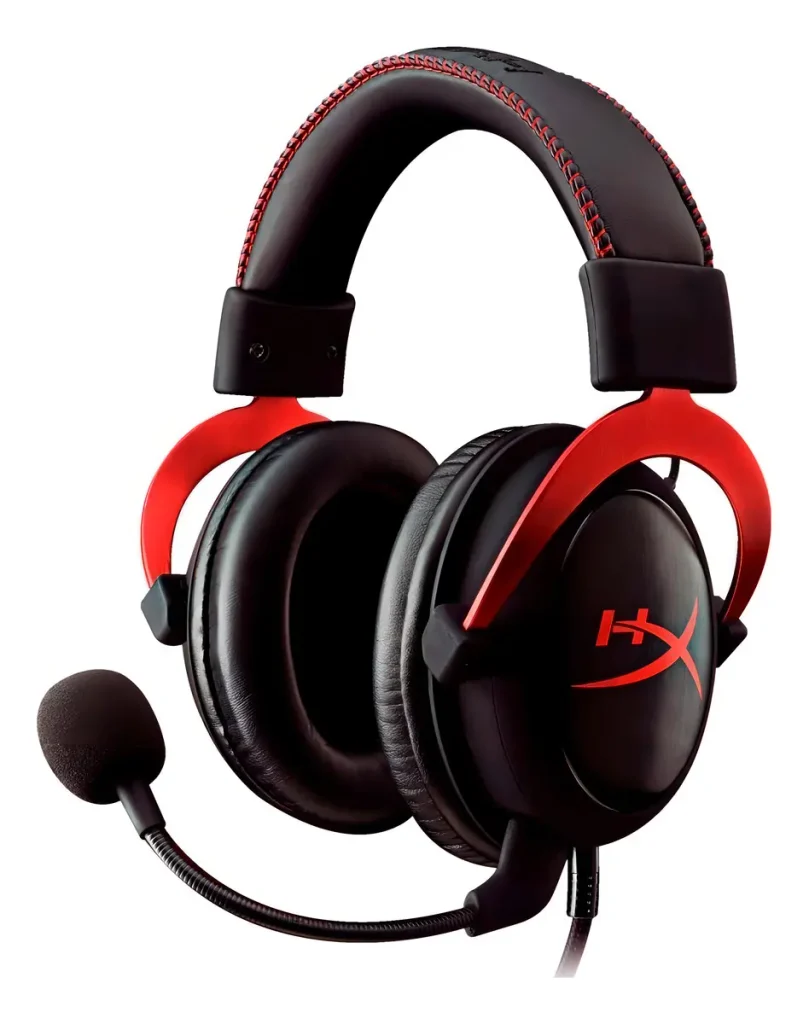
    Top Contender 2: HyperX Cloud II Wireless

    HyperX Cloud II Wireless
    Official design of the HyperX Cloud II Wireless. (Image: Mercado Livre)

    The HyperX Cloud II Wireless has been one of the most recommended gaming headsets for years, and it continues to hold that position in 2026. Its reputation is built on something that cannot be engineered around a low budget: genuine acoustic quality.

    The 53mm drivers in the Cloud II Wireless produce a wide, detailed soundstage that makes it one of the best headsets under $100 for spatial audio in single-player games. In open-world titles and cinematic games, the difference between this headset and budget alternatives is immediately noticeable. DTS Headphone:X Spatial Audio delivers convincing positional sound without requiring an external sound card.

    Battery life sits at around 30 hours on 2.4GHz wireless β€” less impressive than the Turtle Beach, but more than sufficient for regular gaming sessions. The headset charges via USB-C, and the aluminum frame is significantly more durable than the plastic construction of many competitors at this price.

    The microphone is detachable, which keeps the headset clean when you are not on voice chat, and includes noise cancellation that performs adequately for group gaming sessions.

    Compatible with PC, PS4, and PS5. Note that the Cloud II Wireless does not support Xbox wireless natively.

    πŸ‘‰ Where to Buy: [Check Current Price on Amazon]

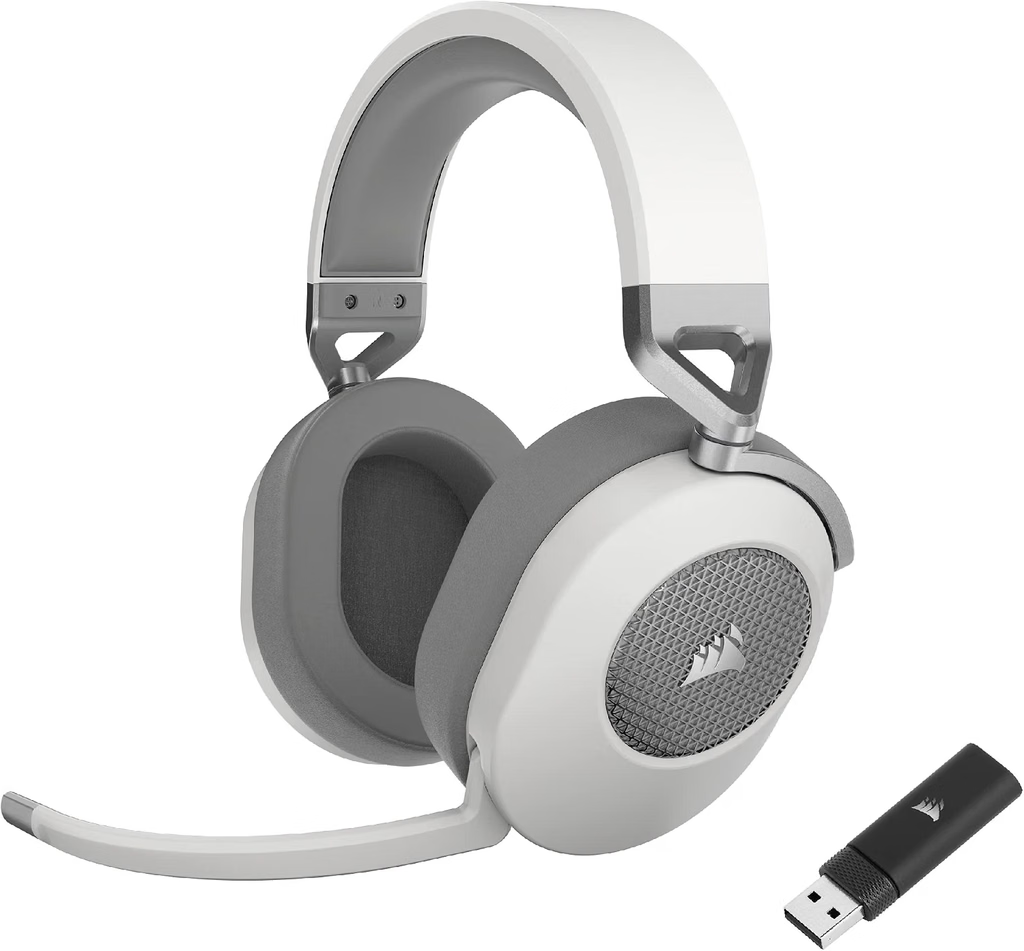
    Top Contender 3: Corsair HS65 Wireless

    Corsair HS65 Wireless
    Official design of the Corsair HS65 Wireless. (Image: Amazon US)

    The Corsair HS65 Wireless brings something the other two headsets do not: SoundID personalized audio calibration, a technology that adjusts the headset’s EQ profile based on how you personally perceive sound. The setup takes approximately three minutes through the iCUE app and produces a sound signature tailored to your hearing rather than a generic tuning.

    At around $79 at standard pricing, it is the most affordable of the three while remaining a fully capable wireless gaming headset. The 2.4GHz connection is stable across tested environments up to 12 meters from the source device, and battery life is rated at 24 hours β€” adequate for most gaming schedules.

    The ear cups use memory foam with microfiber cloth, which breathes better than leatherette over extended sessions. The tradeoff is slightly less passive noise isolation.

    Compatible with PC, PS5, PS4, Xbox Series X/S, Nintendo Switch, and mobile via Bluetooth.

    πŸ‘‰ Where to Buy: [Check Current Price on Amazon]

    ⚠️ Prices and product availability are subject to change without notice. Always verify the current price and stock on the retailer’s website before purchasing.

    Feature Comparison Matrix

    FeatureTurtle Beach Stealth 600 Gen 3HyperX Cloud II WirelessCorsair HS65 Wireless
    Battery Life80 hours~30 hours24 hours
    Wireless Protocol2.4GHz + Bluetooth 5.22.4GHz2.4GHz + Bluetooth
    MicrophoneAI flip-to-muteDetachable noise-cancellingOmni-directional
    Ear Cup MaterialLeatheretteMemory foam leatheretteMemory foam microfiber
    PlatformPC, PS5, Xbox, Switch, MobilePC, PS5, PS4PC, PS5, Xbox, Switch, Mobile
    Price Range~$79–$99~$79–$99~$69–$79

    Final Verdict

    If battery life is your top priority, the Turtle Beach Stealth 600 Gen 3 is in a class of its own at this price. Its 80-hour battery essentially eliminates the inconvenience of wireless headset charging for most users.

    If audio quality for single-player and cinematic games is what you are after, the HyperX Cloud II Wireless delivers a sound profile and build quality that justifies every dollar of its price.

    If personalized sound calibration and a slightly lower price point matter more, the Corsair HS65 Wireless and its SoundID technology offer an experience that improves with use rather than staying static.

    πŸ”— Related on TechPlayGrid

    Sources

    • RTINGS.com, “The 3 Best Gaming Headsets Under $100 of 2026” β€” rtings.com
    • PC Gamer, “Best gaming headsets in 2026” β€” pcgamer.com
    • GamesRadar, “The best PS5 headset 2026” β€” gamesradar.com
    • Amazon US β€” Verified availability, September 2026

    Focus Keyword: best wireless gaming headset under 100 PS5 PC 2026

    SEO Title: Best Wireless Headset Under $100 for PC and PS5 (2026)

    Permalink: best-wireless-gaming-headset-under-100-ps5-pc-2026

    Meta Description: Looking for the best wireless gaming headset under $100 for PC and PS5 in 2026? We compared the top picks on Amazon US by battery life, audio, and mic quality.

    Tags: best wireless gaming headset under 100, wireless headset PS5 PC 2026, Turtle Beach Stealth 600 Gen 3, HyperX Cloud II Wireless, Corsair HS65 Wireless, gaming headset 2026, budget wireless headset

    Category: Hardware

    Post Summary: The best wireless gaming headsets under $100 in 2026 no longer require you to sacrifice audio quality or battery life. This guide covers three verified picks from Amazon US β€” the Turtle Beach Stealth 600 Gen 3 (80-hour battery), HyperX Cloud II Wireless (best audio quality), and Corsair HS65 Wireless (personalized SoundID calibration) β€” with a feature comparison matrix and final verdict to help you choose based on your actual priorities.

  • Best USB-C Mobile Gaming Controllers for Android

    Best USB-C Mobile Gaming Controllers for Android

    Introduction: Transforming Your Smartphone into a Console with the Best USB-C Mobile Gaming Controllers

    Cloud gaming services like Xbox Cloud Gaming (xCloud), NVIDIA GeForce NOW, and high-performance mobile emulators have transformed smartphones into formidable gaming handhelds. Modern smartphone processors rival dedicated portable consoles in graphical capabilities. However, touch-screen virtual controls remain a major bottleneckβ€”offering zero physical tactile feedback, blocking visual screen area, and causing hand cramps during extended gaming sessions.

    While Bluetooth mobile controllers have existed for years, they suffer from physical input latency and require separate battery charging. The modern solution is a telescopic USB-C mobile controller that clamps directly onto your phone. By establishing a direct hardwired connection through the Type-C port, these controllers eliminate input lag entirely while drawing minimal power directly from your smartphone. In this guide, we evaluate the best USB-C mobile controllers available on Amazon featuring zero-drift Hall Effect technology.

    ⚠️ Affiliate Disclosure: TechPlayGrid is reader-supported. When you buy through links on our site, we may earn an affiliate commission at no extra cost to you.

    Why Hall Effect Sensors Are Essential for Mobile Gaming

    Best USB-C Mobile Gaming Controllers
    Cellphone Gaming

    Mobile gamepads are constantly shoved into backpacks, pockets, and travel cases. Traditional analog joysticks rely on mechanical potentiometers with internal carbon tracks that wear out quickly when subjected to dust and travel friction, leading to stick drift. Hall Effect joysticks utilize permanent magnets and electromagnetic sensors. Because no physical components touch inside the sensor housing, friction is eliminatedβ€”ensuring your mobile controller maintains deadzone precision for years without developing drift.

    Top Contender 1: GameSir G8 Galileo

    GameSir G8 Galileo
    Official design of the GameSir G8 Galileo. (Image: Amazon US)

    The GameSir G8 Galileo has established itself as the benchmark for ergonomic mobile gamepads, offering a full-sized console controller feel for smartphones.

    Ergonomics and Control Precision

    Unlike compact mobile controllers that feel cramped, the G8 Galileo features full-sized console grips, full-travel analog triggers, and precision Hall Effect joysticks. It includes a flexible USB-C connector port that tilts to prevent damage when attaching or removing your phone. It also features a 3.5mm headphone jack, pass-through USB-C charging, and magnetic faceplates that allow you to swap out thumbsticks easily.

    Top Contender 2: Backbone One (USB-C Gen 2)

    backbone
    Official design of the Backbone One (Image: Amazon US)

    If portability and sleek software integration are your top priorities, the Backbone One (Gen 2) is a beautifully engineered mobile controller.

    Ergonomics and Control Precision

    The Gen 2 revision of the Backbone One features updated magnetic adapters that allow the controller to fit comfortably over smartphones without removing their protective cases. Its ultra-compact, lightweight design collapses down for easy travel. The companion Backbone App serves as a unified launcher for your mobile games, Xbox remote play, and cloud titles, delivering an intuitive console-like interface.

    Top Contender 3: Razer Kishi V2 Pro

    razer kishi v2pro
    Official design of the Razer Kishi V2 Pro (Image: Amazon US)

    Designed for competitive mobile players, the Razer Kishi V2 Pro incorporates tactile microswitch buttons and advanced haptic feedback.

    Ergonomics and Control Precision

    The Razer Kishi V2 Pro features microswitch D-pad and action buttons that provide a clicky, responsive feel similar to high-end esports controllers. It incorporates Razer HyperSense haptics, translating in-game audio cues into immersive physical vibrations. With programmable multi-function bridge buttons located next to the bumpers, it gives you rapid access to key in-game actions.

    Feature Comparison Matrix

    Controller ModelStick TechnologyCase Compatible?Audio JackSpecial Features
    GameSir G8 GalileoHall Effect (No Drift)Fits Most Thin CasesYes (3.5mm)Full-Sized Grips & Swappable Sticks
    Backbone One (Gen 2)Traditional PotentiometerYes (Updated Magnetic Inserts)Yes (3.5mm)Unified Backbone App Launcher
    Razer Kishi V2 ProTraditional PotentiometerLimitedYes (3.5mm)Microswitch Buttons & HyperSense Haptics

    Frequently Asked Questions (FAQ)

    Will these controllers work with the iPhone 15 and iPhone 16 series?

    Yes. Since Apple adopted the standardized USB-C port starting with the iPhone 15 series, all USB-C mobile controllers designed for Android are fully compatible with modern iPhones without requiring extra adapters.

    Does a wired USB-C controller drain my phone battery fast?

    No. The power draw of a hardwired mobile controller is extremely low (typically less than 50mA), which has a negligible impact on your smartphone’s battery duration.

    Final Verdict

    For gamers who prioritize ultra-compact travel size and seamless app software, the Backbone One (Gen 2) is an exceptional accessory. However, if your goal is long-term durability, maximum ergonomic comfort during long sessions, and zero stick drift thanks to Hall Effect sensors, the GameSir G8 Galileo is the absolute best mobile gaming controller you can buy today.

    πŸ”— Related on TechPlayGrid

    • Focus Keyword: best usb c mobile gaming controllers
    • Tags: Mobile Controller, GameSir G8, Backbone One, Razer Kishi, Android Gaming, Hall Effect
    • Meta Description: Discover the best USB-C mobile gaming controllers for Android and iPhone. Compare top Hall Effect telescopic gamepads from GameSir, Backbone, and Razer.
    • Summary: An educational guide reviewing hardwired USB-C mobile gamepads for Android and iPhone 15/16. We analyze input latency, Hall Effect stick precision, case compatibility, and ergonomics across top models on Amazon US.
    • Post updated: September 2026