
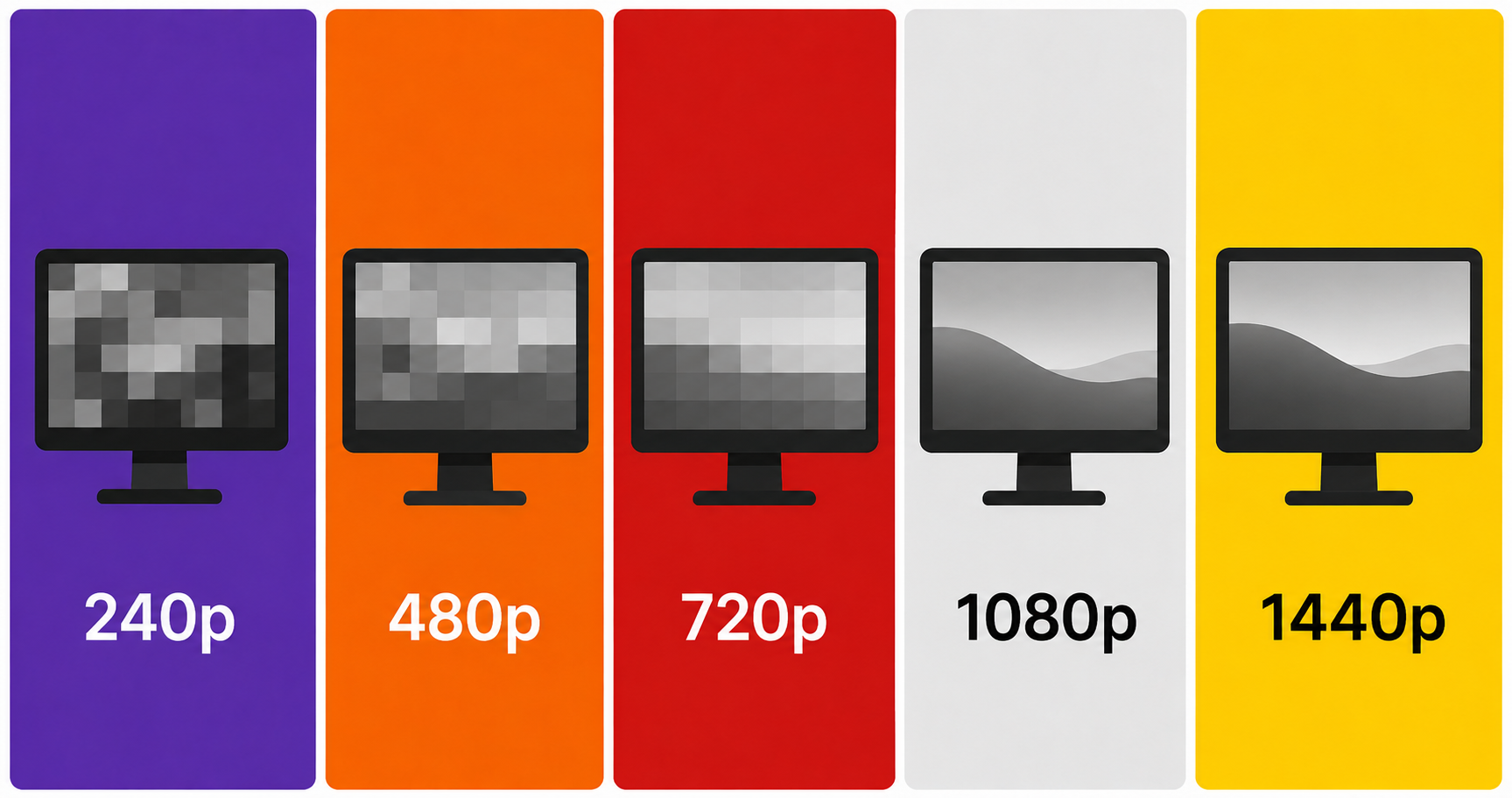
You’re shopping for a monitor for your PS5 or Xbox Series X. You’ve narrowed it down to a 27″ screen. And now you’re staring at two options: a sharp 1080p panel at $180, or a 1440p panel at $250. The question every console gamer asks at this point:
Does the resolution difference actually matter on a 27″ screen, or is it marketing fluff?
The honest answer: yes, it matters — but maybe not as much as spec sheets suggest. Let’s break it down properly.
⚠️ Affiliate Disclosure: TechPlayGrid is reader-supported. When you buy through links on our site, we may earn an affiliate commission at no extra cost to you.
🔬 Understanding the Numbers First
| Resolution | Pixel Count | Also Known As |
|---|---|---|
| 1080p | 1,920 × 1,080 = ~2.07 million pixels | Full HD / FHD |
| 1440p | 2,560 × 1,440 = ~3.69 million pixels | 2K / QHD |
| 4K | 3,840 × 2,160 = ~8.29 million pixels | UHD |
Going from 1080p to 1440p means 78% more pixels on the same screen size. That’s a significant jump — on paper.
📐 Pixel Density: The Real Metric That Matters
Raw resolution means nothing without context. What actually determines visual sharpness is PPI (pixels per inch) — how many pixels are packed into each inch of screen space.
| Resolution | Screen Size | PPI |
|---|---|---|
| 1080p | 27″ | ~82 PPI |
| 1440p | 27″ | ~109 PPI |
| 1080p | 24″ | ~92 PPI |
| 1440p | 24″ | ~122 PPI |
Human vision generally stops perceiving individual pixels beyond ~90–100 PPI at a normal viewing distance (60–80cm / 24–32 inches). This means:
- 1080p on 27″ sits right at the edge of perception. Pixels are visible if you look closely.
- 1440p on 27″ is noticeably sharper. Text, fine details, and textures look more refined.
💡 Pro Tip: 1080p looks perfectly fine on 24″ screens. The upgrade to 1440p matters most at 27″ and above. If you’re choosing a 27″ panel, 1440p is the sweet spot.
🎮 How PS5 and Xbox Series X Handle 1440p
Here’s where it gets console-specific:
| Console | 1440p Native Support? | Notes |
|---|---|---|
| PS5 | ✅ Yes (since 2022 update) | Supports 1440p@120Hz via HDMI 2.1 |
| Xbox Series X | ✅ Yes (native) | Supports 1440p@120Hz via HDMI 2.1 |
| Xbox Series S | ✅ Yes (primary target) | The Series S was designed around 1440p |
| PS4 / Xbox One | ❌ No | Max 1080p on older consoles |
Both current-gen consoles now fully support 1440p. If you have a PS5 or Xbox Series X, you won’t be wasting the resolution.
💡 Pro Tip: Some PS5 games render natively at 1440p, while others render at 4K and downsample to 1440p — which actually looks sharper than native 1440p. Either way, you win.
👁️ When You’ll Actually Notice the Difference
The resolution gap between 1080p and 1440p is most visible in these scenarios:
You’ll clearly see the difference in:
- Open-world games — distant foliage, building textures, horizon details (Horizon Forbidden West, Elden Ring, Red Dead Redemption 2)
- Text and UI elements — inventory screens, subtitles, in-game menus
- Cinematic cutscenes — facial details, fabric textures, hair
- HDR content — better pixel density + HDR = dramatically better image quality
The difference is less obvious in:
- Fast-paced competitive multiplayer — when you’re sprinting and shooting, you’re not studying textures
- Dark/horror games — lower visibility scenes mask resolution differences
- Arcade-style games — pixel art, stylized graphics, and minimalist designs don’t benefit as much
💰 Price vs. Benefit Analysis
| Scenario | Recommendation |
|---|---|
| Budget is tight, playing mostly competitive multiplayer | 1080p is fine. Spend the savings on a higher Hz panel. |
| Playing single-player open-world/story games | 1440p is worth it. You’ll appreciate it in every session. |
| Mixing gaming, streaming, and content creation | 1440p all the way. The extra pixels are valuable beyond gaming. |
| Sitting more than 90cm from the screen | Marginal difference. Distance reduces perceived sharpness gap. |
| Have PS5 or Xbox Series X with HDMI 2.1 | 1440p @ 120Hz is the current-gen sweet spot. |
🖥️ Our Top 1080p and 1440p Monitor Picks for 27″ Console Gaming
Best 1080p Monitor (27″) — Samsung Odyssey G4
- 300Hz IPS Black panel — exceptional for competitive gaming
- Buttery motion, deep contrast for IPS
- Best value if you play fast-paced shooters
Best for: Competitive multiplayer on PS5/Xbox
Best 1440p Monitor (27″) — LG 27GS60QC-B
- 180Hz Nano IPS — fast AND beautiful
- Stunning color accuracy, 1ms response
- The ultimate 27″ sweet spot for current-gen consoles
Best for: Single-player and mixed gaming on PS5/Xbox Series X
Best Budget 1440p (27″) — Acer Nitro XV272U
- 240Hz IPS — solid all-rounder
- Most affordable path to 1440p at this size
- Good factory calibration
Best for: Cost-conscious buyers upgrading from 1080p
📊 Final Verdict Comparison Table
| 1080p 27″ | 1440p 27″ | |
|---|---|---|
| Sharpness | Acceptable | Noticeably better |
| Console Support (PS5/XSX) | ✅ Full | ✅ Full |
| Best for competitive gaming | ✅ Higher Hz options at lower price | ✅ Still great |
| Best for story/cinematic games | ⚠️ Adequate | ✅ Clearly better |
| Future-proof | ⚠️ Less so | ✅ Yes |
| Price range | $150–$250 | $220–$350 |
🏁 The Bottom Line
On a 27″ screen, 1440p is the better choice for console gaming in 2026 — especially with PS5 and Xbox Series X natively supporting it. The jump in pixel density is visible in real gameplay, and the price gap between good 1080p and good 1440p monitors has narrowed significantly.
That said, if your budget is tight and you play mostly fast-paced competitive games, a high-Hz 1080p monitor like the Samsung Odyssey G4 is not a bad choice at all. Speed beats resolution in CS2 and Valorant.
Our recommendation: If you’re spending over $200 on a 27″ monitor anyway, round up to 1440p. You won’t regret it.
❓ FAQ
Does 1440p reduce FPS on console? Yes, slightly. Higher resolution requires more GPU power. Most PS5/Xbox Series X games are optimized for either 4K or 1440p modes, so you typically choose between resolution and frame rate in the game’s settings.
Is 1440p the same as 2K? Technically, “2K” refers to 2048×1080 (a cinema standard). But in consumer marketing, 1440p is often called 2K. They’re close but not identical.
Can PS5 do 1440p at 120Hz? Yes — since the 2022 firmware update, PS5 natively supports 1440p at up to 120Hz over HDMI 2.1.
Is a 27″ monitor too big for gaming at a desk? At a normal desk distance of 60–80cm, 27″ is the mainstream sweet spot. It fills your field of view without requiring head movement.
Should I get a 32″ monitor at 1440p instead? At 32″, 1440p PPI drops to ~92 — which is the same as 1080p on 24″. If you go 32″, consider 4K to maintain sharpness. For 27″, 1440p is ideal.
Looking for the Best 144Hz Monitor Under $300 for PS5 and Xbox Series X (2026)? We got you covered. Check out our latest post now!
Last updated: June 2026 | Prices may vary by retailer and region.
⚠️ Affiliate Disclosure: TechPlayGrid participates in the Amazon Associates Program and other affiliate programs. We earn a small commission on qualifying purchases at no extra cost to you. Our recommendations are always based on honest research and testing.
Leave a Reply