
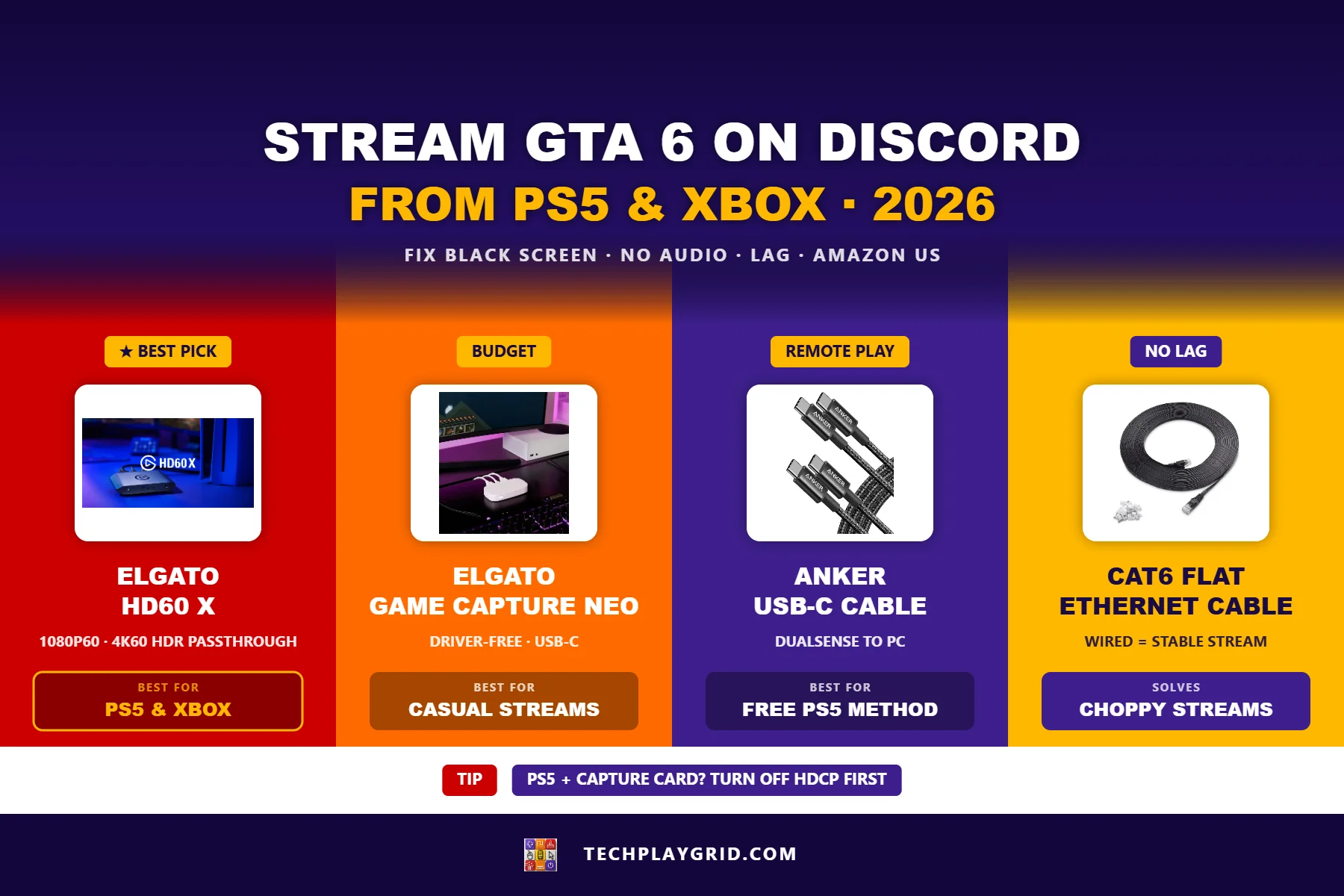
GTA 6 is finally out, and the first thing many players want is to share it with friends. The good news: you can stream GTA 6 on Discord from both consoles. The catch: Xbox and PS5 work in completely different ways. Xbox streams directly to a Discord voice channel, while PS5 still needs a PC in the middle. This guide shows both methods step by step, plus fixes for the three most common problems: black screen, no game audio and laggy streams.
⚠️ Affiliate Disclosure: TechPlayGrid is reader-supported. When you buy through links on our site, we may earn an affiliate commission at no extra cost to you.
Can You Stream GTA 6 on Discord from a Console?

Yes, you can stream GTA 6 on Discord from both consoles, but the method depends on which one you own:
| Console | Native Discord streaming? | Best method |
|---|---|---|
| Xbox Series X / Series S | ✅ Yes | Stream directly from the console |
| PS5 / PS5 Pro | ❌ Voice chat only | PS Remote Play on a PC, or a capture card |
On PS5, the official Discord integration only supports voice chat. Sony’s support page confirms that Discord voice chat does not include party features like Share Screen. So if you want to stream GTA 6 on Discord from a PS5, the video has to go through a computer.
Before starting, keep in mind that GTA 6 is a single-player game at launch. Your friends will watch your session, not join it.
How to Stream GTA 6 on Discord from Xbox
This is the easiest way to stream GTA 6 on Discord. No PC or extra hardware is needed.
- Link your accounts. On the console, go to Settings > Account > Linked social accounts, choose Discord and complete the authorization.
- Launch GTA 6 and load into your game.
- Press the Xbox button and open Parties & chats > Discord.
- Join a voice channel in your server.
- Select “Stream your game”, adjust the settings and choose Start stream.
Your friends in the channel can now click your stream and watch. If the stream stutters, use a wired connection and close other uploads at home. Our guide on Valorant packet loss covers the same network fixes, which help any stream.
How to Stream GTA 6 on Discord from PS5
There are two practical ways to stream GTA 6 on Discord from a PS5. Remote Play is free; a capture card gives the best quality.
Method 1: PS Remote Play + Discord Go Live (free)
- On the PS5, enable Settings > System > Remote Play > Enable Remote Play.
- Install PS Remote Play on your Windows PC or Mac and sign in with your PlayStation account.
- Connect your DualSense to the computer with a USB-C cable and select your PS5.
- Launch GTA 6 inside the Remote Play window.
- Join your Discord voice channel on the PC, click the screen share icon, pick the PS Remote Play window and press Go Live.
This is the cheapest way to stream GTA 6 on Discord from PS5. The downsides: image quality depends on your home network, and you play with a small extra delay because you are controlling the console through the PC.
Method 2: Capture Card (best quality)
- On the PS5, turn off HDCP in Settings > System > HDMI > Enable HDCP. With HDCP on, the capture card only shows a black screen.
- Connect the PS5 to the capture card’s HDMI input and the card’s output to your TV or monitor.
- Connect the card to the PC by USB and open its preview software, or add it to OBS.
- In Discord, share the preview window with Go Live.
With a passthrough capture card, you play on your TV without extra delay while Discord gets a clean feed. It is the best way to stream GTA 6 on Discord if you plan to do it often.
Fix: Black Screen When You Stream GTA 6 on Discord
A black screen is the most common complaint when people try to stream GTA 6 on Discord. Check these causes in order:
- HDCP is on (PS5 + capture card). Turn it off as shown above. Remember to turn it back on before watching streaming apps on the console.
- Wrong window selected. In Discord, share the Remote Play or capture-card preview window, not the whole screen or the wrong app.
- Hardware acceleration conflicts. In Discord, go to Settings > Voice & Video and toggle the hardware acceleration options, then restart Discord.
- Stream started during a loading screen (Xbox). Stop the stream, return to normal gameplay and start it again.
- Protected content in Remote Play. Sony warns that some games hide certain images during Remote Play. If only some scenes go black, that is the likely reason.
Fix: No Game Audio on the Stream
- On PC, share the application window, not the browser. Sharing from the Discord web app often skips game audio. Use the desktop app.
- Remote Play speaker. Keep the Remote Play audio active on the computer; if it is muted locally, Discord may send silence.
- Headset on the DualSense (capture card). When a headset is plugged into the controller, the PS5 stops sending game audio over HDMI, so the card receives no sound. Plug your headset into the PC or the capture card instead.
- Licensed music. Some players report an option to mute licensed music in the audio settings. Turning it on can avoid copyright problems if you later upload the recording.
Fix: Laggy or Blurry Stream
- Use Ethernet on the console and on the PC. Wi-Fi is the main reason people cannot stream GTA 6 on Discord smoothly.
- Free Discord accounts stream at lower resolution and frame rate. Discord Nitro unlocks higher quality.
- Close cloud backups, downloads and 4K video on other devices while streaming.
- On Remote Play, set the video quality manually instead of Automatic if the picture keeps changing.
If friends complain about input delay or stutter while you share your screen, read our guide to fix Discord input lag while screen sharing.
Best Gear to Stream GTA 6 on Discord
You do not need expensive gear, but the right accessory removes most of the problems above. Picks are based on specifications, prices and verified buyer reviews on Amazon US.
📋 How we research: Tech Play Grid doesn’t test products hands-on. Our recommendations are based on specifications, prices and verified buyer feedback, cross-checked across multiple sources (you can find them at the end of our post). We also explain the trade-offs of each product, so you can decide what fits your needs and budget. Learn more on our About page.
1. Elgato HD60 X — Best Capture Card for Most Players
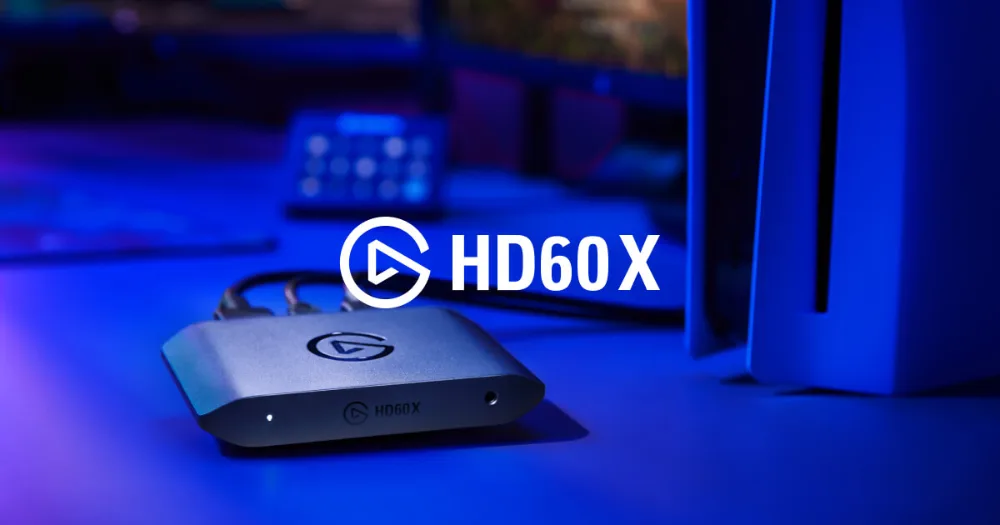
The Elgato HD60 X captures up to 1080p at 60 FPS and passes 4K60 HDR through to your TV, so you play with no added delay. It works as a plug-and-play USB device in Discord, OBS and Elgato’s own software.
- 1080p60 capture with 4K60 HDR passthrough
- No added delay on your TV
- Works on Windows and Mac
👉 Where to Buy: Check Current Price on Amazon
2. Elgato Game Capture Neo — Best Budget Elgato
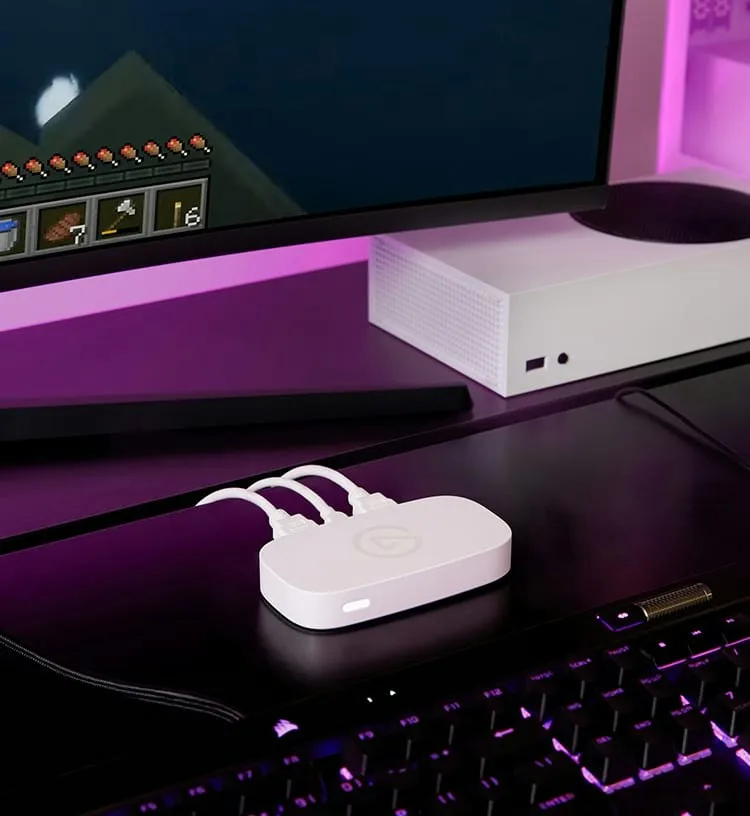
The Game Capture Neo is Elgato’s simpler, cheaper card. It records 1080p at 60 FPS, passes through 4K60 HDR and needs no drivers. It is ideal if you only want to stream GTA 6 on Discord to friends, not build a full streaming setup.
- 1080p60 capture, 4K60 HDR passthrough
- Driver-free USB-C connection
- Lower price than the HD60 X
👉 Where to Buy: Check Current Price on Amazon
3. Anker USB-C Cable (10 ft) — For PS Remote Play
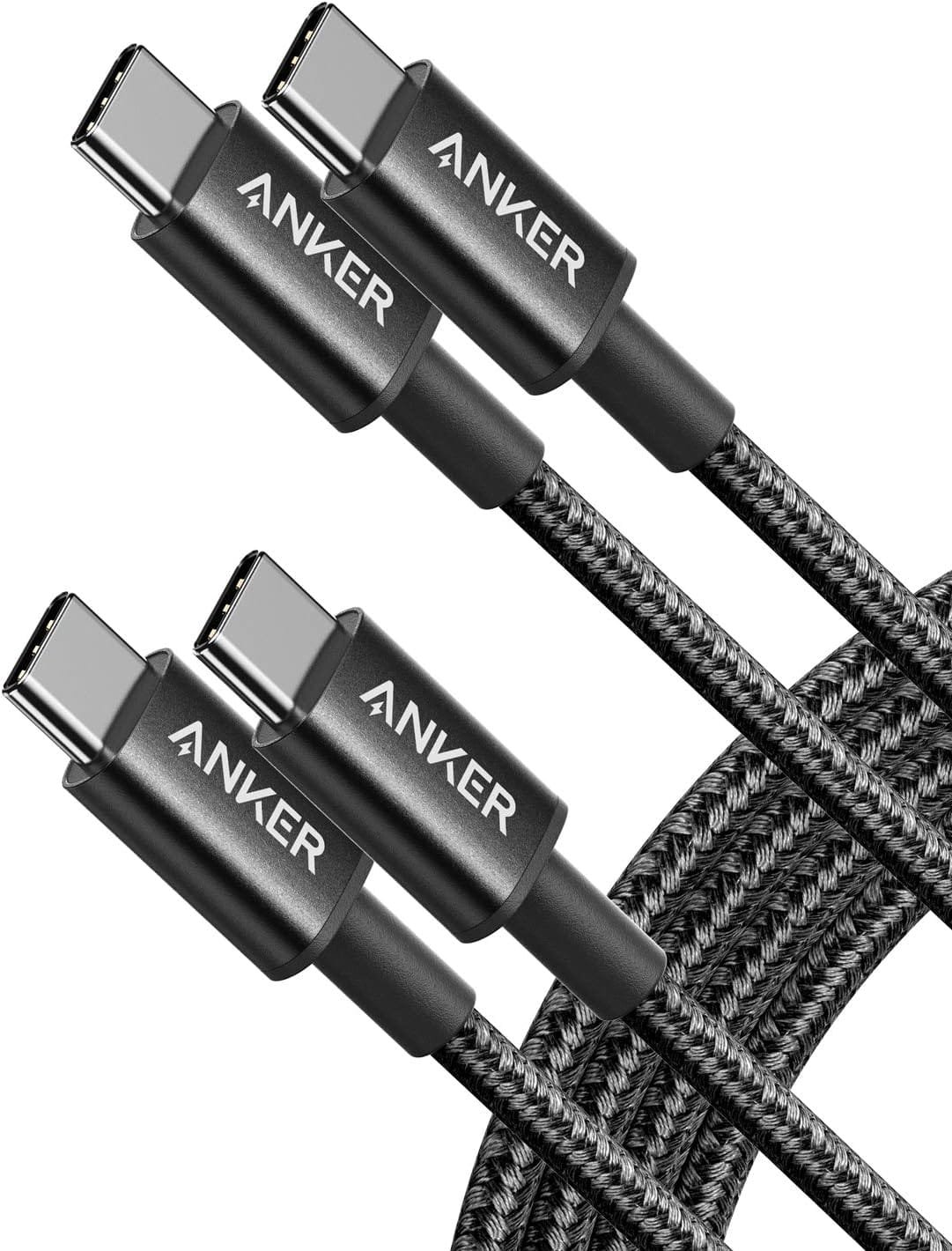
PS Remote Play needs the DualSense connected to your computer. A long, braided USB-C cable lets you sit comfortably at your desk or on the couch while streaming.
- Long length for desk or couch setups
- Braided and durable
- Also charges the controller
👉 Where to Buy: Check Current Price on Amazon
4. Cable Matters Cat6 Flat Ethernet Cable
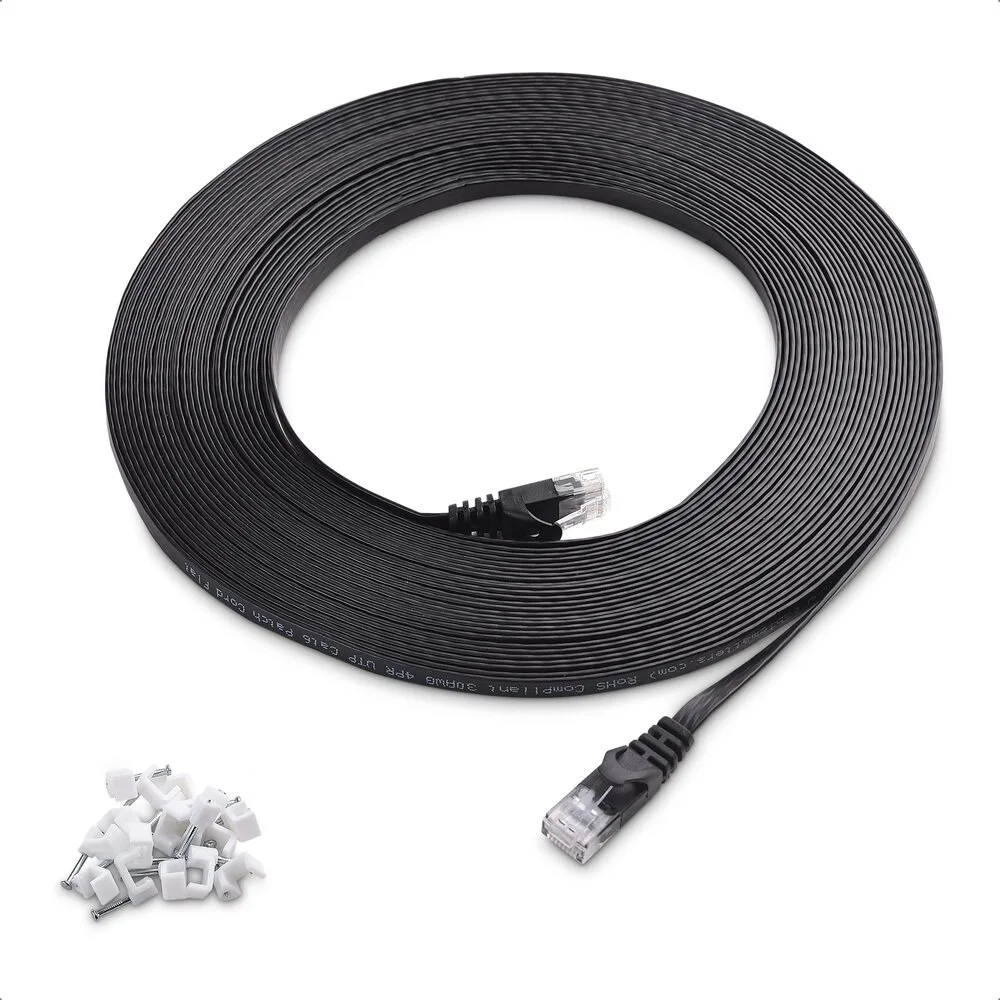
Wi-Fi is the number one cause of choppy console streams. A flat Cat6 cable for the console, the PC or both is the cheapest upgrade for a stable stream.
- Stable connection for streaming and playing
- Flat design for easy routing
- Many lengths available
👉 Where to Buy: Check Current Price on Amazon
⚠️ Prices and product availability are subject to change without notice. Always verify the current price and stock on the retailer’s website before purchasing.
Quick Comparison
Here is every way to stream GTA 6 on Discord, side by side.
| Method | Cost | Quality | Best for |
|---|---|---|---|
| Xbox native streaming | Free | Good | Xbox players |
| PS Remote Play + Go Live | Free | Depends on Wi-Fi | Occasional PS5 streams |
| Capture card + Go Live | One-time purchase | Best | Regular PS5 or Xbox streams |
FAQ
Can I stream GTA 6 on Discord directly from PS5?
No. The PS5 Discord integration supports voice chat only. Use Remote Play or a capture card through a PC.
Can I stream GTA 6 on Discord from Xbox without a PC?
Yes. Link Discord, join a voice channel from Parties & chats and select Stream your game.
Why do my friends see a black screen?
On PS5 with a capture card, HDCP is the usual cause. On PC, check that you shared the correct window.
Can my friends play GTA 6 with me through Discord?
No. GTA 6 launched as a single-player game, so friends can only watch the stream.
Final Verdict
If you play on Xbox, you can stream GTA 6 on Discord in under a minute, straight from the console. On PS5, Remote Play is the free option and a capture card like the Elgato HD60 X or Game Capture Neo is the reliable one. In both cases, a wired connection solves most lag, and turning off HDCP fixes most black screens.
🔗 Related on TechPlayGrid
- 👉 Discord Screen Share Not Working? Fixes That Work
- 👉 Fix Discord Input Lag While Screen Sharing
- 👉 GTA 6 on Xbox Series S: Resolution, FPS & Storage
- 👉 Best Gaming Microphone Under $100 for Streaming
Sources
- PlayStation Support — “How to voice chat with Discord on PS5 consoles”
- TechCrunch — “Discord will now let you stream Xbox gameplay directly to servers and DMs”
- Elgato — “How to stream or record GTA 6”
- JotMe — “How to Stream GTA VI on PS5 to Discord”
- GTA 6 Wiki — “GTA 6 Xbox Discord Stream Not Working”
💬 Did you enjoy this guide? Subscribe to TechPlayGrid and get the latest gaming tips, gear reviews, and tech guides delivered straight to your inbox — no spam, just content worth reading.