
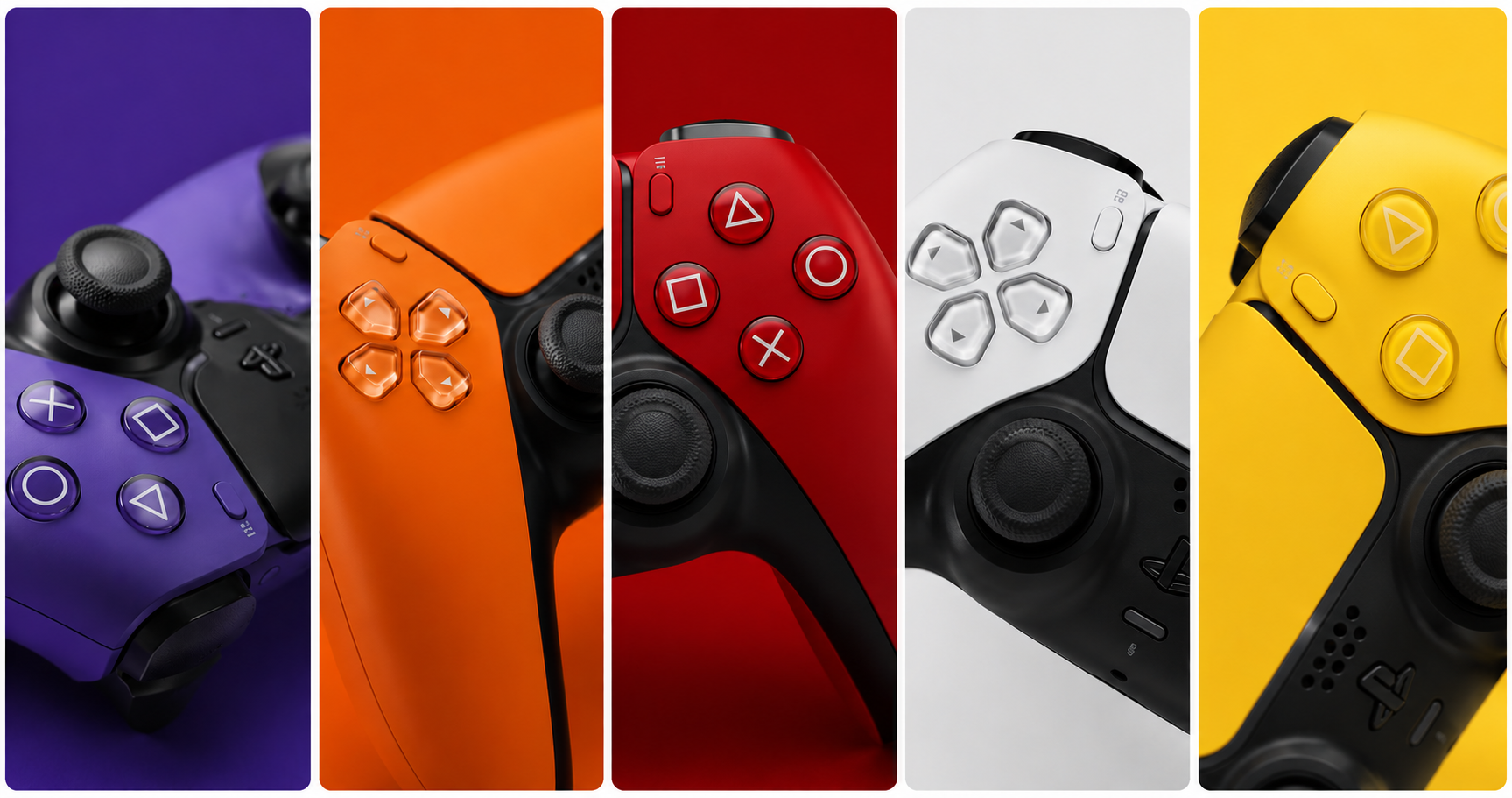
Your character walks forward on its own. You aim and the crosshair drifts left. Your camera spins while you’re doing absolutely nothing. Welcome to the most frustrating hardware issue in console gaming: PS5 DualSense controller drift.
Before you spend $70 on a new controller, there’s a real chance you can fix this in under 15 minutes — for free. We’ve compiled every known fix, from the easiest to the most involved, so you can make an informed decision.
⚠️ Affiliate Disclosure: TechPlayGrid is reader-supported. When you buy through links on our site, we may earn an affiliate commission at no extra cost to you.
🔍 What Is Controller Drift — and Why Does It Happen?
Drift occurs when your controller registers joystick input without you touching it. The three main causes:
| Cause | Description | Fixable? |
|---|---|---|
| Dust/debris under thumbstick | Particles push against the sensor | ✅ Yes — compressed air |
| Worn joystick potentiometer | Sensor loses calibration over time | ✅ Sometimes — calibration fix |
| Dead analog stick module | Physical component failure | ⚠️ Requires repair/replacement |
Most drift starts as cause #1 or #2, which means most drift is fixable at home.
✅ Fix 1 — Clean Around the Thumbstick (Start Here)
Time: 2 minutes | Cost: Free (or $5 for compressed air)
Dust and debris are the #1 cause of drift. Before anything else, try this.
- Grab a can of compressed air (or use your mouth carefully)
- Hold the thumbstick to one side, exposing the base gap
- Blast air around the base of the thumbstick in short bursts
- Rotate the stick and repeat from multiple angles
- Test the controller
👉 Falcon Dust-Off Compressed Air — Amazon
💡 Pro Tip: Do this over a table or white surface so you can see the debris that comes out. Sometimes you’ll be shocked how much dust accumulates under there.
✅ Fix 2 — Recalibrate via PS5 System Settings
Time: 3 minutes | Cost: Free
Your PS5 has a built-in joystick calibration tool that can reset the dead zone and reduce drift caused by sensor miscalibration.
- Go to Settings → Accessories → Controllers
- Select Adjust Joystick Dead Zone
- Follow the on-screen calibration steps
- Set Dead Zone slightly higher than default if drift persists
💡 Pro Tip: Increasing the dead zone requires a more deliberate movement before the game registers input. It’s a workaround, not a permanent fix — but it can make many games feel completely drift-free.
✅ Fix 3 — Reset the DualSense Controller
Time: 2 minutes | Cost: Free
A hard reset can clear firmware glitches causing phantom input.
- Turn off your PS5 completely
- Find the small reset hole on the back of the DualSense (near the L2 trigger)
- Insert a pin, toothpick, or SIM tool and hold for 5 seconds
- Reconnect the controller via USB cable
- Press the PS button
✅ Fix 4 — Update the Controller Firmware
Time: 5 minutes | Cost: Free
Sony has released multiple firmware updates specifically addressing drift on the DualSense.
- Connect your DualSense to the PS5 with a USB-C cable
- Go to Settings → Accessories → Controllers
- Select DualSense Wireless Controller Device Software
- Install any available update
✅ Fix 5 — Clean with Isopropyl Alcohol
Time: 5 minutes | Cost: ~$5
For more stubborn drift caused by residue under the stick module, isopropyl alcohol (90%+) can dissolve it without damaging the internals.
- Slightly push the thumbstick to the side
- Apply a small amount of 90%+ isopropyl alcohol around the base with a cotton swab
- Work the thumbstick in full circles for 30 seconds
- Let it dry for 10–15 minutes before testing
👉 Amazon Basics 99% Isopropyl Alcohol — Amazon
⚠️ Warning: Use 90% or higher. Lower concentrations have too much water and can cause corrosion.
✅ Fix 6 — Use Sony’s Warranty Replacement
Time: Varies | Cost: Free (if under warranty)
Sony’s DualSense controllers come with a 1-year limited warranty. If your controller is drifting within that period, Sony will often repair or replace it at no cost.
- Visit PlayStation Repairs
- Register your controller and describe the drift issue
- Ship it in — Sony covers return shipping
💡 Pro Tip: Even if your warranty has expired, it’s worth checking. Sony has faced class action lawsuits over DualSense drift and in some regions has extended coverage.
📊 Fix Summary Table
| Fix | Time | Cost | Success Rate |
|---|---|---|---|
| Compressed air cleaning | 2 min | Free–$5 | ⭐⭐⭐⭐⭐ |
| Dead zone recalibration | 3 min | Free | ⭐⭐⭐⭐ |
| Controller reset | 2 min | Free | ⭐⭐⭐ |
| Firmware update | 5 min | Free | ⭐⭐⭐ |
| Isopropyl alcohol | 5 min | ~$5 | ⭐⭐⭐⭐ |
| Sony warranty repair | Varies | Free | ⭐⭐⭐⭐⭐ |
🛒 Nothing Worked? Time to Replace
If you’ve tried everything and your DualSense still drifts, it’s likely a dead analog module — which requires either soldering skills or a replacement controller.
Option A — Official DualSense Replacement
👉 Sony DualSense Wireless Controller — Amazon
The official controller. Best build quality, full haptic feedback and adaptive trigger support.
Option B — Third-Party Controllers with Hall Effect Sticks
Hall effect joysticks use magnets instead of resistive contacts and are virtually drift-proof by design.
👉 GameSir G7 SE (Hall Effect, Xbox/PC) — Amazon 👉 GuliKit KingKong 2 Pro (Hall Effect, PS5-compatible) — Amazon
💡 Pro Tip: Hall effect controllers are the future. They cost slightly more upfront but can last 3–5x longer without drift. If you’re replacing a drifted controller, seriously consider the upgrade.
Option C — Buy a Spare and Rotate
Many competitive players keep two controllers and rotate them, reducing wear on any single unit.
🔗 Related on TechPlayGrid
- 👉 Best Gaming Headsets Under $100 for PS5 and Xbox
- 👉 Best 144Hz Monitor Under $300 for PS5 and Xbox (2026)
- 👉 How to Fix Discord Lag While Playing Valorant
❓ FAQ
Is PS5 controller drift covered by warranty? Yes — Sony’s DualSense has a 1-year limited warranty. Contact PlayStation Support or visit repairs.playstation.com.
Can drift come back after cleaning? Yes, if it’s caused by a worn analog module. Cleaning fixes debris-related drift; physical wear requires replacement.
Are third-party controllers as good as the DualSense? For most games, yes. However, haptic feedback and adaptive triggers are DualSense-exclusive features and won’t work on third-party controllers.
How long do DualSense controllers last? Sony rates the DualSense thumbsticks for around 2 million input cycles. Heavy daily gaming can wear them out in 1–2 years.
Last updated: June 2026
⚠️ Affiliate Disclosure: TechPlayGrid participates in the Amazon Associates Program and other affiliate programs. We earn a small commission on qualifying purchases at no extra cost to you.
🏷️ SEO Metadata
Title: PS5 Controller Drifting? Fix It Before You Buy New
Meta Description: PS5 controller drifting on its own? Try these 6 free fixes before spending $70 on a new DualSense. Clean, calibrate, reset — step-by-step guide inside.
Tags: ps5 controller drift, dualsense drift fix, ps5 thumbstick fix, controller drift repair, ps5 accessories, gaming controller tips, playstation 5 troubleshooting
Post Summary: Is your PS5 DualSense drifting and sending your character wandering on its own? Before spending money on a replacement, this guide walks you through six proven fixes — from compressed air cleaning and dead zone calibration to isopropyl alcohol treatment and Sony’s warranty program. Only if everything fails do we recommend replacement controllers, including hall effect options that are virtually drift-proof for life.