
Your PS5 used to be quiet. Now it sounds like a jet engine mid-session, or worse — it starts loud, then shuts down on its own. Before you pack it up and ship it for repair, you need to know something: the majority of loud PS5 cases are fixable at home in under 20 minutes, for free.
This guide covers every safe fix in order of likelihood and impact — from dust cleaning to firmware updates — and only recommends professional repair when genuinely necessary.
💡 Important: The PS5 uses liquid metal (not standard thermal paste) between the APU and heatsink. Do NOT attempt to open the PS5 or reapply thermal material yourself. This is electrically conductive and can permanently damage your motherboard. That’s what repair shops are for. Everything in this guide is safe to do at home without opening the console.
⚠️ Affiliate Disclosure: TechPlayGrid is reader-supported. When you buy through links on our site, we may earn an affiliate commission at no extra cost to you.
🔍 Why Is Your PS5 Fan So Loud?
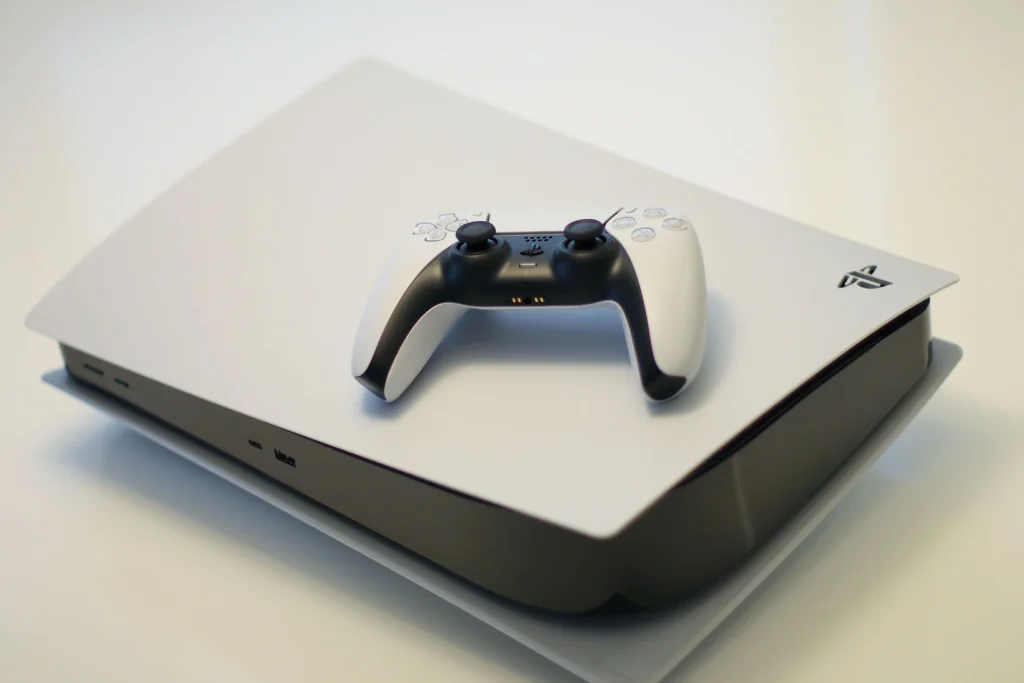
Extremely loud fan noise, hot air output feeling excessive, performance drops, games crashing — these are the most common symptoms. The most common cause: dust builds up on the heatsink and fans over time, reducing airflow and insulating components that need to stay cool.
Here’s the full diagnosis map:
| Symptom | Most Likely Cause | Fix |
|---|---|---|
| Loud fan from the start | Placement/airflow blocked | Fix 1 |
| Fan gets loud after 20–30 min | Dust buildup or thermal issue | Fix 2 + 3 |
| Loud then shuts off | Thermal protection triggered | Fix 2 + 3 |
| Grinding or clicking sound | Fan bearing degrading | Professional repair needed |
| Loud in ALL games since update | Firmware issue | Fix 4 |
| Loud only in demanding games | Normal behavior (monitor temps) | Fix 5 |
✅ Fix 1 — Check Placement and Airflow (Start Here)
Time: 2 minutes | Cost: Free | Impact: ⭐⭐⭐⭐⭐
Soundbars laid directly on top of the console are a common cause of overheating reports. Also check that the front intake isn’t blocked by cables or other peripherals. The console pulls air in from the front and pushes it out the back and top; restricting either end disrupts the whole airflow path.
PS5 clearance requirements:
- Sides: Minimum 10cm clearance on each side
- Back: Minimum 10cm from wall
- Top (horizontal): Must not be stacked under other electronics
- Stand: Always use the included stand — never lay PS5 flat on carpet
Worst placement mistakes:
- Inside an enclosed TV cabinet without ventilation
- Flat on carpet (blocks bottom intake)
- Against a wall with the vents facing the wall
- Under another console or soundbar
Move the PS5 to an open, well-ventilated area before doing anything else. This alone resolves the issue for a significant portion of users.
✅ Fix 2 — Clean the Dust Ports (Safe, No Screwdriver Needed)
Time: 10 minutes | Cost: Free–$15 | Impact: ⭐⭐⭐⭐⭐
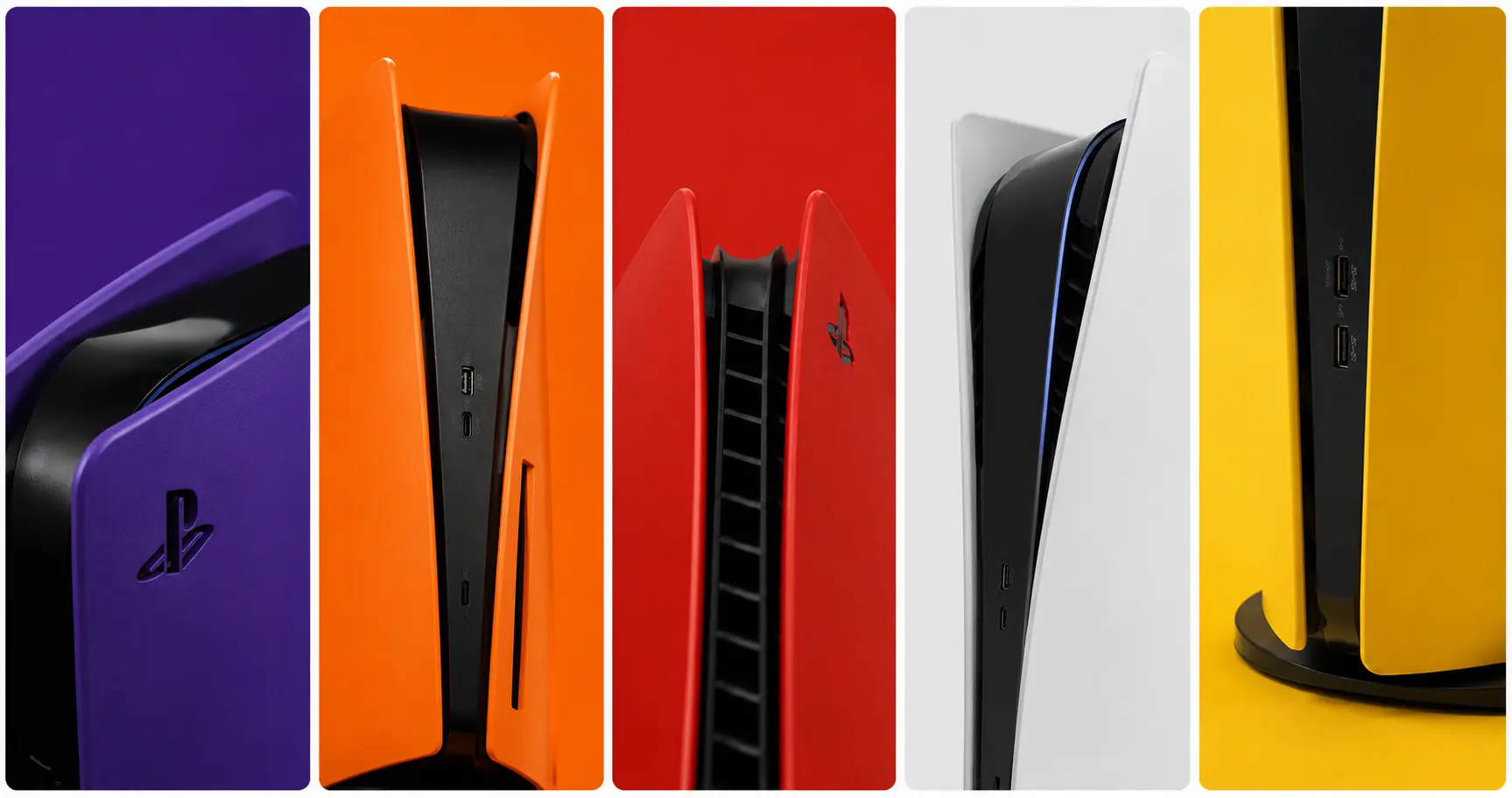
Sony actually designed the PS5 for customer-cleanable intake vents. The white side covers slide off easily. Stand the PS5 vertically, slide each white side cover up and off. You’ll see two circular intake dust ports. Use compressed air to blast dust out of them. Hold the can upright and use short bursts.
Step-by-step:
- Power off completely and unplug from the wall
- Wait 15–20 minutes for components to cool
- Stand the PS5 vertically
- Slide the white covers off — push one corner, lift the opposite corner
- You’ll see two circular dust collection ports (black recessed holes)
- Insert the nozzle of compressed air and blast in short bursts
- Also clean the rear exhaust vent with short bursts from the outside
- Replace covers and test
Recommended products — verified on Amazon US:
👉 Electric Air Duster Cordless — 110,000 RPM, LED Light, PS5-Compatible (Rechargeable, no propellant, safe for electronics — best long-term value)
👉 DULOBLUF Compressed Air Duster 2-Pack — Canned, High Pressure (Traditional canned air — effective and affordable for occasional use)
⚠️ Important: Hold the compressed air can upright at all times. Tilting it releases liquid propellant that can damage internal electronics.
✅ Fix 3 — Add a Dust Filter Kit (Prevents Recurrence)
Time: 5 minutes | Cost: $10–$20 | Impact: ⭐⭐⭐⭐
After cleaning, adding a mesh dust filter to the PS5’s intake ports stops dust from accumulating as quickly. High-density mesh filters cover the PS5’s air intake vents, blocking debris while keeping airflow smooth, reducing dust buildup, enhancing the heatsink barrier effect, and maintaining the console’s operation.
👉 GRAUGEAR PS5 Dust Cover Kit — Compatible with PS5 Pro, Slim, Disc & Digital
👉 PS5 Dust Cover Set with Cleaning Brush and Heatsink Barrier
💡 Pro Tip: Dust filters slightly reduce airflow, so clean them every 2–3 months. The tradeoff is worth it — you’ll need to deep-clean the console far less often.
✅ Fix 4 — Update PS5 System Software
Time: 5 minutes | Cost: Free | Impact: ⭐⭐⭐
Sony has shipped fan-behavior tweaks in past updates, so an out-of-date console can run hotter or louder than it needs to. As of April 2026, the current firmware is PS5 system software 26.03-13.20.00. If you’re not on the latest version, updating can directly improve fan behavior.
- Connect PS5 to the internet
- Go to Settings → System → System Software → System Software Update and Settings
- Select Update System Software → Update via Internet
- Install any available update and restart
✅ Fix 5 — Change Performance Mode in PS5 Settings
Time: 2 minutes | Cost: Free | Impact: ⭐⭐⭐
Some PS5 games push the hardware very hard in “Performance Mode” (high frame rate at 60–120 FPS), which causes the fan to spin faster to keep up. Switching to “Resolution Mode” (4K, lower frame rate) often runs the GPU at a more consistent load — which paradoxically can be quieter because there are fewer sudden load spikes.
To change per-game:
- On the PS5 home screen, highlight the game
- Press Options → Game Presets → Performance Mode or Resolution Mode
- Select Resolution Mode and test if fan noise reduces
💡 Pro Tip: This is a tradeoff — you’ll lose frame rate for quieter operation. Most single-player games look and feel excellent at 30–40fps resolution mode, so it’s worth trying for story games.
✅ Fix 6 — Rebuild PS5 Database (Clears Software Corruption)
Time: 5–10 minutes | Cost: Free | Impact: ⭐⭐⭐
If the fan behavior changed after a system update or power outage, corrupted system files can cause abnormal fan behavior. Rebuilding the database fixes this without deleting your saves.
- Turn off the PS5 completely (not rest mode)
- Hold the power button until you hear two beeps (about 7 seconds) — Safe Mode starts
- Connect a controller via USB-C
- Select Rebuild Database (Option 5)
- Wait for it to complete — can take 5–30 minutes depending on storage
💡 Pro Tip: This does NOT delete your games or saves. It reorganizes the drive index, similar to defragmenting a traditional hard drive.
📊 Fix Priority Summary
| Fix | Cost | Impact | Time |
|---|---|---|---|
| Check placement and airflow | Free | ⭐⭐⭐⭐⭐ | 2 min |
| Clean dust ports with compressed air | Free–$15 | ⭐⭐⭐⭐⭐ | 10 min |
| Add dust filter kit | ~$10–20 | ⭐⭐⭐⭐ | 5 min |
| Update system software | Free | ⭐⭐⭐ | 5 min |
| Switch to Resolution Mode | Free | ⭐⭐⭐ | 2 min |
| Rebuild PS5 database | Free | ⭐⭐⭐ | 10 min |
🔧 When to Send It for Repair
After trying everything above, your PS5 may need professional service if:
- Fan makes grinding, clicking, or buzzing sounds — the fan bearing is failing
- Console shuts down within minutes even in a clean, open setup
- Fan is loud even in PS5 menus with no game loaded
- The PS5 uses liquid metal instead of traditional thermal paste, which is great when fresh and terrible when it dries up or pumps out of position. When liquid metal goes bad, the APU loses thermal contact with the heatsink — the fan can be brand new and it won’t matter. This requires professional repair.
Check if your PS5 is still under warranty first:
- PS5 comes with a 1-year limited warranty from Sony
- Extended warranties via retailers may cover up to 3 years
- Visit PlayStation Repairs to check your status
🔗 Related on TechPlayGrid
- 👉 PS5 Controller Drifting? Fix It Before You Buy New
- 👉 Best 144Hz Monitor Under $300 for PS5 and Xbox (2026)
- 👉 Best Wireless Headset Under $100 for PS5 — No Dongle
❓ FAQ
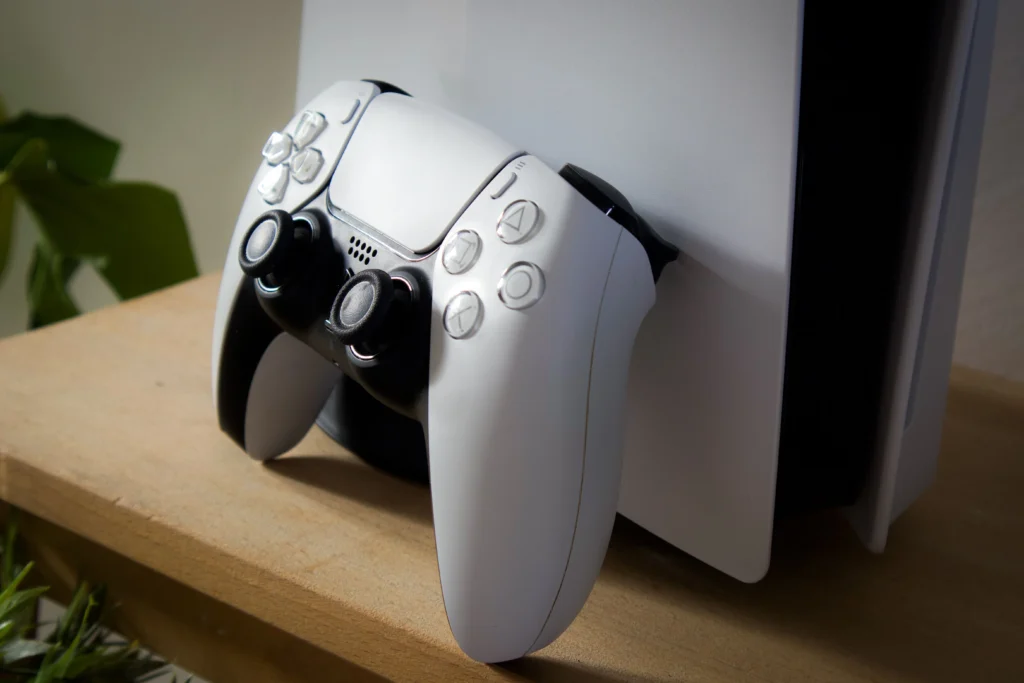
Is it normal for the PS5 fan to be loud? Some fan noise is normal during demanding games. However, if the PS5 is significantly louder than when it was new, or makes grinding or clicking sounds, that indicates dust buildup or a hardware issue that needs attention.
How often should I clean my PS5? A PS5 in a dusty room or with pets will accumulate dust faster. For most households, cleaning the dust ports every 3–4 months is sufficient. If you have pets or live in a dusty environment, every 6–8 weeks.
Can I use a vacuum cleaner to clean my PS5? Avoid regular household vacuums — the static electricity they generate can damage electronics. Use compressed air or a specialized electric air duster instead.
Will cleaning my PS5 void the warranty? Removing the outer white covers to access the dust ports is safe and does not void the warranty — Sony designed it for this. Opening the inner chassis with screwdrivers does void the warranty.
My PS5 is loud even with no game running — what does that mean? If the fan runs at high speed even in the PS5 menu, it usually indicates a thermal sensor or airflow issue. Try Fix 1 (placement) and Fix 2 (dust cleaning) first. If neither helps, it may be a failing fan or degraded liquid metal — professional repair is recommended.
Last updated: July 2026 | Verified for PS5, PS5 Slim, and PS5 Pro
⚠️ Affiliate Disclosure: TechPlayGrid participates in the Amazon Associates Program and other affiliate programs. We earn a commission on qualifying purchases at no extra cost to you.
🏷️ SEO Metadata
Title: Why Is My PS5 So Loud? New Fixes Before You Send for Repair
Meta Description: PS5 fan loud as a jet engine? Try these 6 safe fixes — no screwdriver needed — before paying for repair. Cleaning, firmware, and placement tips for 2026.
Tags: ps5 fan loud fix, why is my ps5 so loud, ps5 overheating fix 2026, ps5 fan noise solution, ps5 cleaning dust, ps5 loud fan no repair, ps5 fan fix no tools, ps5 thermal fix
Post Summary: A loud PS5 fan is one of the most common complaints from console owners — and in most cases, it’s fixable at home for free. This guide covers six safe fixes in order of impact: correcting airflow placement, cleaning the built-in dust ports with compressed air (no screwdrivers required), adding a dust filter kit, updating system software, switching performance modes, and rebuilding the PS5 database. Products verified on Amazon US. Professional repair is only recommended for grinding sounds or shutdowns that persist after all fixes are applied.