

Introduction: The Acoustic Dilemma
Mechanical keyboards are universally praised for their satisfying tactile feedback and superior durability. Whether you are typing a long essay or playing intense competitive matches, a mechanical board elevates your home setup. However, this superior performance comes with a significant drawback: noise.
The loud, high-pitched clacking of plastic switches hitting a metal backplate can be incredibly distracting for your coworkers, your family, or your teammates listening through your microphone on Discord. If you love the feel of mechanical keys but desperately need to reduce the volume, you have two primary solutions: installing dedicated silent switches or modifying your current board with silicone O-Rings. In this guide, we analyze the best methods to silence your typing experience.
⚠️ Affiliate Disclosure: TechPlayGrid is reader-supported. When you buy through links on our site, we may earn an affiliate commission at no extra cost to you. Our links redirect to your local region’s store. Prices and stock availability are subject to change.
Why Mechanical Keyboards Are So Loud
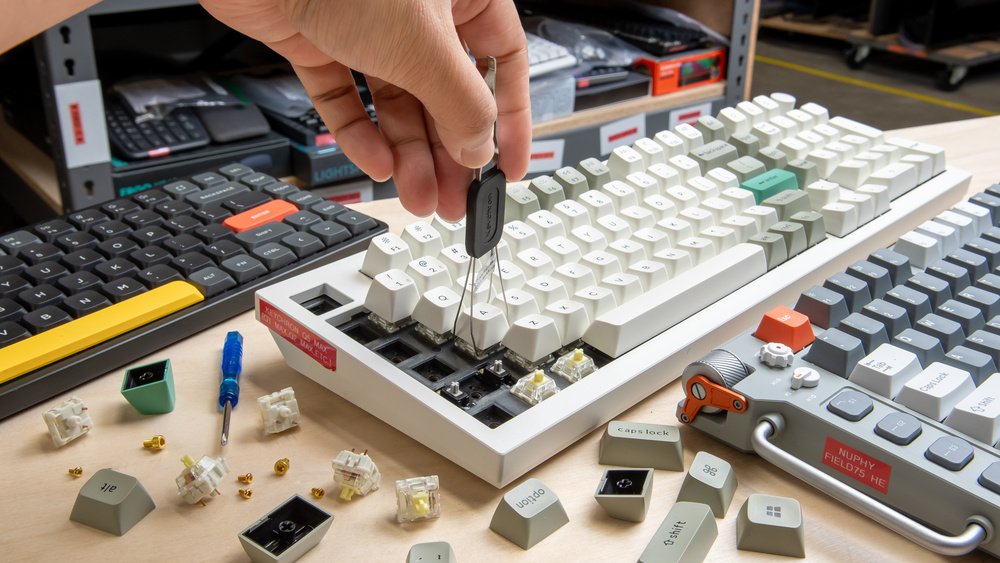
The noise generated by a mechanical keyboard comes from three distinct sources. First is the internal mechanism of the switch itself (especially “Clicky” Blue switches designed to make a sharp noise). Second is the “bottoming out” sound, which occurs when the plastic keycap violently strikes the switch housing. Finally, there is the acoustic resonance; hollow plastic keyboard cases act like a drum, amplifying the vibrations of every keystroke.
Option 1: Silent Mechanical Switches (Linear Red or Brown)
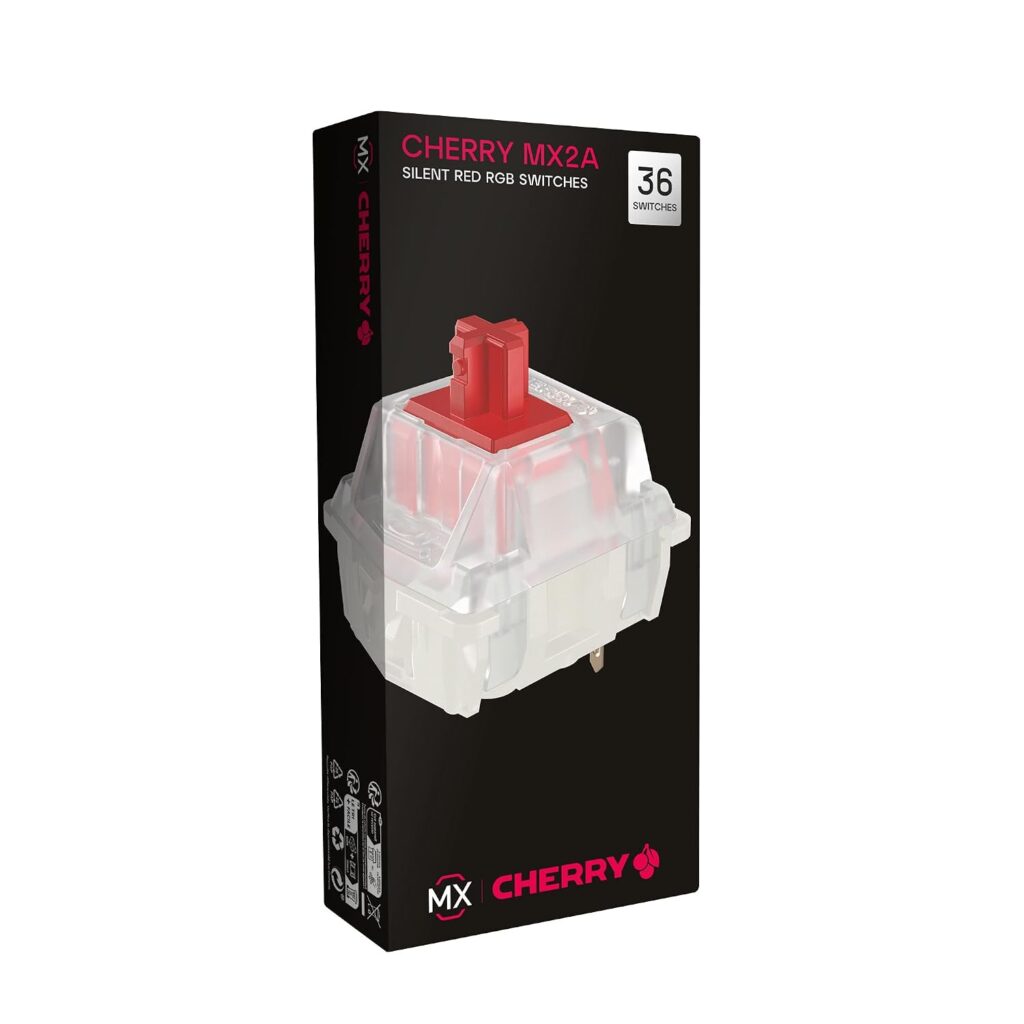
The most effective way to eliminate keyboard noise is to replace the switches entirely, provided you own a hot-swappable keyboard.
Performance and Sound Reduction
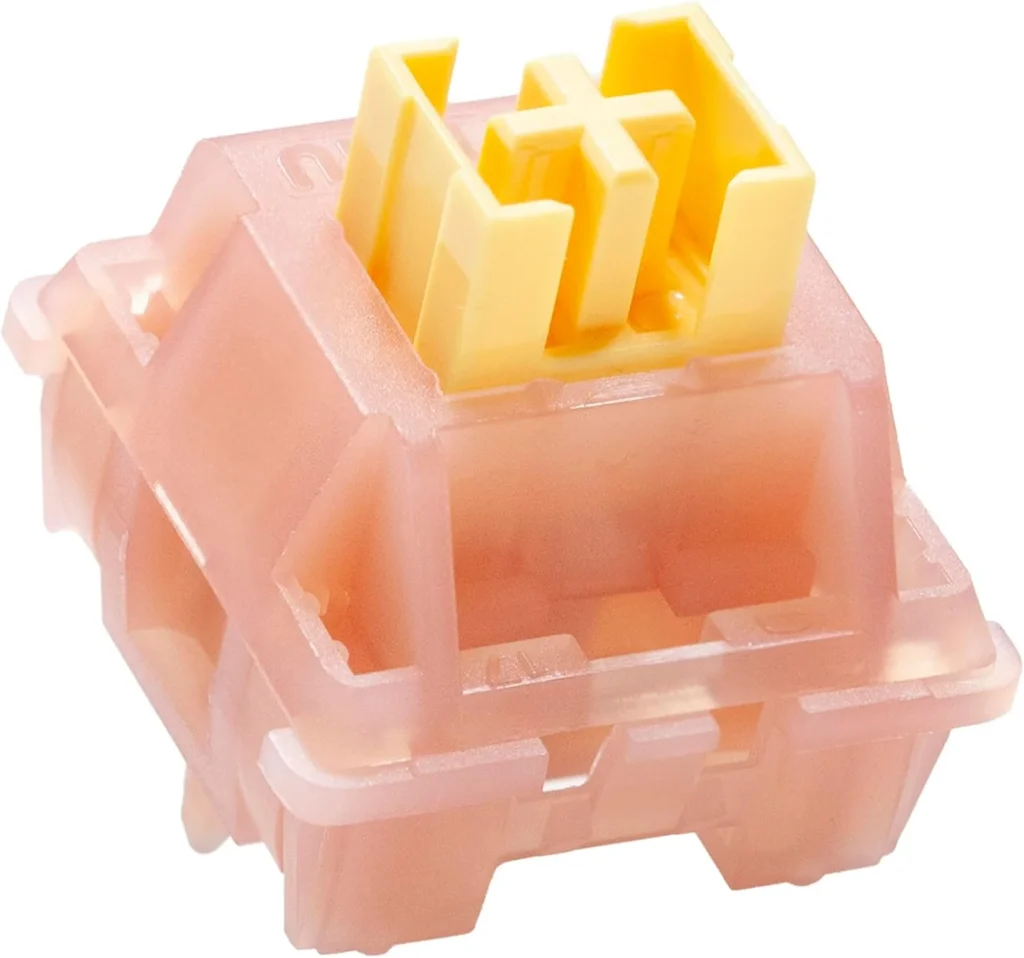
Standard Red (Linear) or Brown (Tactile) switches are already quieter than Blue switches, but dedicated “Silent” variants go a step further. Switches like the Cherry MX Silent Red or Outemu Silent Peach feature tiny rubber dampening pads built directly into the internal stem. These internal pads cushion the plastic-on-plastic impact both when you press the key down and when the spring pushes it back up. The result is a muted, deep “thud” instead of a sharp “clack.”
- Where to Buy Cherry MX Silent Red: [Check Price on Amazon of your country]
- Where to Buy Outemu Silent Peach: [Check Price on Amazon of your country]
Option 2: Silicone O-Ring Dampeners
If you do not have a hot-swappable keyboard or do not want to spend money replacing all your switches, O-Rings are a highly affordable acoustic modification.
Performance and Sound Reduction
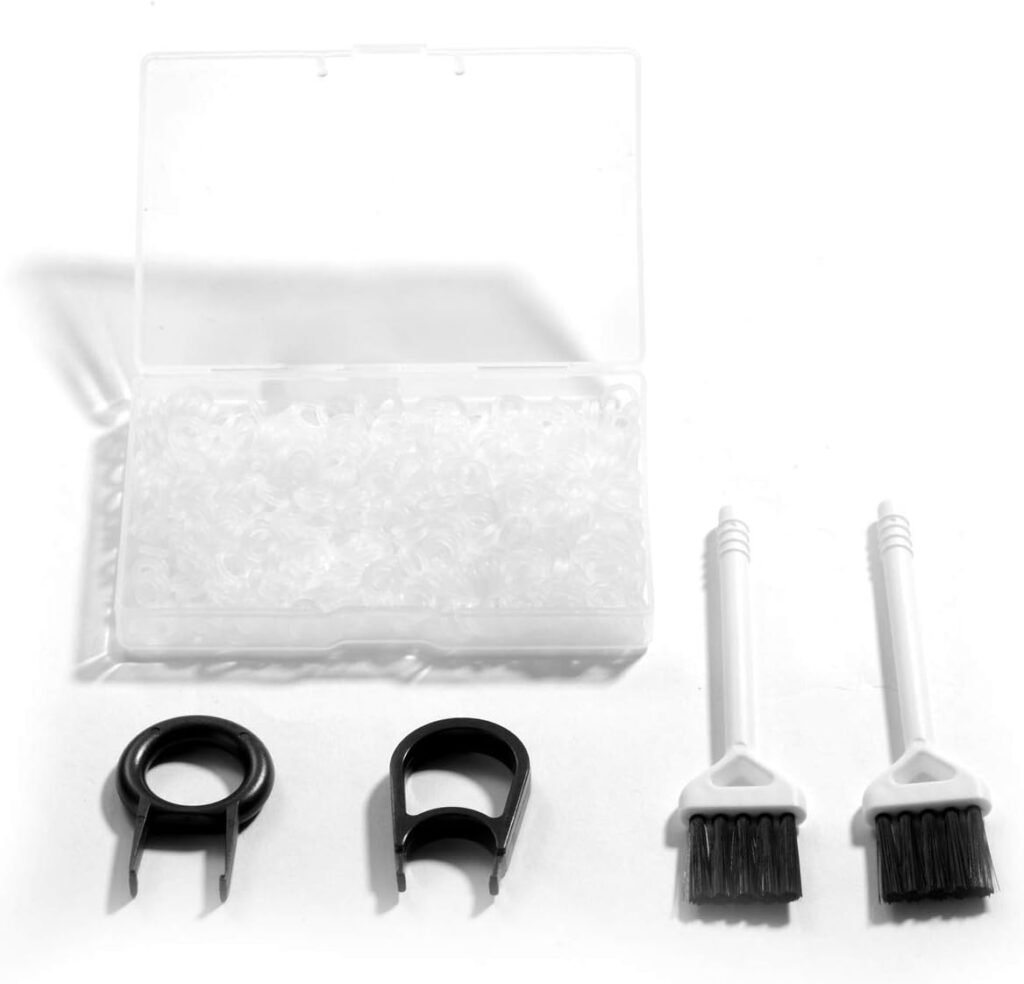
O-Rings are tiny silicone rubber bands that you stretch over the circular stem underneath every individual keycap. When you press the key, the O-Ring acts as a shock absorber between the keycap and the switch housing, eliminating the harsh “bottoming out” sound. While they are very cheap and easy to install with a keycap puller, they do alter the typing feel. O-Rings reduce the total travel distance of the key and can make the keyboard feel slightly “mushy” compared to its original crispness.
- Where to Buy: [Check Price on Amazon of your country]
Option 3: Sound Dampening Foam and Desk Mats
Sometimes, the switches are not the problem; the hollow chassis of the keyboard is amplifying the sound.
Performance and Sound Reduction
Placing a thick, high-density extended mousepad (desk mat) under your keyboard absorbs downward acoustic vibrations before they can echo through your wooden desk. For advanced users, opening the keyboard case and packing the empty internal space with EVA foam or specialized sound-dampening cotton eliminates structural reverberation, resulting in a premium, dense acoustic profile.
- Where to Buy: [Check Price on Amazon of your country]
Final Verdict
When evaluating silent switches versus O-rings, the superior choice depends on your budget. If you want a perfectly quiet, smooth typing experience without compromising the crisp feel of your keys, upgrading to Silent Mechanical Switches is the ultimate solution. However, if you are looking for a quick, $10 fix to stop annoying your friends on voice chat, a pack of Silicone O-Rings combined with a thick desk mat will drastically improve your acoustic footprint.
🔗 Related on TechPlayGrid
- 👉 Best New Vertical Mouse for Wrist Pain Relief
- 👉 Why Is My PS5 So Loud? The Best New Fixes Before You Send for Repair
- 👉 Mechanical vs Membrane Keyboard: Which Is Worth It?
- 👉 PC Gaming Setup: Everything You Need to Get Started
- 👉 Best Gaming Mouse for Large Hands — Top Picks 2026
- Focus Keyword: best quiet switches versus o-rings
- Tags: Mechanical Keyboard, Quiet Keyboard, O-Rings, Silent Switches, PC Audio, Tech Setup
- Meta Description : Compare the best quiet switches versus O-rings to silence your mechanical keyboard. Learn how to eliminate typing noise for a better gaming environment.
- Summary: An educational guide explaining the mechanical causes of keyboard noise. We compare the effectiveness, cost, and typing feel of installing silent mechanical switches versus using affordable silicone O-rings, helping users create a quieter workspace.
Leave a Reply