Tag: ASUS TUF VG27AQ3A

  • Best Gaming Monitor Under $300 — New 1440p Picks for 2026

    Best Gaming Monitor Under $300 — New 1440p Picks for 2026

    The Best Gaming Monitor Under $300 for 1440p Gaming Is Better Than Ever in 2026

    Two years ago, a $300 gaming monitor meant a basic IPS panel with a checkmark next to HDR and a 165Hz refresh rate that felt premium. In 2026, the sub-$300 segment includes Mini LED backlighting with hundreds of local dimming zones, DisplayHDR 1000 certification, and HDMI 2.1 ports that unlock the full bandwidth of PS5 and Xbox Series X.

    The best gaming monitor under $300 for 1440p in 2026 is genuinely difficult to get wrong. The challenge is knowing which specifications are meaningful for your gaming context and which are marketing noise. This guide explains the difference and identifies three monitors verified in stock on Amazon US in September 2026.

    ⚠️ Affiliate Disclosure: TechPlayGrid is reader-supported. When you buy through links on our site, we may earn an affiliate commission at no extra cost to you.

    Why 1440p Is the Right Target at This Budget in 2026
    Best Gaming Monitor Under $300

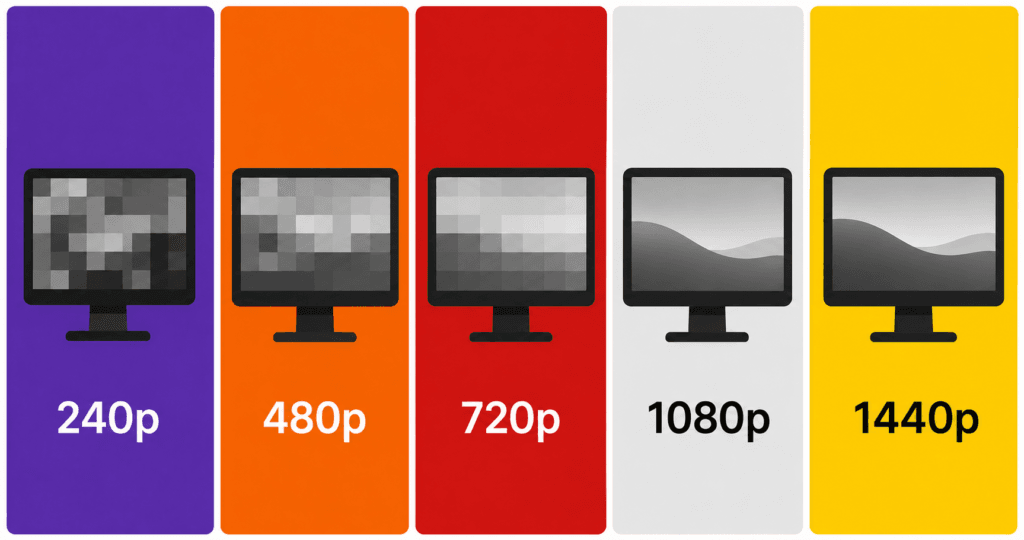
    At 27 inches — the dominant size in this price range — the difference between 1080p and 1440p is clearly visible. A 27-inch 1080p panel delivers 82 pixels per inch. A 27-inch 1440p panel delivers 109 PPI. The human eye generally stops perceiving individual pixels beyond 90–100 PPI at normal desk viewing distances, which means 1080p on a 27-inch screen is slightly below the threshold where pixels become invisible.

    At 1440p on a 27-inch panel, the image is visibly sharper — particularly in text, fine environmental detail, and the edges of fast-moving objects. Modern mid-range GPUs including the RTX 4060 and RX 7600 handle 1440p at 144Hz or above without significant compromise in most titles.

    For a deeper look at how this plays out specifically on the Nintendo Switch 2 and PS5, see our 1440p monitor guide for the Switch 2 dock and our 1080p vs 1440p comparison for console gaming.

    Top Contender 1: AOC Q27G3XMN — Best Under $300 in 2026 (Mini LED)
    AOC 27 Q27G3XMN
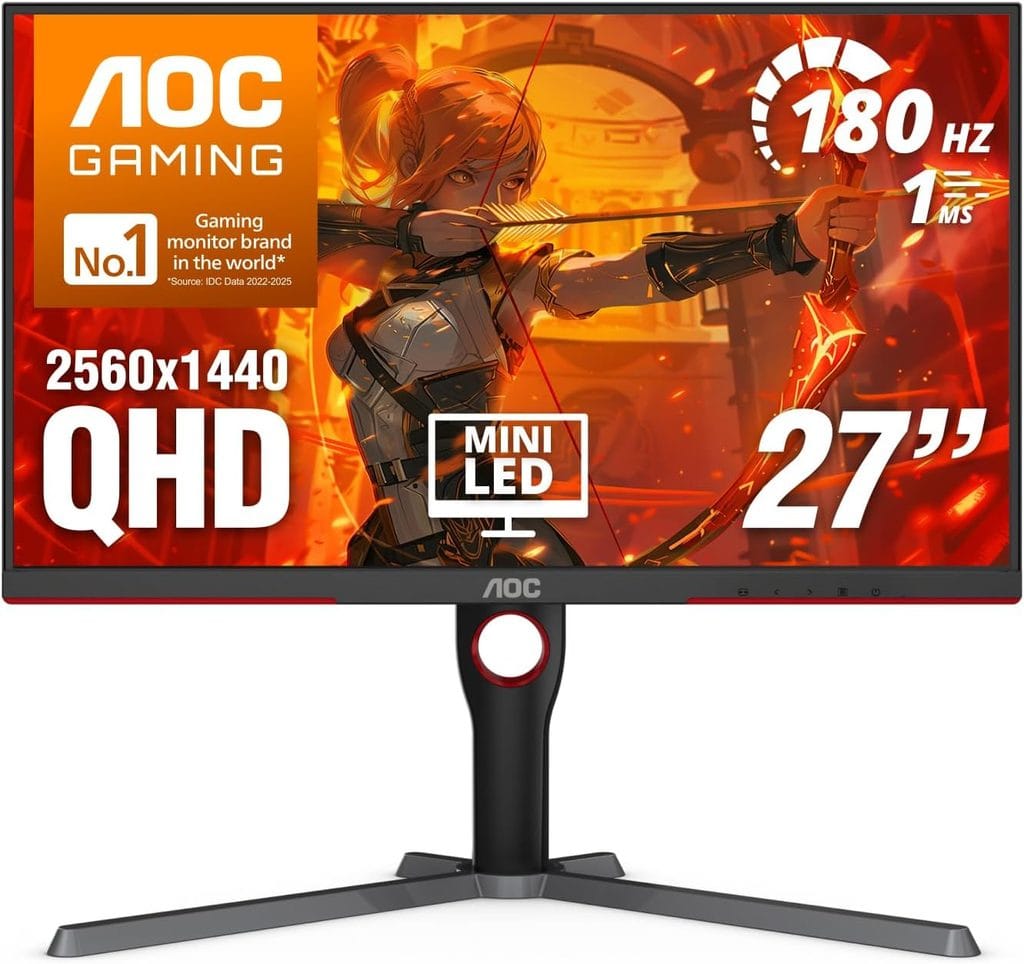
    Official design of the AOC Q27G3XMN. (Image: Amazon US)

    The AOC Q27G3XMN is the consensus recommendation for best gaming monitor under $300 in 2026, cited by RTINGS, The Modern Observer, and multiple independent testing labs as the monitor that made the rest of the sub-$300 market feel obsolete.

    The reason is the Mini LED backlighting system: 336 local dimming zones, 1,300 nits of peak HDR brightness, and VESA DisplayHDR 1000 certification at a price that previously demanded $500+. No other monitor under $300 currently available on Amazon US delivers this HDR performance tier.

    The 27-inch QHD (1440p) VA panel operates at 180Hz with 0.3ms response time, FreeSync Premium Pro, HDMI 2.1 for full PS5 and Xbox Series X bandwidth, and a height-adjustable stand. The VA panel produces deeper blacks and higher contrast than IPS alternatives, which is the ideal technology for Mini LED’s local dimming zones to work effectively.

    The primary trade-off of VA versus IPS is viewing angle — color shifts slightly when viewed from extreme angles. At a gaming desk where you sit directly in front of the monitor, this is not a practical concern.

    👉 Where to Buy: [[Check Current Price on Amazon]]

    Top Contender 2: ASUS TUF Gaming VG27AQ3A — Best Fast IPS Under $250
    ASUS TUF Gaming VG27AQ3A
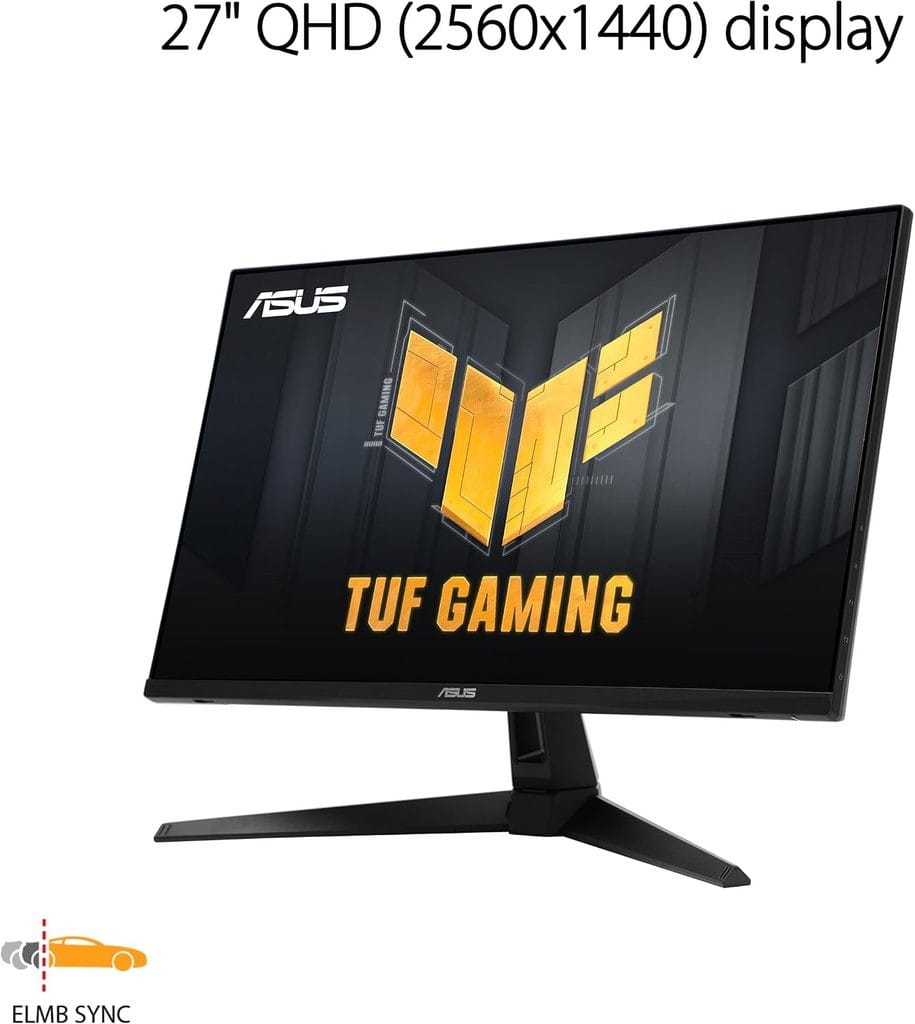
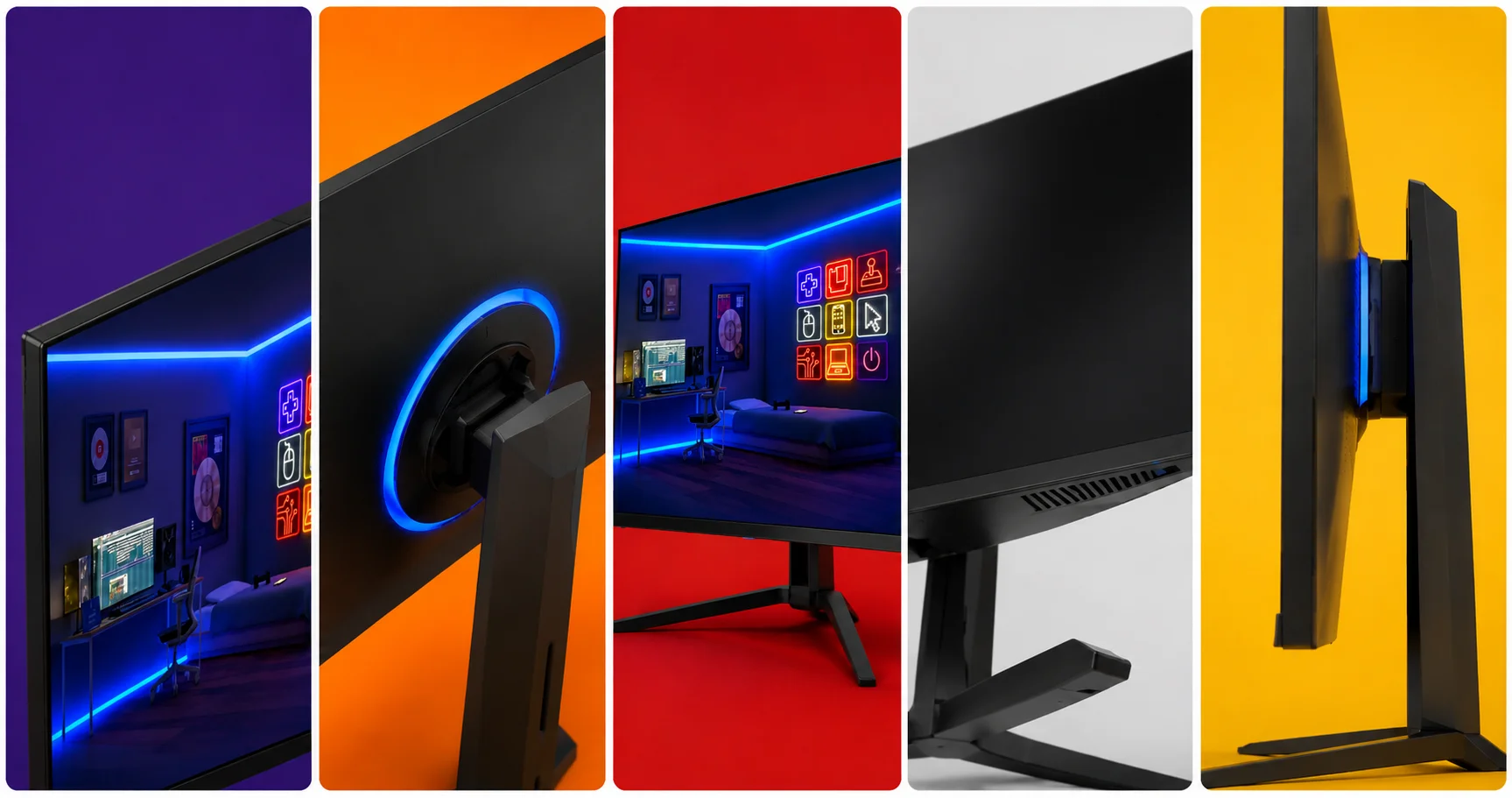
    Official design of the ASUS TUF Gaming VG27AQ3A. (Image: Amazon US)

    The ASUS TUF VG27AQ3A is the Fast IPS recommendation for players who prioritize accurate colors and wide viewing angles over the AOC’s Mini LED HDR performance. At approximately $220–$240 on Amazon US, it delivers 27-inch 1440p at 180Hz with ELMB Sync motion clarity, 130% sRGB color gamut, built-in speakers, and ASUS’s 3-year warranty.

    Fast IPS panels achieve sub-1ms response times while maintaining the color accuracy and viewing angles that define IPS technology. ELMB Sync combines adaptive sync with backlight strobing simultaneously, which produces sharper motion clarity in competitive games than either technology alone. This is the feature that distinguishes the VG27AQ3A from standard IPS panels at its price point.

    For content creators, designers, or players who split time between gaming and color-sensitive work, the VG27AQ3A’s 130% sRGB coverage and factory-calibrated accuracy makes it the more versatile option compared to the AOC.

    👉 Where to Buy: [[Check Current Price on Amazon]]

    Top Contender 3: Samsung 27″ Odyssey G5 G50F — Best Value Entry Point
    Samsung Odyssey G5 com fundo branco, fonte Amazon US
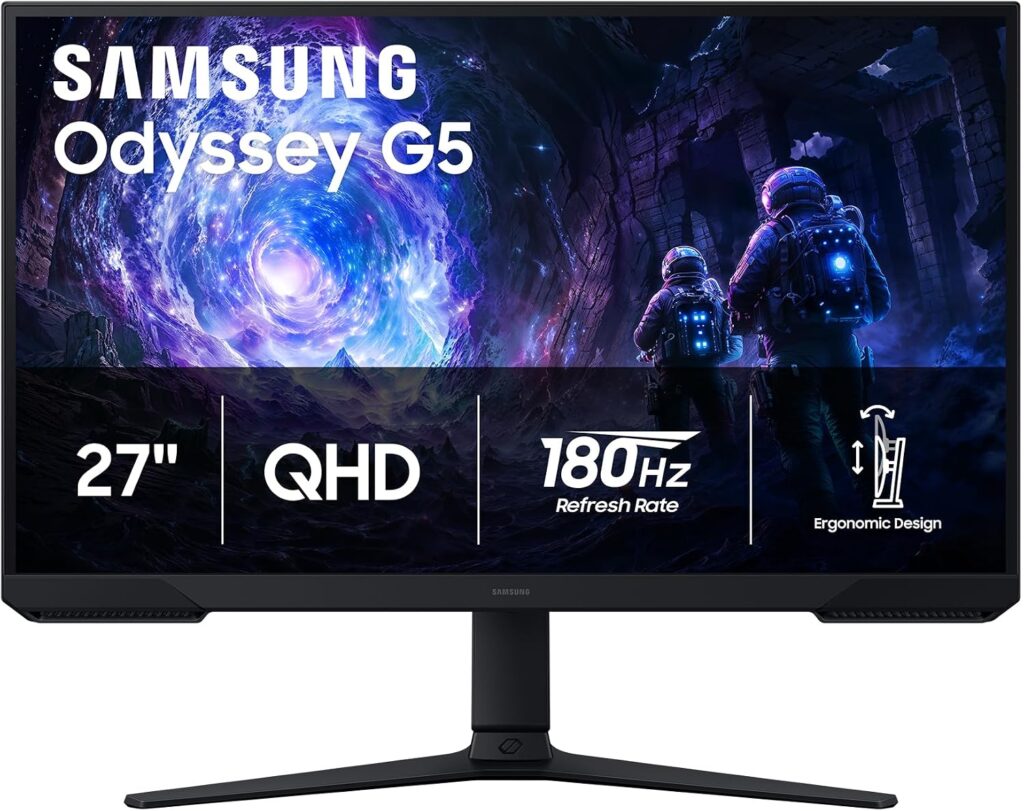
    Official design of the Samsung Odyssey G5 G50F. (Image: Amazon US)

    The Samsung Odyssey G5 G50F sits at the most accessible price point of the three, frequently available at $150–$222 on Amazon US. It delivers a 27-inch Fast IPS 1440p panel at 180Hz with HDR10, AMD FreeSync Premium, and Samsung’s Black Equalizer feature that brightens dark scene areas without overexposing bright ones.

    For players whose primary concern is resolution and refresh rate at minimum cost, the G5 G50F delivers the 1440p 180Hz combination without the additional investment that the AOC’s Mini LED or the ASUS VG27AQ3A’s ELMB Sync requires. When available at its sale price of $150, it represents one of the most competitive monitor values in its category.

    The stand offers tilt adjustment only, which may necessitate a monitor arm for ergonomic positioning. At its current pricing, a monitor arm budget (~$25–$35) can be added while staying well under the $300 ceiling.

    👉 Where to Buy: [[Check Current Price on Amazon]]

    ⚠️ Prices and product availability are subject to change without notice. Always verify the current price and stock on the retailer’s website before purchasing.

    Feature Comparison Matrix

    FeatureAOC Q27G3XMNASUS TUF VG27AQ3ASamsung G5 G50F
    **Panel Type**VA Mini LEDFast IPSFast IPS
    **Resolution**1440p1440p1440p
    **Refresh Rate**180Hz180Hz180Hz
    **Response Time**0.3ms1ms ELMB1ms
    **HDR**DisplayHDR 1000 (1,300 nits)HDR10 (400 nits)HDR10
    **HDMI**HDMI 2.1HDMI 2.0HDMI 2.0
    **Built-in Speakers**❌ No✅ Yes❌ No
    **Warranty**3 years3 yearsLimited
    **Price Range**~$250–$280~$220–$240~$150–$222

    Final Verdict

    For the best HDR and contrast performance at this budget, the AOC Q27G3XMN is the only choice — its Mini LED system with 336 dimming zones and 1,300-nit peak brightness delivers a visual experience that no other sub-$300 monitor can match. RTINGS confirmed it as the best gaming monitor under $300 in 2026.

    For color accuracy, wide viewing angles, and motion clarity, the ASUS TUF VG27AQ3A is the Fast IPS recommendation. Its ELMB Sync and 130% sRGB coverage serve competitive players and creators equally well, and its built-in speakers add daily convenience.

    For maximum value at minimum spend, the Samsung G5 G50F at $150–$222 delivers 1440p 180Hz Fast IPS without the premium features of the other two — and at its sale price, it leaves significant budget for a quality monitor arm and peripheral upgrades.

    🔗 Related on TechPlayGrid

    Sources

    • RTINGS.com, “The 3 Best Gaming Monitors Under $300 of 2026” — rtings.com
    • The Modern Observer, “Best Budget Gaming Monitors Under $300 in 2026” — themodernobserver.com
    • TestBeforeYouBuy, “Best Gaming Monitor Under $300 in 2026” — testbeforeyoubuy.com
    • Amazon US — Verified availability and ASINs, September 2026

    💬 Did you enjoy this guide? Subscribe to TechPlayGrid and get the latest gaming tips, gear reviews, and tech guides delivered straight to your inbox — no spam, just content worth reading.

  • Best Budget Gaming Monitor Under $250 for PS5 and PC

    Best Budget Gaming Monitor Under $250 for PS5 and PC

    The Best Budget Gaming Monitor Under $250 Is Better Than Ever in 2026

    The best budget gaming monitor under $250 for PS5 and PC has changed dramatically in 2026. What used to require a $350 investment — a 27-inch 1440p panel with 144Hz or higher refresh rate, 1ms response time, and FreeSync or G-Sync compatibility — now fits comfortably below $250 on Amazon US, and in some cases closer to $150 during sales.

    This guide covers three monitors verified in stock on Amazon US, each addressing a different priority: resolution quality, refresh rate, or value. All three support both PC and PS5 via HDMI.

    ⚠️ Affiliate Disclosure: TechPlayGrid is reader-supported. When you buy through links on our site, we may earn an affiliate commission at no extra cost to you.

    Why Monitor Choice Matters More Than Most Players Realize

    Best Budget Gaming Monitor
    Find the Best Budget Gaming Monitor

    Your monitor is the final step in your gaming hardware chain. A powerful PC or next-gen console outputs frames that only look as good as the panel displaying them. A 60Hz monitor caps your visual experience at 60 frames per second regardless of what your GPU produces. A 1080p display renders everything at a lower pixel density than 1440p, even if your PC or PS5 is perfectly capable of delivering more detail.

    The monitor is also the peripheral you spend the most time looking at. Unlike a headset that you can remove, or a keyboard that sits below your line of sight, the monitor occupies your entire visual field during every gaming session. Investing appropriately here returns more perceptible value per dollar than almost any other peripheral upgrade.

    What the Specs Actually Mean

    monitores com resoluções diferentes com o fundo padrão

    Resolution: 1080p (Full HD) at 1920×1080 pixels. 1440p (QHD) at 2560×1440 pixels — approximately 1.78 times more pixels than 1080p on the same screen. At 27 inches, 1440p reaches approximately 109 pixels per inch, which is the threshold where individual pixels become invisible at normal viewing distances.

    Refresh rate: The number of times per second the monitor redraws the image. 60Hz is the minimum for any gaming context. 144Hz halves the time between frames compared to 60Hz. 180Hz pushes that further without requiring the hardware investment of 240Hz.

    Response time: The time in milliseconds for a pixel to transition from one color to another. Lower is better. Fast IPS panels now regularly achieve 1ms GtG (grey-to-grey), which eliminates visible ghosting behind fast-moving objects.

    VRR (Variable Refresh Rate): Technology that synchronizes the monitor’s refresh rate with the GPU’s output frame rate, eliminating screen tearing without introducing input lag. FreeSync and G-Sync Compatible designations indicate compatibility with AMD and NVIDIA GPUs respectively.

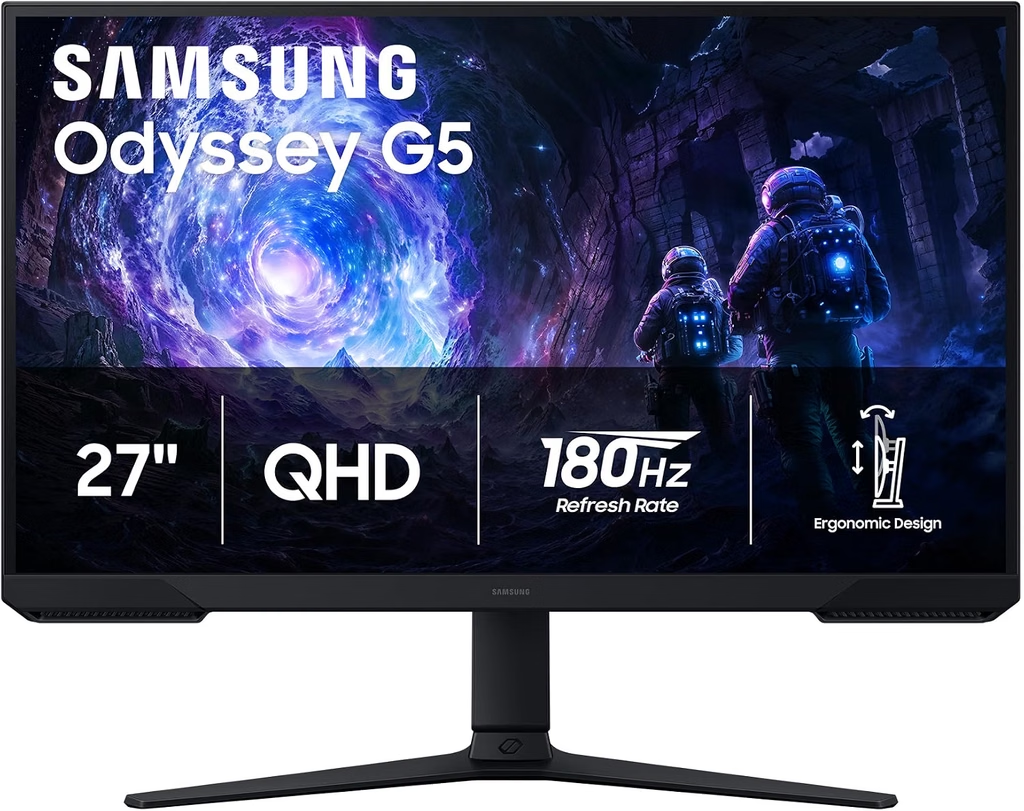
    Top Contender 1: Samsung 27″ Odyssey G5 (G51F) — 1440p 180Hz Fast IPS

    71HCnFPkVhL. AC SL1500
    Official design of the Samsung 27″ Odyssey G5 (G51F). (Image: Amazon US)

    The Samsung Odyssey G5 G51F is the clearest value proposition in gaming monitors at this price point in 2026. It delivers a 27-inch 1440p Fast IPS panel at 180Hz with 1ms response time, HDR10 support, AMD FreeSync Premium, and height-adjustable stand — a combination of features that used to define the $300–$350 market segment.

    As of August 2026, it was verified available on Amazon US at $150 during a clearance sale (down from its standard $222), making it one of the strongest deals in gaming monitors regardless of budget.

    The Fast IPS panel produces accurate colors with wide viewing angles — a meaningful step up from the VA panels common in budget monitors, which suffer from noticeable color shift when viewed from angles. The G51F also includes Samsung’s Black Equalizer feature, which brightens dark areas of the image without overexposing bright areas — useful in games with heavy shadow environments.

    Compatible with PS5 via HDMI 2.0 (up to 1440p at 120Hz when PS5 firmware supports it) and PC via DisplayPort 1.4 or HDMI 2.0.

    For PS5 users, this monitor pairs naturally with the resolution capabilities discussed in our Nintendo Switch 2 1440p monitor guide.

    👉 Where to Buy: [Check Current Price on Amazon]

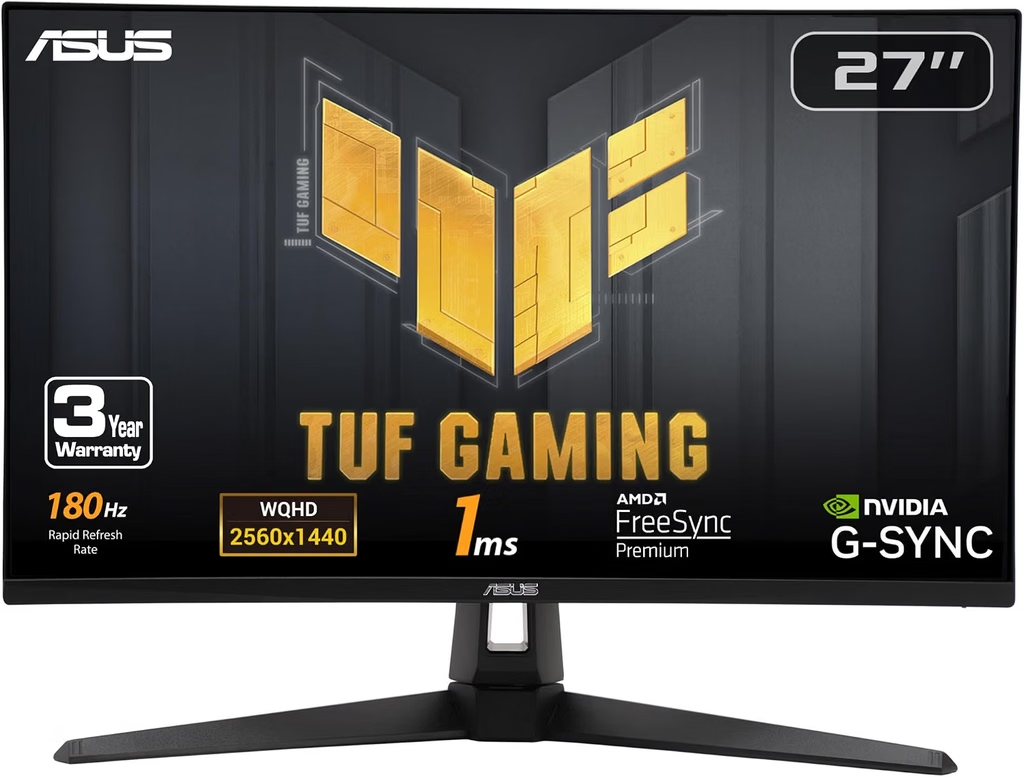
    Top Contender 2: ASUS TUF Gaming VG27AQ3A — 1440p 180Hz Fast IPS with ELMB

    71awxc1RPRL. AC SL1500
    Official design of the ASUS TUF Gaming VG27AQ3A. (Image: Amazon US)

    The ASUS TUF Gaming VG27AQ3A adds ELMB Sync (Extreme Low Motion Blur) technology to the 27-inch 1440p 180Hz formula, producing sharper motion clarity during fast camera movements and high-speed gameplay. ELMB Sync works simultaneously with FreeSync Premium, which means you get adaptive sync and motion blur reduction at the same time — something most monitors at this price do not offer.

    The panel includes built-in speakers, which is a practical convenience for secondary setups or desk configurations where external speakers are not practical. It includes 130% sRGB color gamut coverage, making it more color-accurate than the Samsung G5 for content that benefits from wide color reproduction.

    It is compatible with PS5, Xbox Series X/S via HDMI 2.0, and PC via DisplayPort 1.4. Standard pricing hovers around $220–$240, placing it at the upper range of this guide’s budget.

    👉 Where to Buy: [Check Current Price on Amazon]

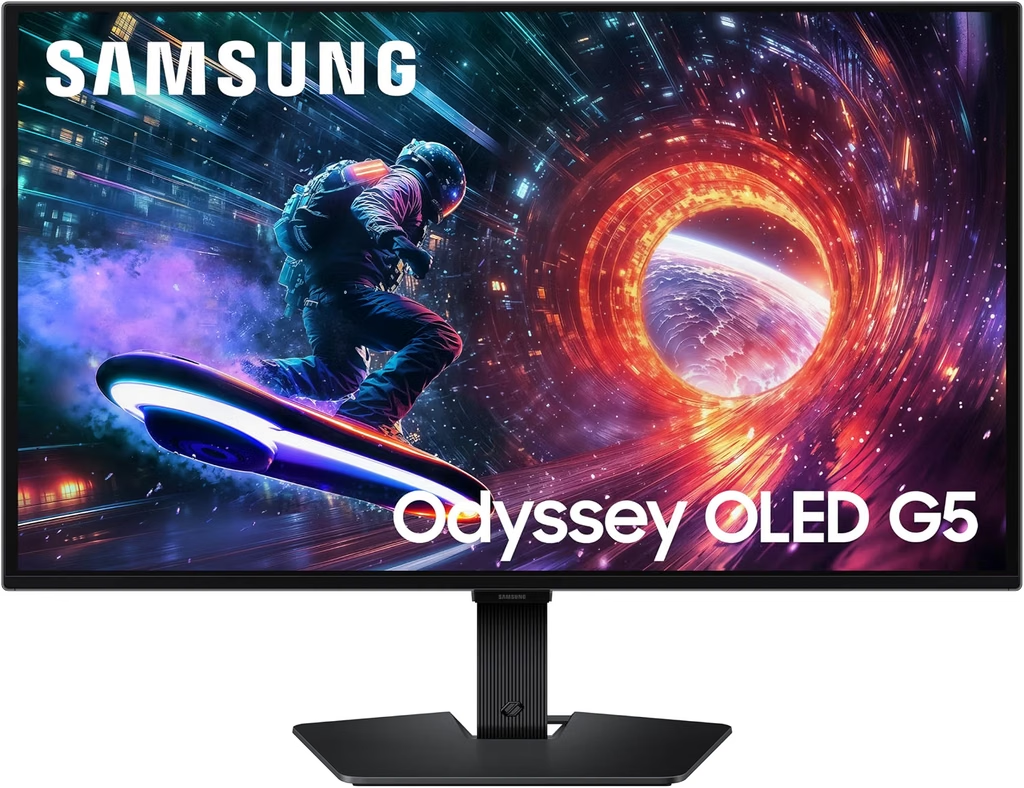
    Top Contender 3: Samsung 27″ Odyssey OLED G5 (G50SF) — 1440p 180Hz QD-OLED

    818AiwCClL. AC SL1500
    Official design of the Samsung 27″ Odyssey OLED G5 (G50SF). (Image: Amazon US)

    The Samsung Odyssey OLED G5 G50SF is included here as a stretch pick at the very top of this guide’s budget range, and only because it has been verified available on Amazon US at prices that occasionally touch $349 — closer to $300 during promotions. For players who can stretch slightly above the $250 target, the OLED panel offers a genuinely different visual experience.

    QD-OLED technology delivers true per-pixel dimming, meaning true black levels and a contrast ratio of 1,000,000:1 that no IPS panel can approach. The 0.03ms response time is effectively instantaneous. The Glare-Free coating reduces the typical OLED reflectivity problem that makes standard OLED panels difficult in bright environments.

    The G50SF is the best gaming monitor under $400 for players who prioritize image quality in dark atmospheric games and HDR content. Its inclusion here is as context for buyers who are weighing a slight budget increase against a significant image quality leap.

    For a full breakdown of OLED vs IPS for gaming, see our OLED vs IPS monitor guide.

    👉 Where to Buy: [Check Current Price on Amazon]

    ⚠️ Prices and product availability are subject to change without notice. Always verify the current price and stock on the retailer’s website before purchasing.

    Feature Comparison Matrix

    FeatureSamsung G5 G51FASUS TUF VG27AQ3ASamsung OLED G5 G50SF
    Panel TypeFast IPSFast IPSQD-OLED
    Resolution1440p1440p1440p
    Refresh Rate180Hz180Hz180Hz
    Response Time1ms GtG1ms ELMB0.03ms GtG
    HDRHDR10DisplayHDR 400HDR True Black
    Contrast~1,000:1~1,000:11,000,000:1
    Built-in SpeakersNoYesNo
    Price Range~$150–$222~$220–$240~$349–$399

    Final Verdict

    The Samsung G5 G51F is the most accessible entry point into 1440p gaming and earns the recommendation for buyers who want the best image quality per dollar. At its sale price, it is genuinely difficult to beat.

    The ASUS TUF VG27AQ3A adds ELMB Sync motion clarity and built-in speakers, making it the better choice for players who prioritize smooth motion in competitive gameplay and want a more self-contained setup.

    The Samsung OLED G5 G50SF is for players who are willing to stretch their budget for a visual experience that IPS panels cannot replicate. If your gaming involves dark atmospheric environments and HDR content, the OLED panel’s true black performance makes the price difference justifiable.

    🔗 Related on TechPlayGrid

    Sources

    • Gizmodo, “Samsung 27-Inch Odyssey G5 Restocked at 32% Off at Amazon” — gizmodo.com
    • Tom’s Hardware, “Samsung Odyssey OLED G5 G50SF on sale at Amazon” — tomshardware.com
    • DisplayNinja, “Best Gaming Monitors Under $300 [2026 Buying Guide]” — displayninja.com
    • Amazon US — Verified availability, August–September 2026