

Choosing the best monitor for Switch 2 is easier once you know one thing: the console outputs 4K at up to 60 FPS, or 1080p and 1440p at up to 120 FPS. That means the “best” screen depends on whether you care more about sharpness or smoothness, and on details that console players often forget, like built-in speakers. This guide breaks down the best monitor for Switch 2 at every price point, all available on Amazon US.
Our picks are based on official specifications, current prices and feedback from verified buyers, not on lab testing. We focus on what matters for a Nintendo console plugged into a desk setup.
⚠️ Affiliate Disclosure: TechPlayGrid is reader-supported. When you buy through links on our site, we may earn an affiliate commission at no extra cost to you.
📋 How we research: Tech Play Grid doesn’t test products hands-on. Our recommendations are based on specifications, prices and verified buyer feedback, cross-checked across multiple sources (you can find them at the end of our post). We also explain the trade-offs of each product, so you can decide what fits your needs and budget. Learn more on our About page.
How to Choose the Best Monitor for Switch 2
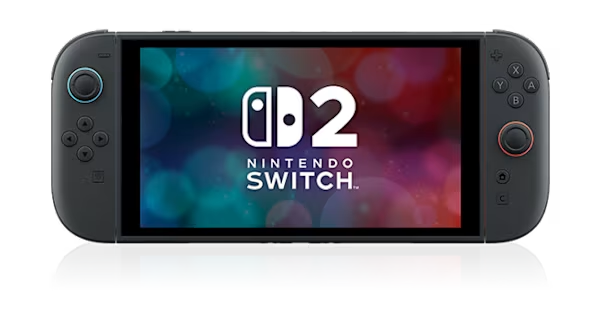
Before looking at models, check these five points that define the best monitor for Switch 2. They separate a great console monitor from a frustrating one.
- Resolution that matches an output mode. The Switch 2 docked modes are 1080p, 1440p and 4K. A monitor whose native resolution matches one of these avoids extra scaling.
- Refresh rate. Games that support 120 FPS only reach it at 1080p or 1440p. A 144 Hz or 165 Hz panel covers that.
- HDMI input. The Switch 2 connects through HDMI, not DisplayPort. Make sure the monitor’s HDMI port supports the resolution and refresh rate you want.
- Audio. Many gaming monitors have no speakers. If you do not use a headset, you need built-in speakers or a headphone jack for external speakers.
- Size. 24 inches works well for 1080p. 27 inches is the sweet spot for 1440p. 4K looks best at 27 to 28 inches or larger.
Which Resolution Makes the Best Monitor for Switch 2?
| Monitor type | Switch 2 mode | Max FPS | Best for |
|---|---|---|---|
| 1080p, 24″ | 1080p | 120 | Tight budgets, small desks |
| 1440p, 27″ | 1440p | 120 | Most players: sharp and smooth |
| 4K, 28″ | 4K | 60 | Maximum sharpness in slower games |
| 1440p OLED | 1440p | 120 | Best picture quality and contrast |
For most people, the best monitor for Switch 2 is a 27-inch 1440p panel. It gives a clearly sharper image than 1080p and still unlocks 120 FPS in supported games. If you want the deeper reasoning, read our guide to Switch 2 docked resolution.
The Best Monitor for Switch 2: Our Picks for 2026
1. LG UltraGear 27GS75Q-B — Best 1440p Monitor for Switch 2
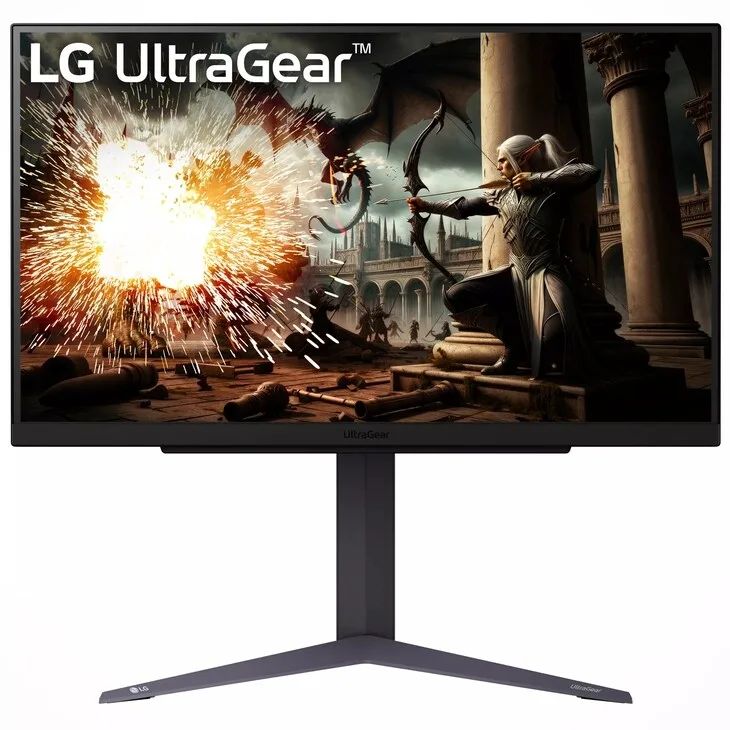
The LG UltraGear 27GS75Q-B is our top choice for the best monitor for Switch 2 at a desk. It is a 27-inch QHD (2560 × 1440) IPS panel rated at 180 Hz (200 Hz overclocked) with a 1 ms response time and HDR10 support. It matches the 1440p output mode exactly, so the image stays crisp, and it has plenty of headroom for 120 FPS games. The stand adjusts for tilt, height and pivot, which is rare at this price.
- Native 1440p, the key spec for the best monitor for Switch 2
- 180 Hz IPS with HDR10
- Height, tilt and pivot adjustable stand
Keep in mind: there are no built-in speakers. Use a headset or plug speakers into the headphone output.
👉 Where to Buy: Check Current Price on Amazon
2. ASUS TUF Gaming VG27AQ — Best 1440p Monitor With Speakers
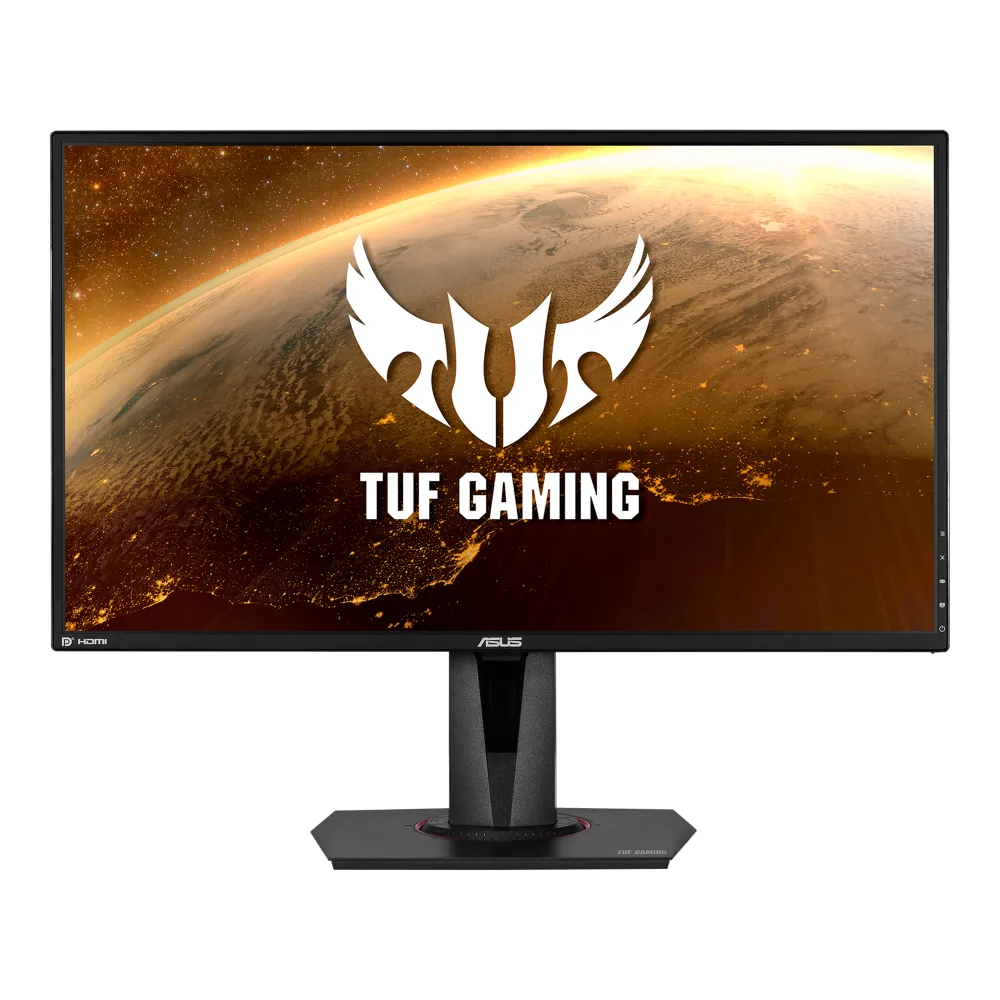
If you want the best monitor for Switch 2 without buying separate speakers, the ASUS TUF Gaming VG27AQ is the practical pick. It is a 27-inch 1440p IPS monitor at 165 Hz with built-in stereo speakers and FreeSync. Speakers on gaming monitors are basic, but they are perfectly fine for Mario Kart with friends in the room.
- 27″ 1440p IPS at 165 Hz
- Built-in speakers, no extra gear needed
- A long-running, popular model with many buyer reviews
👉 Where to Buy: Check Current Price on Amazon
3. Gigabyte M28U — Best 4K Monitor for Switch 2
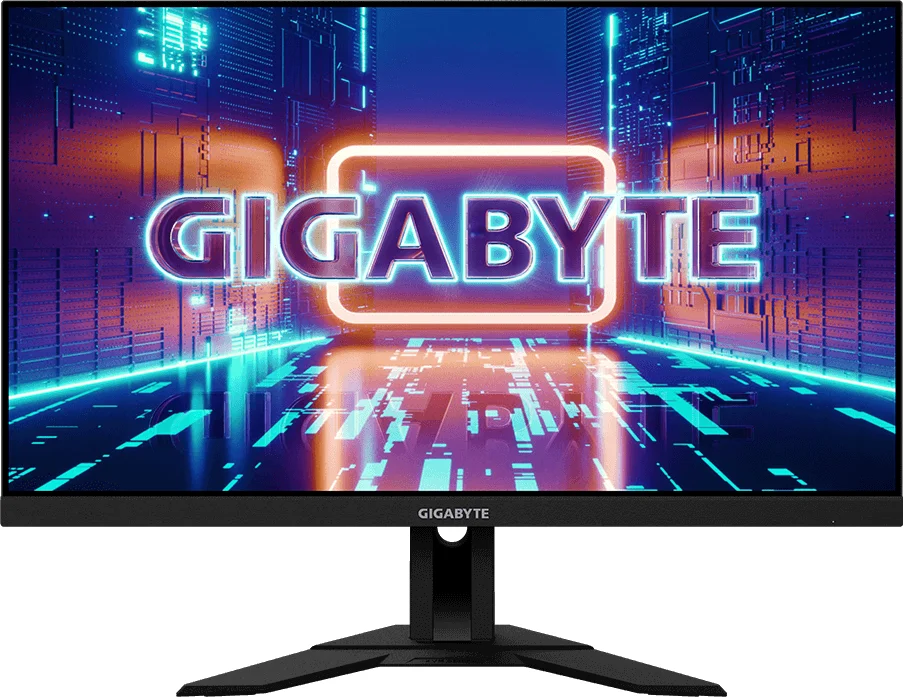
For players who want the sharpest image, the Gigabyte M28U is the best monitor for Switch 2 in 4K. This 28-inch 4K IPS display has HDMI 2.1 inputs, a 144 Hz refresh rate for PC use, built-in speakers and a KVM switch. With the Switch 2 in 4K mode, games run at up to 60 FPS. You can still drop the console to 1440p or 1080p for 120 FPS titles.
- 4K at 28″, ideal for the Switch 2 4K mode
- HDMI 2.1 and built-in speakers
- KVM lets you share keyboard and mouse with a PC
👉 Where to Buy: Check Current Price on Amazon
4. ASUS TUF Gaming VG249Q1A — Best Budget 1080p Monitor
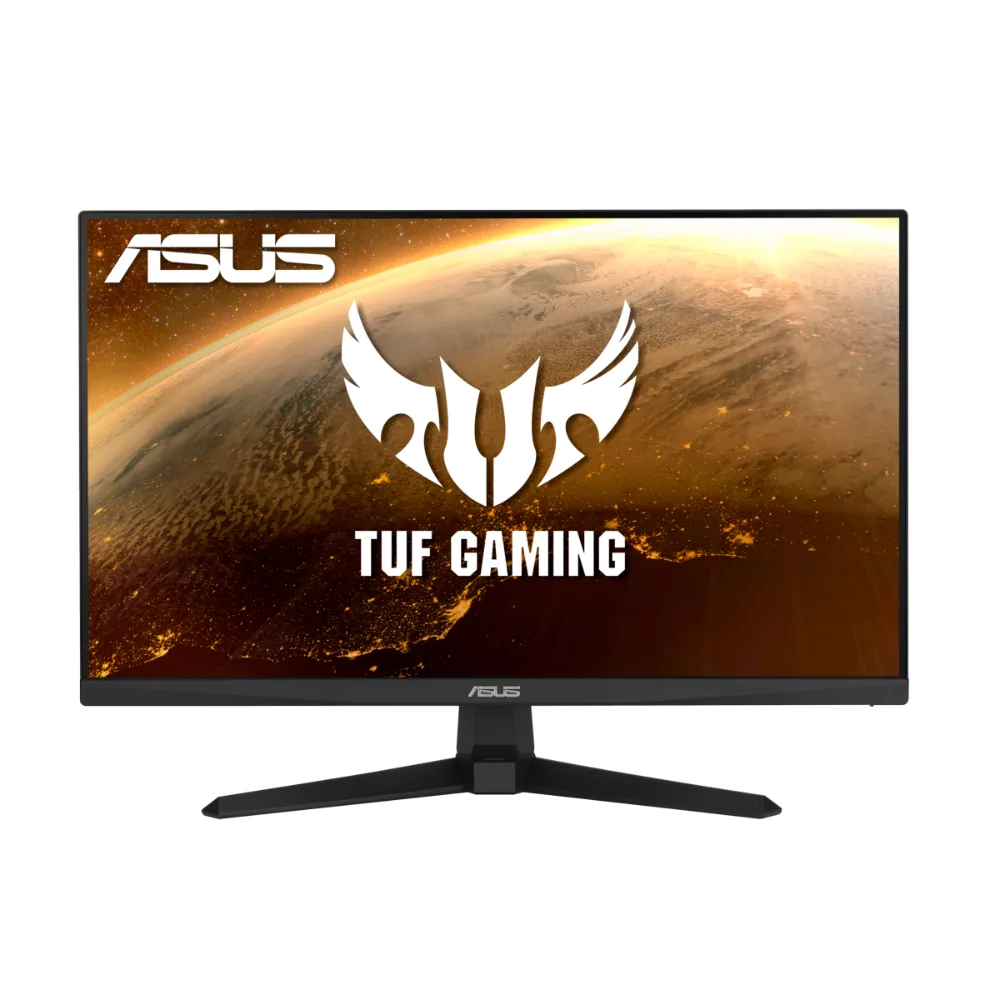
On a tight budget, the best monitor for Switch 2 is a good 24-inch 1080p panel. The ASUS TUF VG249Q1A offers 1080p IPS at 165 Hz with built-in speakers and FreeSync. It matches the 1080p mode natively and reaches 120 FPS in supported games. On a 24-inch screen, 1080p still looks clean.
- 24″ 1080p IPS at 165 Hz
- Built-in speakers
- Lowest-cost way to get 120 FPS on Switch 2
👉 Where to Buy: Check Current Price on Amazon
5. LG UltraGear 27GS95QE-B — Best OLED Monitor for Switch 2
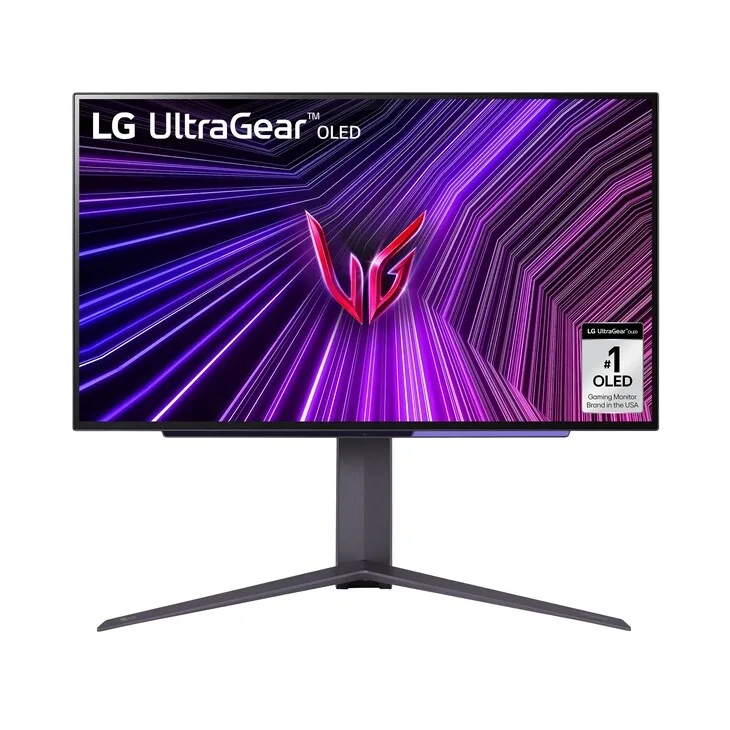
Colorful Nintendo games look spectacular on OLED, which makes it the best monitor for Switch 2 if picture quality comes first. The LG UltraGear 27GS95QE-B is a 27-inch 1440p WOLED panel at 240 Hz with near-instant response times and perfect blacks. It matches the Switch 2 1440p mode and makes HDR highlights pop. It is the premium choice, so it is worth waiting for a Black Friday deal.
- 1440p OLED with perfect blacks
- 240 Hz and near-instant response
- Best overall picture quality on this list
Keep in mind: OLED can suffer burn-in with static elements. LG offers a burn-in warranty; check the current terms before buying. No built-in speakers.
👉 Where to Buy: Check Current Price on Amazon
⚠️ Prices and product availability are subject to change without notice. Always verify the current price and stock on the retailer’s website before purchasing.
Comparison Table
Here is each pick for the best monitor for Switch 2, side by side.
| Monitor | Size | Resolution | Refresh | Speakers | Best for |
|---|---|---|---|---|---|
| LG UltraGear 27GS75Q-B | 27″ | 1440p | 180 Hz | ❌ | Best overall |
| ASUS TUF VG27AQ | 27″ | 1440p | 165 Hz | ✅ | 1440p with speakers |
| Gigabyte M28U | 28″ | 4K | 144 Hz | ✅ | Maximum sharpness |
| ASUS TUF VG249Q1A | 24″ | 1080p | 165 Hz | ✅ | Budget |
| LG UltraGear 27GS95QE-B | 27″ | 1440p OLED | 240 Hz | ❌ | Best picture |
Best Settings After Connecting Your Monitor
Once you pick the best monitor for Switch 2, set it up correctly so you get the image you paid for:
- Set the TV resolution manually. Go to System Settings > TV Output and choose the monitor’s native resolution instead of Automatic.
- Use the right HDMI port. If the monitor has several HDMI ports, check which one supports the highest refresh rate.
- Use a high-speed HDMI cable. The cable in the box works. A cheap old cable can limit you to 1080p.
- Turn off unnecessary post-processing. Disable dynamic contrast and sharpness boosts in the monitor menu for the cleanest image.
- Check the audio output. If the monitor has no speakers, connect a Bluetooth or USB headset to the console, or use the monitor’s headphone jack.
For a full walkthrough, see How to Set Up Your Nintendo Switch 2.
FAQ
What is the best monitor for Switch 2 overall? A 27-inch 1440p monitor like the LG UltraGear 27GS75Q-B. It matches the 1440p mode and supports 120 FPS games.
Does the Switch 2 work with any monitor? It works with any monitor that has an HDMI input. Resolution and refresh rate depend on what the monitor’s HDMI port supports.
Is a 4K screen the best monitor for Switch 2? Only if you prefer sharpness over frame rate. 4K mode is capped at 60 FPS, and many games render below 4K and upscale.
Do I need a monitor with speakers? If you do not use a headset, yes, or you will need external speakers. Many gaming monitors, including our top pick, have no speakers.
Final Verdict
The best monitor for Switch 2 for most players is a 27-inch 1440p model: the LG UltraGear 27GS75Q-B if you use a headset, or the ASUS TUF VG27AQ if you want built-in speakers. Choose the Gigabyte M28U for 4K sharpness, the ASUS VG249Q1A for the lowest price, and the LG 27GS95QE-B if you want the best picture money can buy. Whatever you pick, match the console output to the monitor’s native resolution.
🔗 Related on TechPlayGrid
- 👉 Switch 2 Docked Resolution: 1080p, 1440p or 4K?
- 👉 Is a New 1440p Monitor Best for Nintendo Switch 2 Dock?
- 👉 Best Portable Dock for Nintendo Switch 2 — No Bulk
- 👉 Best Gaming Monitor Under $300 — New 1440p Picks 2026
Sources
- Nintendo — Nintendo Switch 2 technical specifications (TV mode output)
- Monitor Maven — “Best Monitor for Nintendo Switch 2026”
- PC Monitors — LG UltraGear 27GS75Q-B review overview
- LG, ASUS and Gigabyte — official product specifications
- Amazon US — product listings and verified buyer reviews, November 2026
💬 Did you enjoy this guide? Subscribe to TechPlayGrid and get the latest gaming tips, gear reviews, and tech guides delivered straight to your inbox — no spam, just content worth reading.