
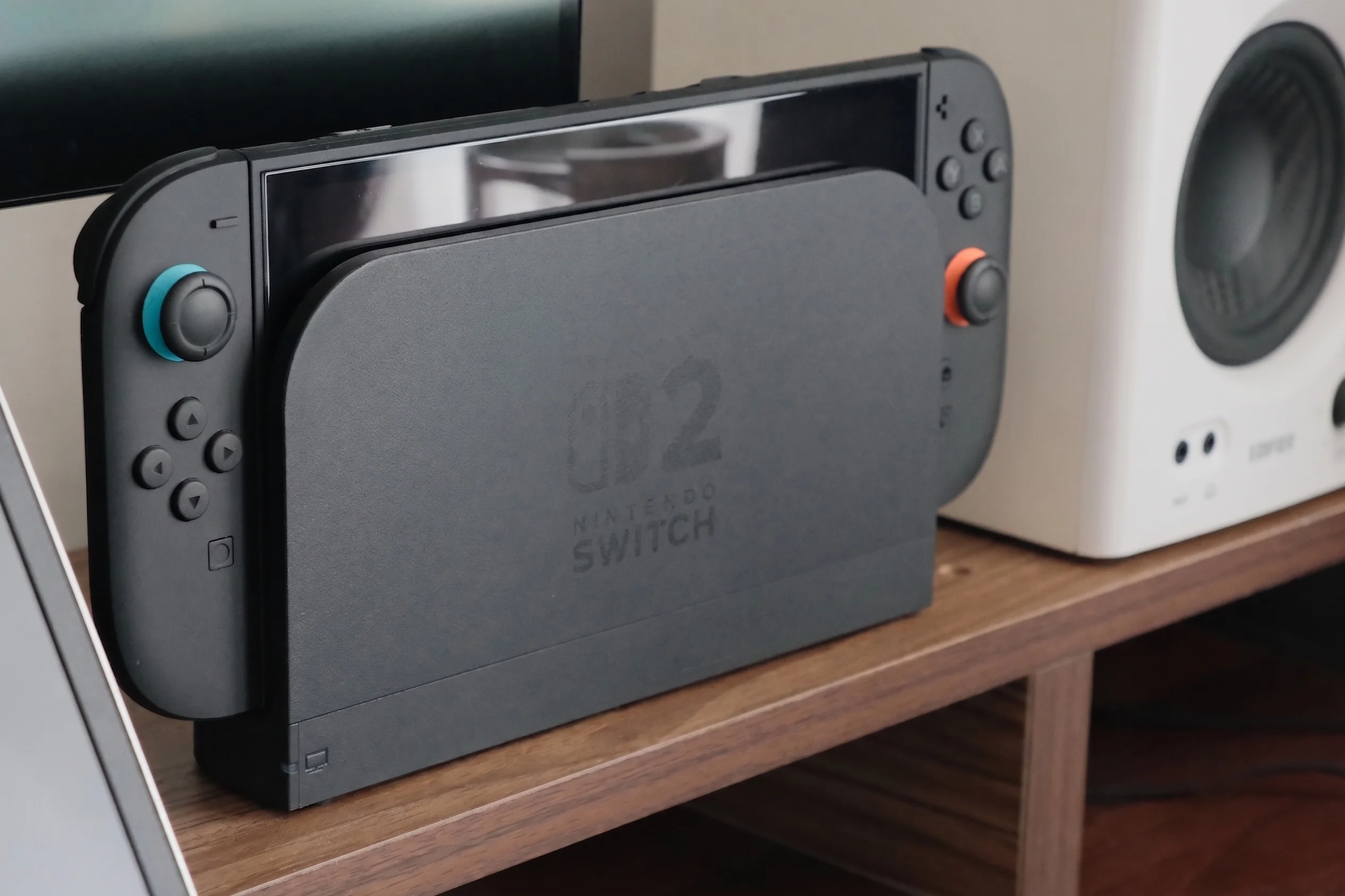
The Nintendo Switch 2 is out, you have it docked, and now you’re staring at monitor options. The console outputs up to 4K@60fps in docked mode. So does buying a 1440p monitor make sense — or are you leaving resolution on the table?
The honest answer is nuanced, and it depends on something most reviews don’t explain: how the Switch 2’s DLSS upscaling actually works on a 1440p panel. This guide breaks that down clearly, so you can make an informed decision before spending $200–$400 on a monitor.
👉 Don’t have a Nintendo Switch 2 yet? Check it out on Amazon US right now!
⚠️ Affiliate Disclosure: TechPlayGrid is reader-supported. When you buy through links on our site, we may earn an affiliate commission at no extra cost to you.
🎮 What the Nintendo Switch 2 Actually Outputs in Docked Mode
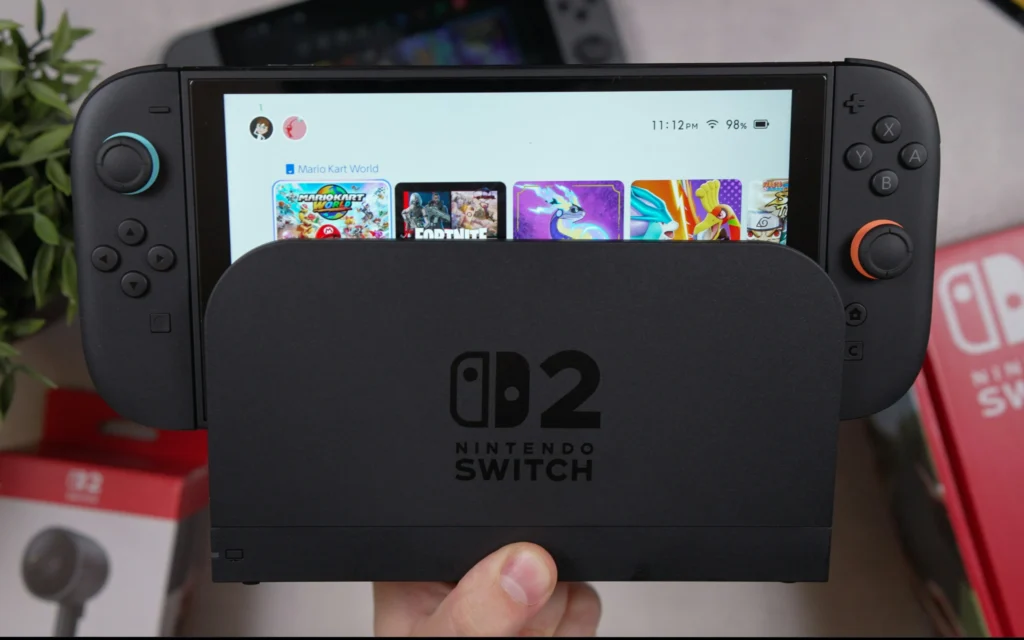
Before comparing resolutions, you need to know exactly what signal the Switch 2 sends through the dock:
In docked mode, Switch 2 can output up to 120fps at 1080p or 1440p over HDMI to a TV or monitor. Nintendo has also confirmed that Switch 2 supports 4K resolution at 60fps over HDMI 2.0. In handheld mode, it supports up to 1080p at 120fps on the built-in 7.9-inch LCD panel. Switch 2 also supports VRR for smoother gameplay and HDR10 for an expanded range of color and luminance.
| Output Mode | Resolution | Frame Rate | Notes |
|---|---|---|---|
| Docked — Performance | 1080p | Up to 120fps | Native or DLSS upscaled |
| Docked — Quality | 1440p | Up to 60fps | DLSS upscaled from 720p+ |
| Docked — 4K | 4K (2160p) | Up to 60fps | DLSS Light upscaled |
| Handheld | 1080p | Up to 120fps | Built-in 7.9″ LCD |
💡 Important: Not all Switch 2 games support every mode. Each game’s developer chooses which output modes to implement. Some games run at 1080p@120fps only; others offer a Quality mode at 1440p or 4K@60fps. Check each game’s supported modes before optimizing for them.
🧠 How Switch 2 Upscaling Actually Works — DLSS Light Explained
This is the part that matters most for the 1440p question. The Switch 2 doesn’t render games natively at 4K — it uses NVIDIA DLSS to upscale from a lower resolution.
Nintendo Switch 2 supports two DLSS versions: a PC-like CNN model upscaling to 1080p with high image quality, and a custom lightweight ‘DLSS Light’ for 1440p and 4K docked mode. The CNN model offers the best balance of performance and visual fidelity. Although static shots using DLSS Light look 1440p or 4K on the Switch 2, it’s a different story when there are objects in motion.
Here’s how the rendering pipeline works per mode:
Performance Mode (1080p@120fps)
Performance mode renders at 1080p and upscales to 4K, freeing GPU budget for higher frame rates or more visual effects. On a 1440p monitor, this signal gets displayed natively at 1080p — no scaling needed, perfectly sharp.
Quality Mode (1440p@60fps)
Quality mode renders at 1440p and upscales to 4K, preserving more detail. On a 1440p monitor, this is displayed pixel-for-pixel — the ideal scenario. No upscaling, no downscaling. A 1440p monitor displays the Switch 2’s 1440p signal pixel for pixel, preserving the original sharpness without artificial upscaling. This direct match eliminates the scaling guesswork that degrades the image on 4K TVs.
4K Mode (2160p@60fps)
On a 1440p monitor, the Switch 2’s 4K output is downscaled to fit the 1440p panel. The monitor’s scaler handles this, and the result is typically sharper than native 1080p — but you lose the benefit of true 4K pixels.
🖥️ The Core Question: Does 1440p Make Sense for Switch 2?
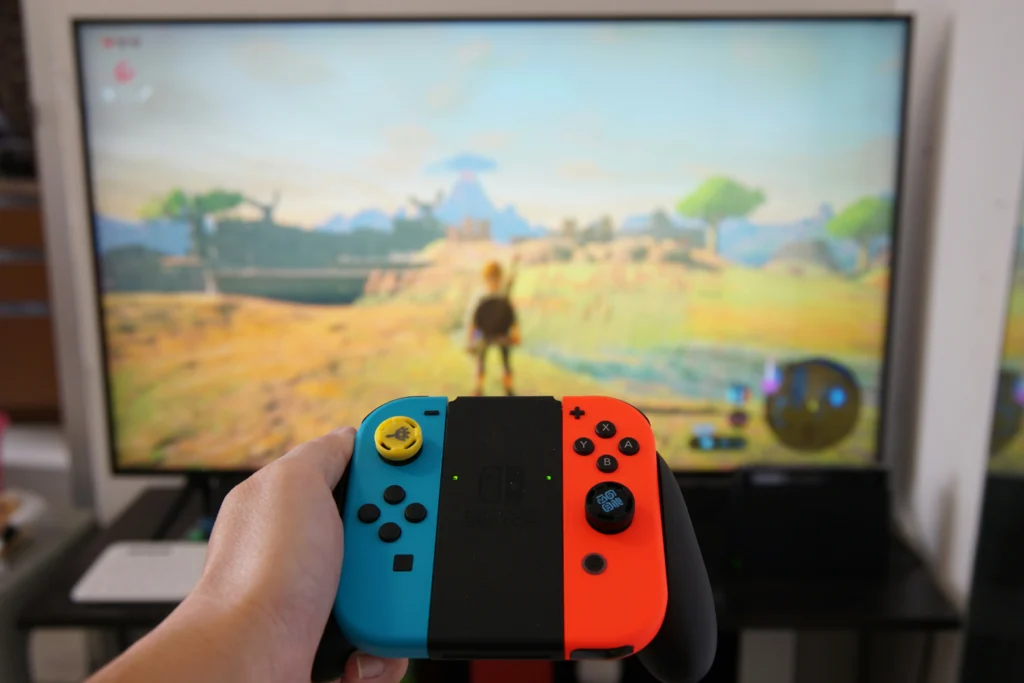
✅ YES — 1440p Is the Sweet Spot If:
You want the best image for Quality Mode games. When a Switch 2 game offers 1440p Quality Mode, a 1440p monitor receives and displays that signal perfectly — pixel-for-pixel accuracy, no scaling artifacts, no processing overhead. This direct match eliminates the scaling guesswork that degrades the image on 4K TVs.
You play at a desk. At 27 inches viewed from 60–80cm, 1440p sits at ~109 PPI — right at the threshold where pixels become invisible to the naked eye. A 27-inch 1440p monitor viewed at 60–80cm offers a pixel density of 109 PPI, perfectly suited to human vision. This configuration allows for the perception of all details without eye strain.
You care about competitive gaming. 1440p monitors at 144Hz–180Hz are significantly cheaper than 4K monitors at equivalent refresh rates. For games that run at 1080p@120fps, a fast 1440p monitor handles that perfectly while giving you a sharper display for everything else.
You game on PC or other consoles too. A 1440p monitor is the most versatile purchase for a mixed gaming setup. It works excellently with PC, PS5 (which also natively supports 1440p), Xbox Series X, and the Switch 2.
⚠️ CONSIDER 4K Instead If:
You primarily game on a large screen from the couch. At distances over 1.5 meters, 4K becomes more relevant — especially for cinematic games like Zelda or Metroid Prime 4 that support 4K Quality Mode.
You have a 4K-compatible TV already. If you’re using the Switch 2 on a 4K OLED TV, the 4K DLSS output genuinely shines. The TV handles the downscale from DLSS output gracefully and the result is visually impressive.
You want future-proof for games that get 4K patches. More Switch 2 games are receiving 4K mode updates, and that number will grow.
❌ AVOID 1080p Monitors For Switch 2 Docked:
On a 1080p screen, the extra detail from 1440p and 4K output will be lost entirely. The Switch 2’s DLSS Quality Mode outputs 1440p — a 1080p monitor has to downscale that, which eliminates the resolution advantage entirely. For a console that natively supports 1440p and 4K output, a 1080p monitor is the wrong pairing.
📐 1080p vs 1440p vs 4K on Switch 2 — The Full Comparison
| Monitor Resolution | 1080p Output | 1440p Output | 4K Output | Verdict |
|---|---|---|---|---|
| 1080p monitor | Native ✅ | Downscaled ⚠️ | Heavily downscaled ❌ | Not recommended |
| 1440p monitor | Pillarboxed/upscaled ⚠️ | Native ✅ | Downscaled (looks good) ✅ | Best value |
| 4K monitor | Upscaled 4x ⚠️ | Upscaled ⚠️ | Native ✅ | Best quality, higher cost |
🏆 Best 1440p Monitors for Nintendo Switch 2 Dock (Amazon US, July 2026)
All picks verified on Amazon US. All support HDMI 2.0 (which is all the Switch 2 dock requires for 1440p@60fps).
🥇 Best Overall — LG 27GP850-B Ultragear (27″ 1440p 165Hz Nano IPS)
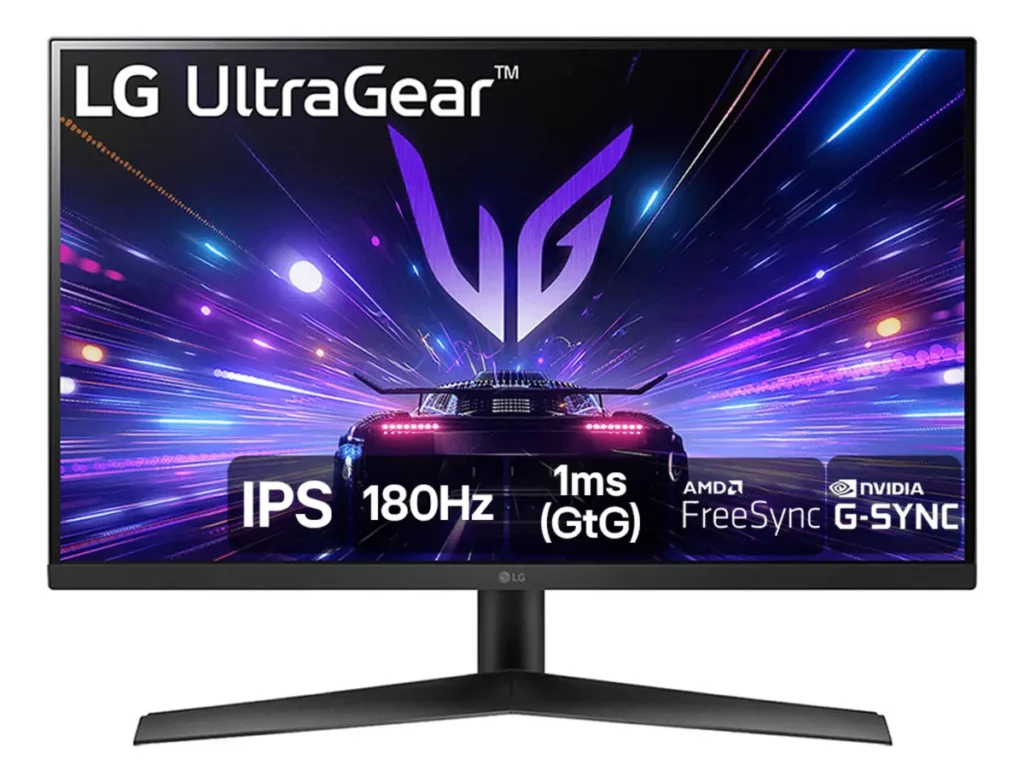
Why it’s #1 for Switch 2: The 27GP850-B is consistently the top recommended 1440p monitor for console gaming. Its Nano IPS panel delivers exceptional color accuracy — critical for Switch 2’s vibrant Nintendo titles — with 1ms response time and 165Hz for Performance Mode games at 120fps.
| Spec | Detail |
|---|---|
| Panel | Nano IPS |
| Resolution | 2560×1440 (1440p) |
| Refresh Rate | 165Hz |
| Response Time | 1ms GtG |
| HDR | HDR400 |
| Ports | 2× HDMI 2.0, 1× DisplayPort 1.4 |
| VRR | AMD FreeSync Premium, G-Sync Compatible |
| Price Range | ~$250–$280 |
Why it works perfectly with Switch 2:
- 1440p native → Switch 2 Quality Mode displayed pixel-for-pixel
- 165Hz → Switch 2 Performance Mode at 120fps displayed with headroom
- HDR10 support → Switch 2’s HDR output properly displayed
- Excellent color reproduction for Mario Kart World, Zelda, and Metroid
Pros: Best-in-class IPS colors, industry-leading response time for the price, great stand with full adjustment Cons: HDMI 2.0 only (fine for Switch 2’s actual bandwidth needs), HDR400 is entry-level HDR
🥈 Best Budget — ASUS TUF Gaming VG27AQ3A (27″ 1440p 180Hz Fast IPS)
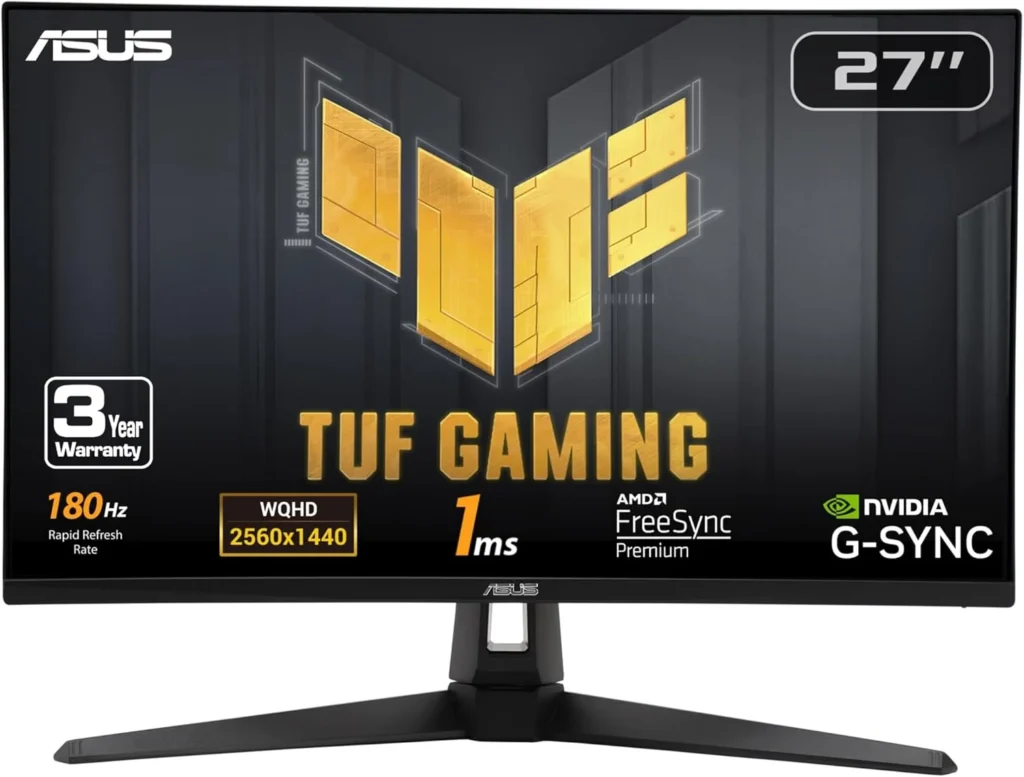
👉 ASUS TUF VG27AQ3A — Amazon US
Why it’s here: This 27-inch IPS panel with ELMB Sync technology makes moving objects appear sharper — perfect for Switch 2’s fast-paced titles. For gamers who prioritize a smooth, tear-free experience over maximum resolution, this monitor offers a high-end feel at a price that leaves plenty of room in your budget for the actual console and launch games.
| Spec | Detail |
|---|---|
| Panel | Fast IPS |
| Resolution | 2560×1440 (1440p) |
| Refresh Rate | 180Hz |
| Response Time | 1ms (ELMB) |
| HDR | DisplayHDR 400, 130% sRGB |
| Ports | 2× HDMI 2.0, 1× DisplayPort 1.4 |
| VRR | FreeSync Premium, G-Sync Compatible |
| Price Range | ~$200–$240 |
Why it works perfectly with Switch 2: Native 1440p for Quality Mode games, 180Hz handles Performance Mode 120fps gaming with room to spare, built-in speakers (useful for Switch 2’s casual gaming sessions).
Pros: More affordable than LG, 180Hz refresh, built-in speakers, excellent ELMB motion clarity Cons: Slightly less accurate color than Nano IPS, no USB-C
🥉 Best Premium — AOC Q27G3XMN (27″ 1440p 180Hz Mini LED)
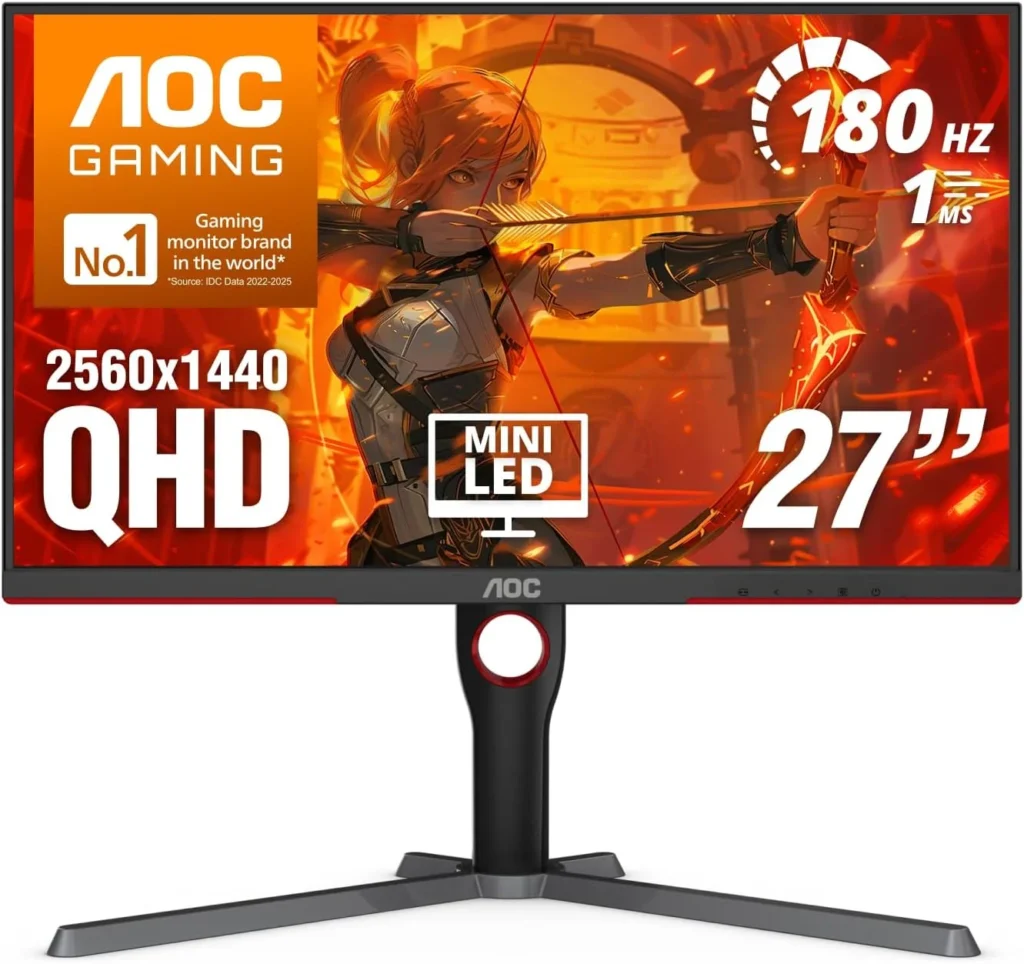
Why it’s here: Mini LED backlighting dramatically improves HDR performance — making it the best choice for Switch 2 owners who want to experience HDR10 content properly. The AOC Q27G3XMN’s combination of Mini LED technology, high refresh rate, and excellent contrast makes it a standout choice in its price range.
| Spec | Detail |
|---|---|
| Panel | Mini LED VA |
| Resolution | 2560×1440 (1440p) |
| Refresh Rate | 180Hz |
| Response Time | 1ms |
| HDR | Mini LED HDR (significantly better than HDR400) |
| Ports | 1× HDMI 2.0, 1× DisplayPort 1.4 |
| VRR | Adaptive Sync |
| Price Range | ~$260–$300 |
Why it works perfectly with Switch 2: Native 1440p, best HDR performance of any 1440p monitor under $300, stunning contrast for atmospheric games like Metroid Prime 4.
Pros: Best HDR in the 1440p category at this price, Mini LED contrast rivals OLED for dark scenes Cons: VA panel has narrower viewing angles than IPS, single HDMI port
📊 Full Comparison Table
| Monitor | Resolution | Hz | Panel | HDR | HDMI | Price |
|---|---|---|---|---|---|---|
| LG 27GP850-B | 1440p | 165Hz | Nano IPS | HDR400 | 2× HDMI 2.0 | ~$260 |
| ASUS TUF VG27AQ3A | 1440p | 180Hz | Fast IPS | HDR400 | 2× HDMI 2.0 | ~$220 |
| AOC Q27G3XMN | 1440p | 180Hz | Mini LED VA | Mini LED HDR | 1× HDMI 2.0 | ~$280 |
🤔 The Verdict
Is a 1440p monitor worth it for the Nintendo Switch 2 dock?
Yes — 1440p is the best value monitor choice for Switch 2 docked gaming in 2026.
Here’s why:
- Switch 2 natively outputs 1440p in Quality Mode — a 1440p monitor handles this pixel-for-pixel, better than any other display
- 1440p monitors with 144Hz–180Hz are significantly cheaper than 4K equivalents, leaving budget for games
- The downscale from 4K DLSS output to 1440p still looks better than 1080p native
- 1440p at 27″ looks sharp, even up close
The only reason to choose 4K over 1440p is if you primarily game from couch distance on a large screen — in which case a 4K OLED TV is the better tool entirely.
🔗 Related on TechPlayGrid
- 👉 1080p vs 1440p for Console Gaming — Does It Actually Matter on a 27″ Screen?
- 👉 Best 144Hz Monitor Under $300 for PS5 and Xbox (2026)
- 👉 How to Reduce Eye Strain During Long Gaming Sessions
- 👉 Small Room Gaming Setup: Best Gear Under $500 (2026)
❓ FAQ
Does the Nintendo Switch 2 need HDMI 2.1 for 1440p?
No. Switch 2 supports 4K resolution at 60fps over HDMI 2.0. For 1440p gaming, HDMI 2.0 is more than sufficient — all three monitor picks on this list use HDMI 2.0 and are fully compatible.
Does 1440p look better than 1080p on a Switch 2?
Yes — significantly, especially at 27 inches. Switch 2’s Quality Mode outputs a native 1440p DLSS-upscaled signal, which a 1440p monitor displays pixel-for-pixel. A 1080p monitor would downscale that signal, losing sharpness.
Will 4K games look bad on a 1440p monitor?
No. A 1440p monitor displays the Switch 2’s signal pixel for pixel for 1440p content, and handles 4K-to-1440p downscaling cleanly. The result is sharper than native 1080p — you’re not losing much by not having a 4K panel for Switch 2 gaming.
Does Switch 2’s DLSS upscaling actually work well?
Static shots using DLSS Light look impressively sharp at 1440p or 4K, though motion clarity is a limitation compared to DLSS on PC. For most Nintendo titles — which tend to have deliberate art direction rather than ultra-fine detail — DLSS Light performs well enough that most players won’t notice the difference.
Can I use the Switch 2 dock with a 1440p monitor via USB-C?
The official Nintendo Switch 2 dock outputs via HDMI. For the cleanest results, use HDMI from dock to monitor and skip USB-C video for the console. Third-party USB-C docks exist but vary in quality — the official dock with a standard HDMI cable to your 1440p monitor is the recommended setup.
Last updated: July 2026 | Switch 2 firmware version 24.x | Monitors verified on Amazon US
⚠️ Affiliate Disclosure: TechPlayGrid participates in the Amazon Associates Program and other affiliate programs. We earn a commission on qualifying purchases at no extra cost to you.
🏷️ SEO Metadata
Title : Is a New 1440p Monitor Best for Nintendo Switch 2 Dock?
Meta Description : Is a 1440p monitor worth it for Nintendo Switch 2 docked gaming? We explain how DLSS upscaling works on non-4K screens — and which monitors to buy in 2026.
Tags: 1440p monitor nintendo switch 2, switch 2 monitor docked, nintendo switch 2 1440p worth it, best monitor for switch 2 dock, switch 2 dlss 1440p, switch 2 docked resolution guide, nintendo switch 2 monitor 2026
Post Summary: The Nintendo Switch 2 outputs up to 4K@60fps when docked using NVIDIA DLSS upscaling — but that doesn’t mean you need a 4K monitor. This guide explains exactly how the Switch 2’s DLSS Light technology handles 1440p and 4K signals, why a native 1440p monitor receives the Switch 2’s Quality Mode output pixel-for-pixel (better than any other panel size), and which 1440p monitors offer the best value for Switch 2 docked gaming in 2026. Three picks verified on Amazon US: LG 27GP850-B, ASUS TUF VG27AQ3A, and AOC Q27G3XMN.